

Note: The Library page features shown in this guide are available with the Website Builder. Learn to make the switch with the Website Builder
What is the Library?
The Library is your customer’s home base. After a customer logs into your site, they will access their Product(s) in their Library page: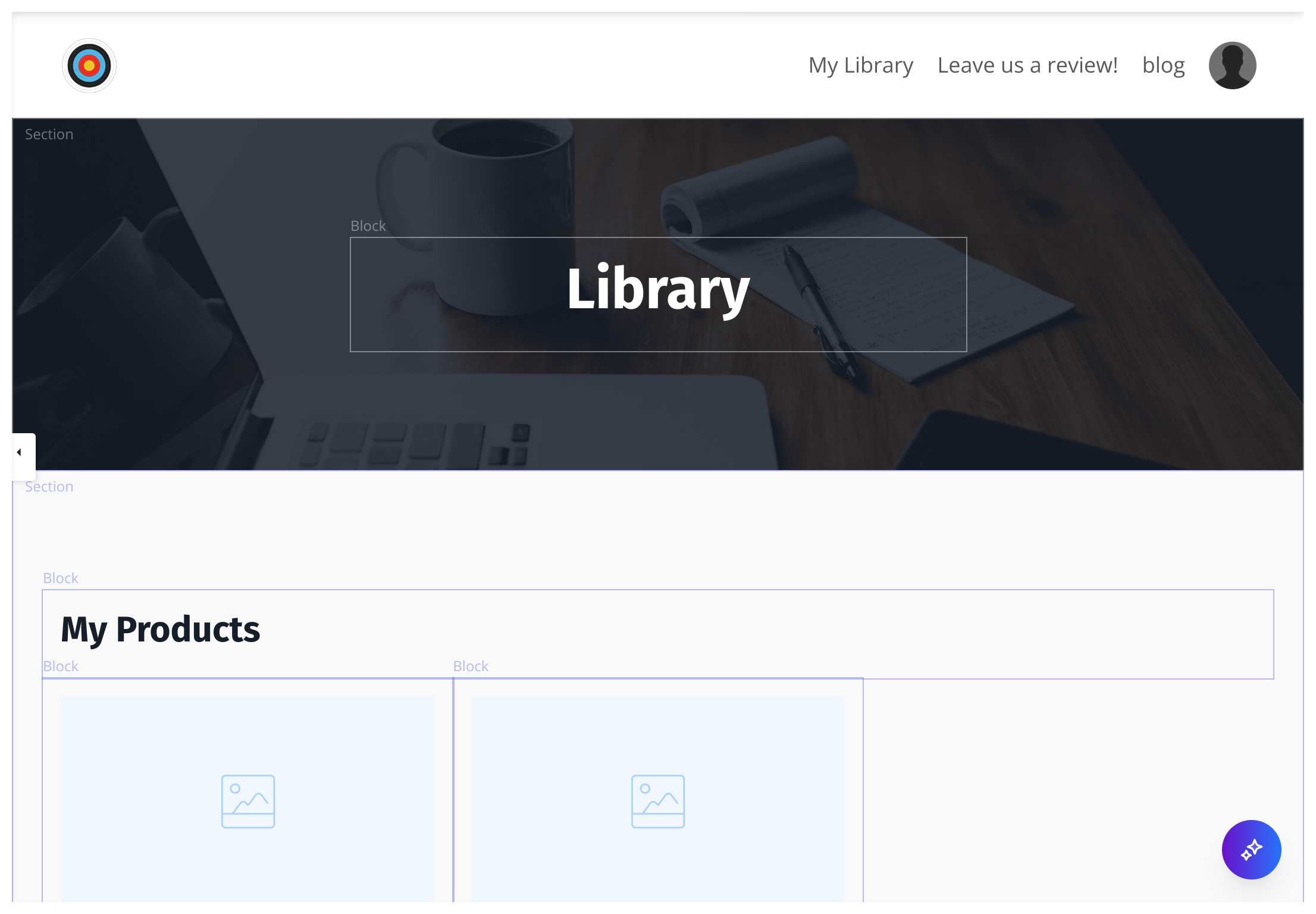
Note: Viewing the Library page as a logged-in site admin will display every Product for the site. Your customers will only see the Products they have purchased or have been granted.
Customizing your library
Want to increase your revenue? Then you’ll love the capabilities available in your Library pages. With the Website Builder, include upsell and cross-sell options in your customer’s library. When someone buys from you once, they are much more likely to do so again — so your existing customers are one of your best audiences to sell to. The enhancements to the Library pages will let you provide them offers they haven’t already purchased or subscribed to. These “smart” offers allow you to hide offers the customer already owns and give them a better overall customer experience. Creating a site on Kajabi generates an empty, default theme to help you get started with your content. If you have just started with Kajabi, your Library page will display the default, site theme. This theme is not customizable. Design your Library and website pages by selecting a site template that best fits your brand. Learn to customize your website.Note: Selecting a customizable site template will allow you to design your site according to your brand. However, you will not be able to revert to the default site theme after selecting your site template.
- Open the Website tab from your Dashboard.
- Click the Pages tab.
- Select Library from your list of Website pages:
- Header: Choose to hide or display your Header and customize the Menu links, your logo, and include hello bar banners to share any announcements directly from the Library. Learn more.
- Add Sections & Blocks to design a unique library experience that best fits your brand and business. Learn more about Sections & Learn about Blocks.
- Products Section: The Products Section is unique to the Library page builder. This allows you to customize the messaging and style of your Product Cards as they are displayed in your customer’s Library.
- Offer Storefront: Include recommended courses to upsell or cross-sell to your customers. The Offer Storefront is made up of a Text Block and three Offer Blocks to display your upsells and cross-sells. Keep in mind, these “smart” offers allow you to hide offers the customer already owns and give them a better overall customer experience. Learn more
- Footer: Customize your Footer content including your Logo, Copyright, and Social Links. Learn more.