

Duplicating pages
What is duplicating?
Duplicating a Page in Kajabi creates a copy of your page. Your duplicated page copies the Template, the page settings, and the content from the original page. Duplicating your Page is a great tool to accomplish various actions, for example:- Creating a uniform design throughout your website
- Creating pages specific to different languages
- Duplicating a Funnel Page to a standalone Landing Page
How do I tell the difference between my original page and the duplicated page?
To differentiate between your original page and the duplicate, note that your duplicate page includes a number following the title of the page. This number signifies the number of times your original page has been duplicated: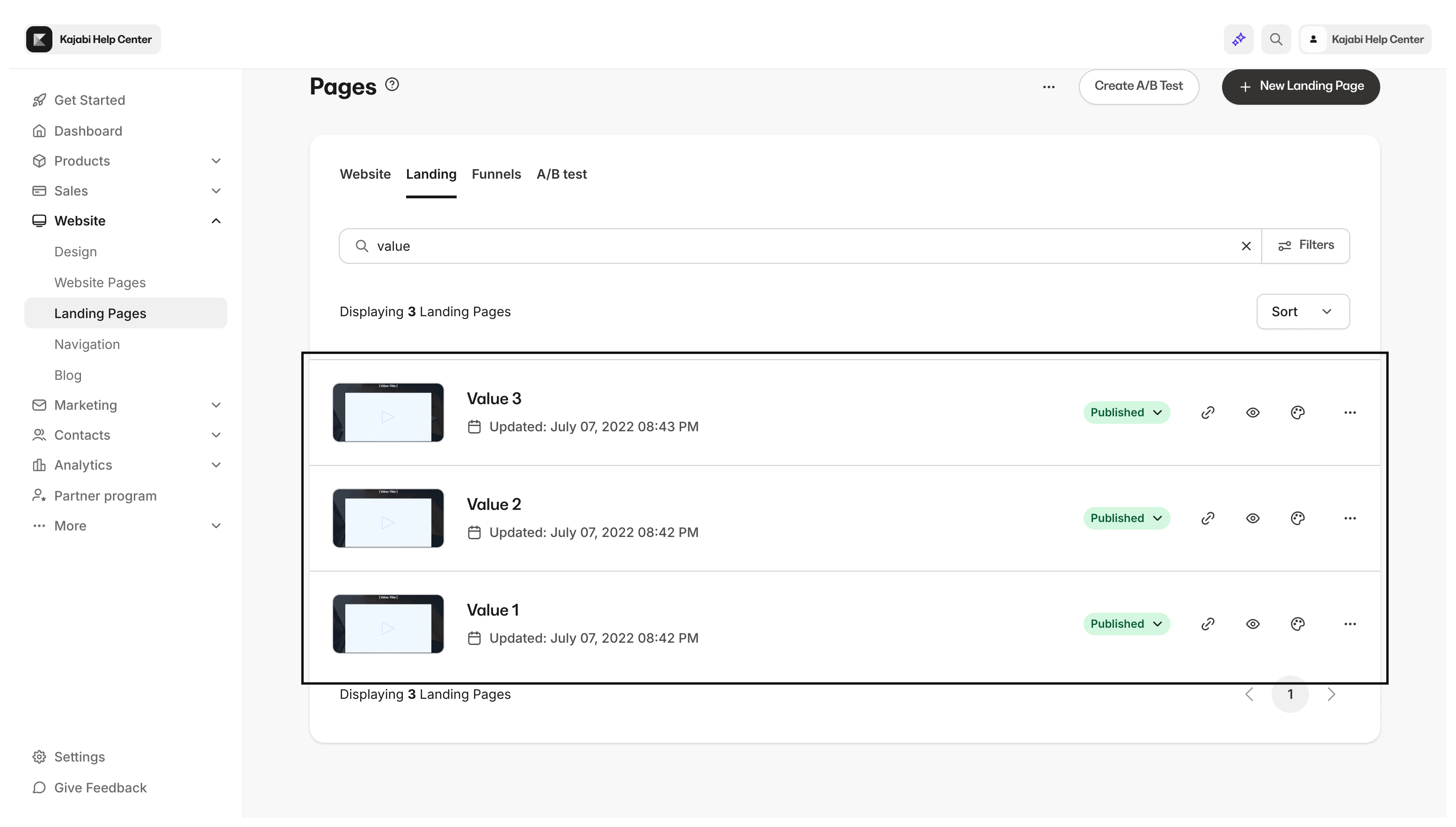
Note: System website pages cannot be cloned. Instead, create new custom pages to match your brand and website. Learn more
How to duplicate a page
- Open the Website tab from your Dashboard.
- Click Pages.
- Locate the Page you wish to duplicate.
- Click
…and select Duplicate:
Note: Duplicated Pages become standalone Landing Pages after generating. If you have duplicated a Funnel Page, you can locate your duplicate page within the list of standalone Landing Pages under the Pages section of your Website tab.