Overview
Customize the look and feel of your Blog homepage with the editing capabilities available with Kajabi’s Website Builder.Building your blog
Before we get started, you are going to need to build your Blog. If you haven’t built your blog yet, click here to get started. Blog Posts are the basic building blocks of your Blog on Kajabi. Learn more about how to create Blog Posts to build your blog. Blogging in Kajabi offers you a way to connect with your audience, showcase credibility and, deliver additional value through your website. Learn to design your Blog Homepage.Customize the design of your blog
With the Website Builder, design the look and feel of your blog homepage to represent your brand. Learn more about the Website Builder To begin customizing your blog design:- Open the Website tab from your Dashboard.
- Select the Pages tab.
- Locate Blog from your list of Website pages.
- Click Customize:
Note: To add your blog to your main navigation menu follow the instructions here and use the “Link” option to link to your blog.
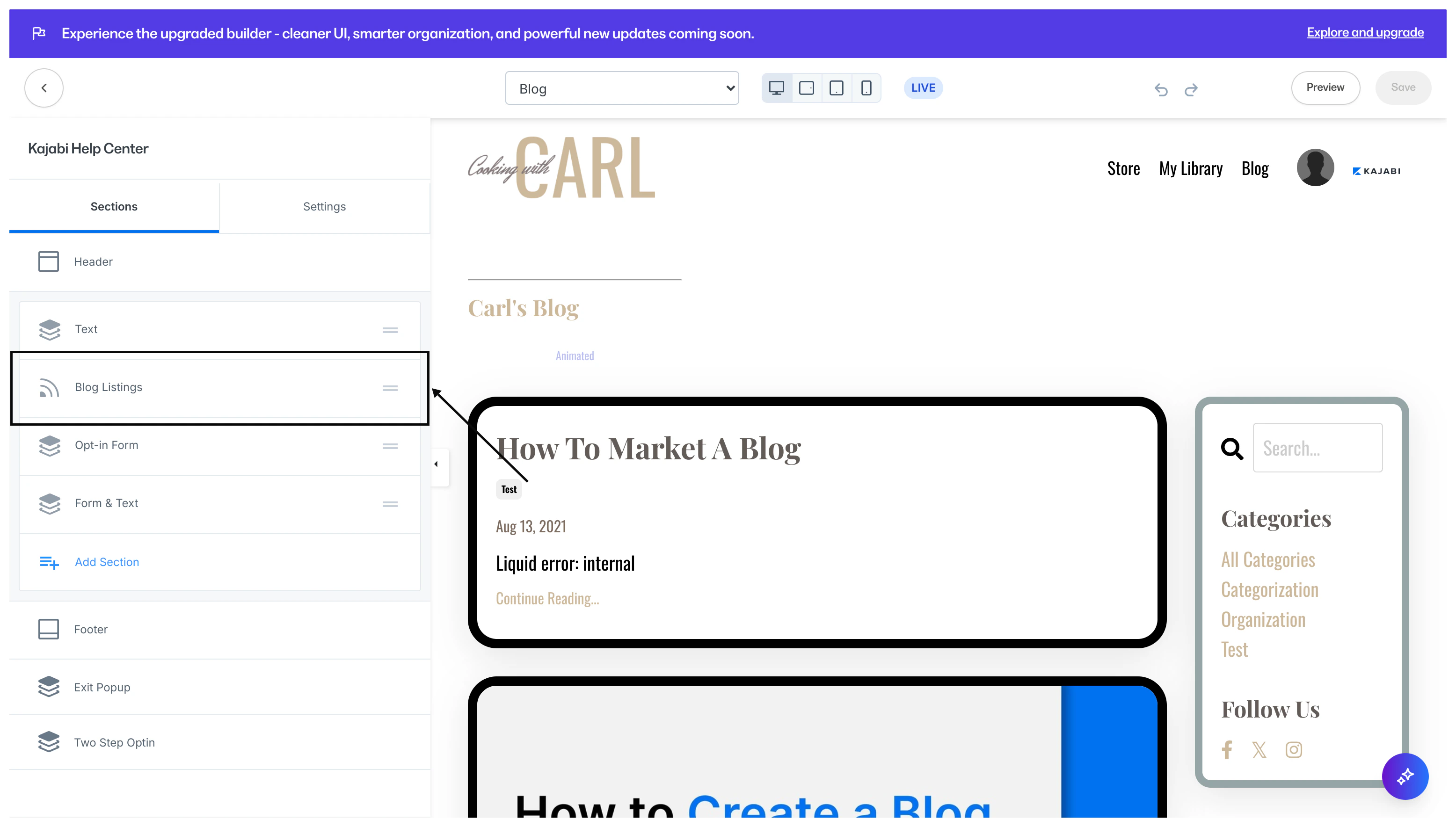
Customizing the blog listings section
The Blog Listings Section is unique to the blog builder to customize the overall look and feel of your Blog. The Blog Listings Section allows you to customize:- How your blog posts are displayed
- The blocks included in your blog sidebar
- And the background and layout of the section as a whole
Blog listings settings
In your Blog Listings Section, customize the:- Blog Listings Block
- Pagination Appearance
- Sidebar
- Section Settings
Blog listings block
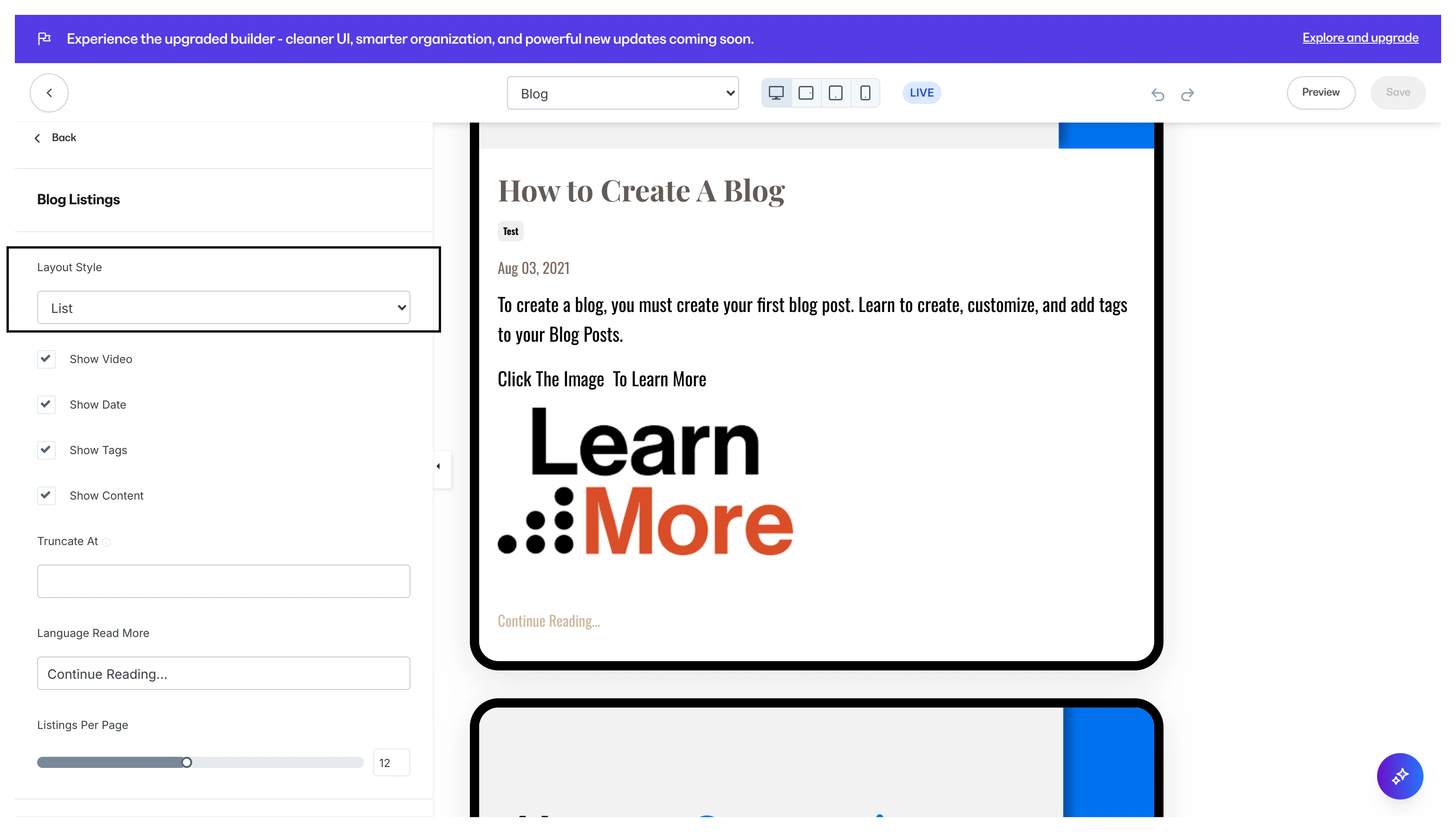
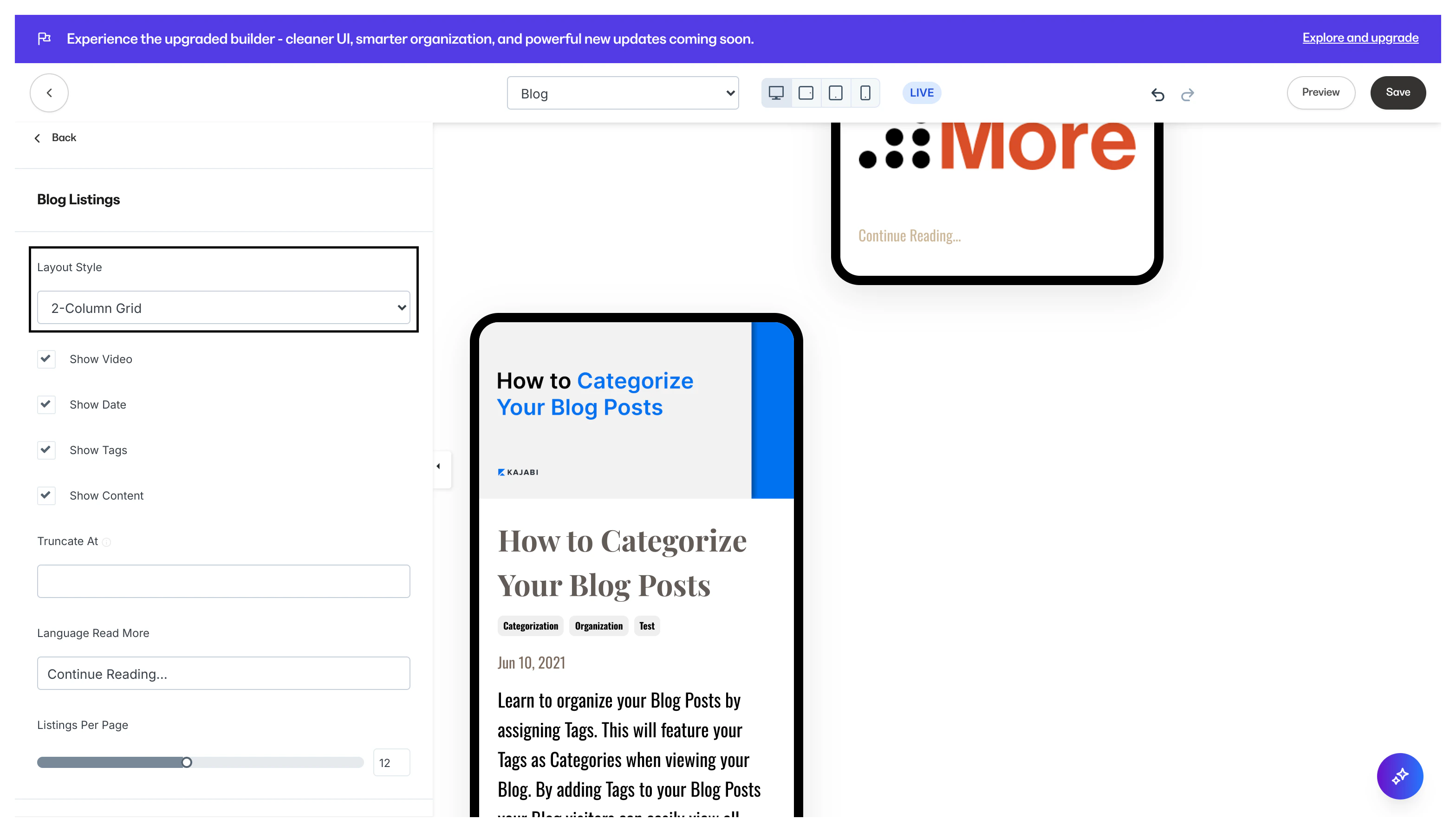
Layout Style - Select your desired layout style to customize the layout of your blog posts on your blog homepage:- List layout:
- 2-column grid layout:
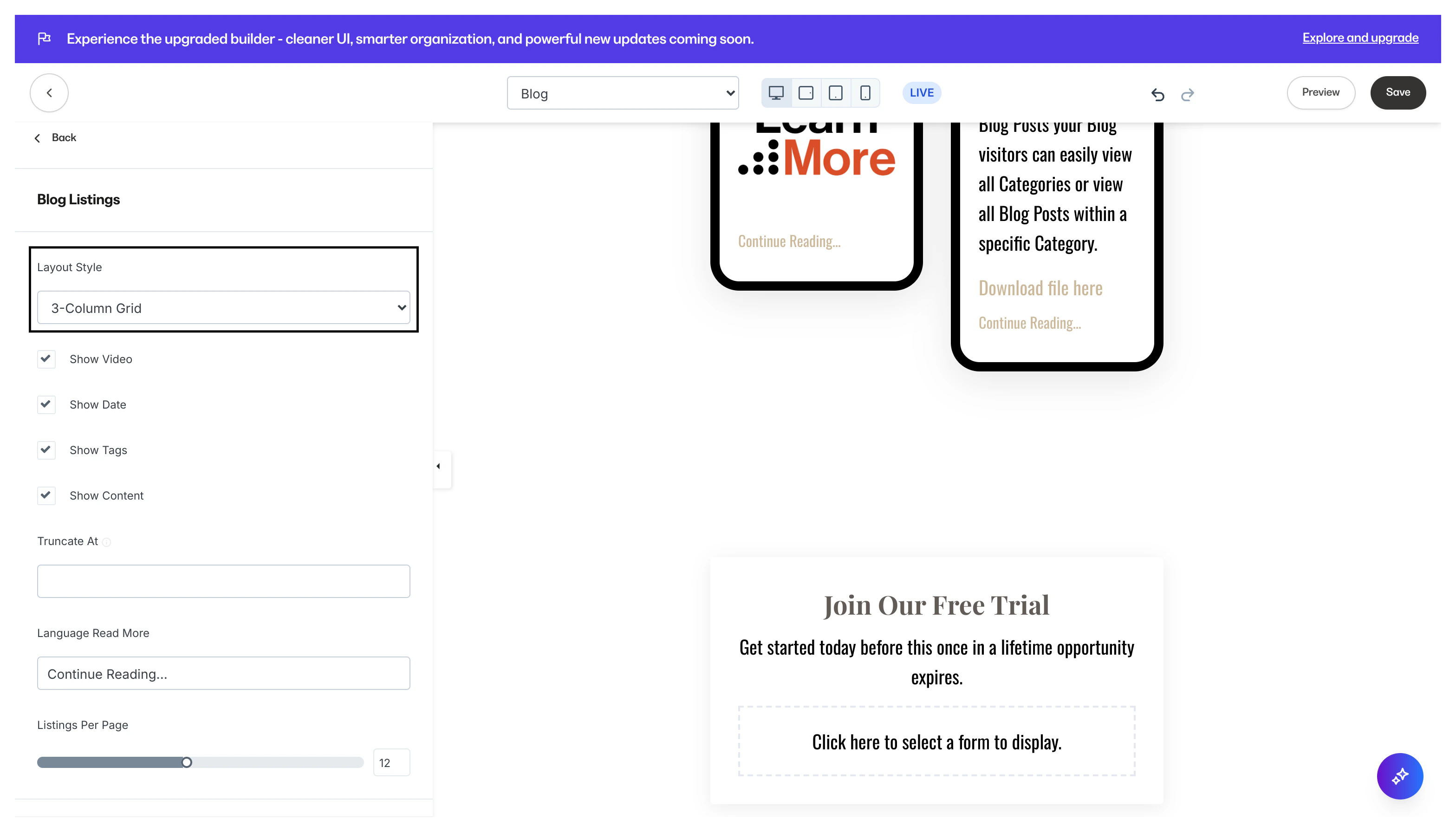
- 3-column grid layout:
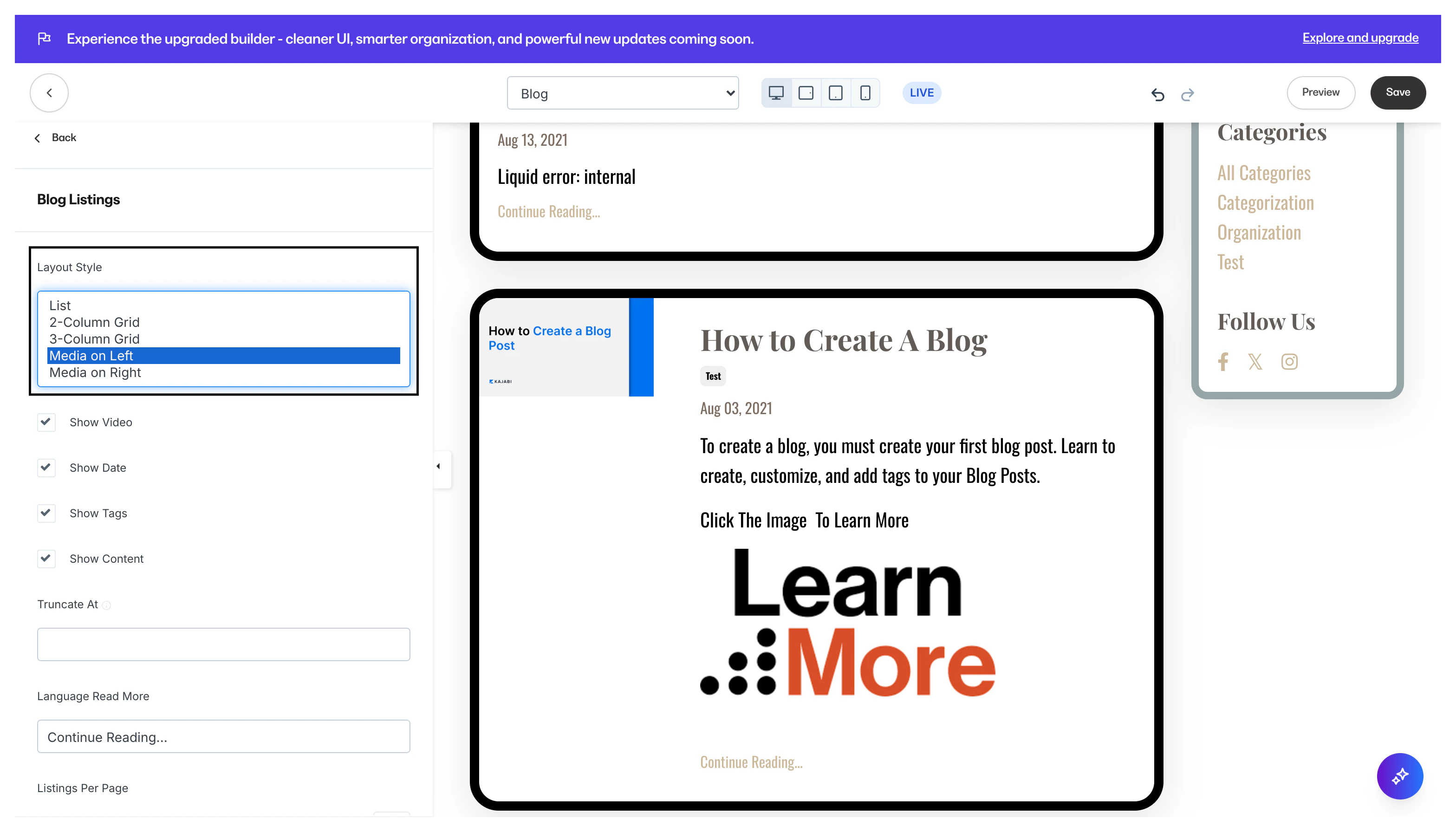
- Media on Left layout:
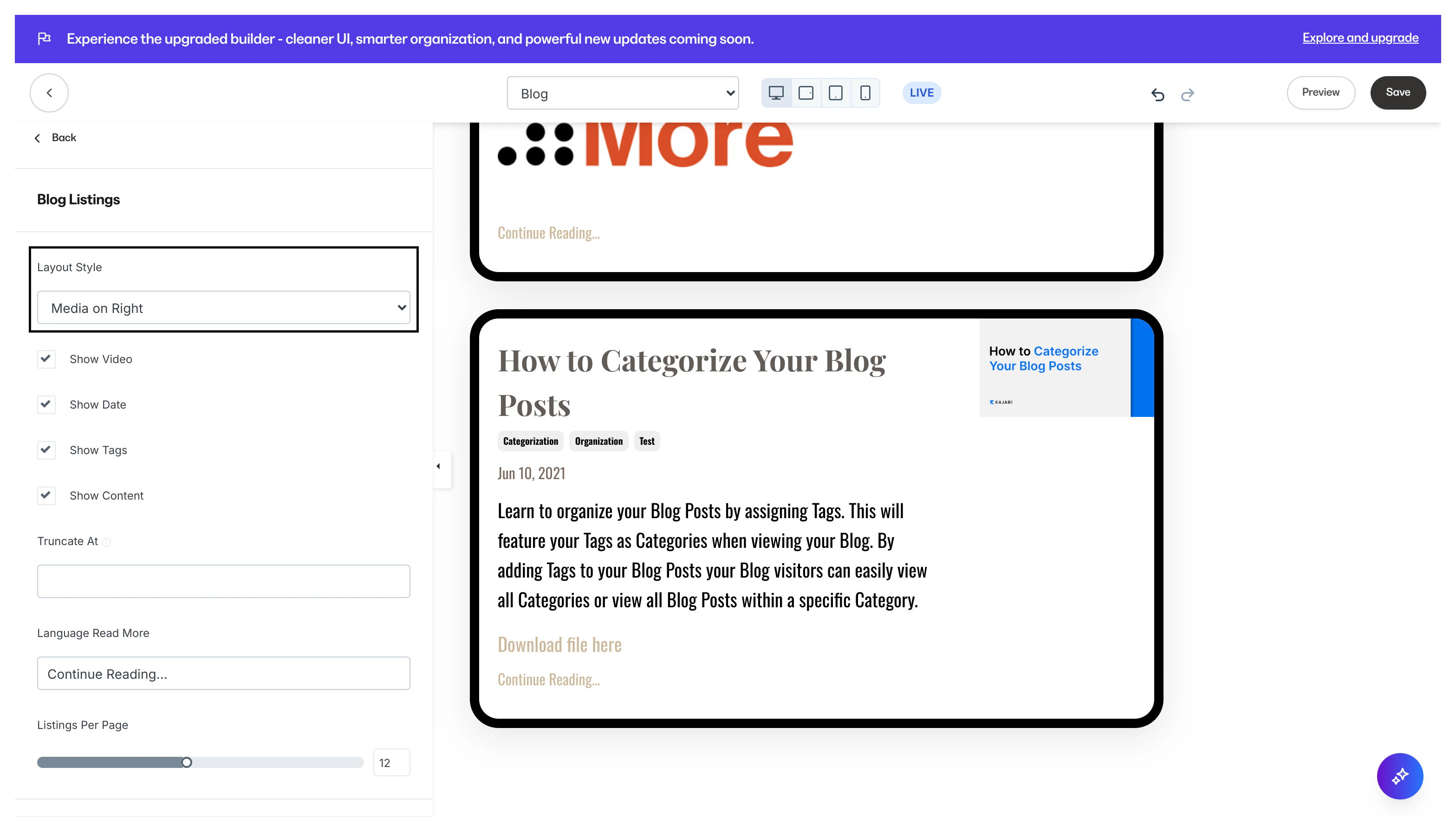
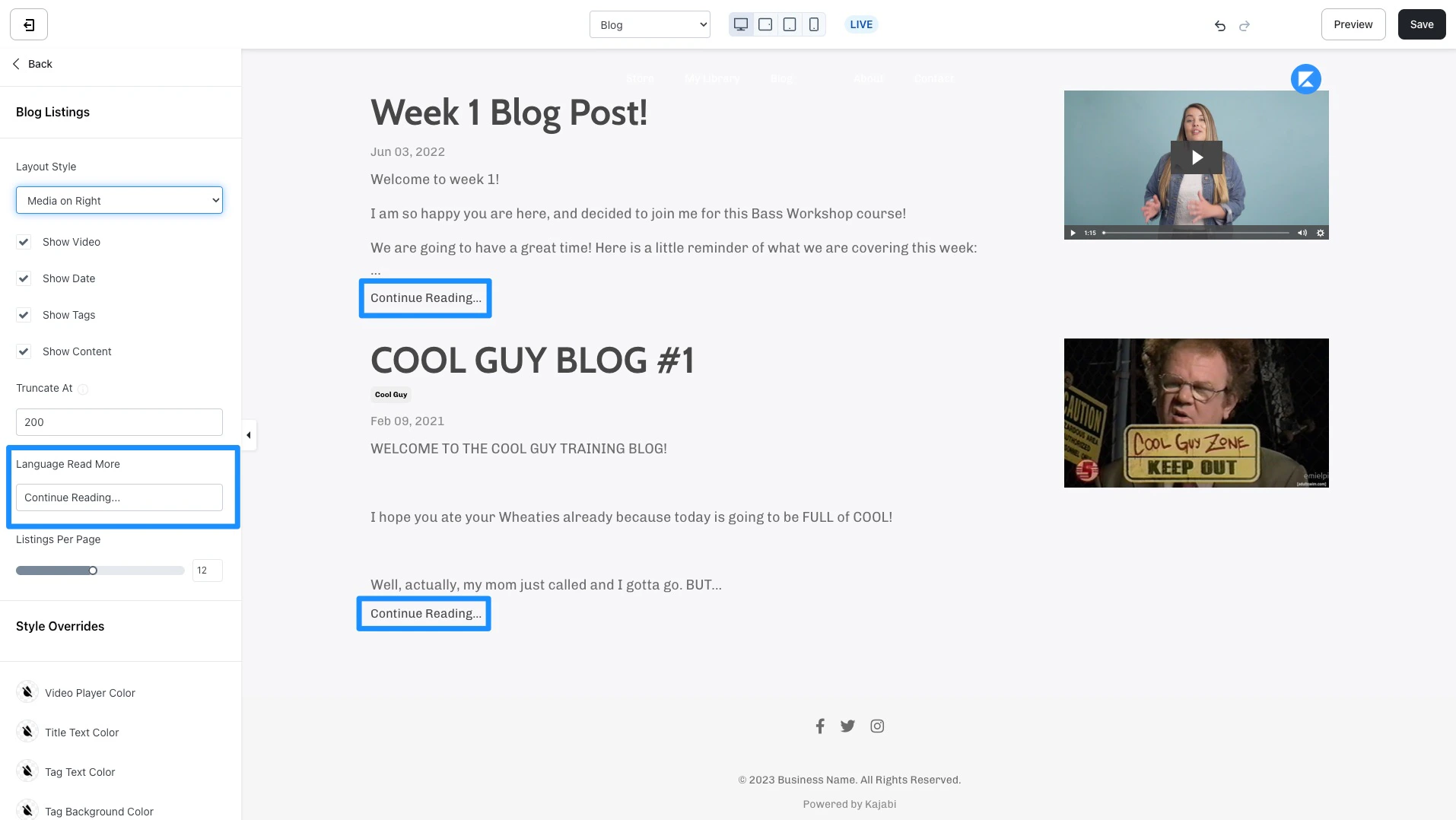
- Media on Right layout:
- The vertical bar allows you to select the hue.
- The square box allows you to select the brightness and saturation.
- The horizontal bar allows you to select the opacity of your color.
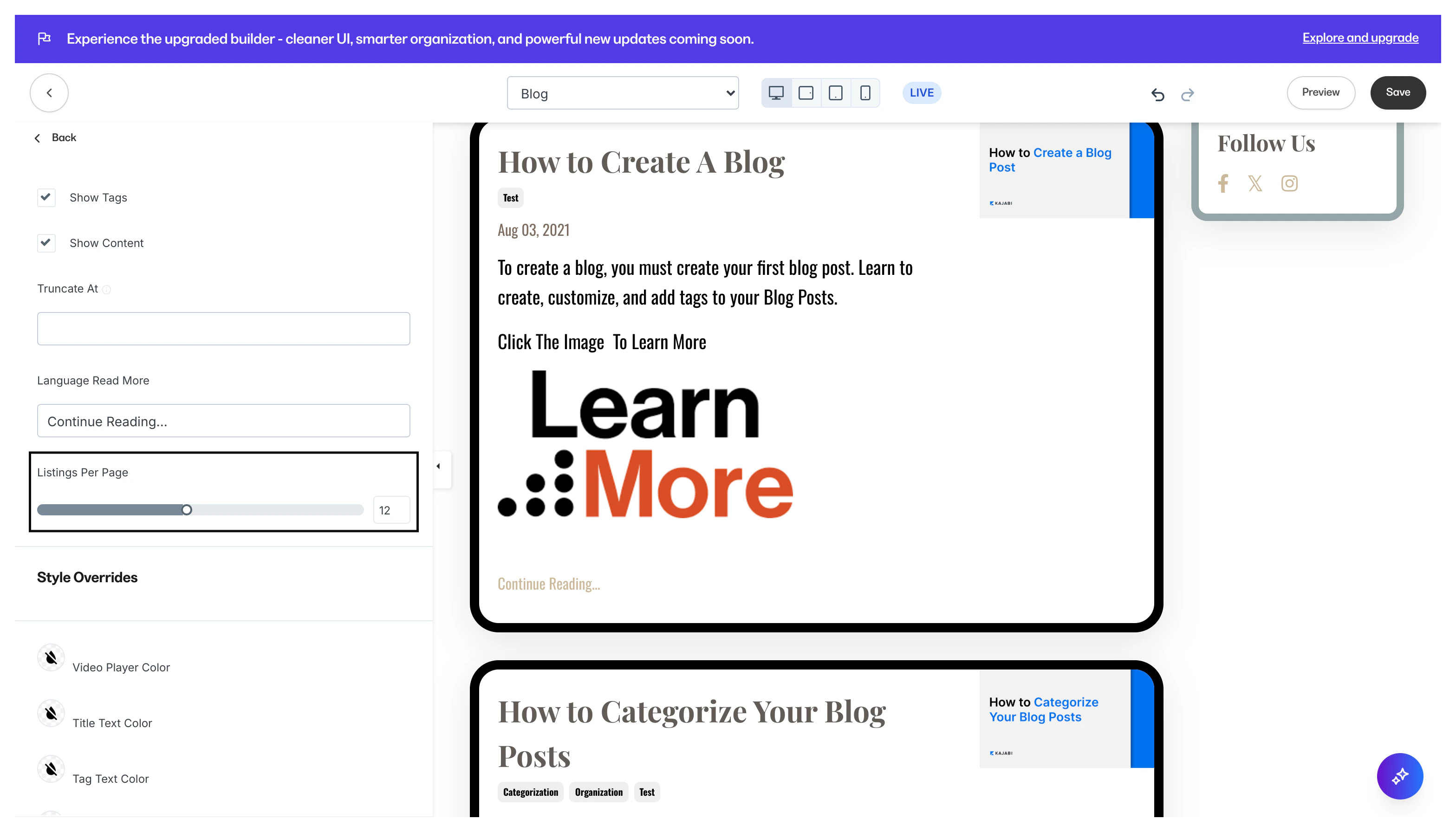
Pagination appearance
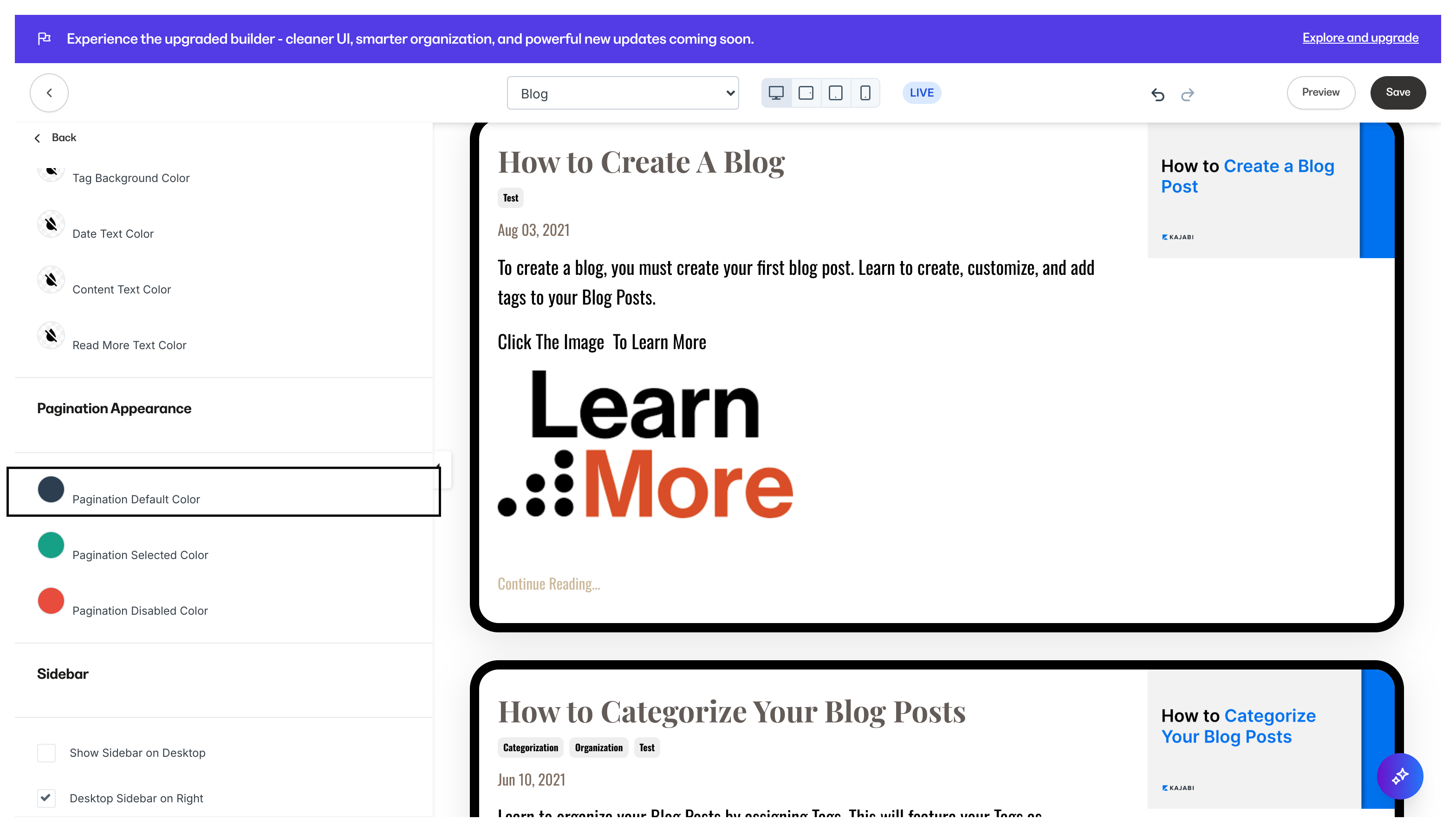
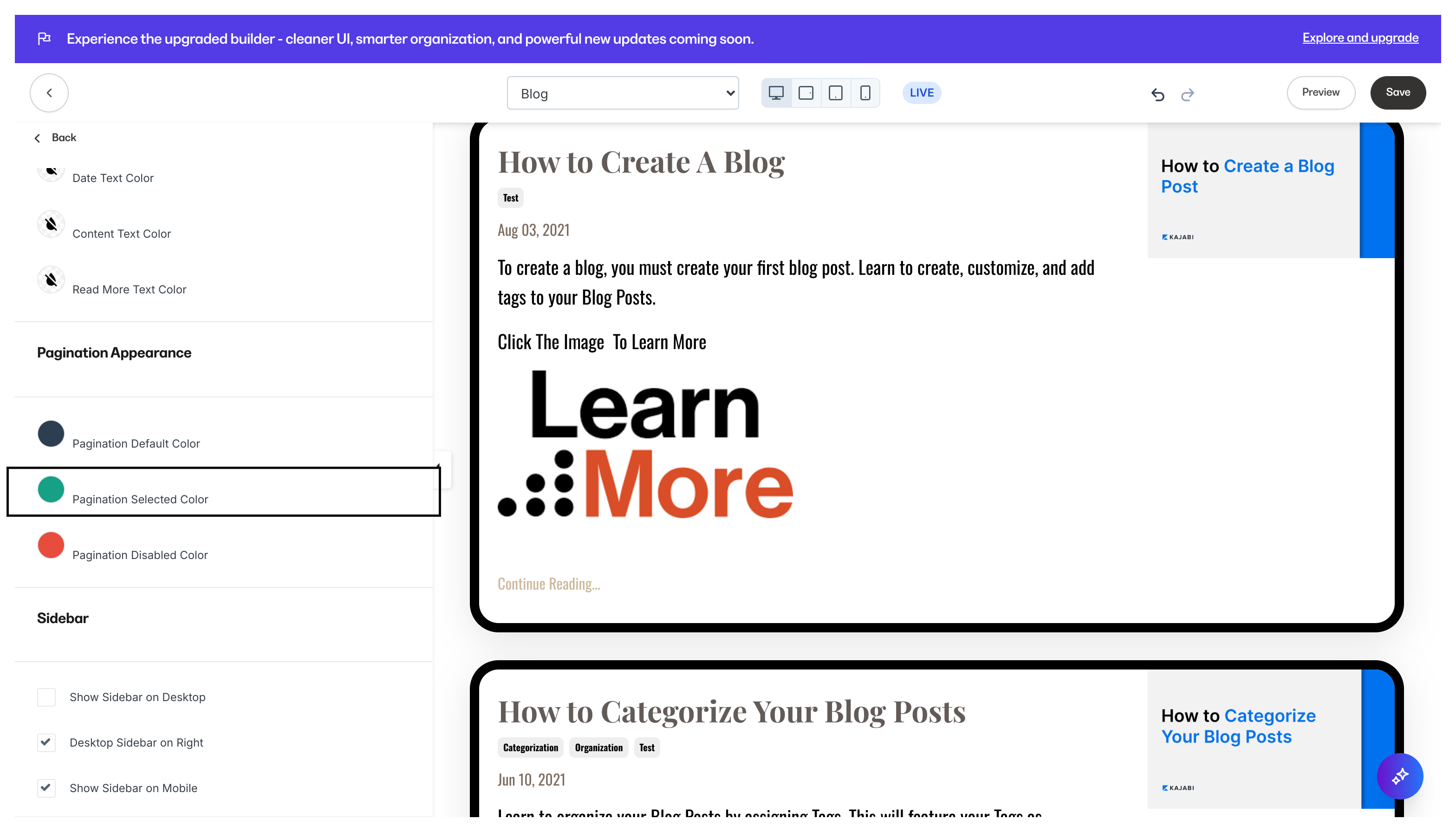
Customize the color of your pagination buttons if your blog post listings take up multiple pages: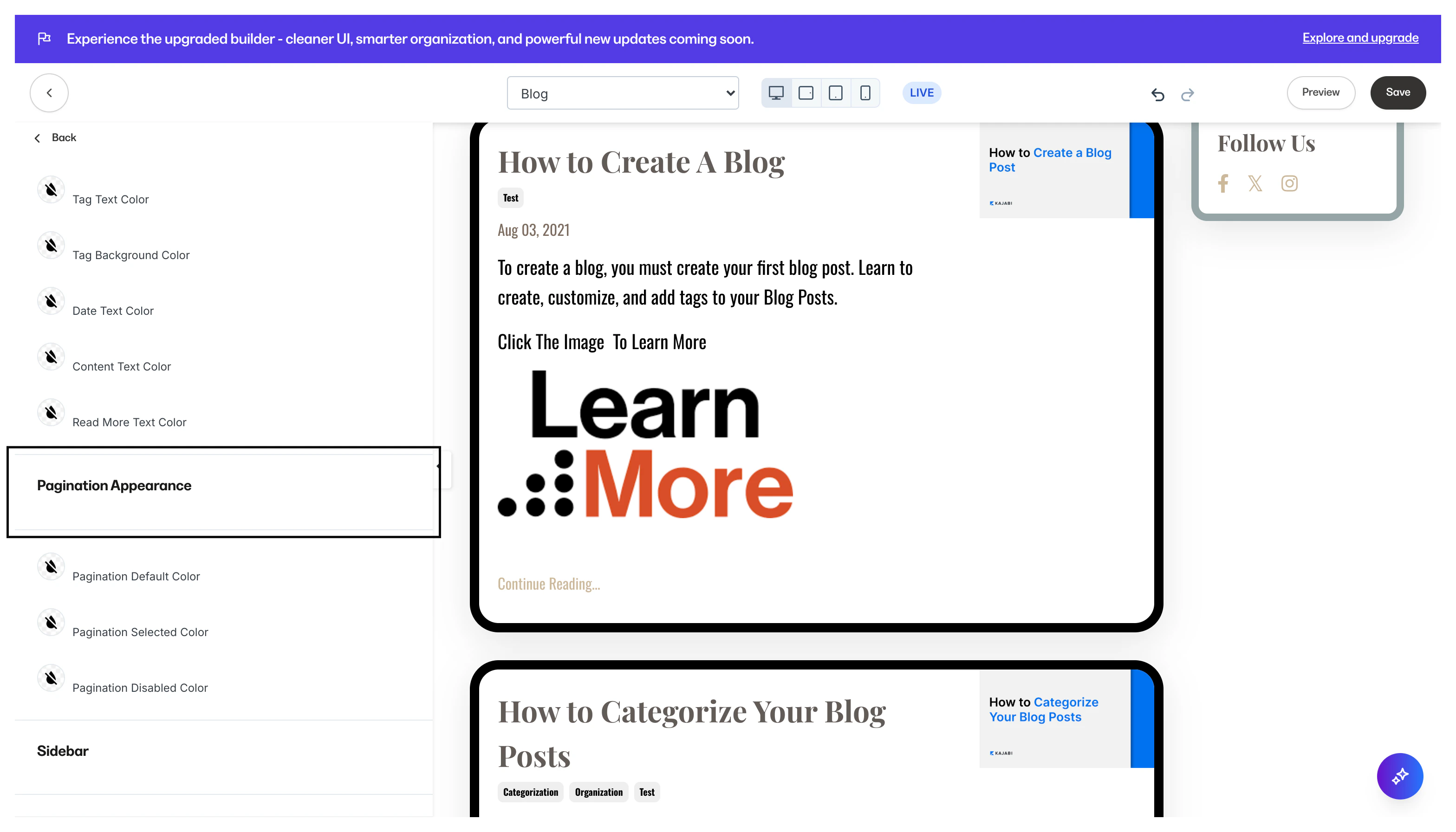
- The vertical bar allows you to select the hue.
- The square box allows you to select the brightness and saturation.
- The horizontal bar allows you to select the opacity of your color.
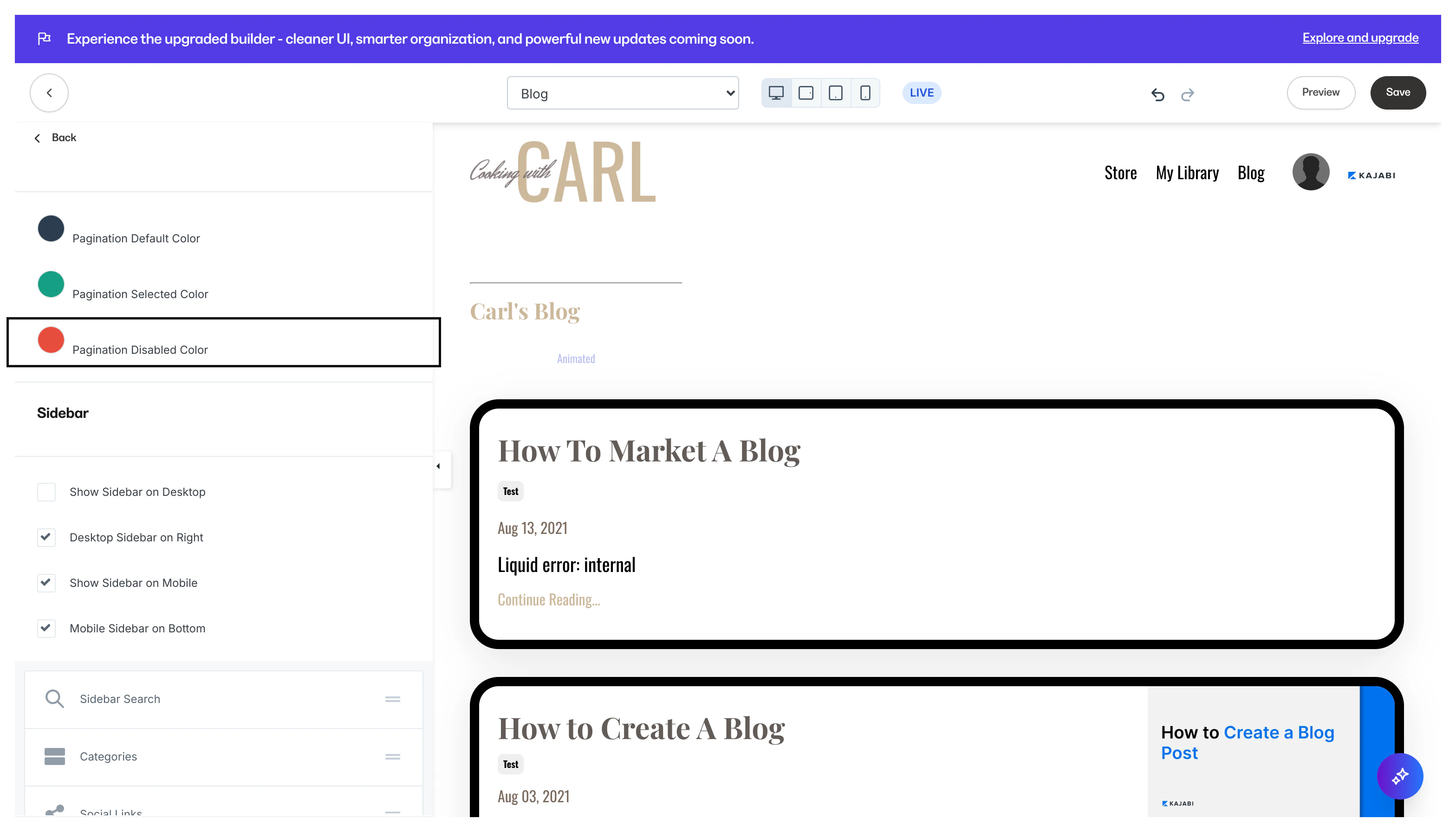
Sidebar
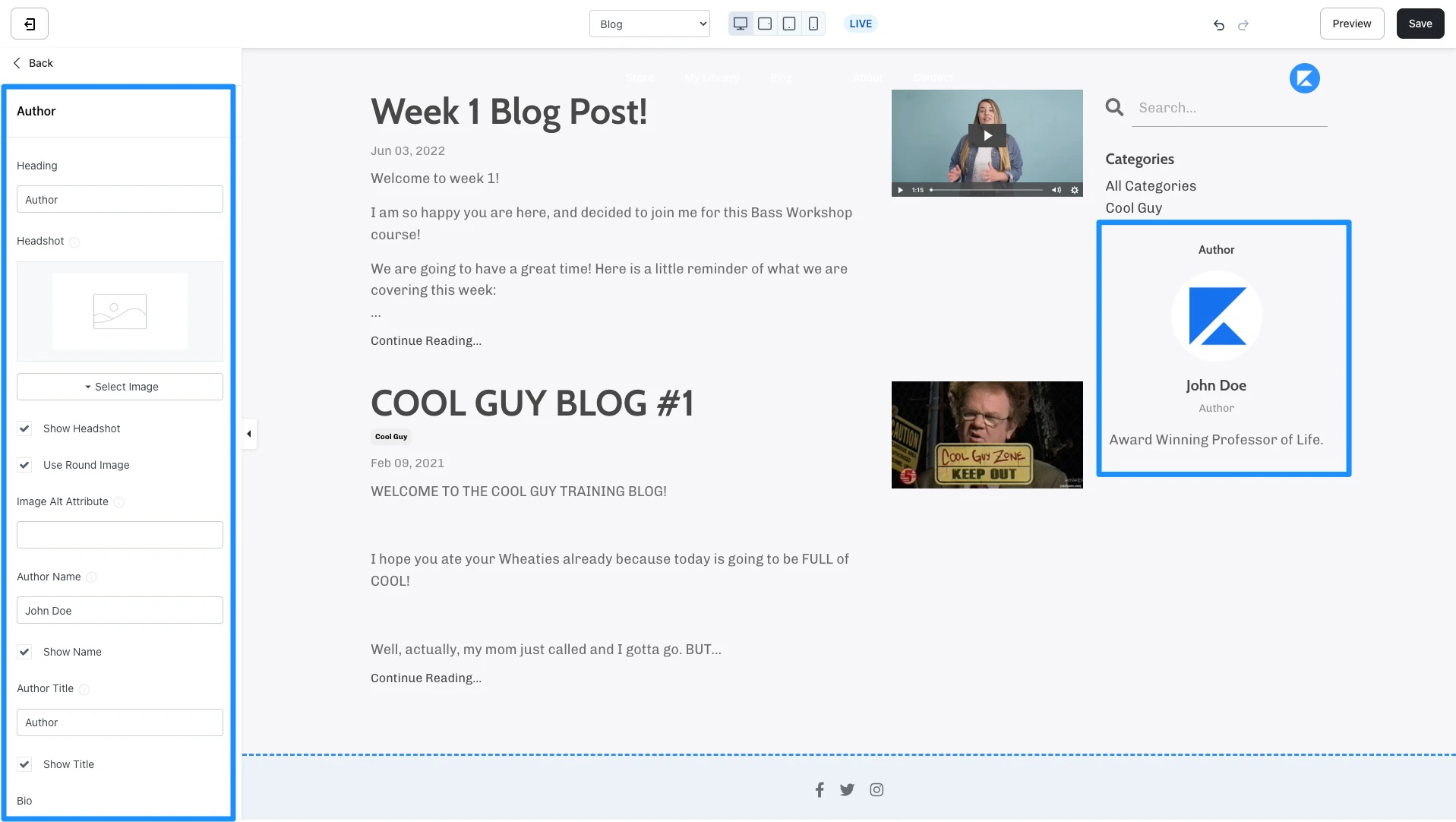
Design a space for your blog visitors to easily navigate through your blog with the blog sidebar. Customize your blog sidebar by adding, removing, and arranging sidebar blocks:- Author - Add and customize your author information to display in the sidebar of your blog homepage:
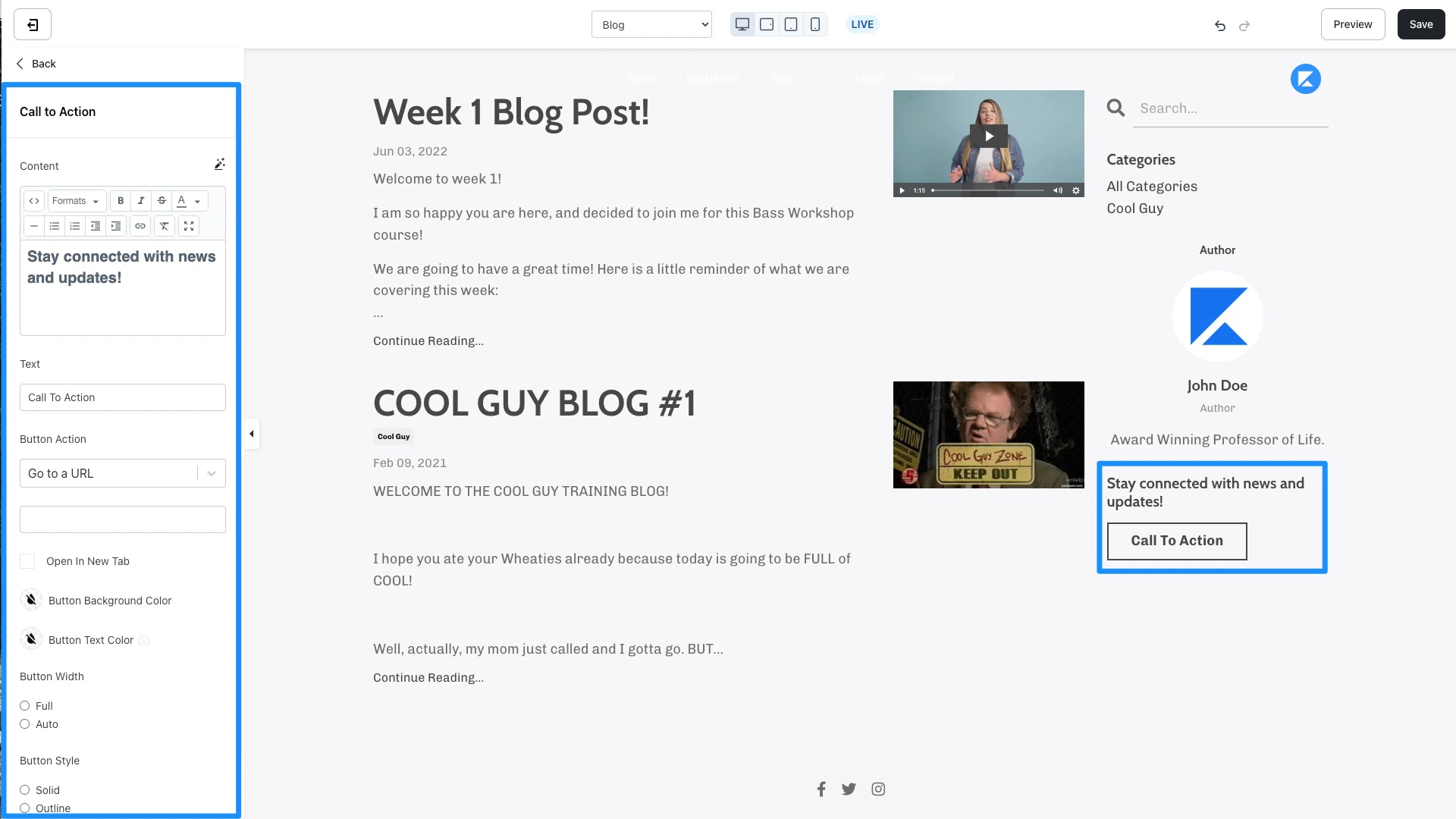
- Call to Action - Encourage an immediate response from your visitors to subscribe to your marketing emails, view a landing page, purchase an Offer, and more. Learn to use a Call to Action
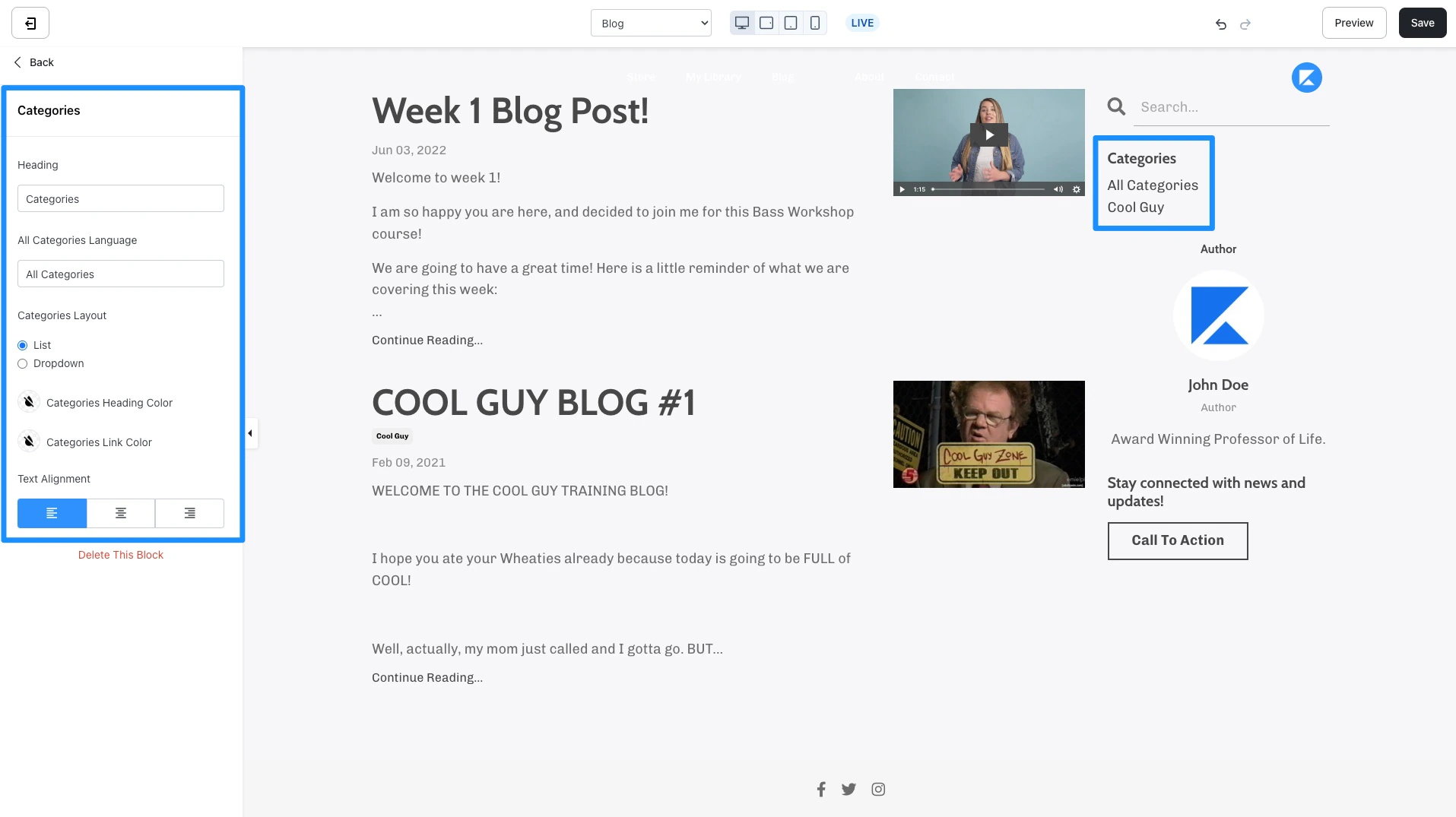
- Categories - Use Categories to easily filter through your Blog Posts when visitors view your Blog. Customize the language and appearance for your Categories block in the blog homepage sidebar. Read How to Categorize your Blog Posts for more details.
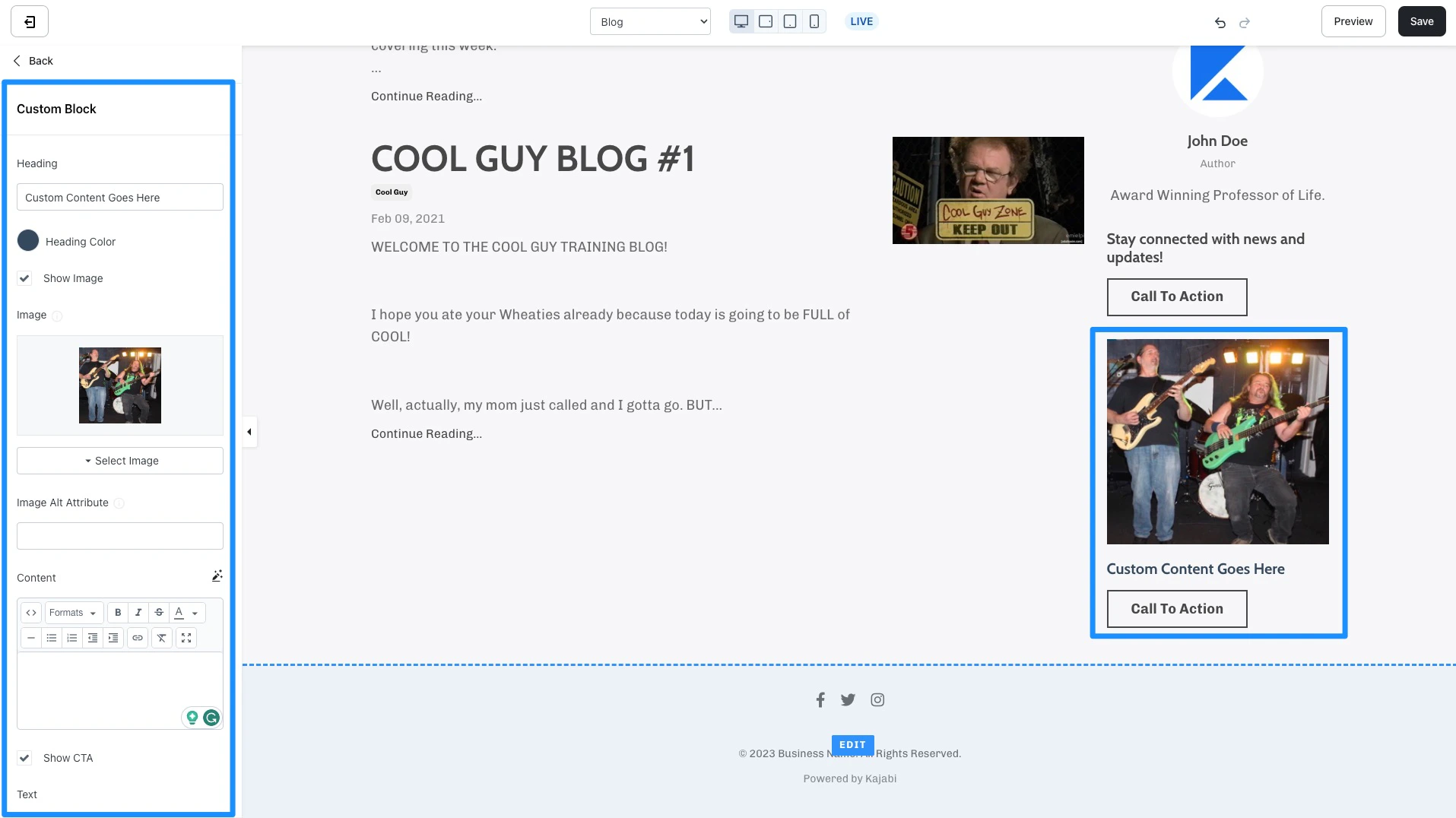
- Custom Block - Create Custom blocks in your Blog Sidebar to include Images, a Call to Action (CTA), and additional text content. For example, advertise your own Offer from your blog sidebar:
Section Settings
Blog post container
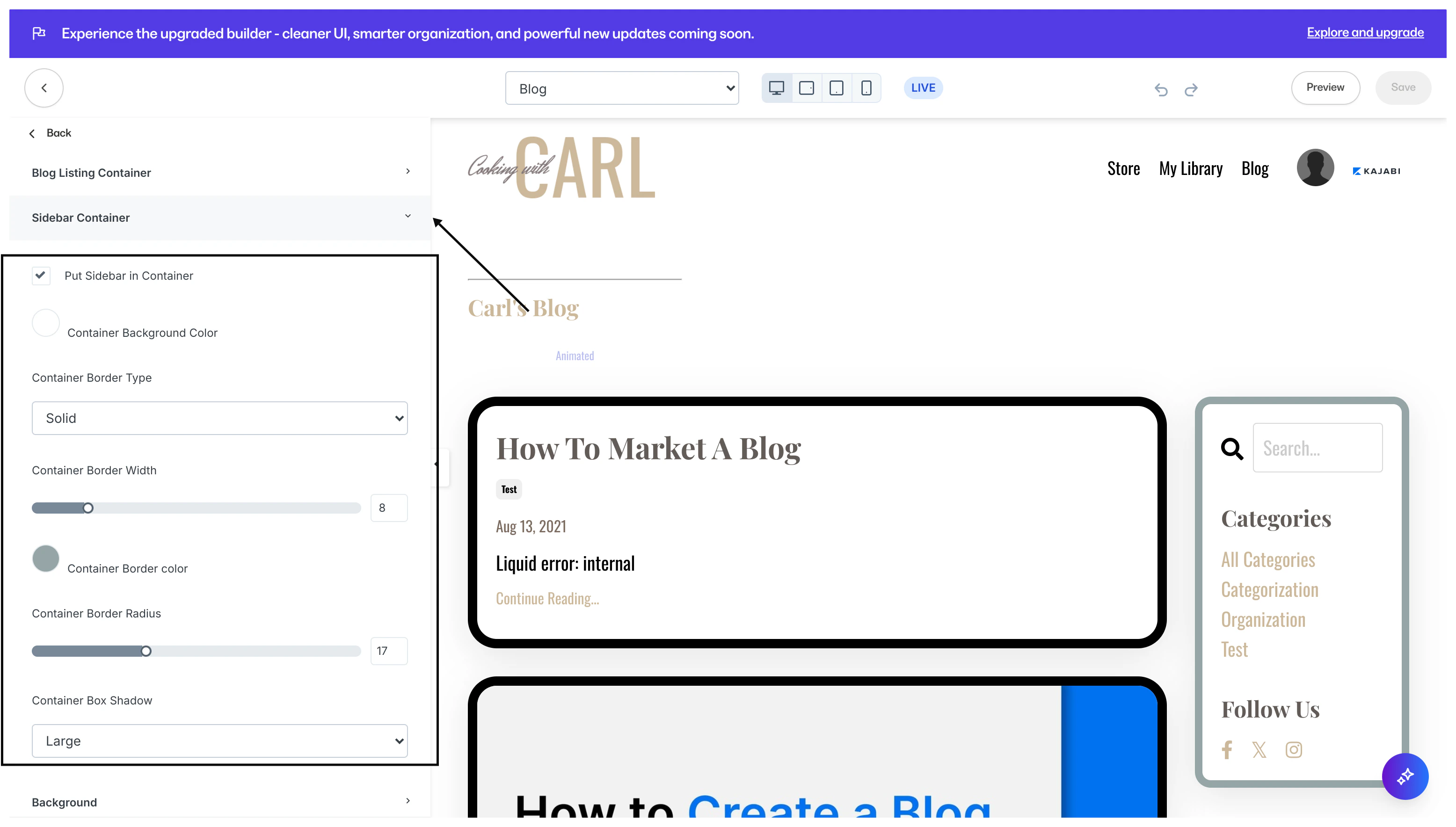
Put your Blog Post into a container to visually separate your post from other sections on your Blog Post. In this section, you can customize the container background color, border type, border width, border, and container box shadow.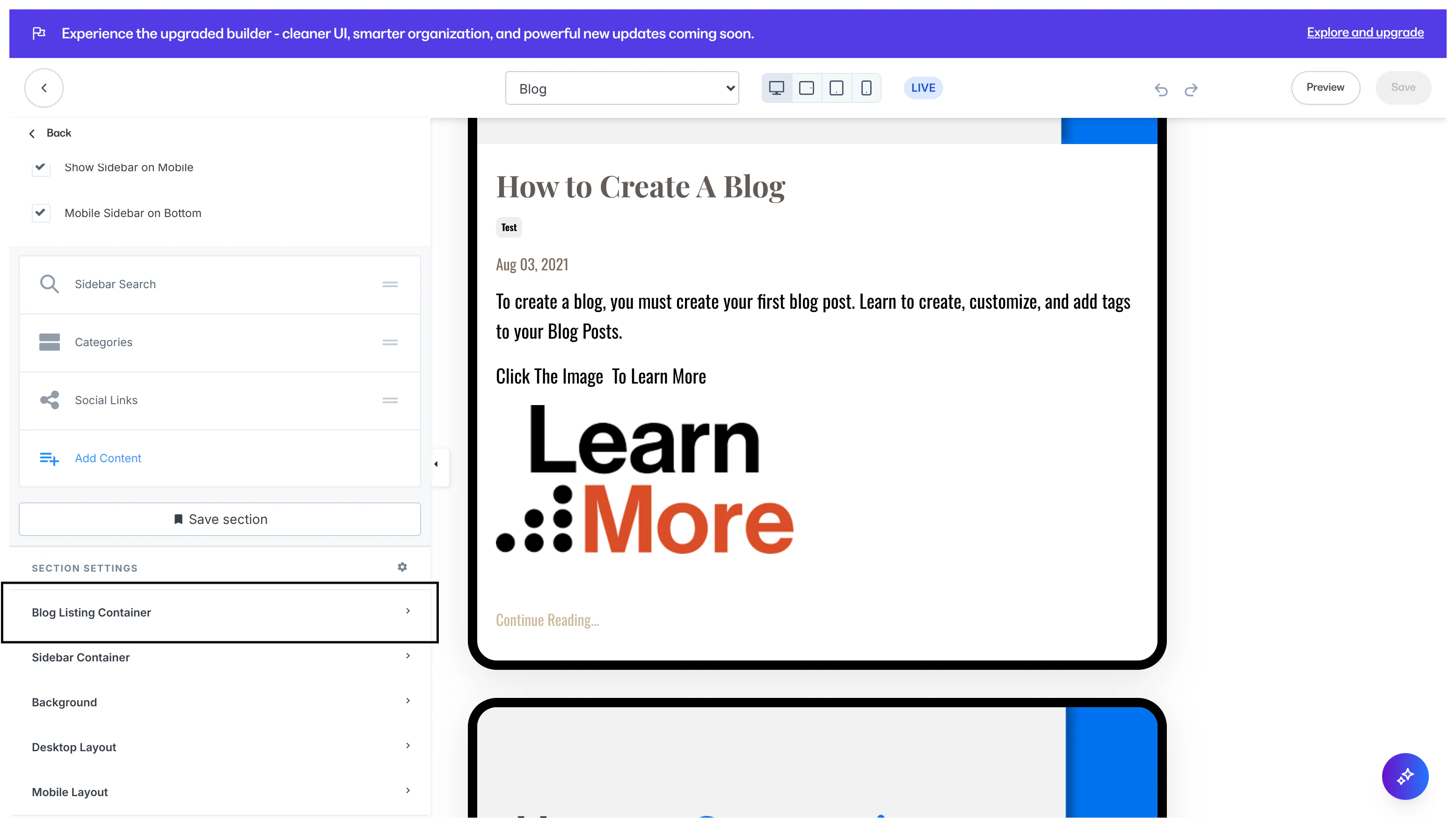
Blog sidebar container
Put your Blog Sidebar into a container to visually separate and highlight your sidebar from other sections on your Blog Post. In this section, you can customize the container background color, border type, border width, border, and container box shadow.