Learn to change the page displayed when your Users view the root of your site. When visitors enter or search your domain, you can change your settings to display the Template Home, the Login page, a Landing Page, or your Store.


Changing your homepage: Site details

To change your homepage

  • Open the Settings tab from the Dashboard.
  • Click Site Details.
  • Scroll down to the Homepage header and open the dropdown menu.
  • Select the Page you want to be displayed when your visitors view the root of your site.
  • Click Save to keep your changes:

Selecting your page

Change your homepage to

  • Show a Landing Page to direct your visitors to a Landing Page created in the Pages tab.
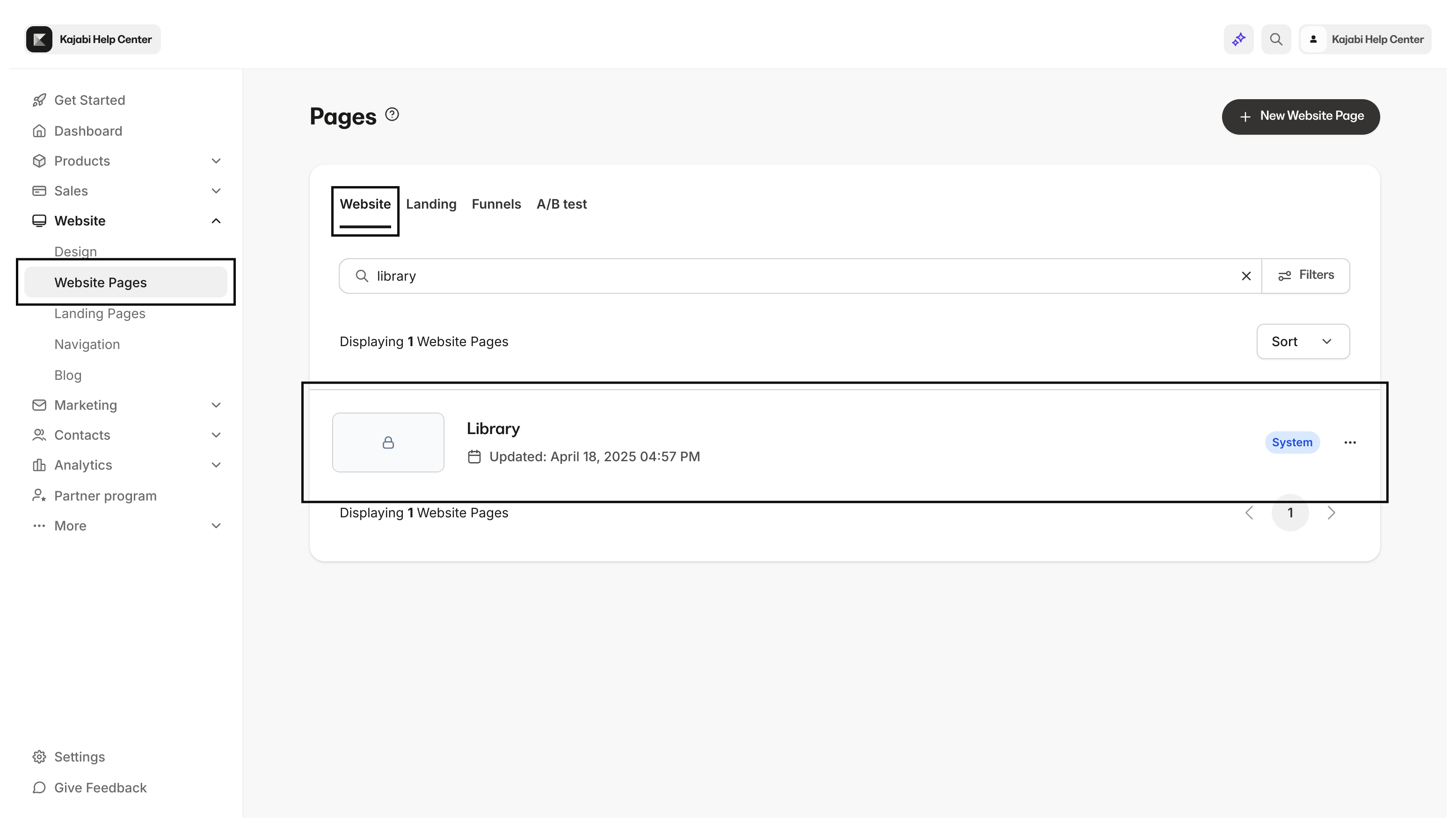
  • Show the Library - users will be prompted to sign in to direct your visitors to your Login page customized under your Design tab.
Show the Library
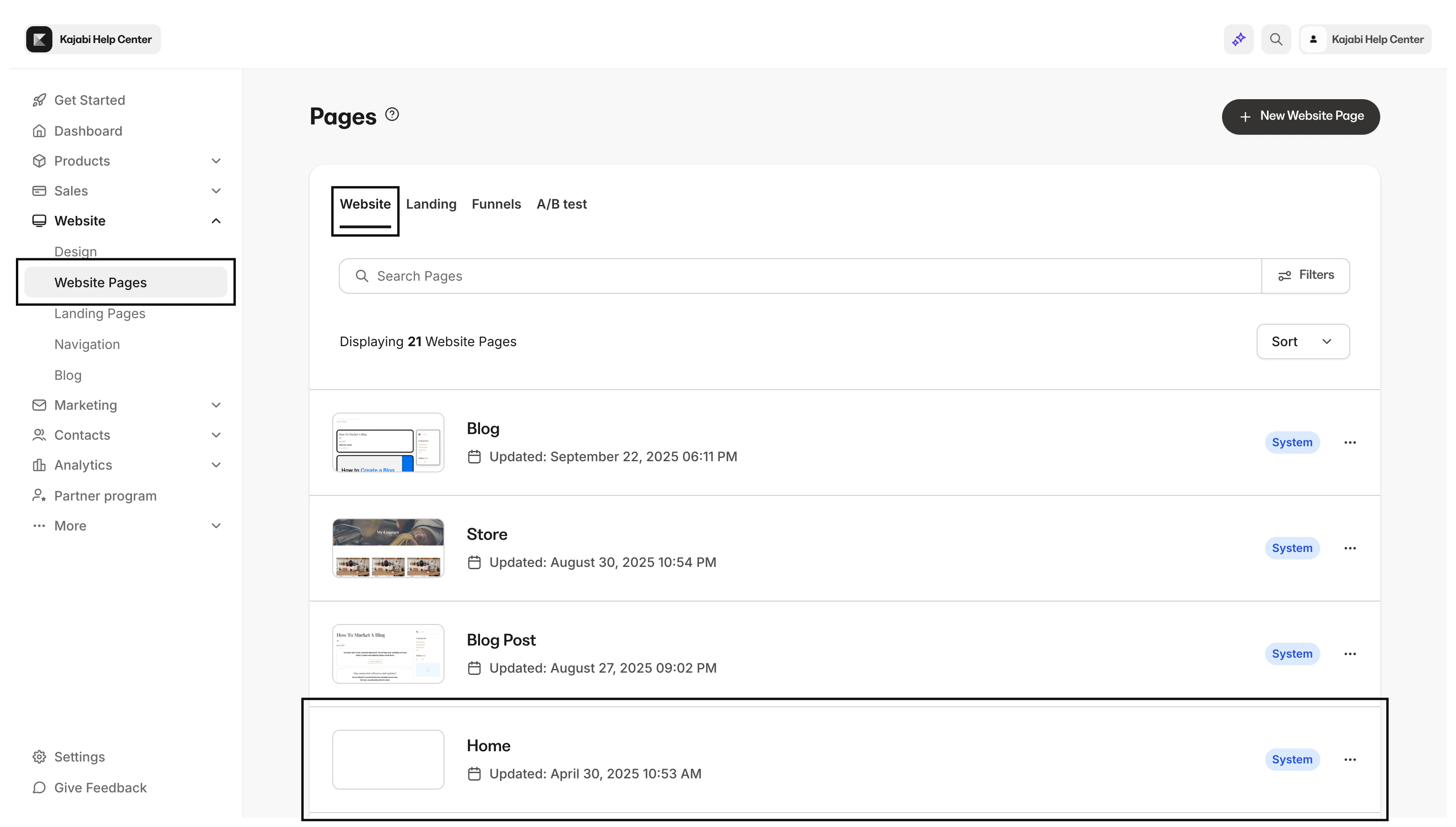
  • Show the Template Home to direct your visitors to the Homepage found under your Design tab.
Show the Template Home
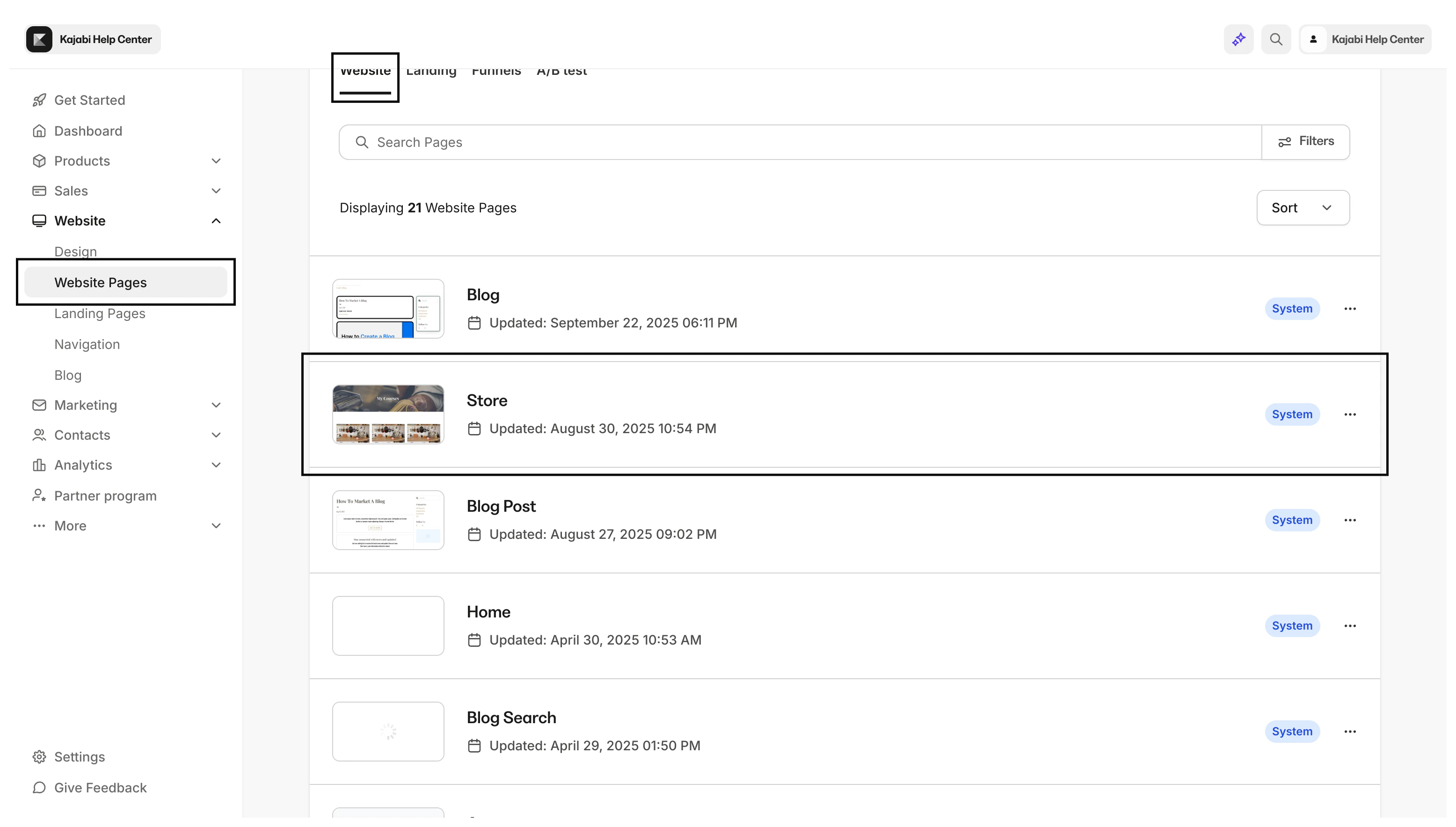
  • Show the Store to direct your visitors to your Store customized under the Design tab.
Show the Store