The most compatible image filetype with Kajabi is PNG. If your image is not uploading properly, try converting it to PNG format.
The most compatible image filetype with Kajabi is PNG. If your image is not uploading properly, try converting it to PNG format. Learn to convert an image into a PNG file type.
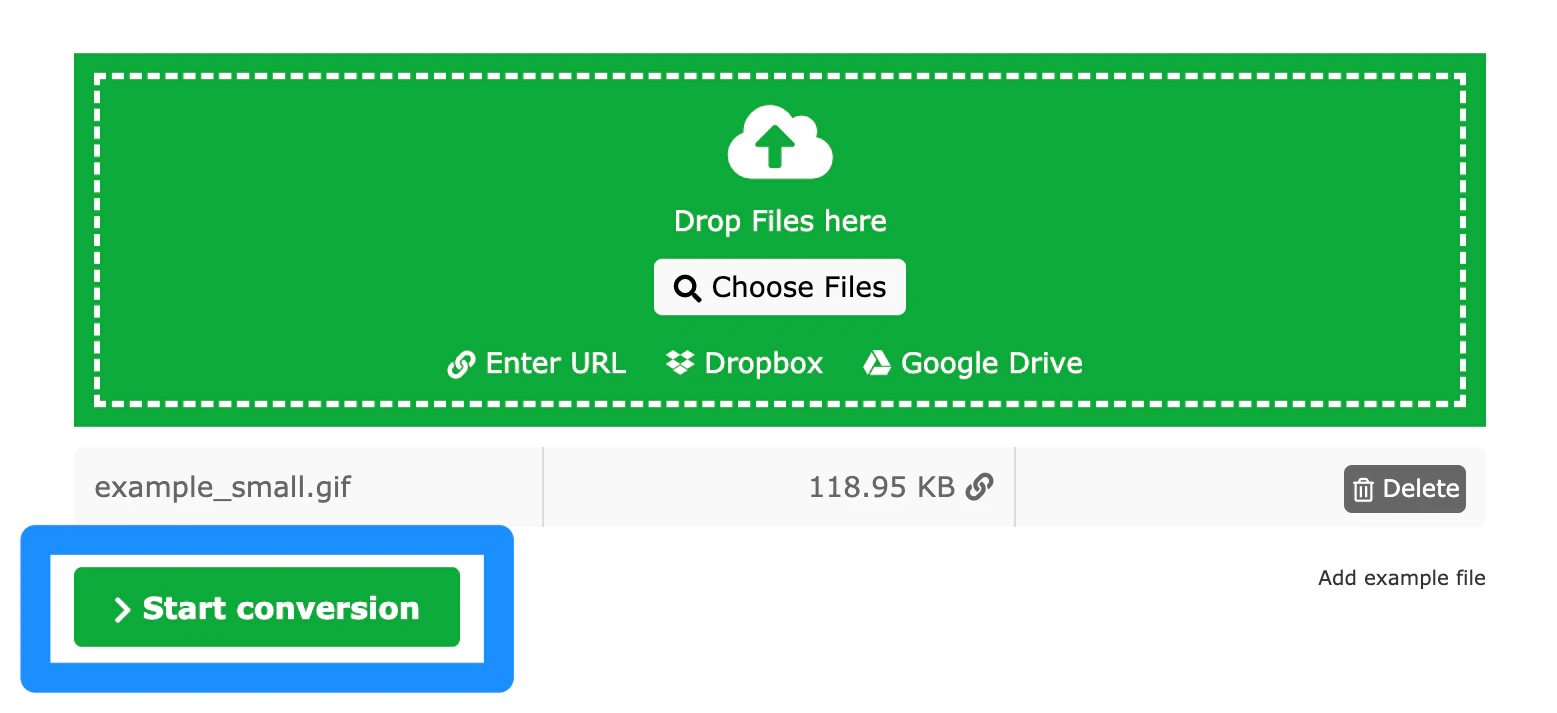
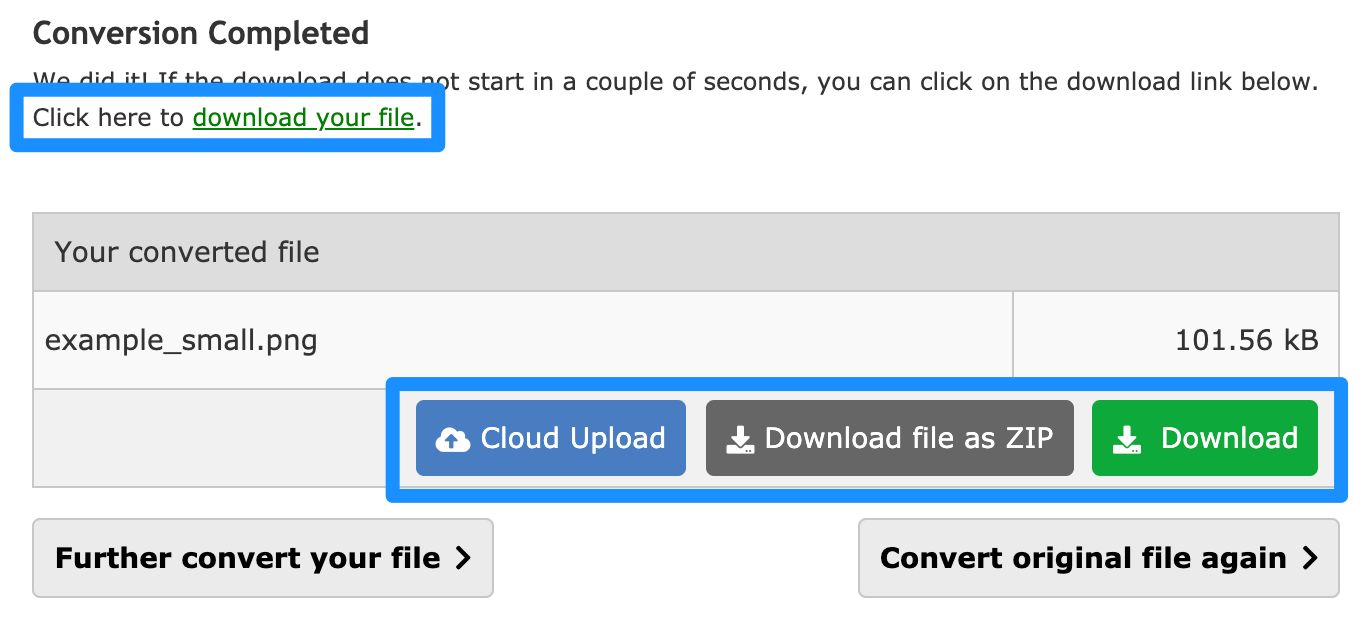
There are many image converting tools to choose from. We recommend researching and finding the tool that you prefer and that best fits your business needs.In this guide, we use the Online Converter Tool to PNG.