Note: This guide refers to the latest page editor available with the Website Builder and Kajabi Pages. If you are using the Premier Legacy Templates, please refer to the guide here.
Adding an FAQ section
- Open the Website tab from the Dashboard.
- Select the Pages tab.
- Open the page editor for your Page. Learn more
- Navigate to the sidebar panel.
- Click Add Section.
- Select your Section from FAQs to Preview.
- Click Add to generate the Preset Section to your Page:
FAQ vs. FAQ Grid
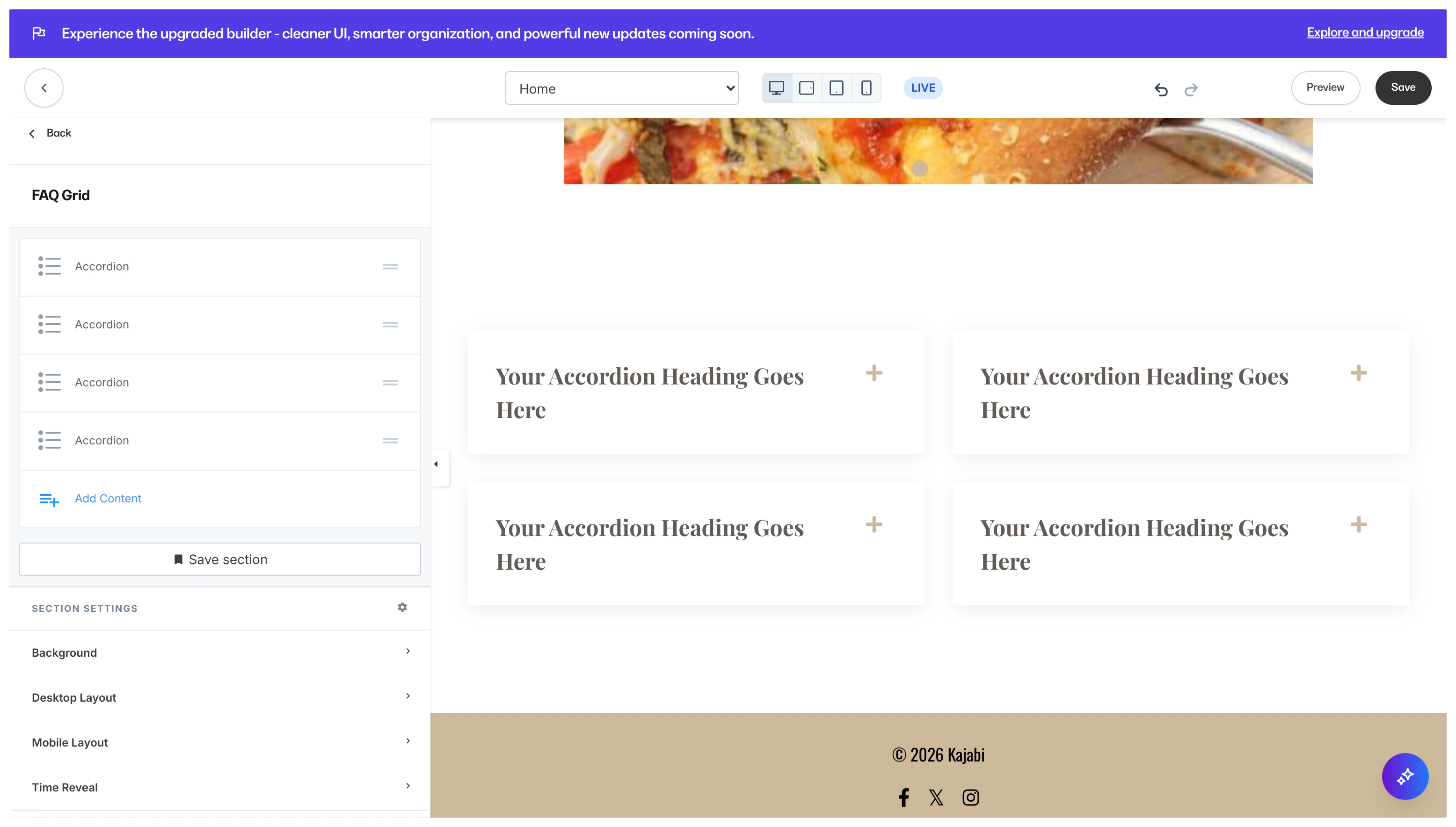
The FAQ Section generates a sequential list of Accordion Blocks, whereas the FAQ Grid Section generates Accordion Blocks in a Grid layout. Customize your FAQ Sections by editing the Accordion Blocks and Section Settings to change the appearance, behavior, and content. Section Settings:FAQ:
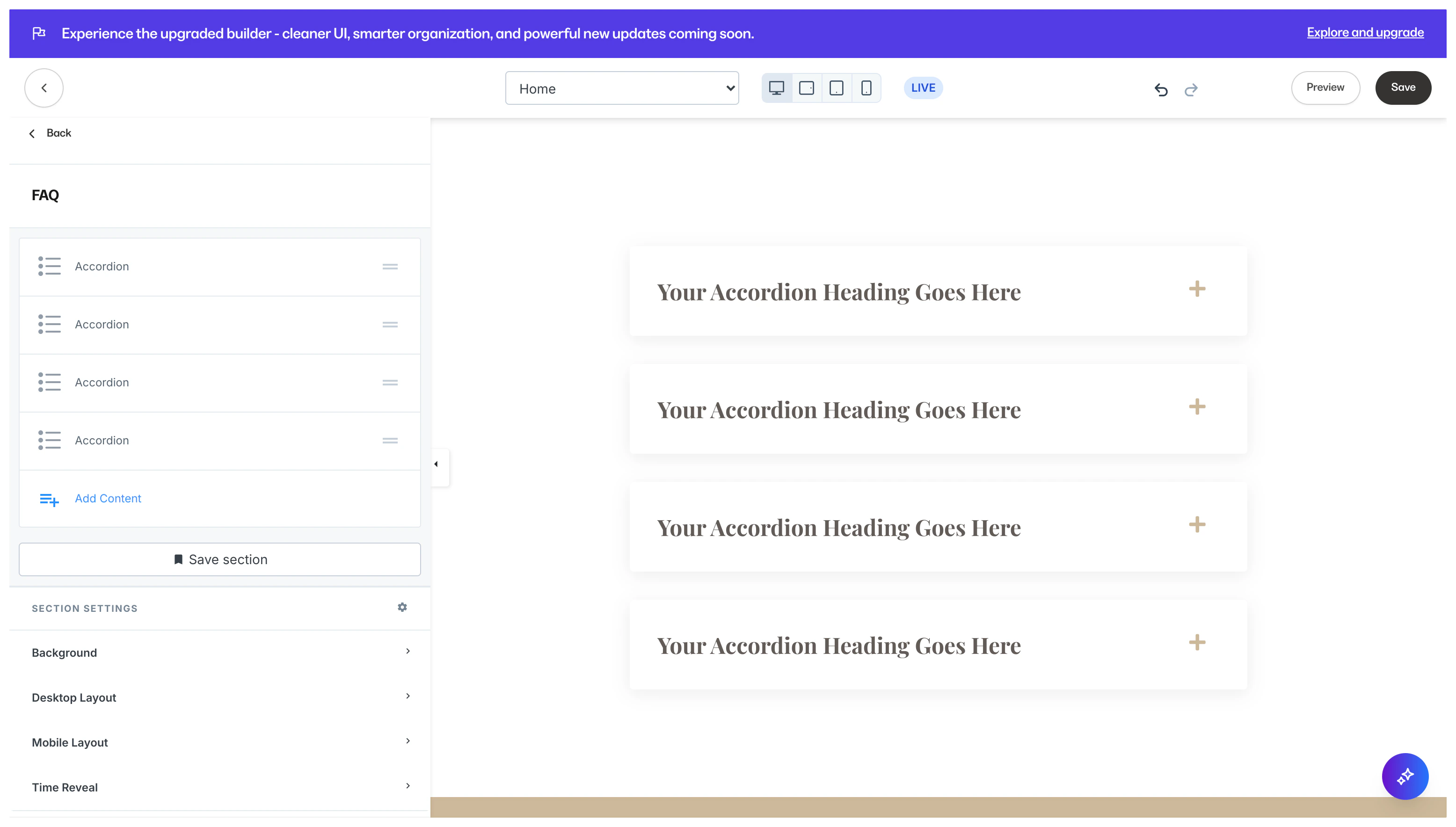
FAQ Grid: