Overview
Closed caption files can be removed from videos in both the Landing Page Editor and the Product Post Editor. This allows you to update your captions or remove them entirely if they’re no longer needed.Delete closed caption files from your video
- In the Landing Page Editor or the Product Post Editor, click Video Actions.
- Select Closed Captions.
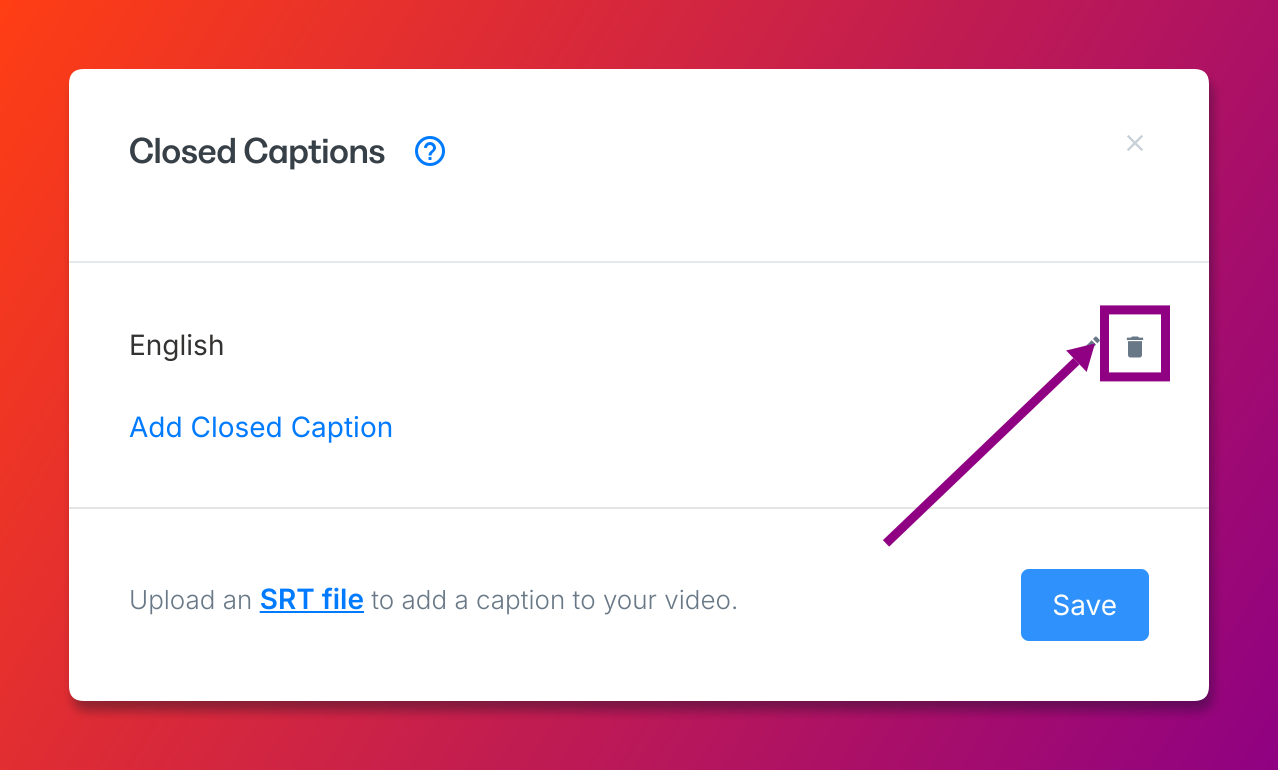
- Click the Delete icon next to the Closed Caption file you wish to remove: