

Why add a strikethrough price?
Adding a Strikethrough Price on your Pricing Card is an excellent way to advertise a lower rate or limited time discount. It will draw the viewer’s eye to the deal and showcase the savings they will receive: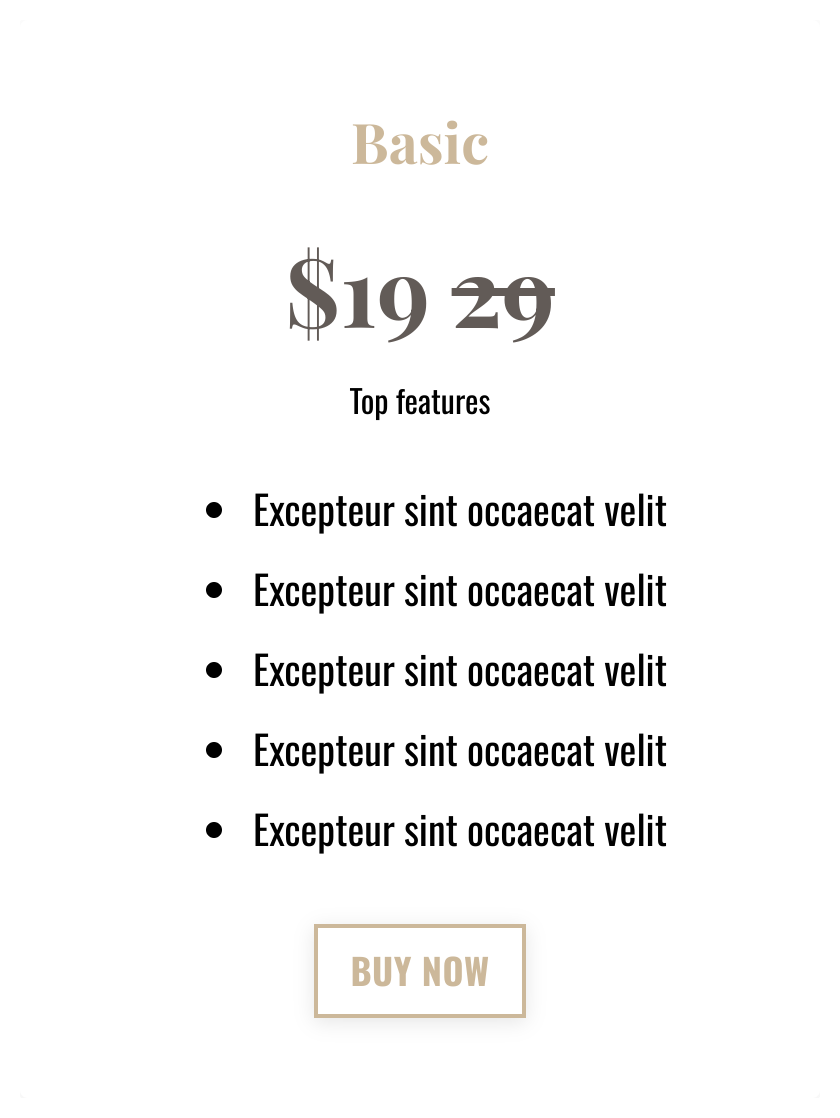
Add a pricing card block
First you’ll need to create a Pricing Card Block on your page. To add a Pricing Card Block:- Open the Website tab from the Dashboard.
- Select either Website Pages or Landing Pages.
- Open the page editor for your page. Learn more
- Click the Section you want to edit or create a new Section.
- In the sidebar, click Add Content.
- From the list, select Pricing Card.
- Your newly created Pricing Card Block will generate at the bottom of the Section.
- Click Save to keep your changes:
Add the strikethrough price
Next, you’ll add the Strikethrough Price code to the Pricing Card:- Click on the Pricing Card you created.
- In the field titled “Price” add this code: <strike>ORIGINAL PRICE HERE</strike>
- In the code snippet, replace “ORIGINAL PRICE HERE” with the price you want to strike through. This should be the original price of the offer, NOT the discounted price.
- After the </strike> tag, add the discounted price to showcase it on the card.
- Remember to click save to keep your changes: