

Create an age verification popup with an embed code
Start by using a third-party application like AgeChecker.net’s Age Gate to create your own age verification popup and custom embed code. After you’ve created your popup, copy your embed code.Example embed code:
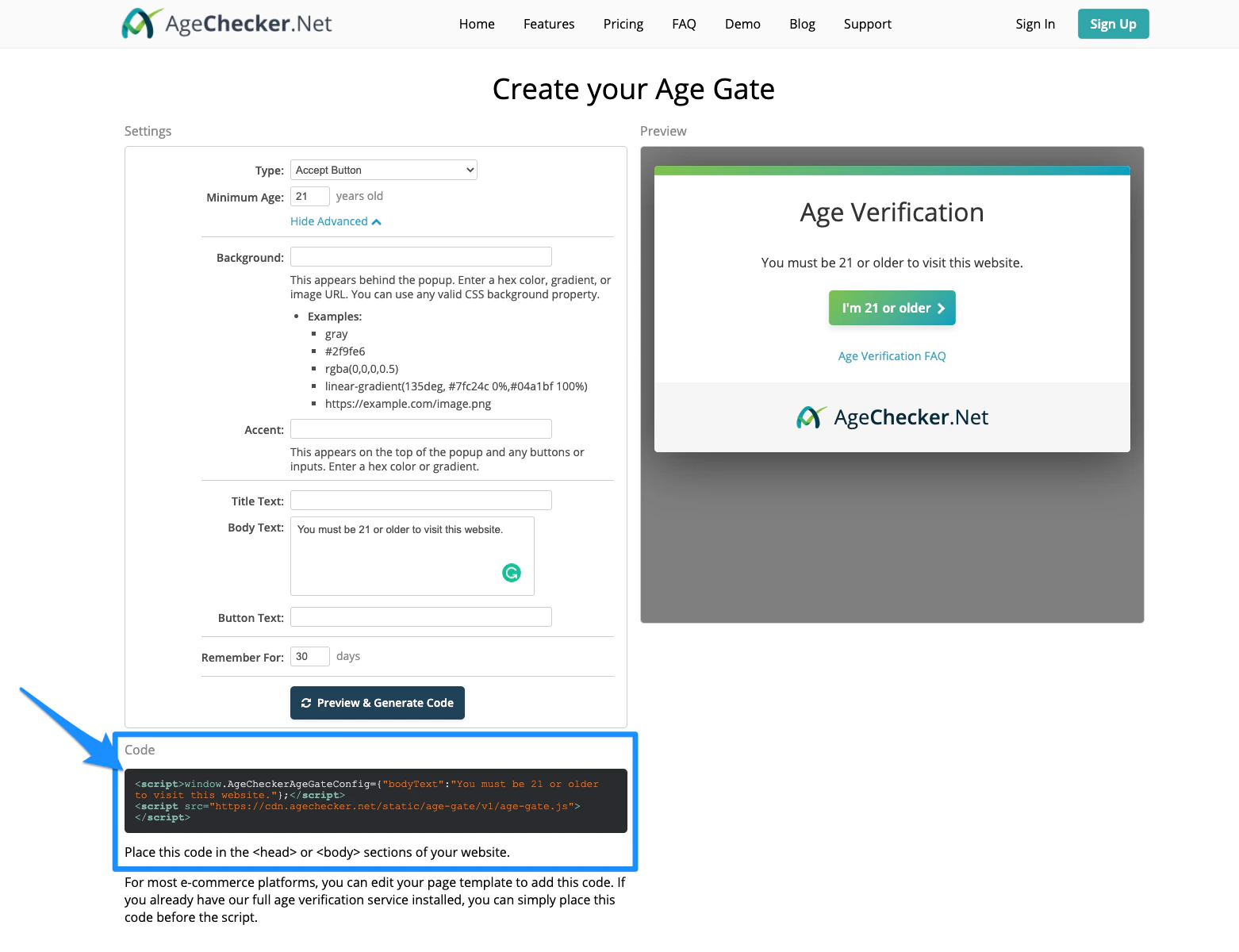
Note:AgeChecker.net’s Age Gate is one third-party application option, however, there are many others. Be sure to research pricing information before deciding on a third-party application and ensure that your application can provide an embed code.