Note: This guide refers to the latest page editor available with the Website Builder and Kajabi Pages. If you are using the Premier Legacy Templates, please refer to the guide here.
What is a hero section?
The Hero Section is a Background with a Content Overlay. Although simple, understanding the concept of the Hero Section is powerful because it gives you the flexibility to build and create beautifully designed pages by simply adding a background to your Sections. Kajabi helps streamline the process of building your pages by providing Hero Section presets. Building pages in Kajabi gives you the freedom to create any Section as a Hero Section by simply customizing your Background in the Section Settings of any Section on your page. Although flexible, it is important to note the unique build of the Hero Section Presets. Adding Blocks and customizing the Background of your Sections can create similar Sections to the Hero Section Presets but you may notice that the appearance will differ slightly when adding Block Types to a Section.Adding a hero section
- Open the Website tab from the Dashboard
- Select the Pages tab
- Open the page editor for your Page. Learn more
- Navigate to the sidebar panel
- Click Add Section
- Select your Section from Hero:
Preset hero sections
Learn about each Hero Section:- Hero
- Hero Countdown
- Hero with Form
- Hero with Image
- Hero with Audio
- Hero with Video
Hero
Adding a Hero Section to your page will generate a Text Block with the Call to Action Block Setting enabled. This may be familiar to you if you have added a Call to Action Section to your page.
Hero countdown
The Hero Countdown Section generates a single Text Block and a Countdown Block. However, you will notice that a Hero Countdown Section will differ in appearance compared to adding a Countdown Block to a Section: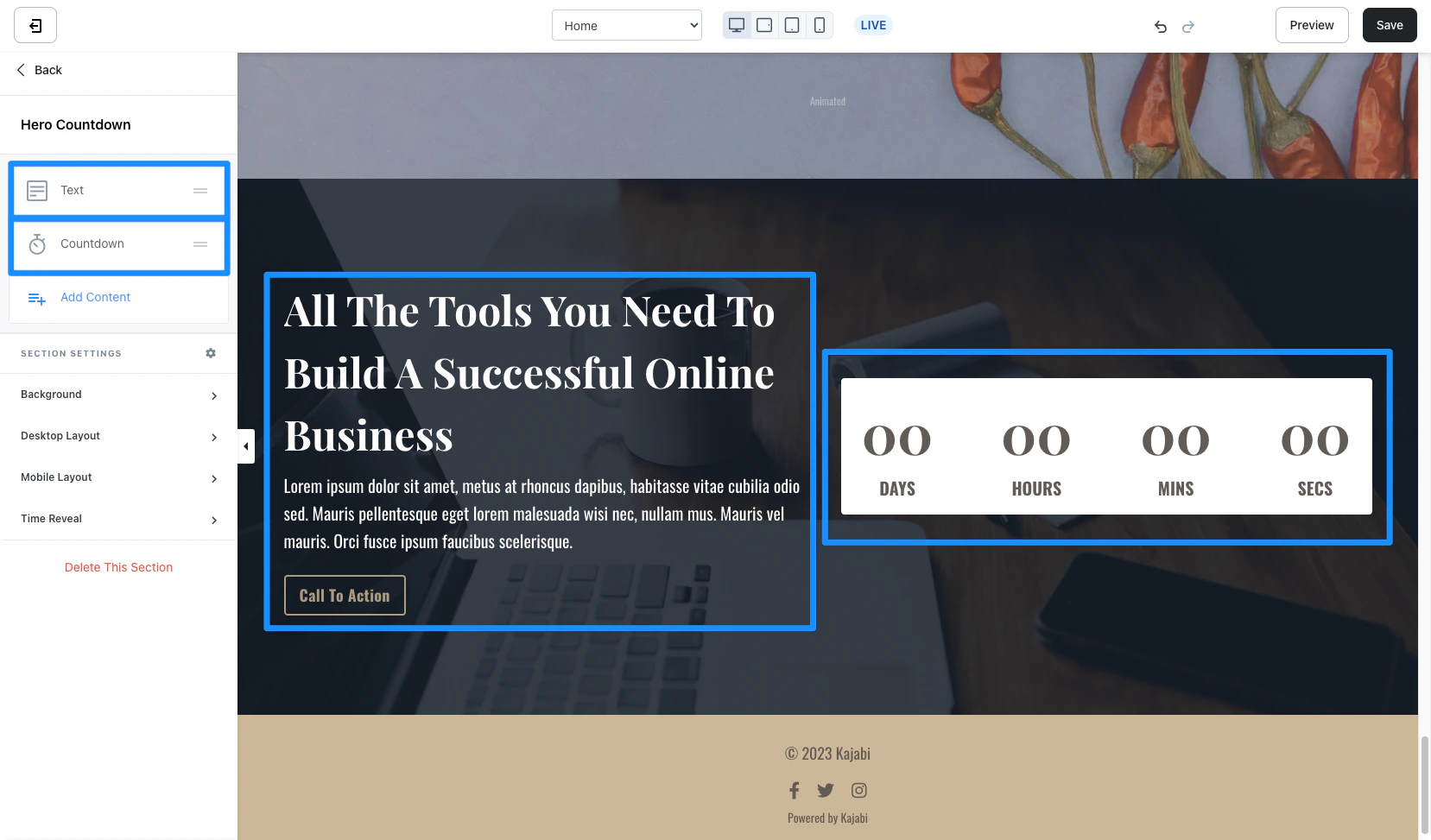
Hero with form
The Hero with Form Section generates a single Text Block and a Form Block. However, you will notice that creating a Hero with Form Section will differ slightly in appearance compared to adding a Form Block to a Section. Adding the Hero with Form Section includes a default Disclaimer Text to the Form Block: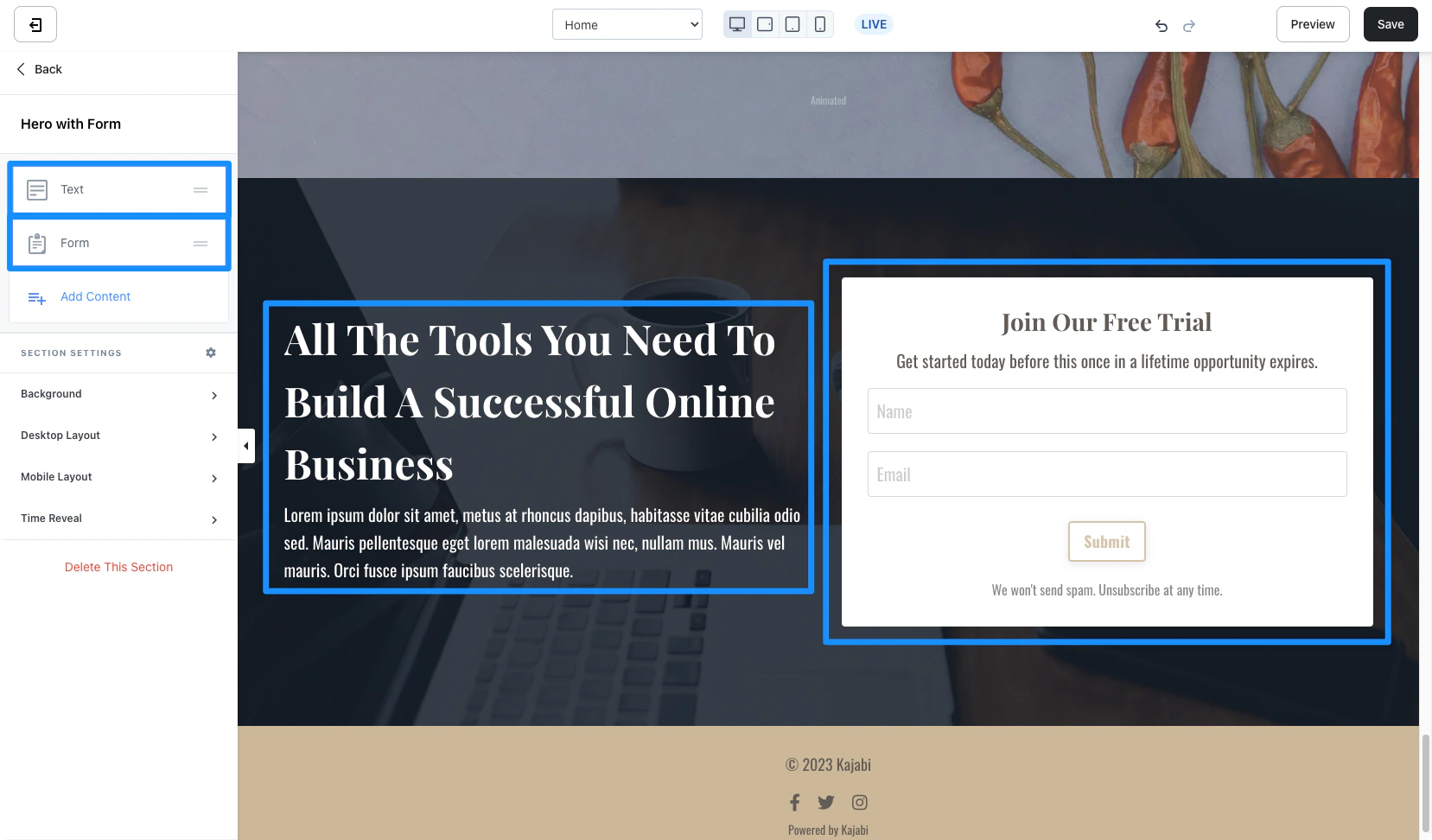
Hero with image
The Hero with Form Section generates a single Text Block with the Call to Action Block Settings enabled and an Image Block: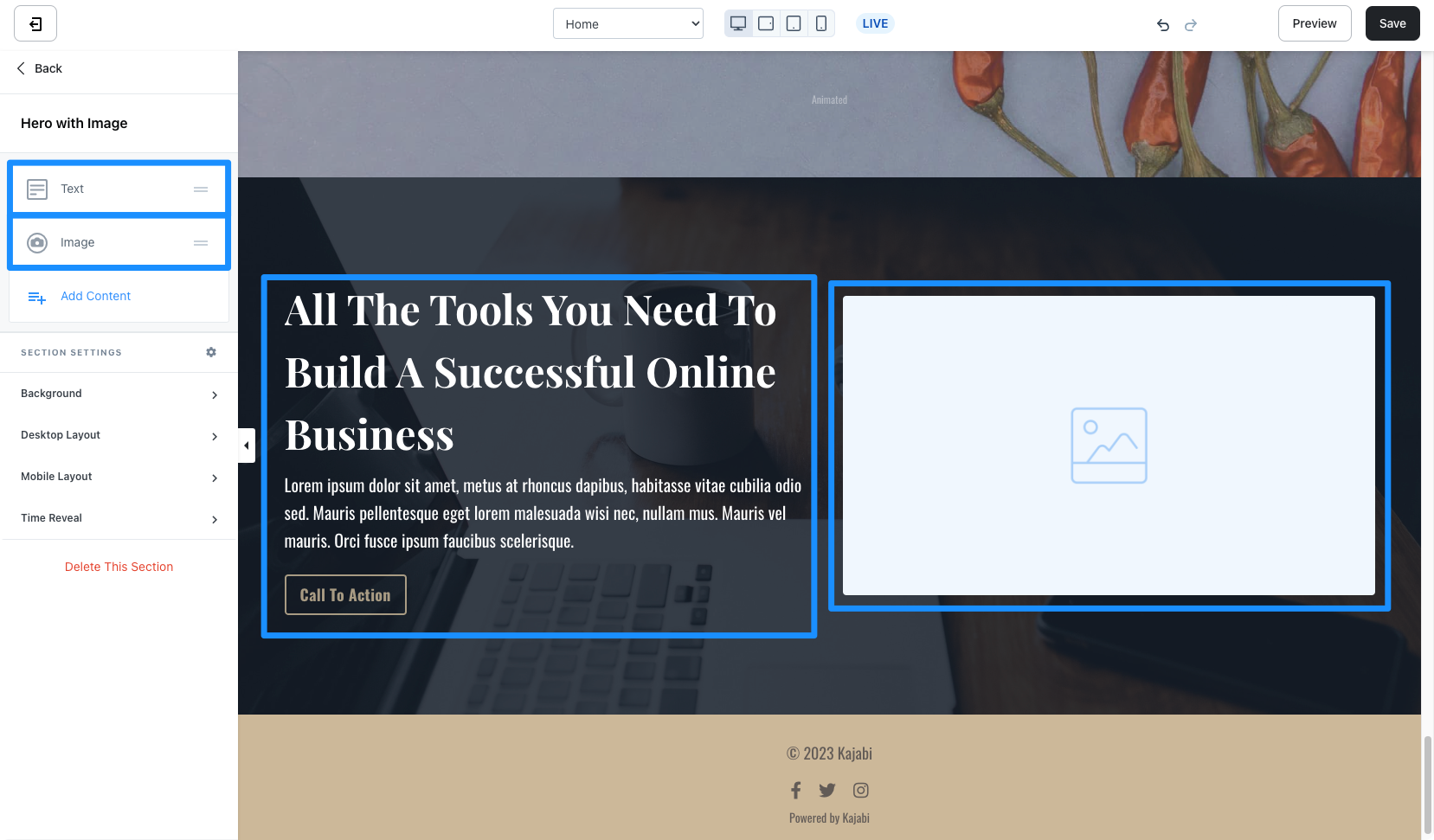
Hero with audio
The Hero with Form Section generates a single Text Block with the Call to Action Block Settings enabled and an Audio Block: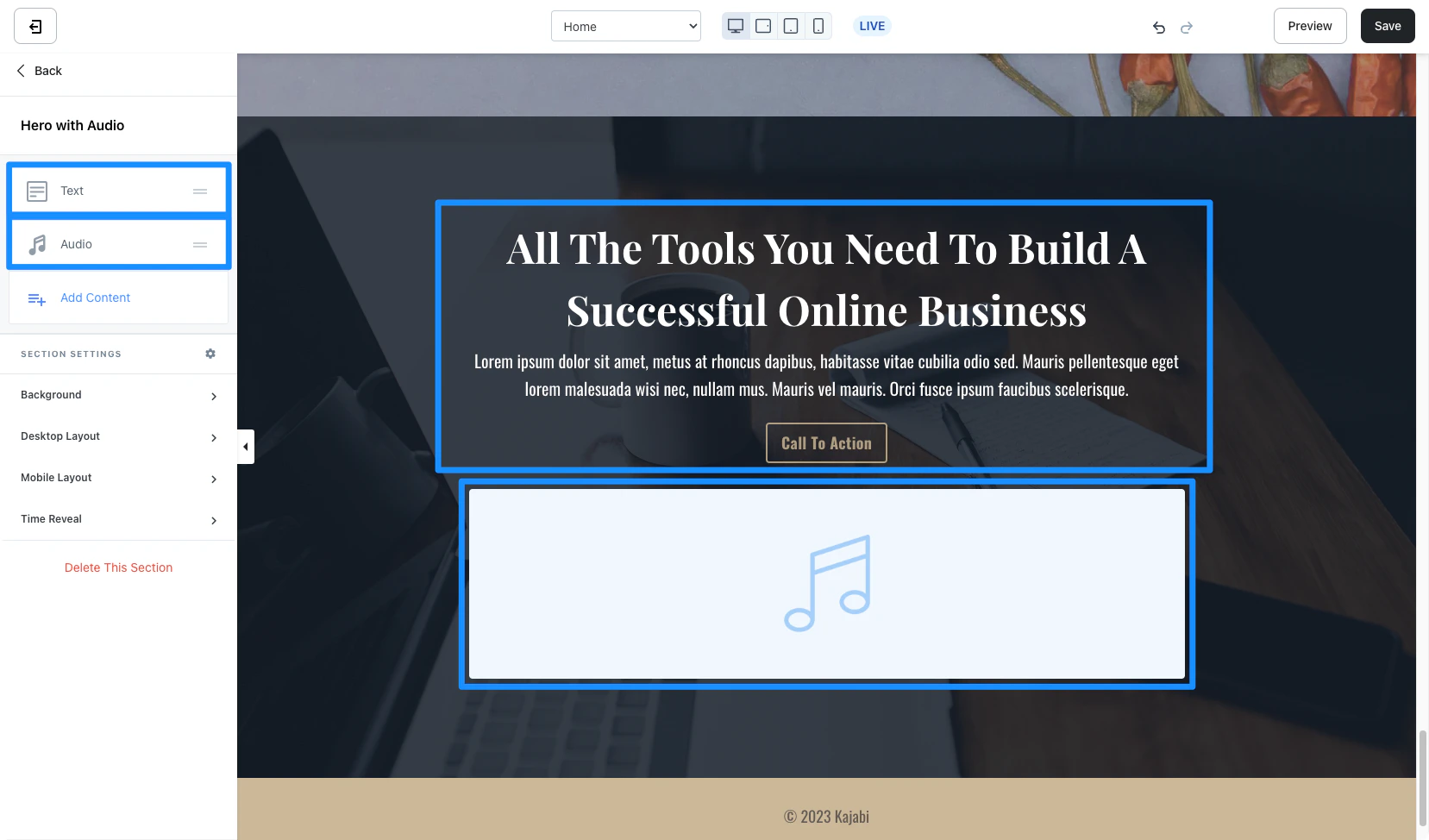
Hero with video
The Hero with Form Section generates a single Text Block with the Call to Action Block Settings enabled and a Video Block: