Note: For the time being, this is included in your plan. Future limits may apply.
Key benefits and use cases
- Clarify your direction by defining your goal, audience, niche, and offer
- Generate content faster with ready-to-use product and marketing copy
- Build with confidence using guided recommendations based on your business
- Stay focused with personalized action items and progress tracking
- Maintain momentum by always knowing what to work on next, so progress never stalls
Use Cofounder in-app
Once you create your Kajabi account, Cofounder acts as your AI assistant inside the admin dashboard.Note: If you have not yet created a Kajabi account, you can work with Cofounder before signing up to clarify your business idea and create concrete deliverables.
Access Cofounder
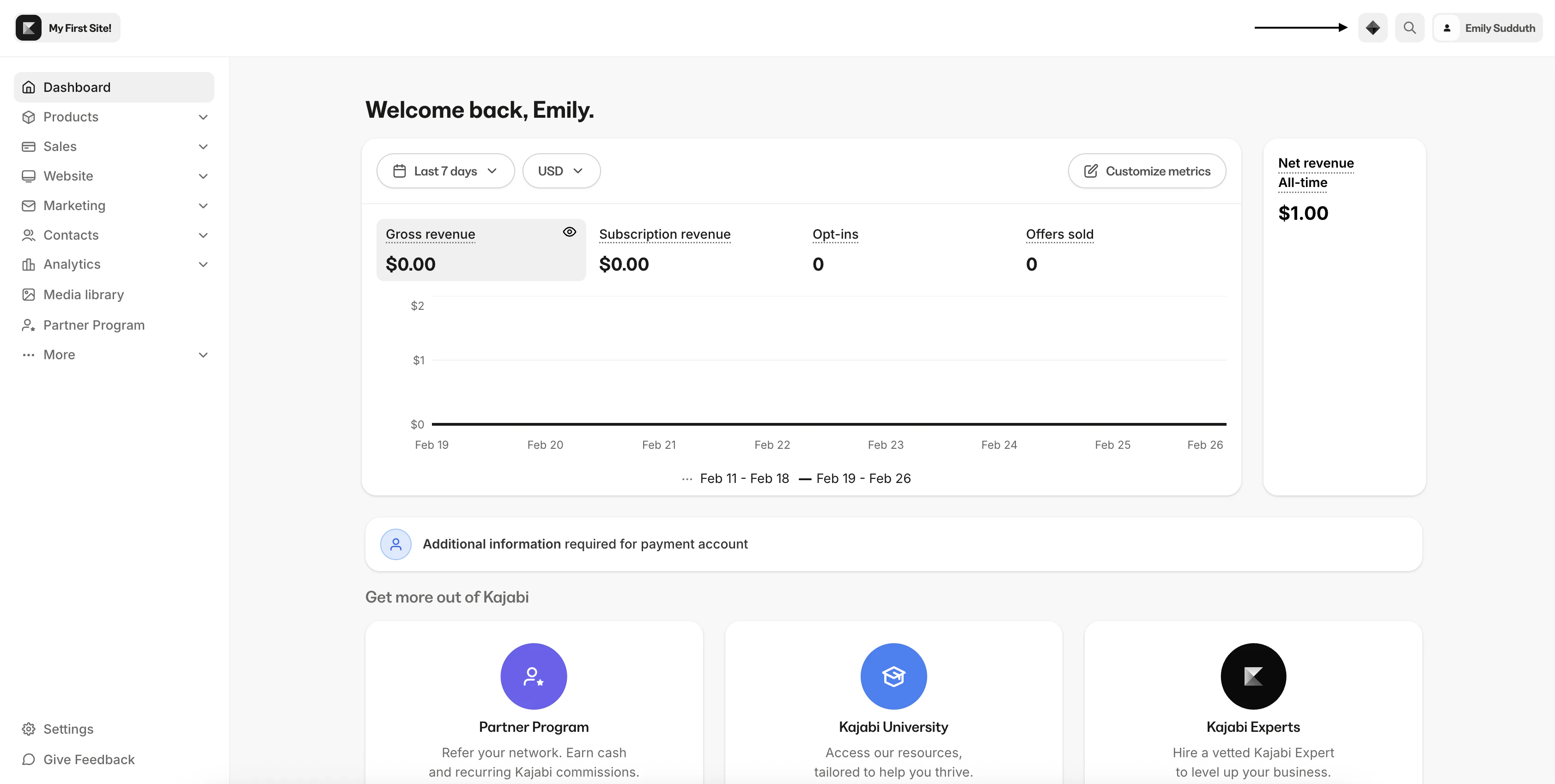
- Chat button in the header: Begin a conversation with Cofounder by clicking on the icon in the top right corner of your dashboard
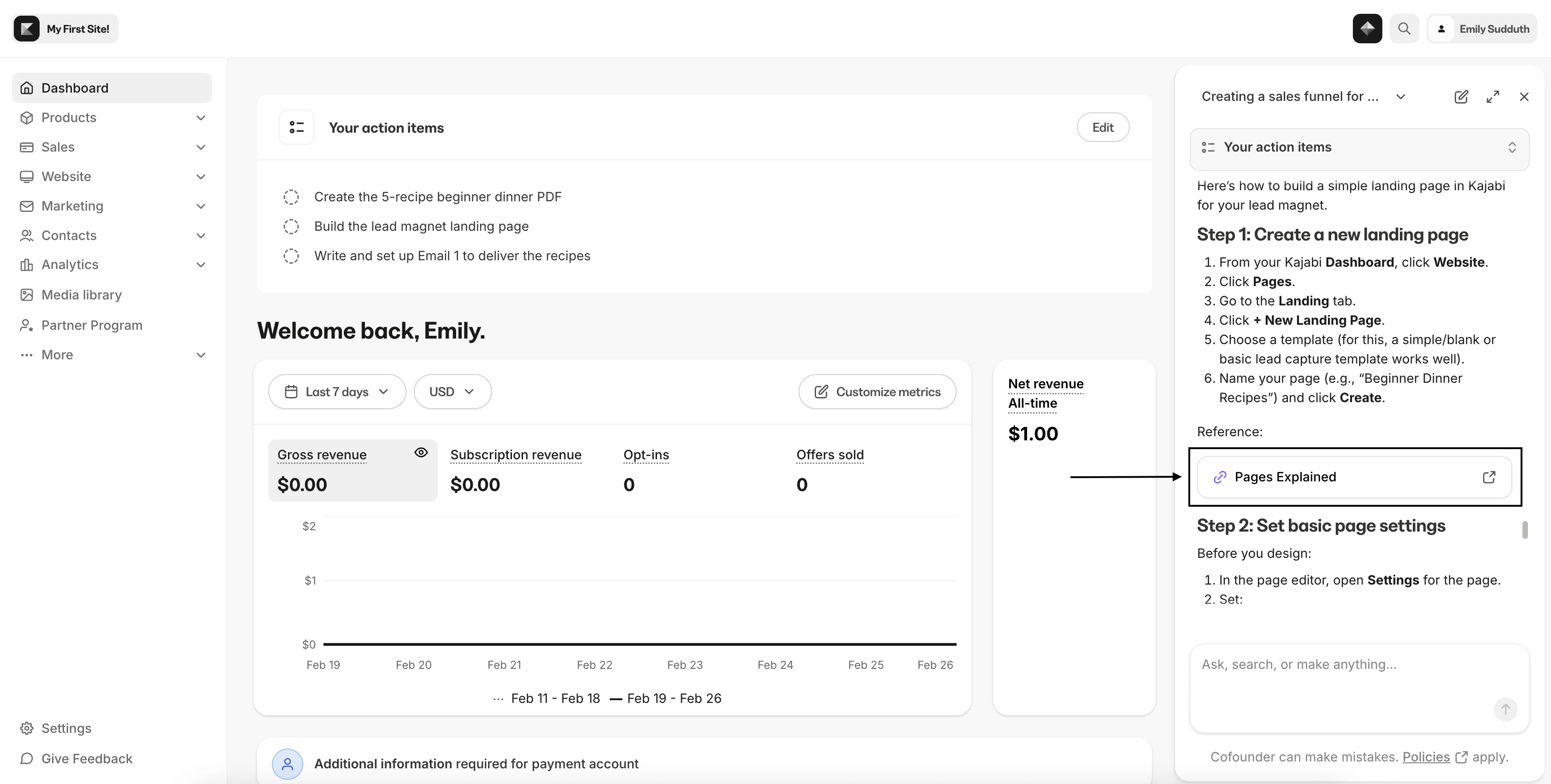
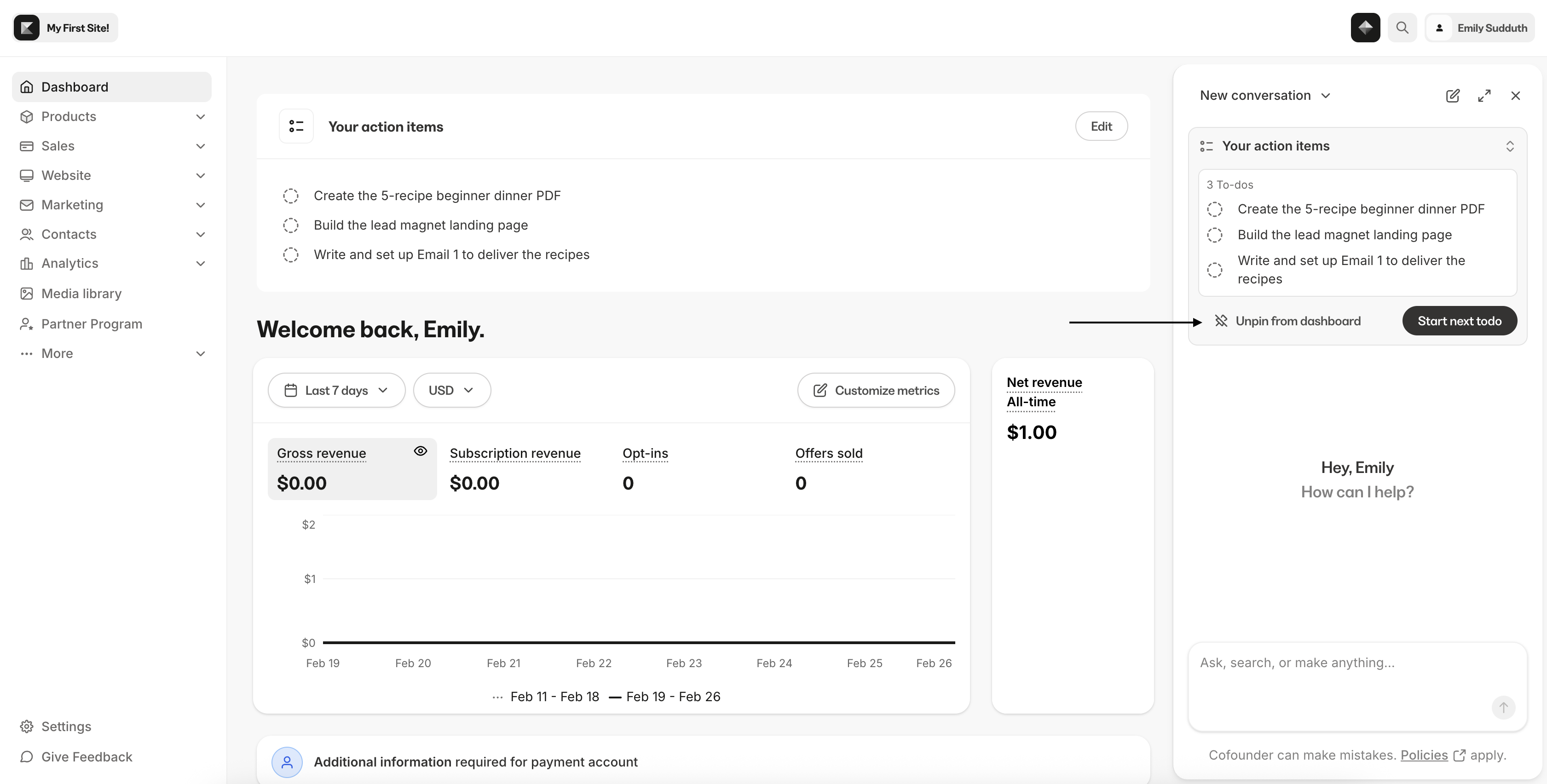
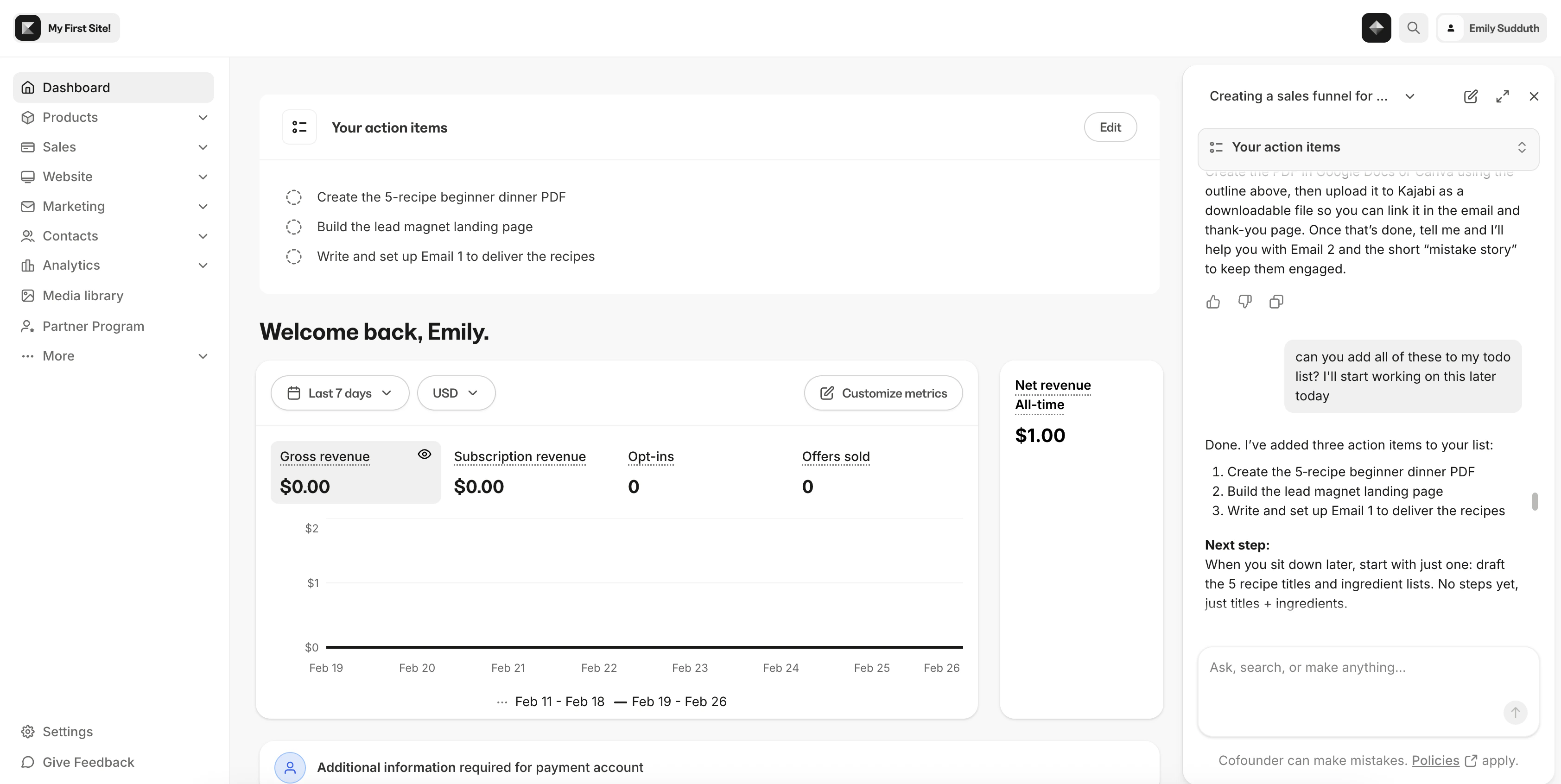
- Your action items: Cofounder will begin a checklist of action items based on your conversation. You can interact with these items directly in the Cofounder window or choose to Pin to dashboard
- If you did not sign up for Kajabi through Cofounder, your checklist will be empty until you begin interacting with Cofounder
- Automatic opening: If you came through the pre-signup experience, Cofounder will automatically open upon your first login
What Cofounder can help with
- Business building including courses, coaching programs, and memberships
- Marketing content such as landing pages, sales pages, and email copy
- Kajabi navigation with step-by-step guidance and deep links
- Progress tracking using your Site Business Checklist
- Connect with support to get further help
Why Cofounder may take longer to respond
When you see Cofounder’s status change from “Thinking” to other states, it means Cofounder is doing something more complex under the hood to personalize the response for your specific business. This might include:- Reviewing your progress by checking your business checklist and what you’ve accomplished so far
- Identifying what resources you have in your account (products, offers, pages, etc.)
- Looking up details about your resources, for example the pricing you’ve set, your GMV, or how your course is configured
Knowledge base integration
Cofounder draws from Kajabi’s official documentation to provide accurate, up-to-date guidance. When you ask how to do something in Kajabi, Cofounder explains the steps based on current platform capabilities and links.