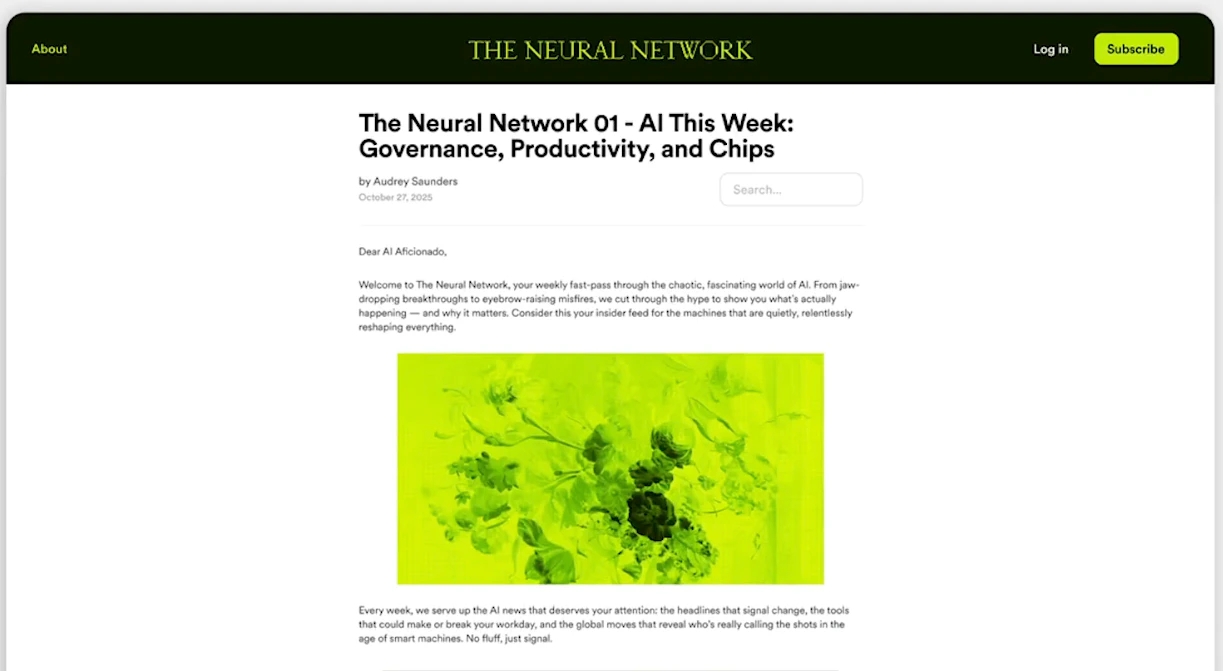
Kajabi Products give you everything you need to package your expertise and sell it online. Each Product type comes with customizable blueprints so you can go from idea to launch quickly — without stitching together third-party tools. Kajabi supports six Product types:
  • Courses
  • Communities
  • Coaching
  • Podcasts
  • Newsletters
  • Downloads

Key benefits

  • All-in-one platform — Create, market, and sell without switching between tools
  • Customizable blueprints — Start from proven templates and tailor them to your brand
  • Multiple Product types — Serve your audience through courses, communities, coaching, podcasts, newsletters, or downloadable content
  • Built-in sales tools — Connect Products to Offers, landing pages, and email campaigns to drive revenue
  • Flexible delivery — Deliver content on your website, the Kajabi mobile app, or a branded mobile app

Courses

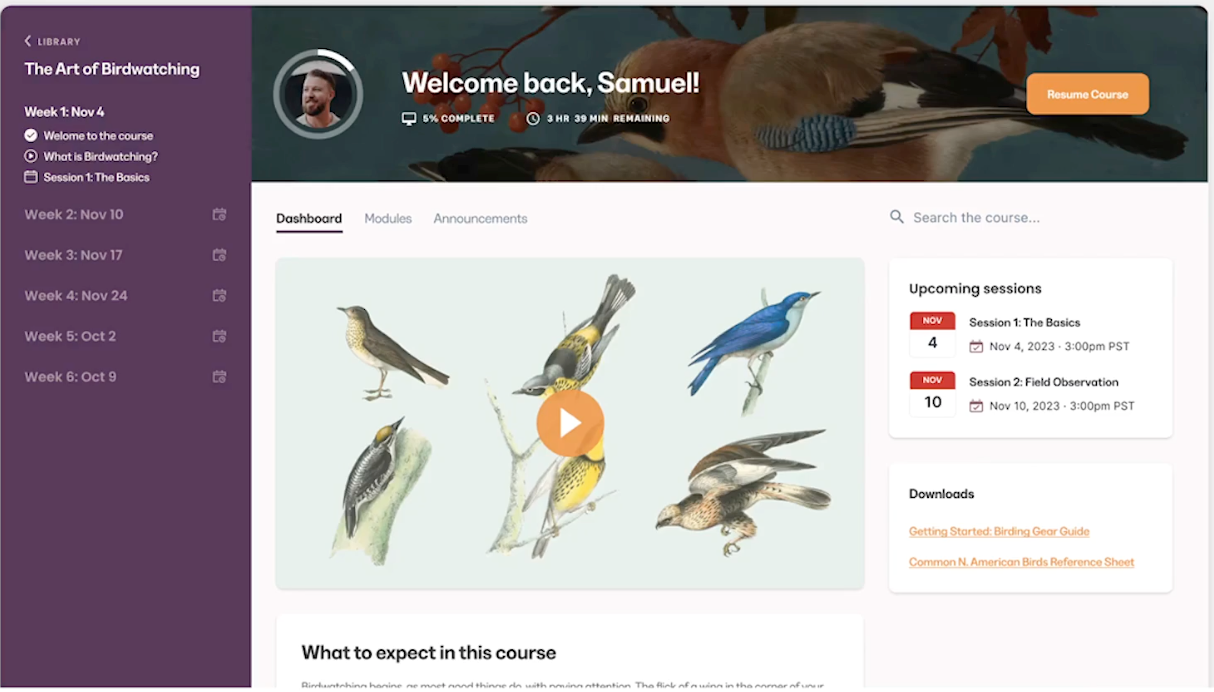
A Course on Kajabi can be anything from an online course to a resource center — a flexible way to deliver your value digitally to your customers. Learn more about Courses. Courses

Communities

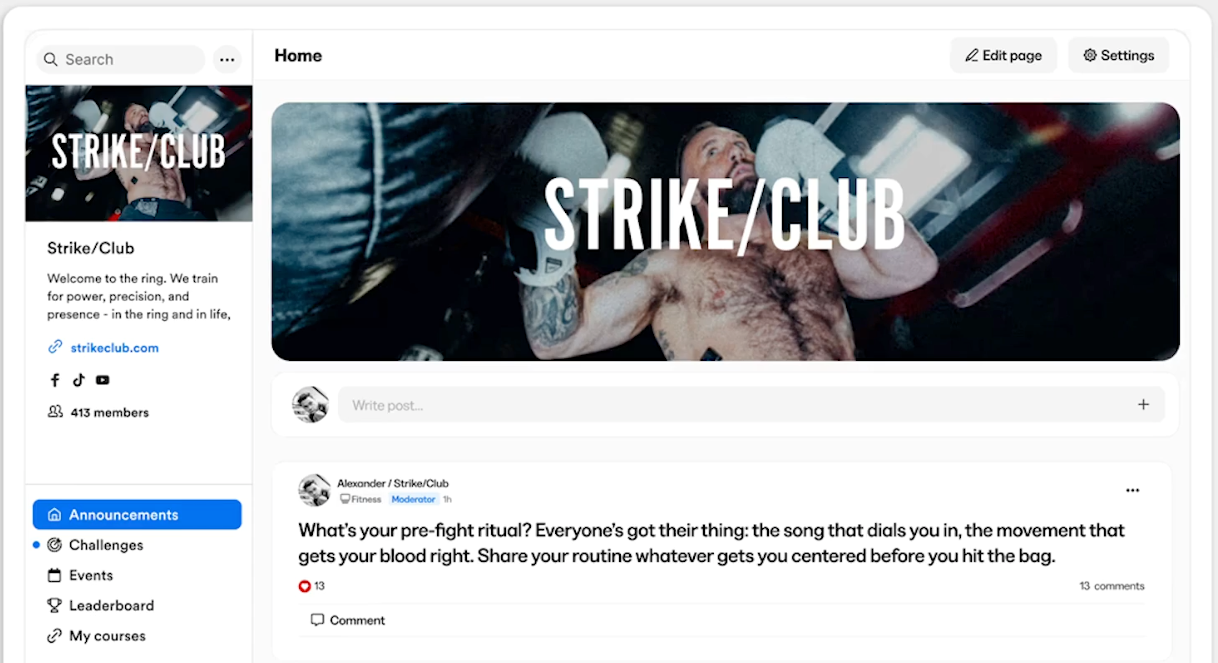
The Community Product allows you to create a space for your customers to communicate and connect directly from your site, similar to a forum. Learn more about Communities. Community

Coaching

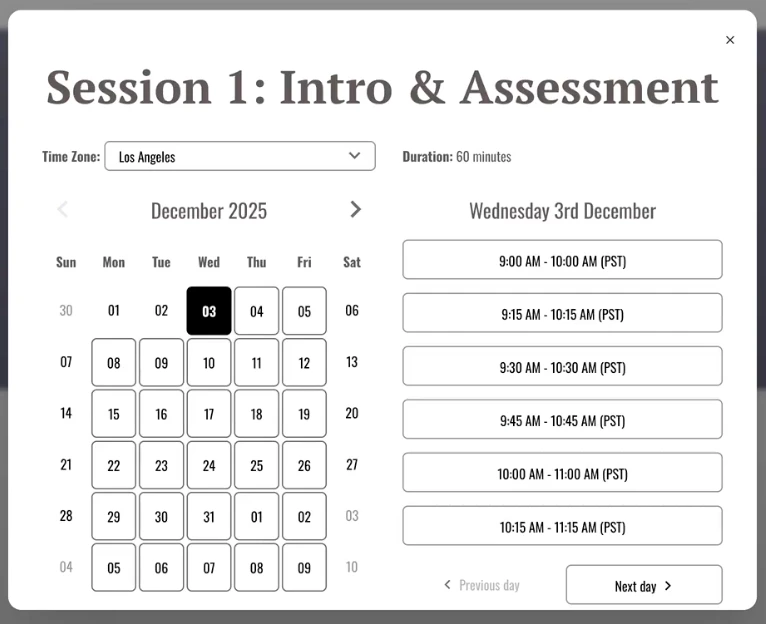
Coaching programs allow you to meet with your customers in an engaging, one-on-one, interactive setting. With Coaching you can:
  • Help your customers absorb your content
  • Support a sense of connection to your brand and business
  • Reach your customers at a personal level
Learn more about Coaching. Coaching or Courses

Podcasts

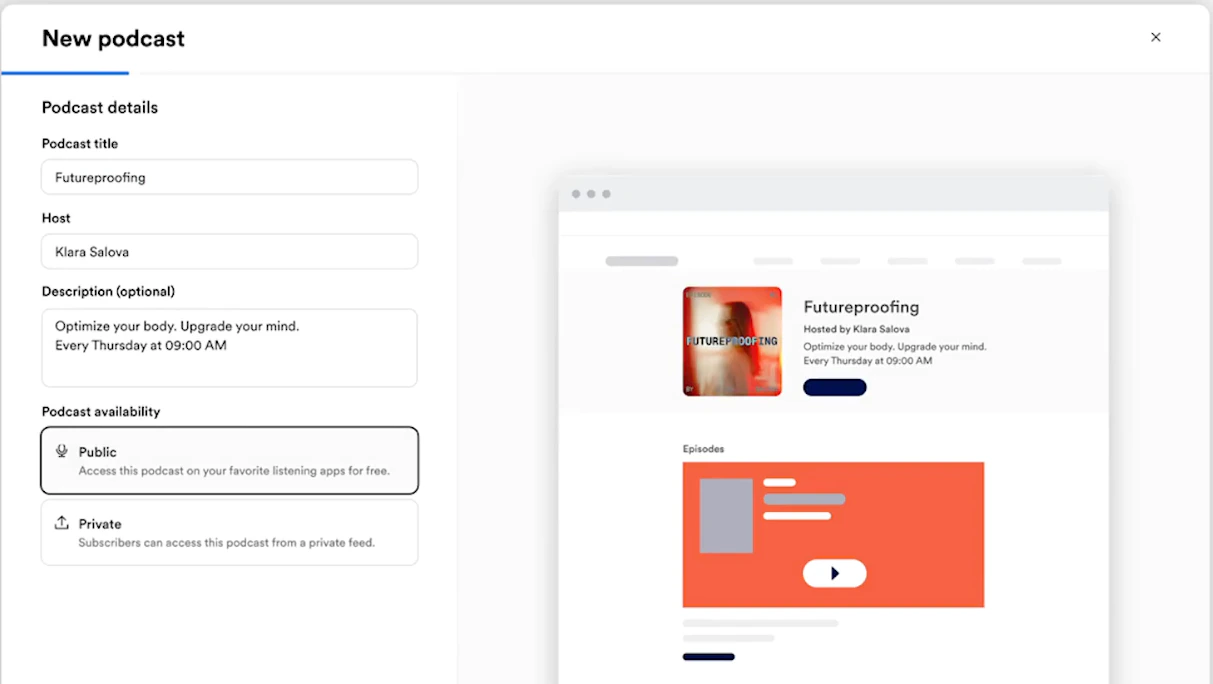
Podcasts are an excellent way to share information with your audience, letting them in on conversations they would not normally have access to. Learn more about Podcasts. Podcasts

Newsletters

Monetize your written content with Newsletters. Use your Newsletter Product to build your list, grow your audience, and curate your brand. Learn more about Newsletters. Newsletters

Downloads

Monetize your knowledge by selling downloadable files behind a secured paywall. Learn more about Downloads. Downloads

Create a Product

  1. Open the Products tab from the Dashboard.
  2. Click + New Product.
  3. Select the Product Type you wish to create.
  4. Click Get Started.
  5. Complete the on-screen instructions to build your selected Product.