

- Media (video, audio)
- Written content
- Downloadable files
Key benefits & use cases
Kajabi offers many features for your courses, including:- Paywalls
- Certificates
- Comments
- Drip content over time
- Live rooms
- Connecting your community
- AI content assistant
Create a course
- Go to Products > Courses.
- Click Get Started or New course.
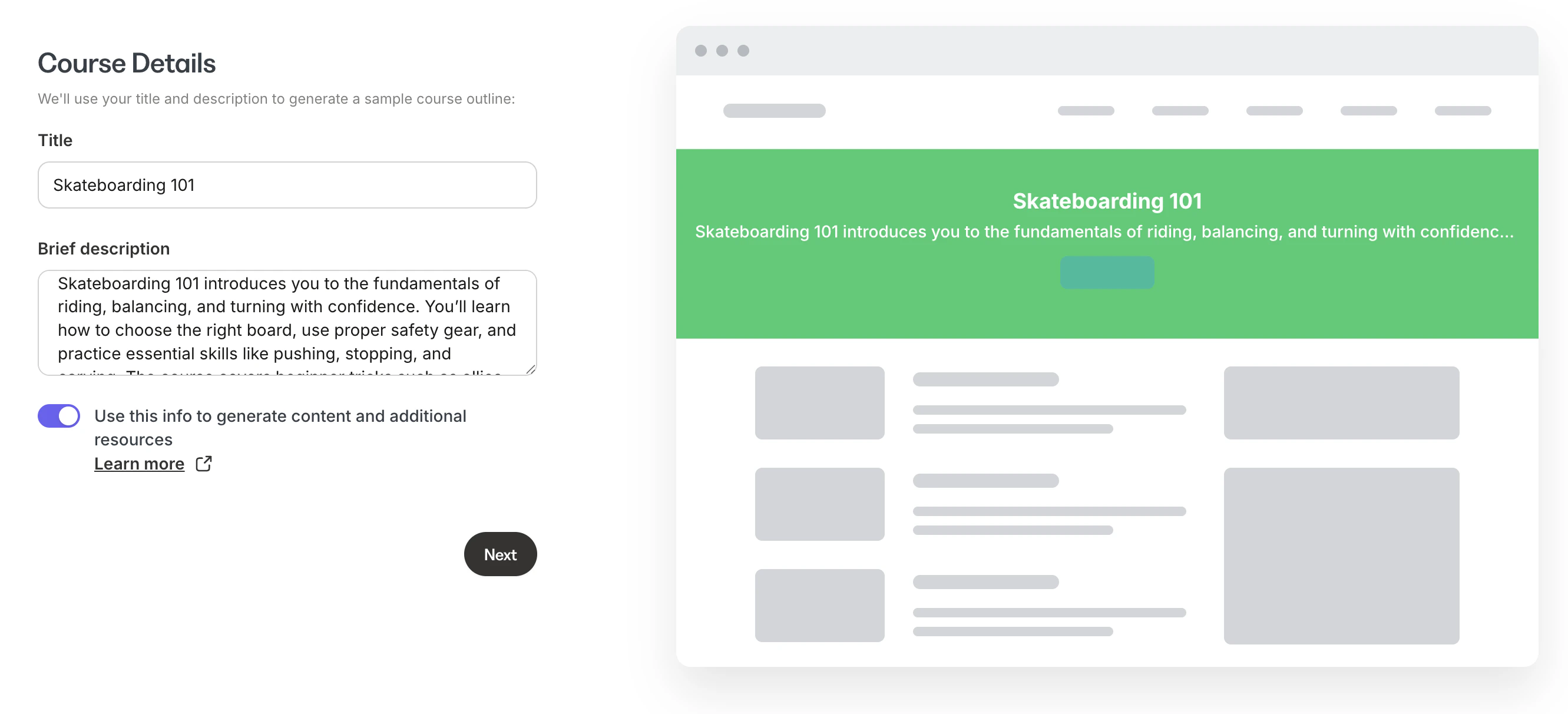
- Enter a Title and brief Description (700 characters max) for your course.
- Click Next.
- If the toggle Use this info to generate content and additional resources is enabled, AI will automatically generate modules and lessons for your course.
- A landing page, form, and email broadcast will also be created that you can use to promote your course. You can customize all of this content later.
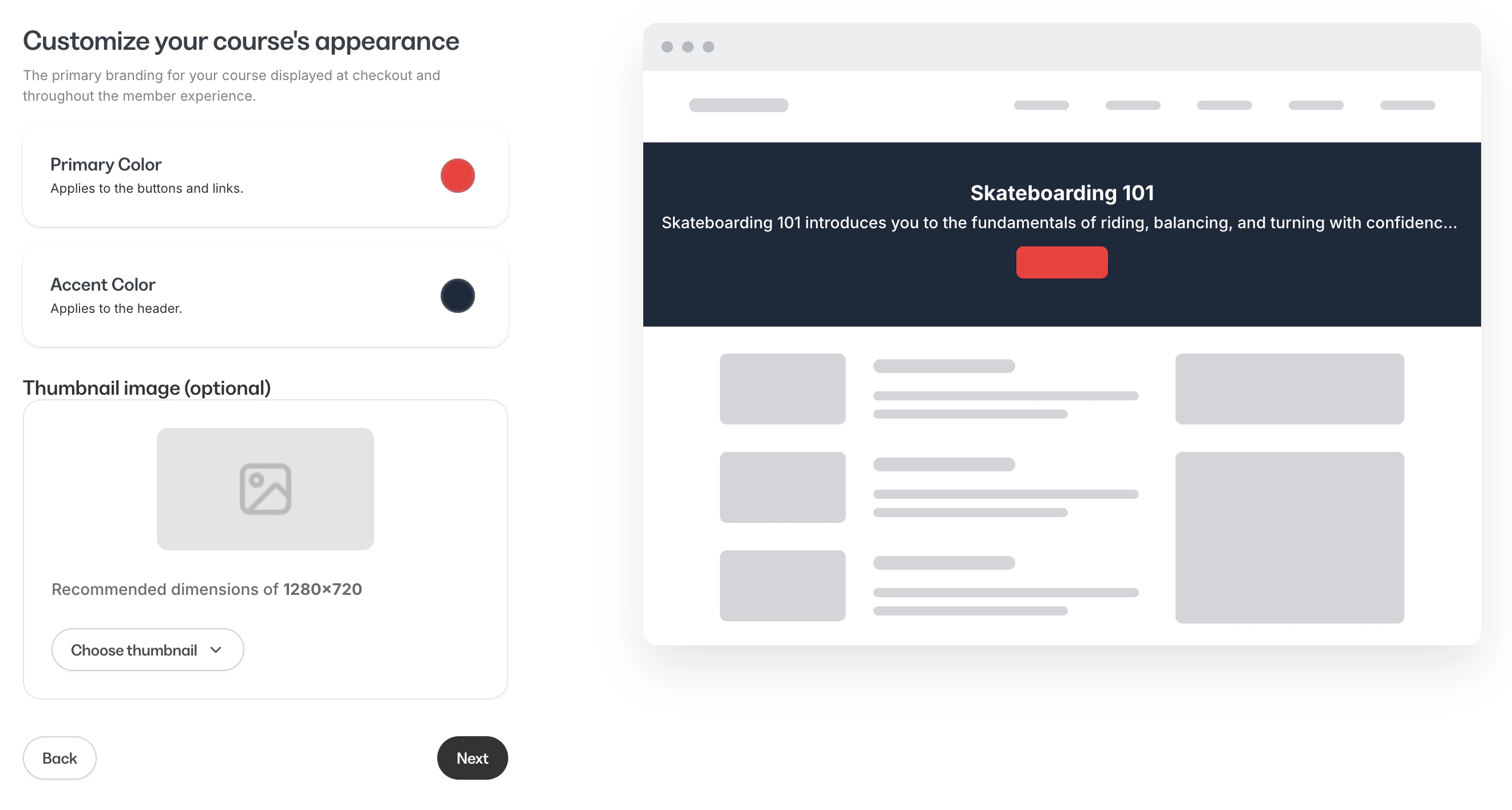
- Choose a Primary color, Accent color, and Thumbnail image. Click Next.
- If you customize colors, these will be added to your default Premier theme and Momentum, if you decide to install it. You can change these later.
Note:
Your course Title, Description, and Thumbnail image will be displayed in your customer’s library.
Create an Offer
You can find this later in Sales > Offers. To skip creating an offer, click Skip for now.- Choose a Product type. Click Next.
- Choose a Pricing type:
- Free - Your customer doesn’t need to pay for this product
- One-time payment - Your customer pays a single, fixed amount
- Payment plan - Your customer pays in multiple installments
- Recurring subscription - Your customer makes ongoing payments at regular intervals
- Enter a Price if applicable.
- Click Create Offer.
Edit a course
- Go to Products > Courses.
- Click on a course.
- Add and manage modules - Click the + icon to add modules, submodules, lessons, and quizzes
- Preview your course - Click Preview to see your course on desktop or mobile
- Edit course details - Click Settings to edit your course settings
- Customize the course theme - Click Customize to change the look and feel
Duplicate a course
- Go to Products > Courses.
- Click the 3-dot menu (…) next to the course you want to duplicate.
- If you have multiple sites, choose the Site to add the course to. Click Duplicate.
Notes:
- If you’re unable to duplicate your course, you may have reached your product limit. You can view your plan usage, upgrade to a plan, or increase your product limit.
- Duplicating your course does not add your customers to your duplicated course - only your content is duplicated. Also, if you have an assessment attached to your course, the assessment will not be duplicated.
- At this time, you are not able to duplicate a Cohort Course. You can duplicate an Evergreen Course.
Delete a course
- Go to Products > Courses.
- Click the 3-dot menu (…) next to the course you want to delete.
- Click Delete.
- Confirm by clicking Delete again.
FAQs
Are courses SCORM compliant?
Courses are not SCORM compliant.Resources
The following courses are available in Kajabi University:- Build a Course (24 Lessons)
- How to get your Course visible online (23 Lessons)