

Preview a Product
Your newly created Product will display the generic, default Product template. This template is not customizable, but you can select one of Kajabi’s Product templates to create a custom, branded appearance for your customers.Note:
Selecting a customizable site template will allow you to design your site according to your brand. However, you will not be able to revert to the empty, default site theme after selecting your customizable site template.
Preview Product appearance
- Open the Products tab from your Dashboard.
- In All Products, select the Product you wish to Preview.
- Then, select the Preview icon at the top right:
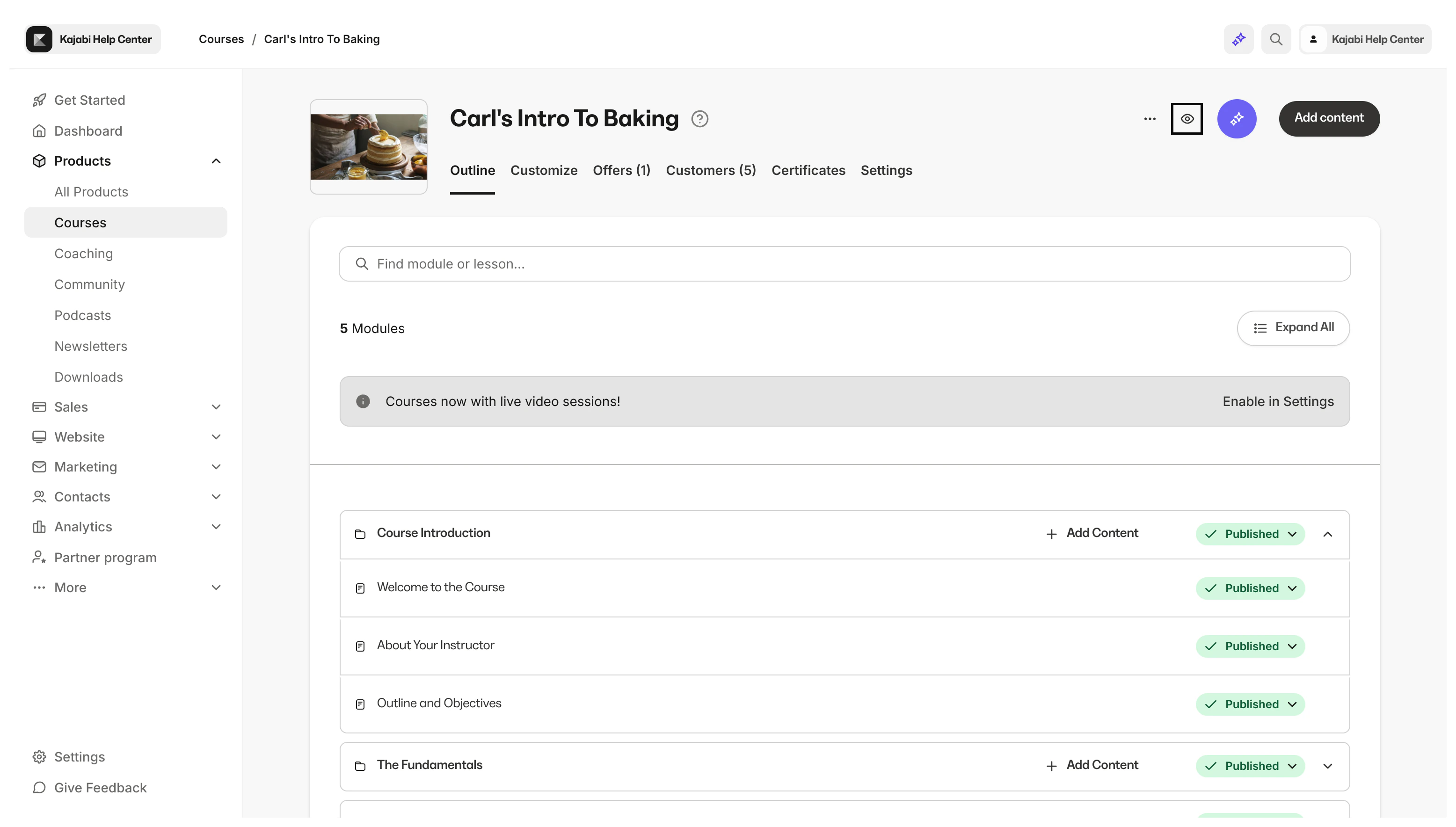
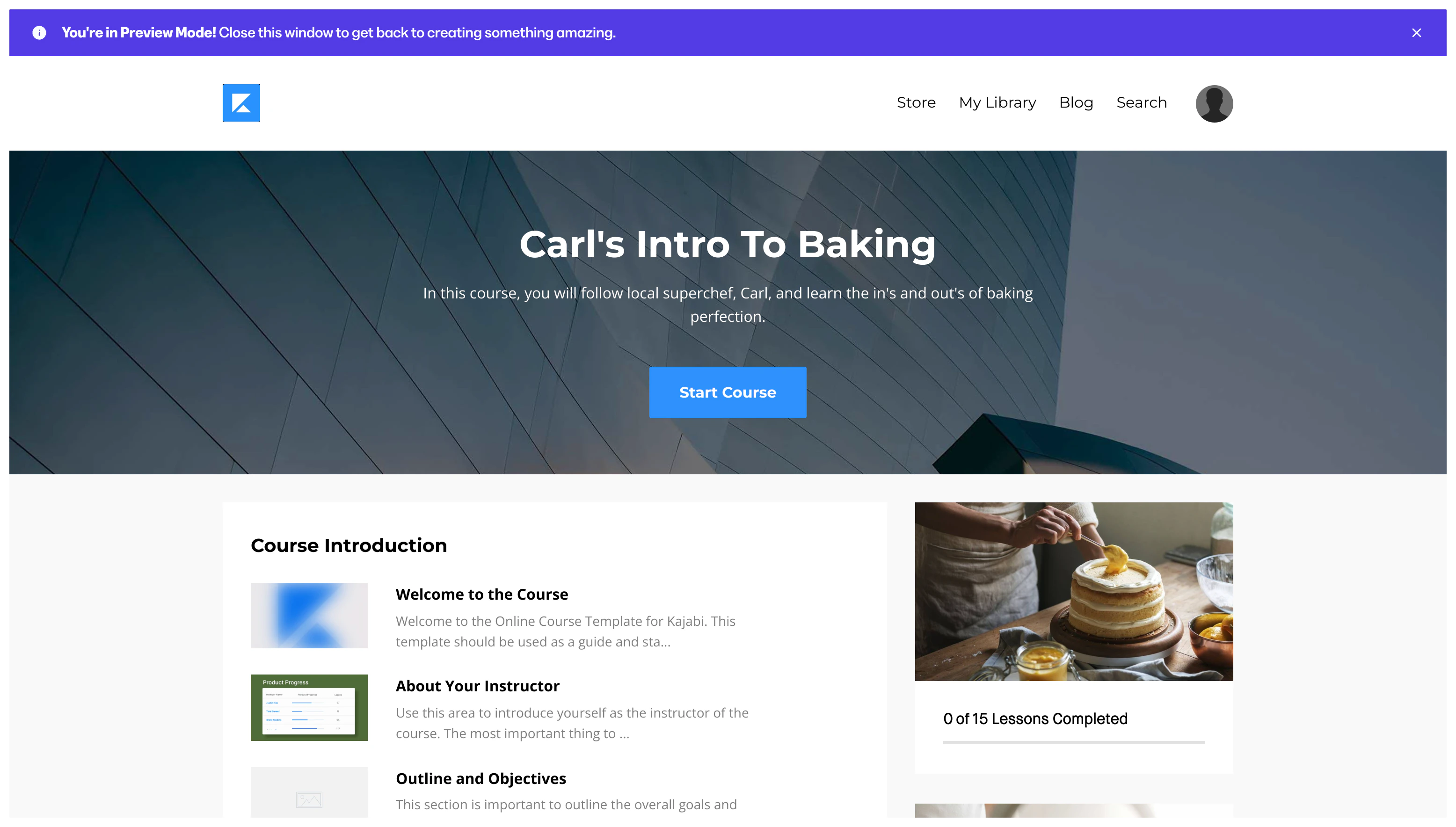
- You will be redirected to a new tab in your browser to preview your Product:
Note:
If you have installed a different Product Template, your Product may look different from the example above. And it is important to note that there are slightly different steps required to Preview a Community Product. Learn how to view your Community.