Install a Course template
- Open Products > Courses
- Click the title of the Course you wish to edit
- Click Customize
- Click Install Template
- Select a template and click Install Template. You can also click Upload Template to upload a template. You’ll need to activate your template before it’s live.
Note: If you want to check out more templates, you can visit the template store.
Customize a Course template
- Open Products > Courses
- Click the title of the Course you wish to edit
- Click Customize
- Click the
…menu next to your desired template - Click Customize
- On the top bar, select a page to customize in the dropdown menu
Activate a Course template
Now that you’ve picked a template for your Course and customized your Course pages, the last step is to activate the template. After you activate your template, it can viewed by customers taking your Course.- Open Products > Courses
- Click the title of the Course you wish to edit
- Click Customize
- Click the
…menu next to your desired template - Click Activate
Available templates
Momentum
The Momentum template displays a video or image at the forefront and is designed to be visually engaging from the start. With Momentum, your content takes up the most real estate on the page, while still making it easy to navigate from lesson to lesson.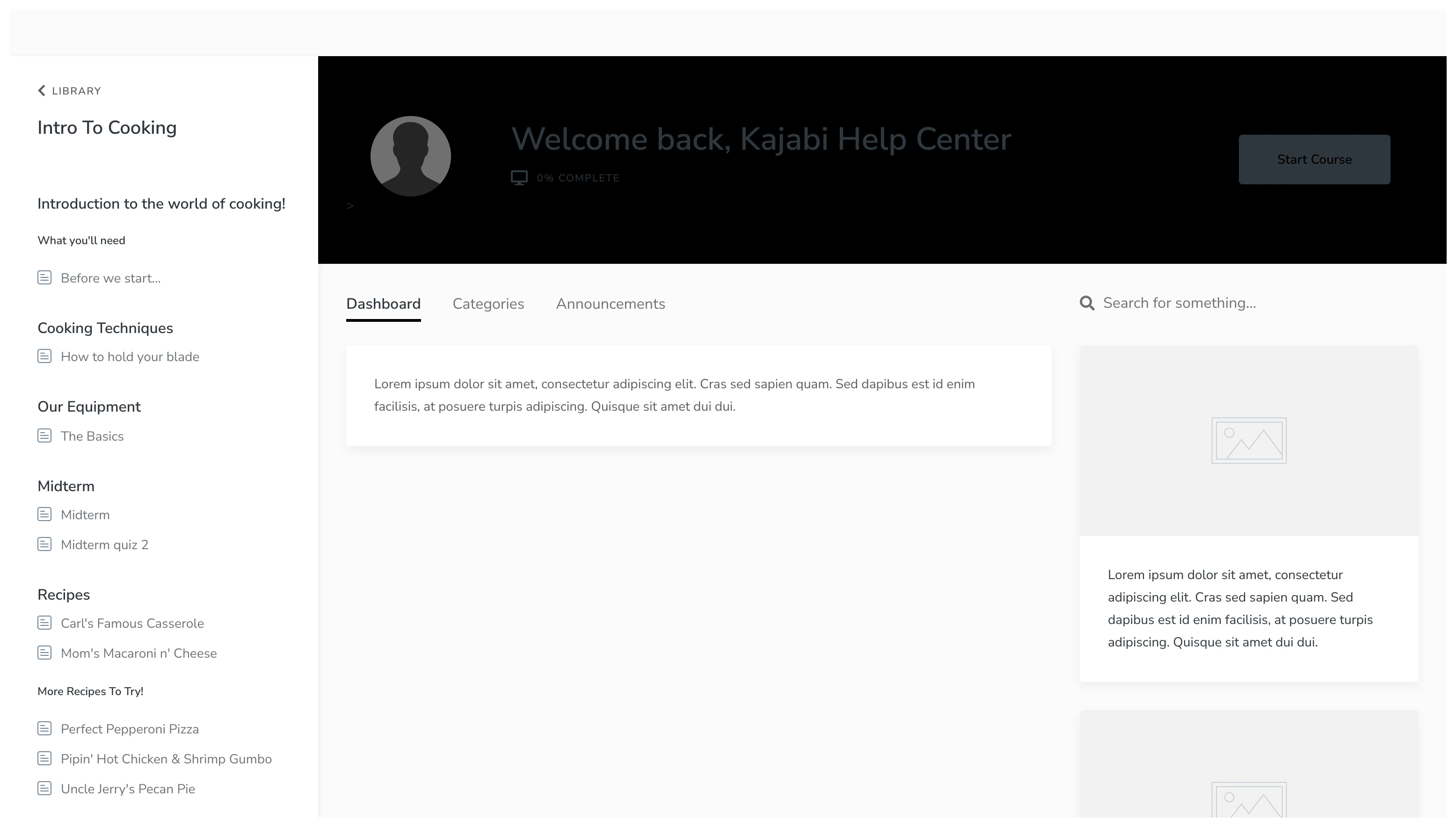
Premier
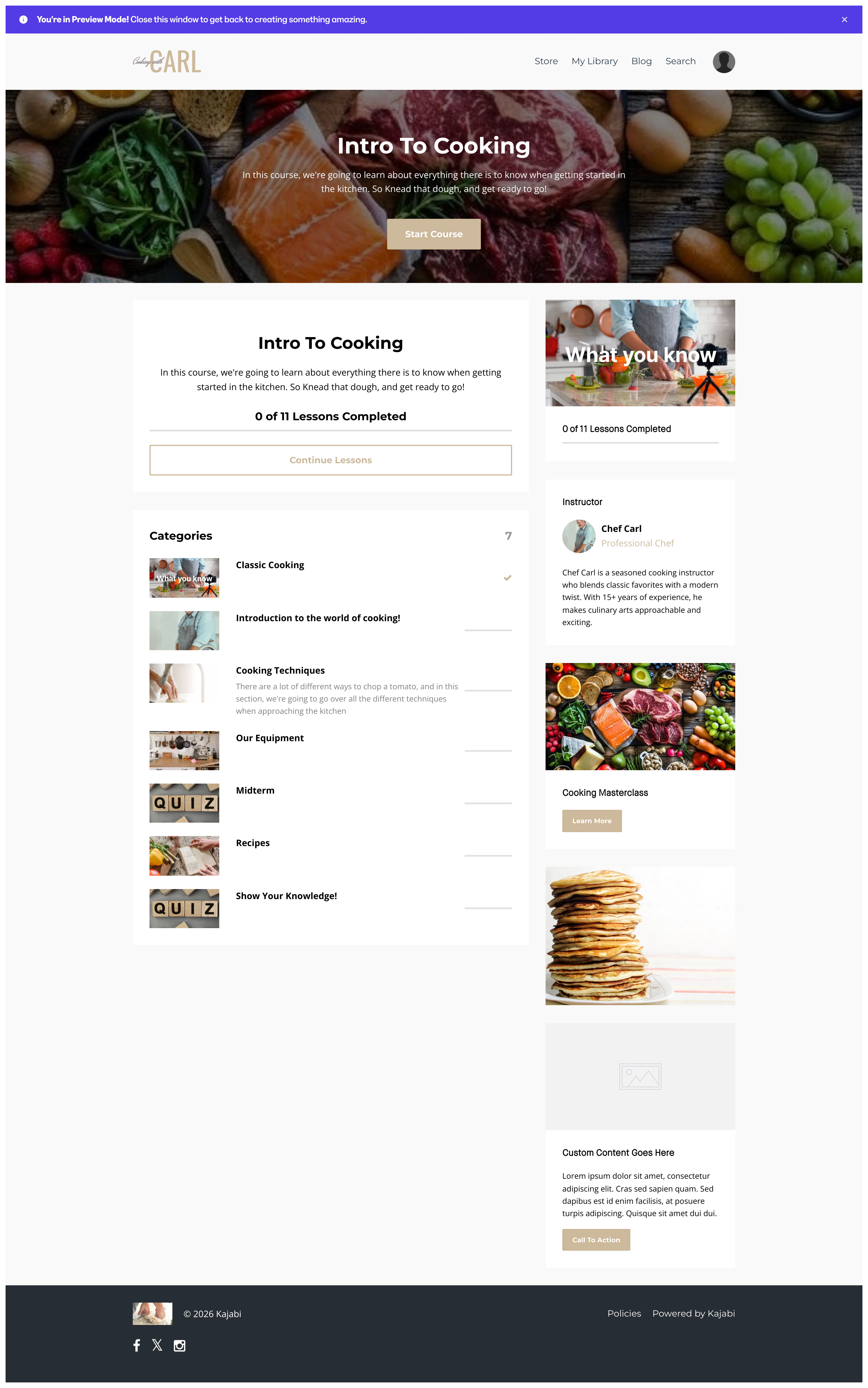
The Premier template presents your Course outline at the forefront and is great for understanding the structure and order of your Course. With Premier, you can design a Course that is uniquely yours and encourage your customers to complete and engage with your Course.Premier Preview
Creative
The Creative template is meant for the creative inside of you. Stand out with this template with colors that pop and grab the attention of your customers.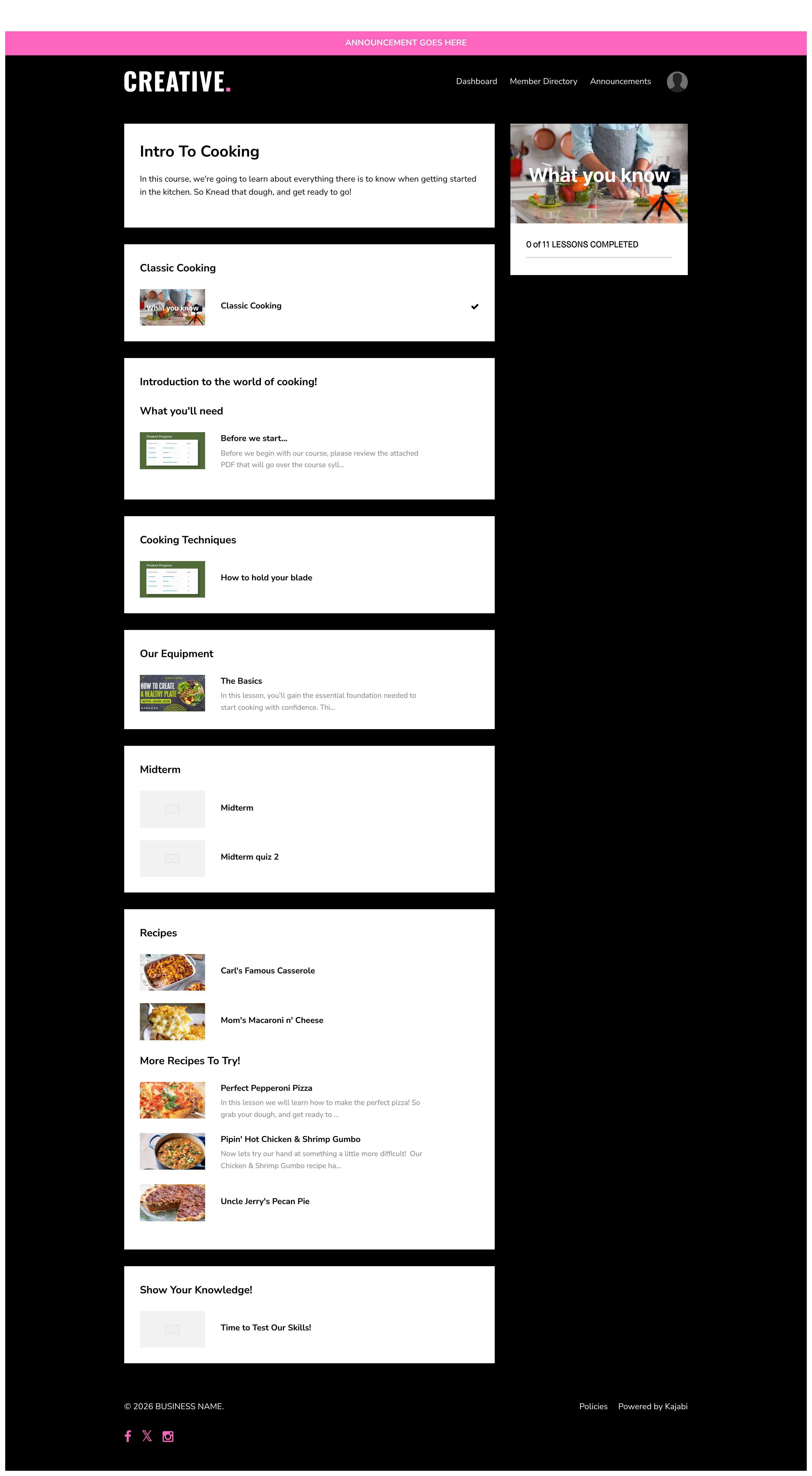
Prosper
Design a clean, professional Course with the Prosper template. Eliminate distractions and encourage an environment of professionalism and success.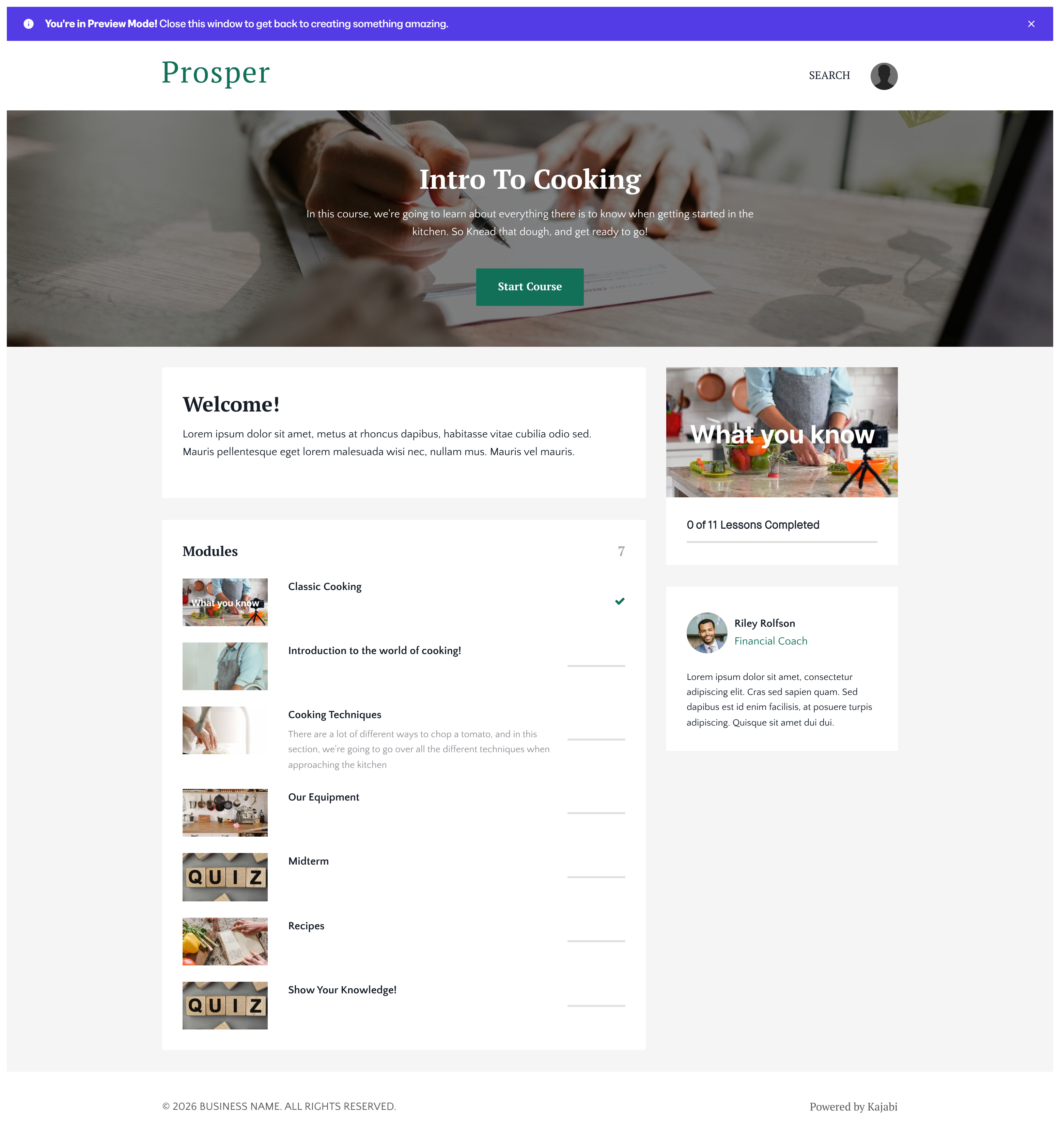
Sunset
The Sunset template is great for creators looking for a visually striking product design: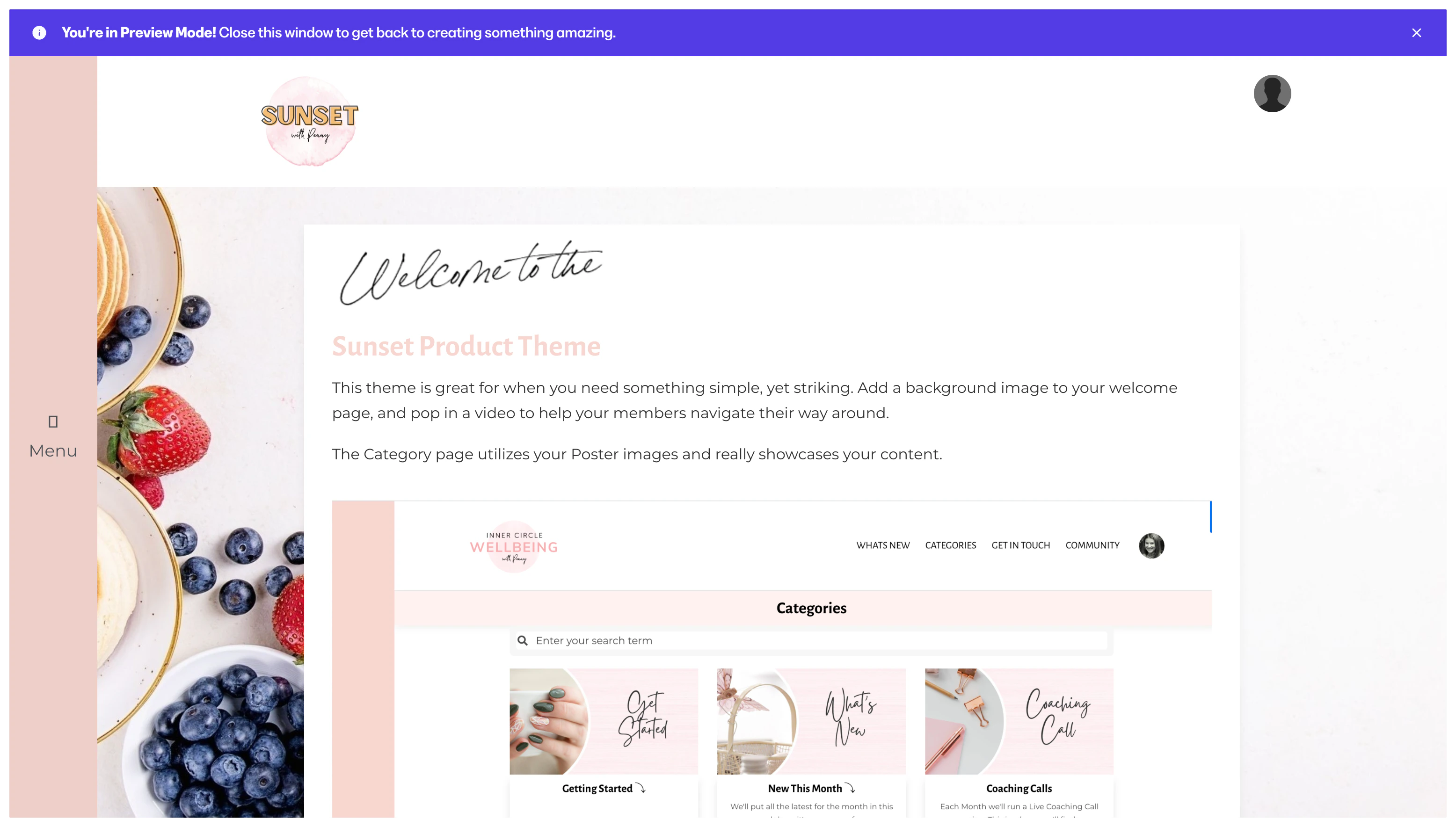
- Collapsible sidebar menu with accordion-style syllabus
- Optional header with optional top navigation menu
- Customizable “welcome page” style dashboard body
- Categories page with visually appealing category cards
- No course progress widget (great for membership sites)
Gamify Lite & Gamify Lite with Sidebar
The Gamify Lite and Gamify Lite with Sidebar templates are great for creators interested in gamifying their course by adding badges students can earn.Gamify Lite
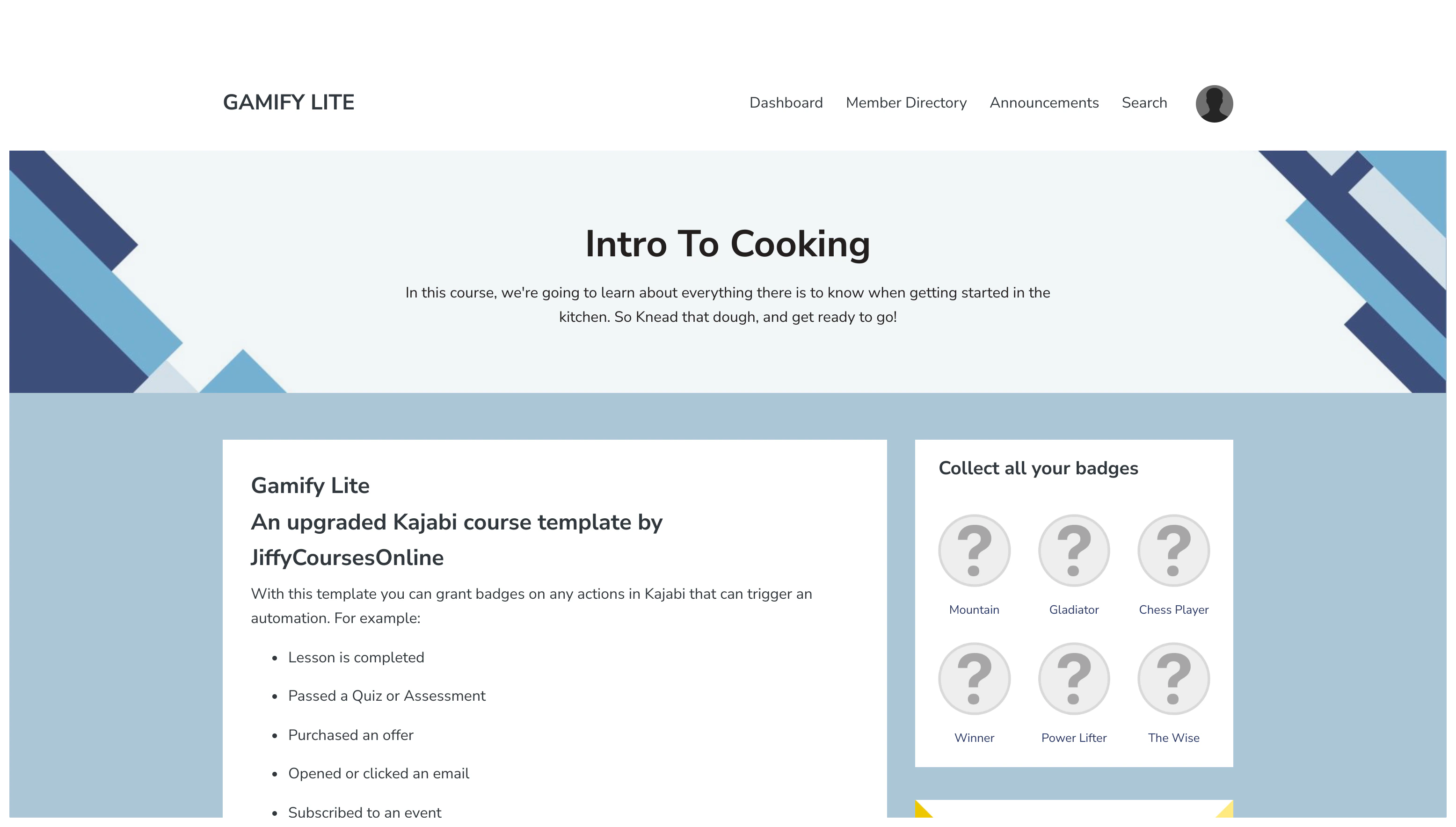
The design of Gamify Lite is similar to the Premier template: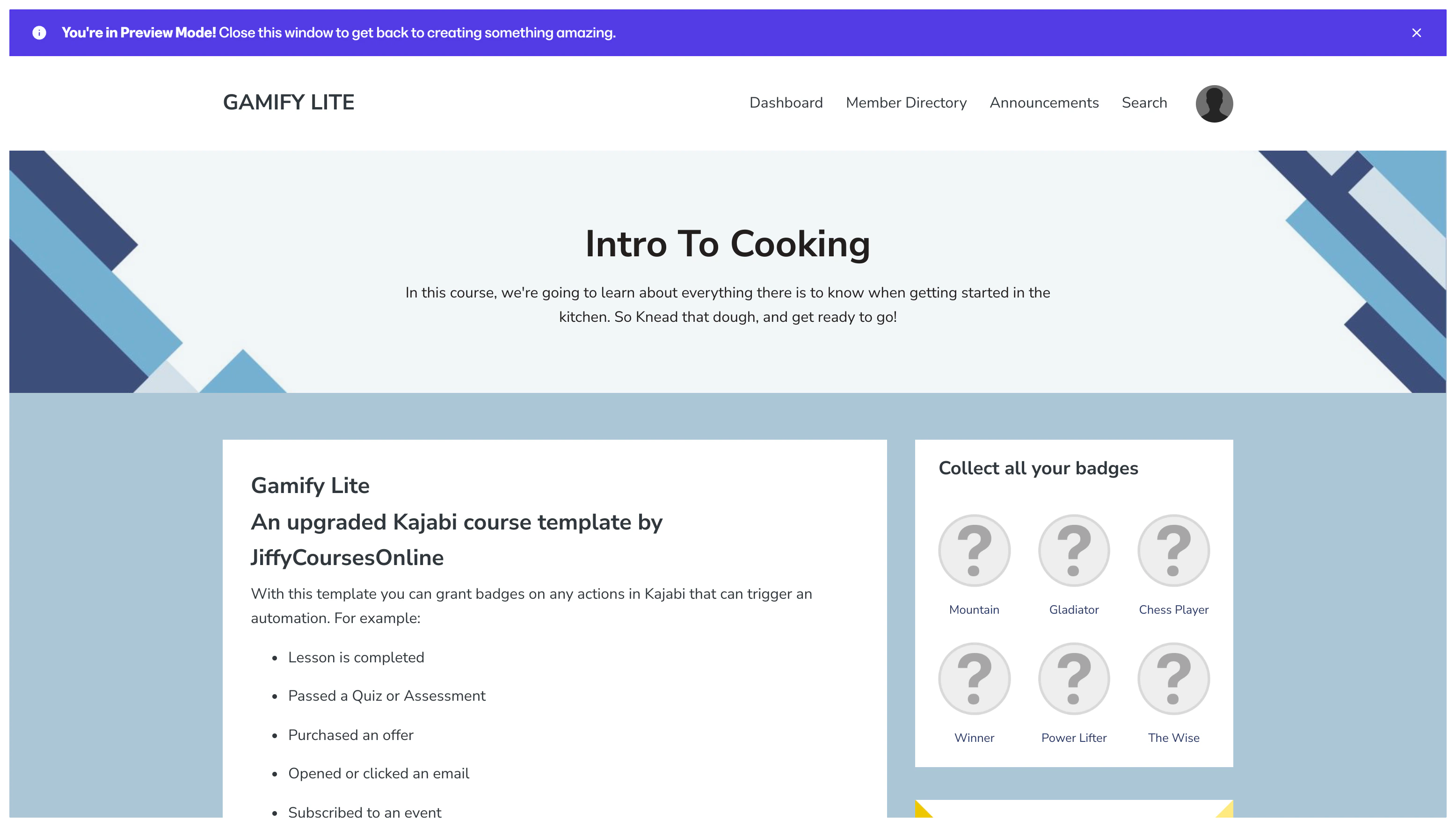
Gamify Lite with Sidebar
The design of Gamify Lite with Sidebar is similar to the Momentum template: