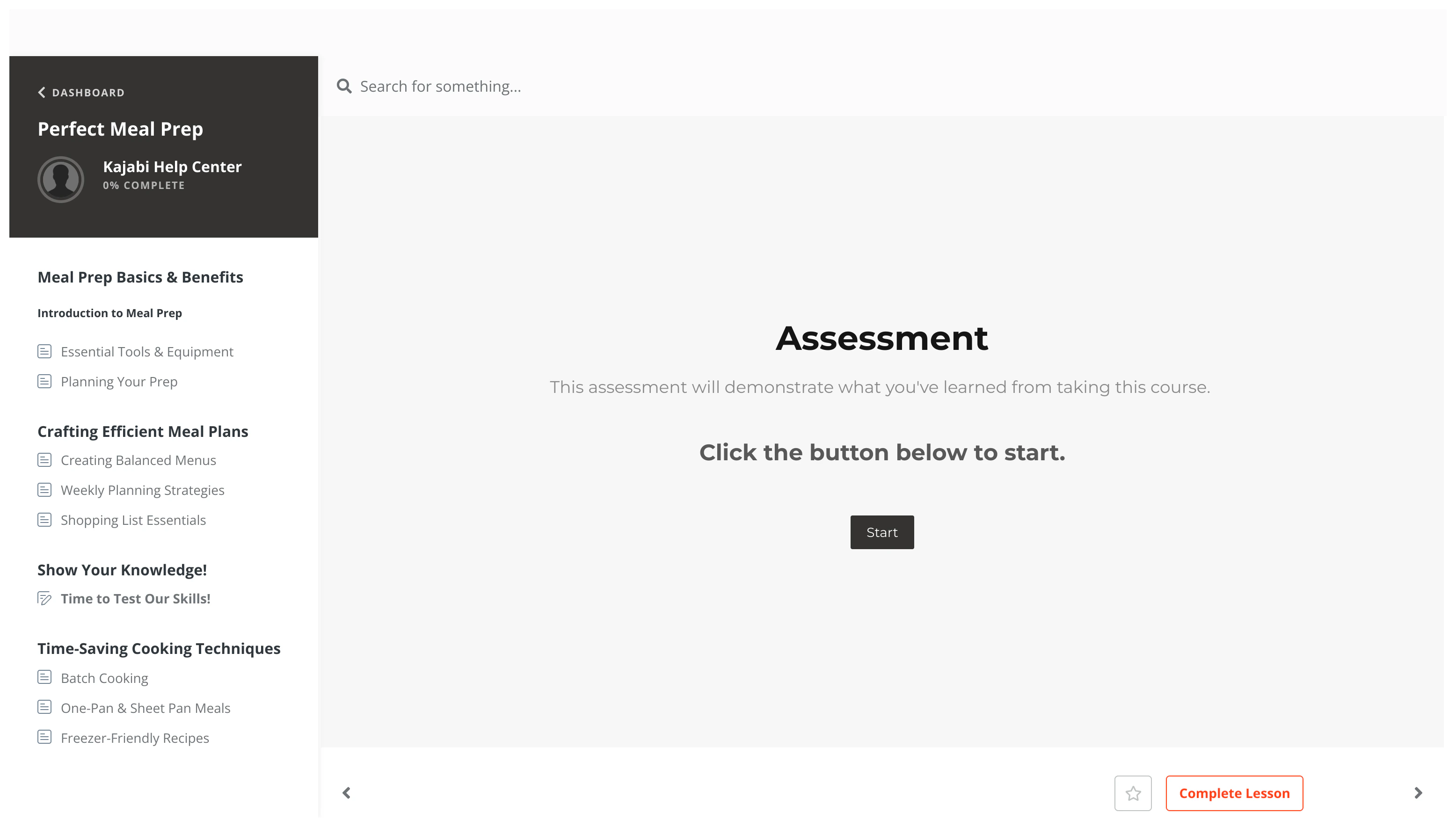
Media types for Course lessons
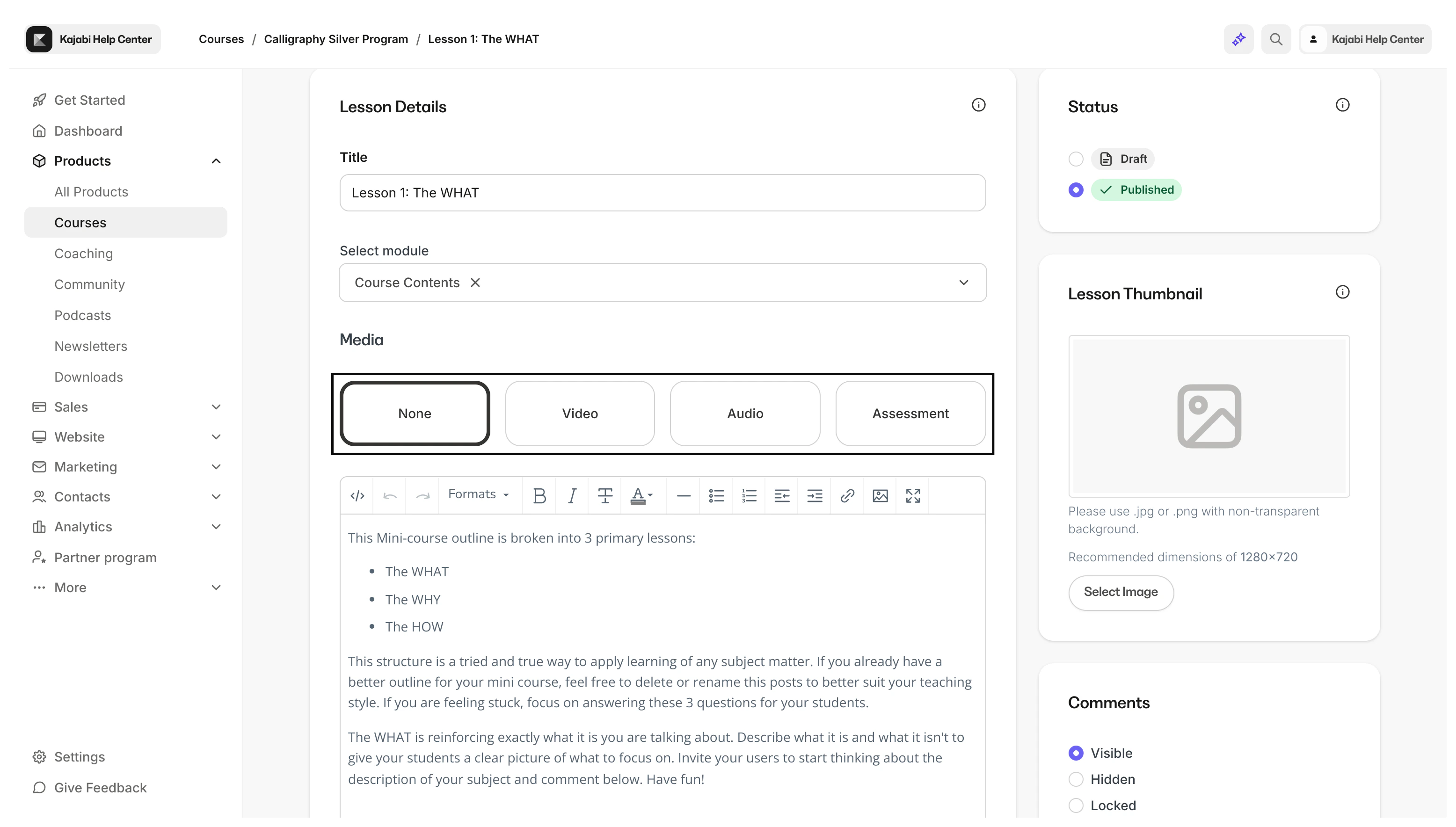
Add a single media type to a Course lesson by choosing between:- Video
- Audio
- Assessment
Video
When you choose a media file to upload, whether from Google Drive, Dropbox, or your local hard drive, our video partner Wistia will encode the video in the right formats to be delivered to all types of devices with varying internet speeds.Note:
Video encoding is the process of compressing and/or reformatting the video for distribution. There may be a short time delay before a newly uploaded video is available to view at the highest quality.
Video
Audio
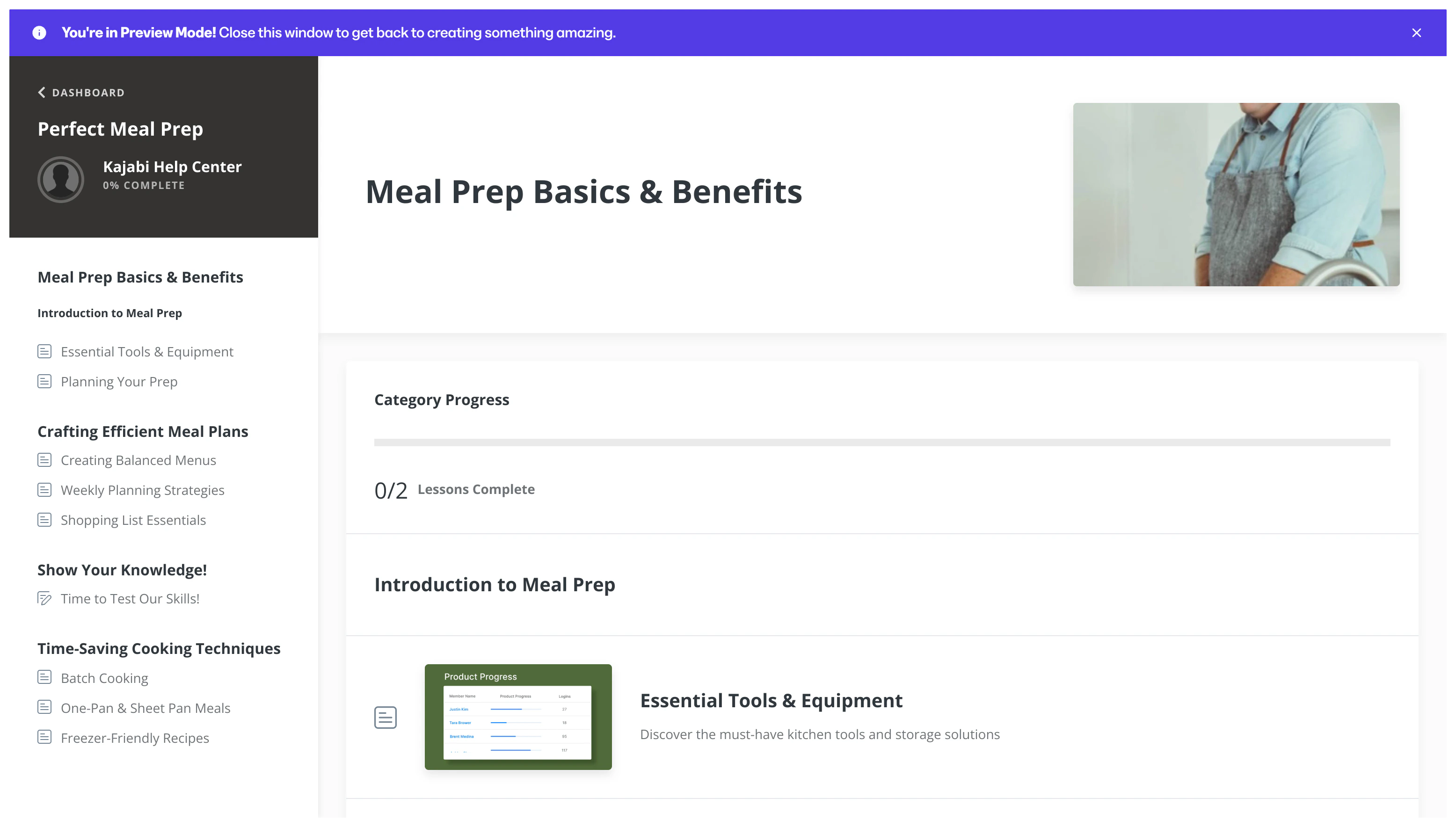
Upload an audio file to a Course lesson to support auditory learners. Learn to add audio to a Course lessonAudio
Assessment
Note:
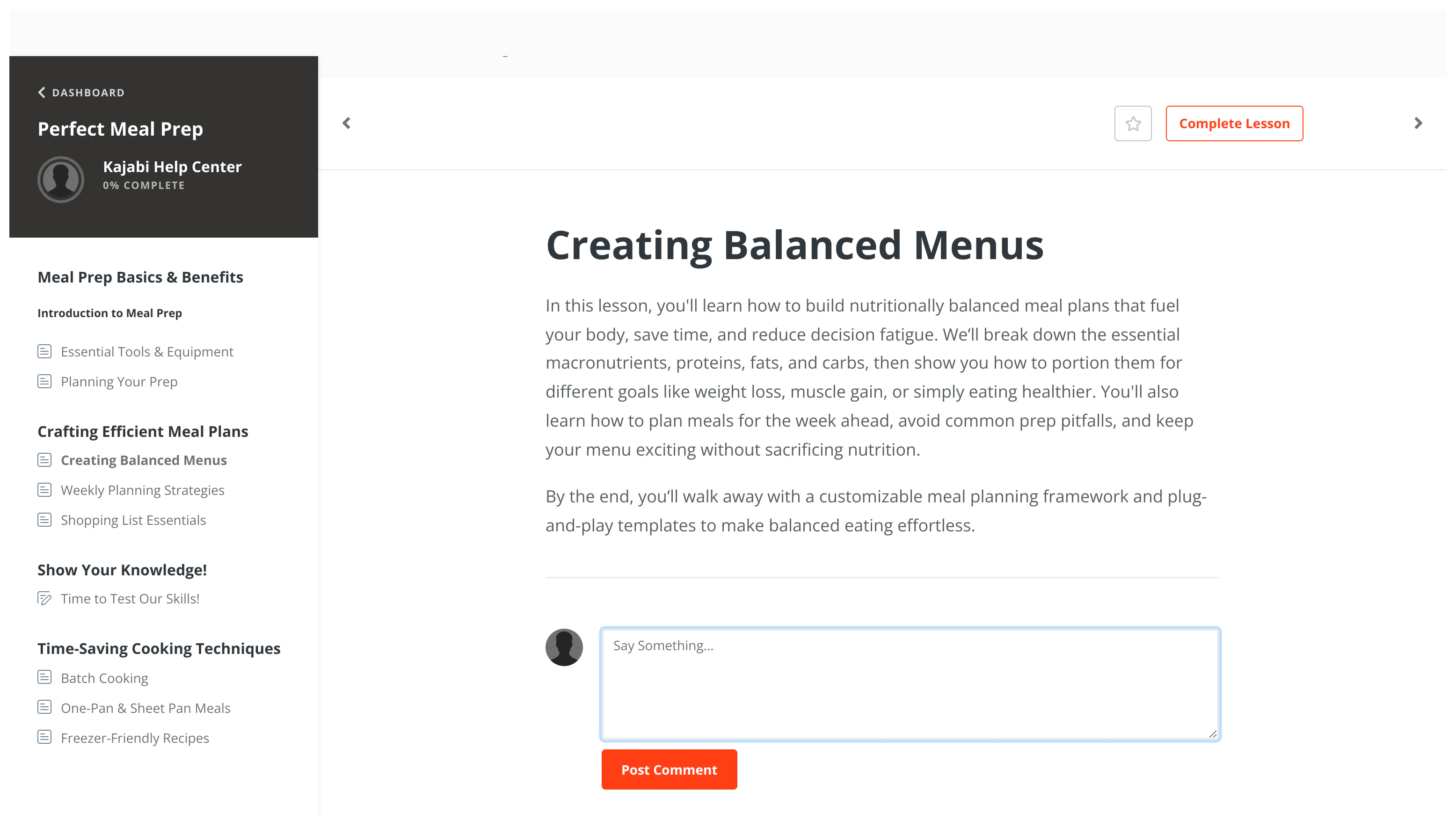
The Assessment feature inside of Courses has been sunset. This feature may still appear in older accounts. The Quizzes feature is now available inside of Courses and offers advanced functionality. Assessments can still be added to Web Pages.
Assessment