What is the Product Post Player?
The Product Post Player contains the Product Post video and allows customers to play and pause the video, scrub through the video, adjust volume, speed, and video quality: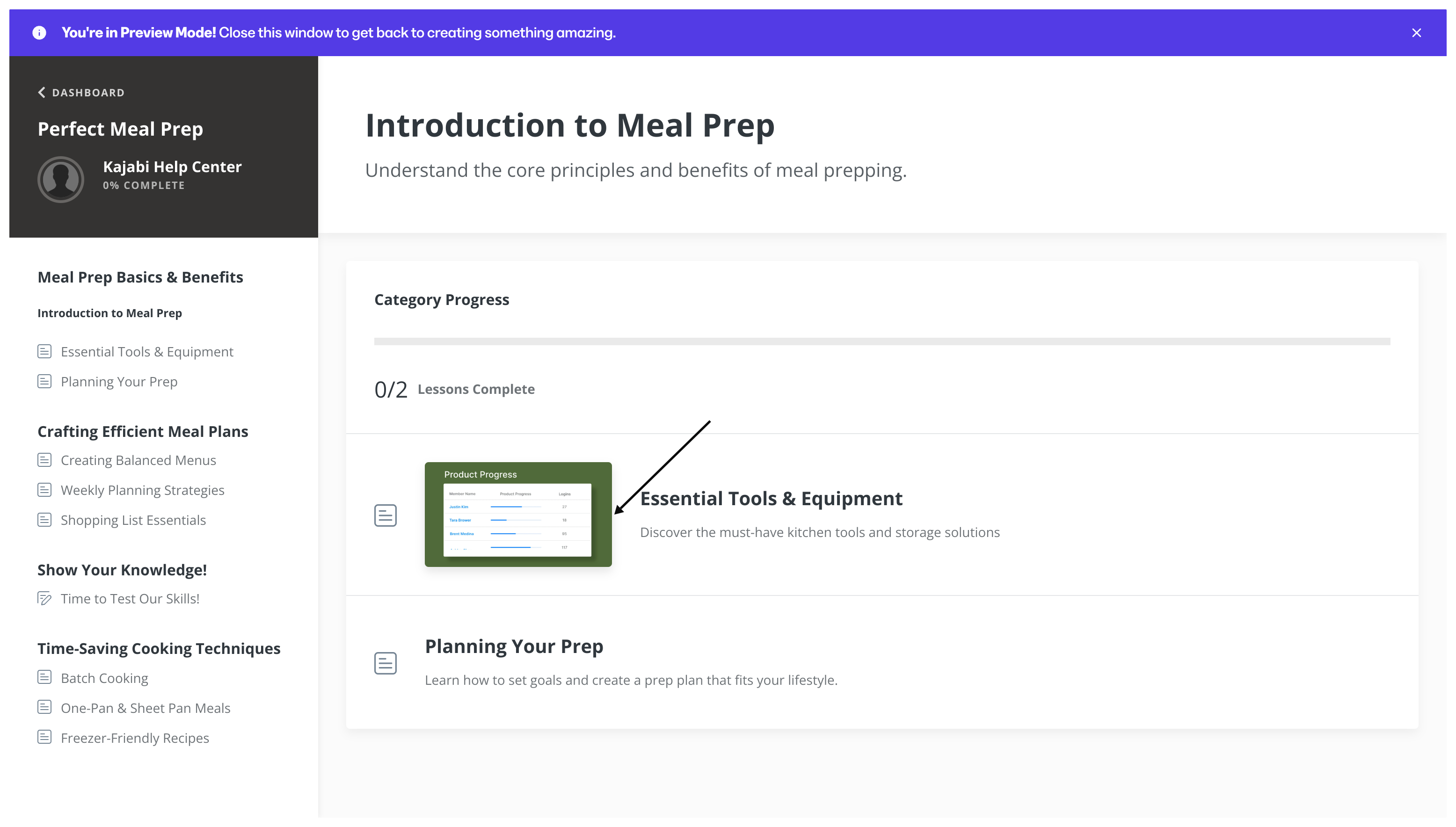
Change the product post player color with Momentum
Change the player color with the Momentum theme
- Open the Products tab from your Dashboard.
- Select the Product.
- Click Customize.
- Install the Momentum Theme if you haven’t already.
- Open the Installed Themes folder.
- Select the Momentum Theme.
- Click Customize.
- Navigate to the sidebar editor.
- Click Settings.
- Open Color Scheme.
- Click Primary.
- Specify the custom primary color.
- Then, click Save to keep and apply the changes:
Custom colors
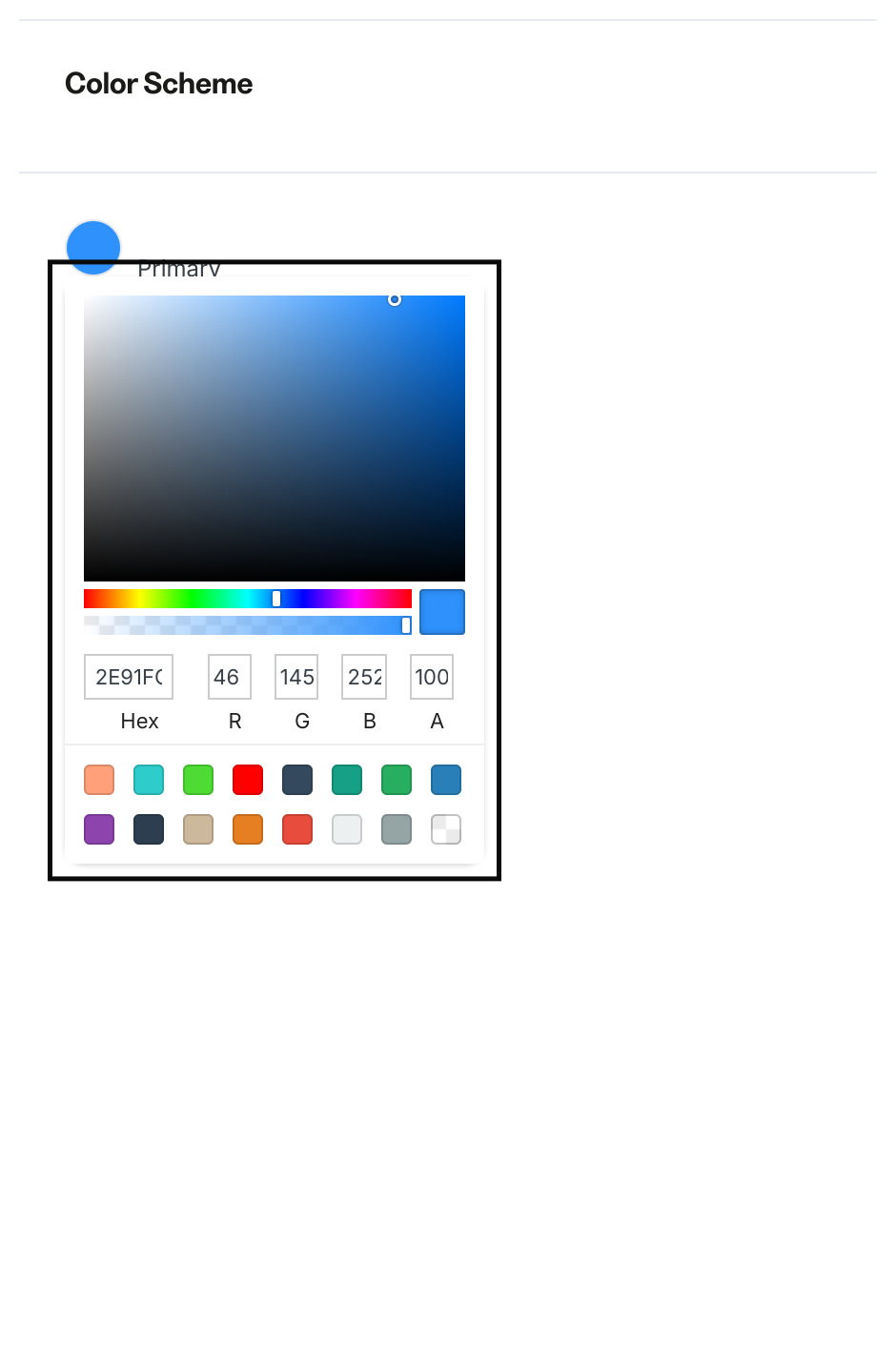
To specify a custom color, click the color you wish to change and enter the hex color code, RGB color code, or use the sliders to select a color. To use the color picker on Kajabi:- Use the main square box to adjust the saturation and brightness of your color.
- Use the first horizontal bar to select the hue.
- Use the second horizontal bar to adjust the opacity of your color.
- Use the color code box to insert a pre-designed custom code.