

The Course search bar
The Search Bar can be found in the header of your Courses next to your page Menu and above your Course Lessons. It allows people to locate Lessons and Modules using search queries. Entering words or phrases into the search bar will generate results with matching terminology from inside your content (e.g. titles, text body, subject lines).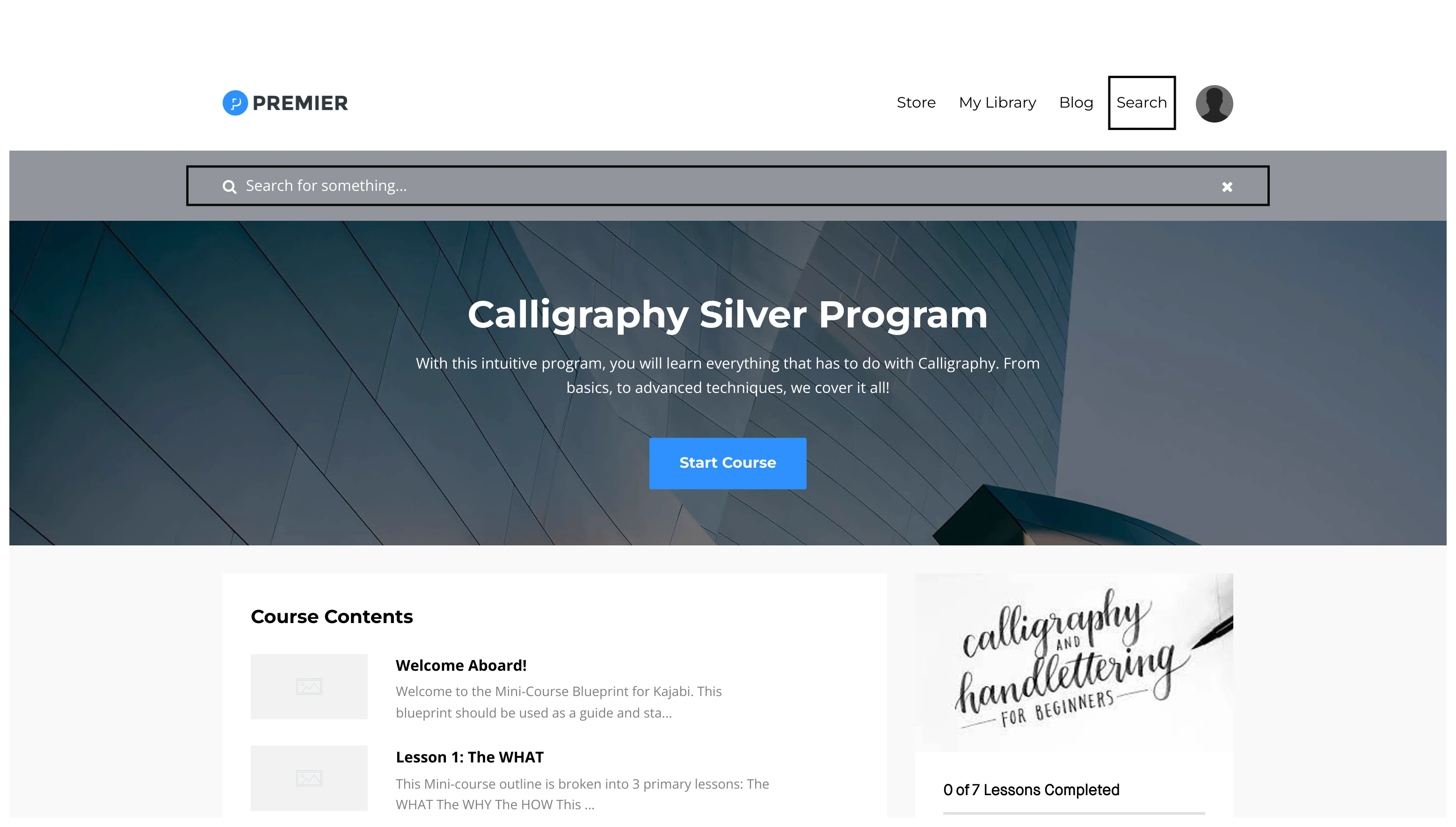
Customize the text shown in the Course search bar
To customize the text shown inside the Search Bar:- Open the Products tab from the Dashboard.
- Select the Course with the Search Bar you wish to customize.
- Click Customize.
- Hover over your Template and click Customize again to access the Course Template Builder.
- Navigate to the left sidebar editor and click Search Bar.
- From here you can edit the Search Bar placeholder Search Text, Background Color, and Text Color.
- Click Save to apply your changes: