

Note: The Cohort-Based Courses feature is only available with Growth and Pro Plans announced on September 16, 2025. Check out kajabi.com/pricing for more details.
View Course Cohorts
To view the cohort groups inside a cohort-based Course, first open your Course:- Select Products from the Dashboard
- Then, select Courses
- Click to open your cohort-based Course. This will take you to the Cohorts Index page:
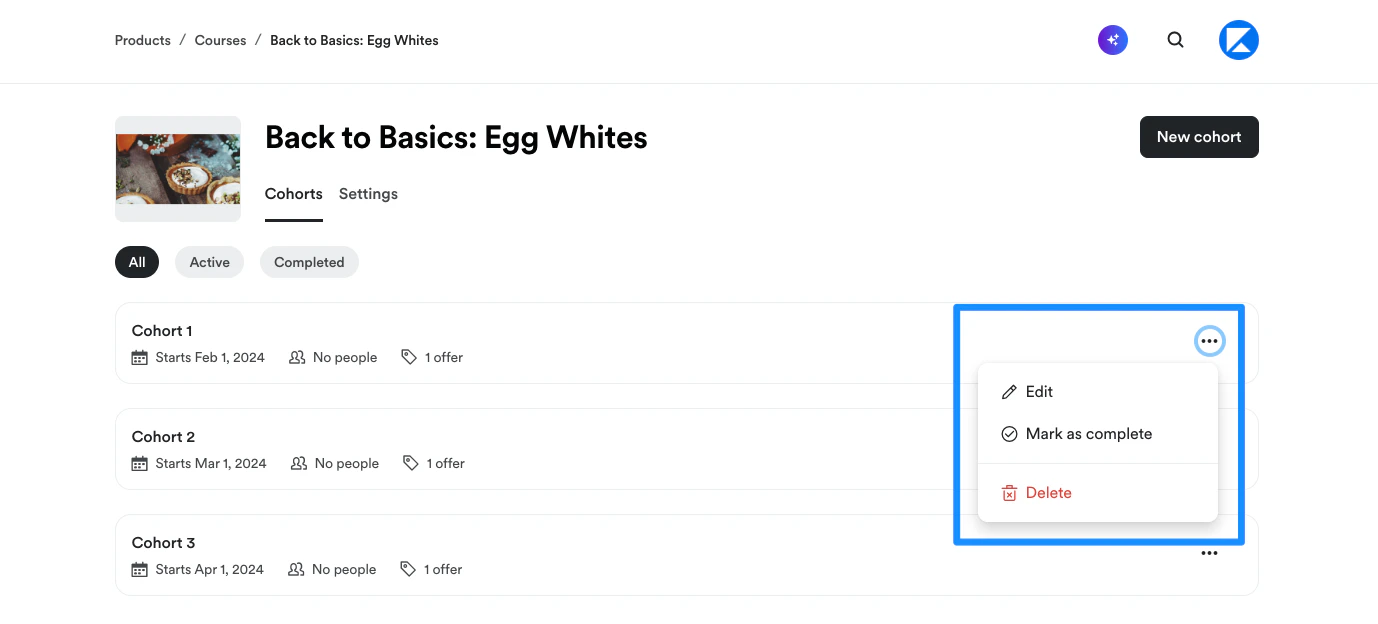
- On the Cohorts index page, you’ll see a list of all active cohorts for the Course. Click the pill buttons to toggle between viewing All, Active, or Completed cohort groups:
- Edit a cohort or toggle the cohort Status between Active and Completed by clicking
…to the right of the cohort:
Add a Cohort
Add a cohort to a Course
- At the top right corner of the Cohorts Index page, click Add cohort. A modal popup will appear.
- First, select an existing cohort to use as the template for your cohort.
- Then, enter a cohort Name
- Choose a Start date for the cohort
- Next, choose to create either a Free or Paid cohort. If you choose to create a Paid cohort, enter your desired Payment frequency, Price, and Payment method.
- Click Add cohort to create your cohort:
Update Cohort Product details
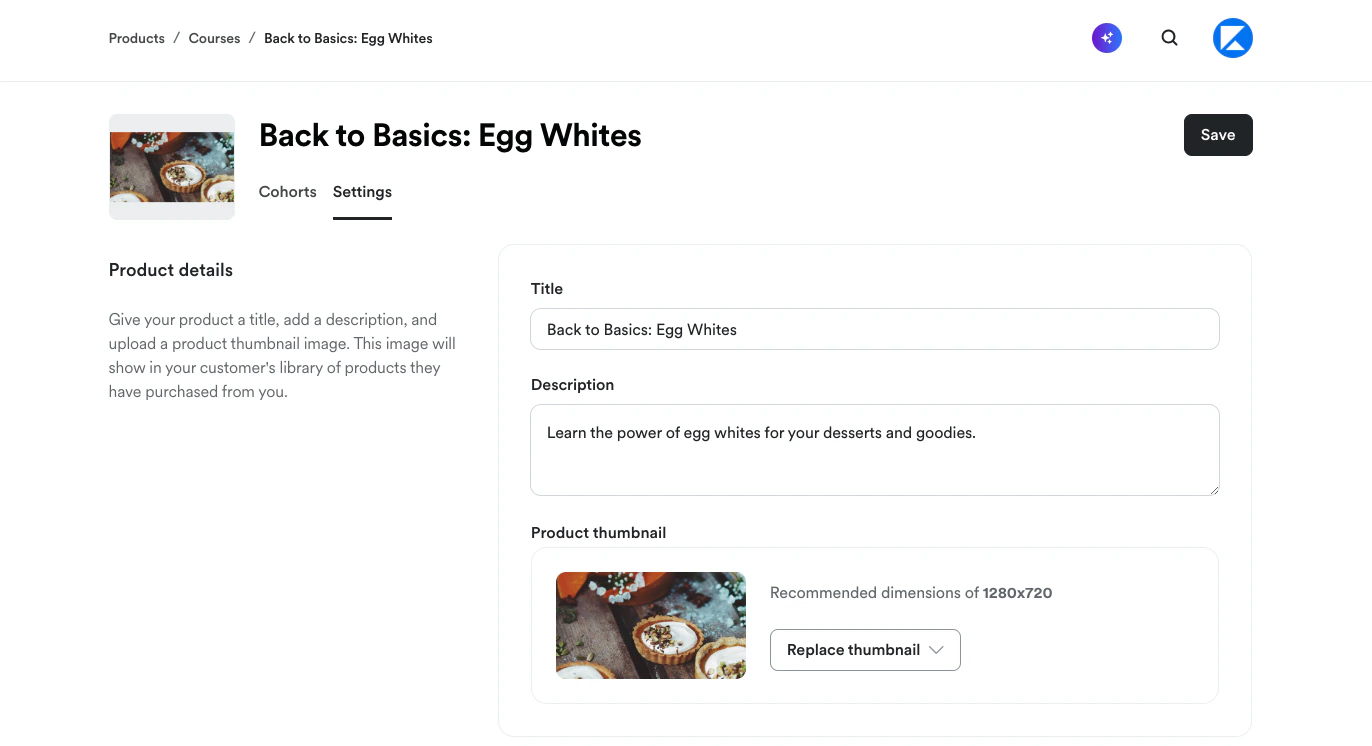
- From the Cohorts index page, click the Settings tab to update the Course Title, Description, and/or Thumbnail image:
Edit Cohort content and Settings
Open a cohort for editing
- From the Cohorts index page, either click the name of the cohort you want to edit, or
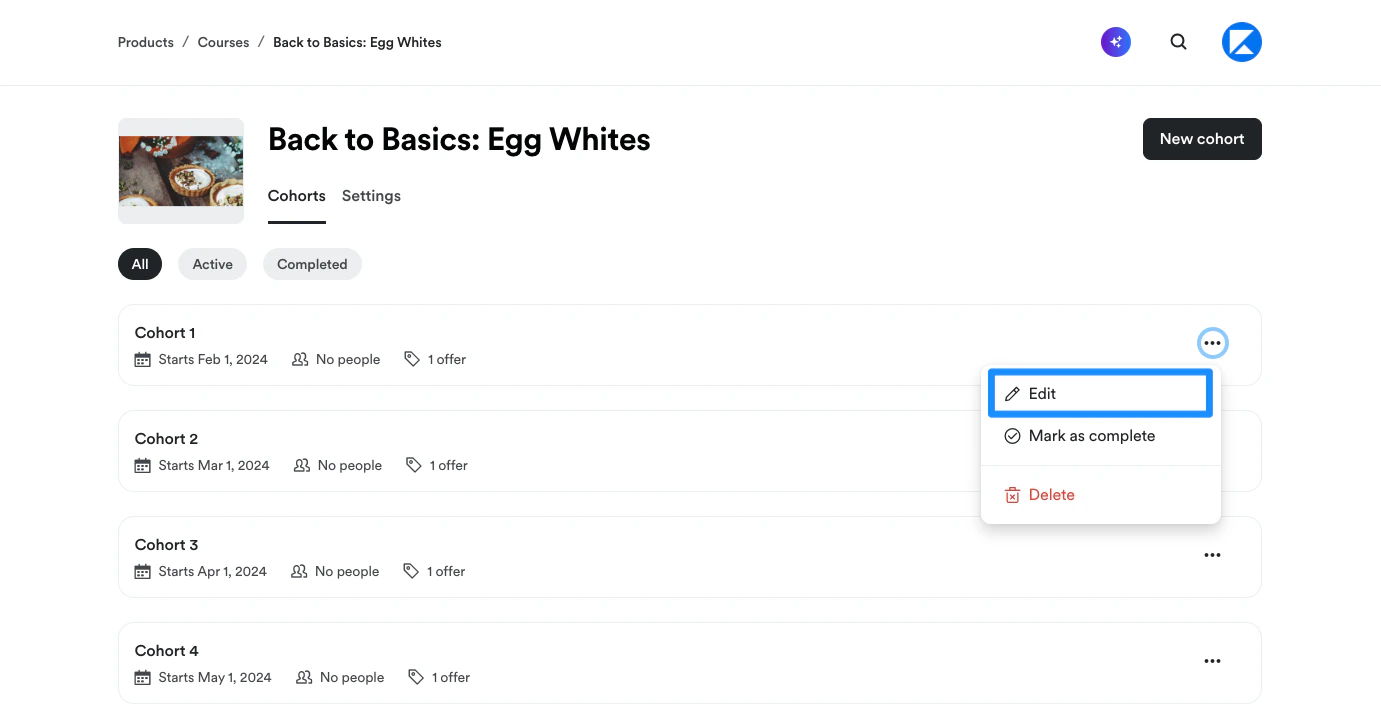
- Click
…to the right of the cohort and select Edit:
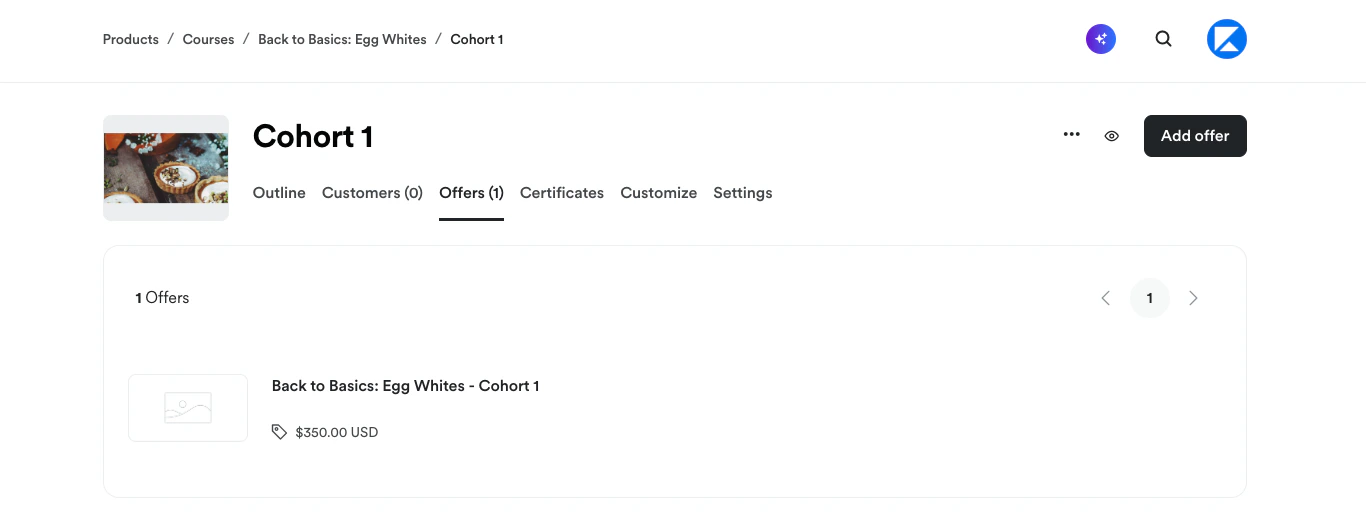
- Inside the Cohort editor, you can view and edit the Course Outline, Customers, Offers, and Certificates, customize the Course template, and update Course settings:
Outline
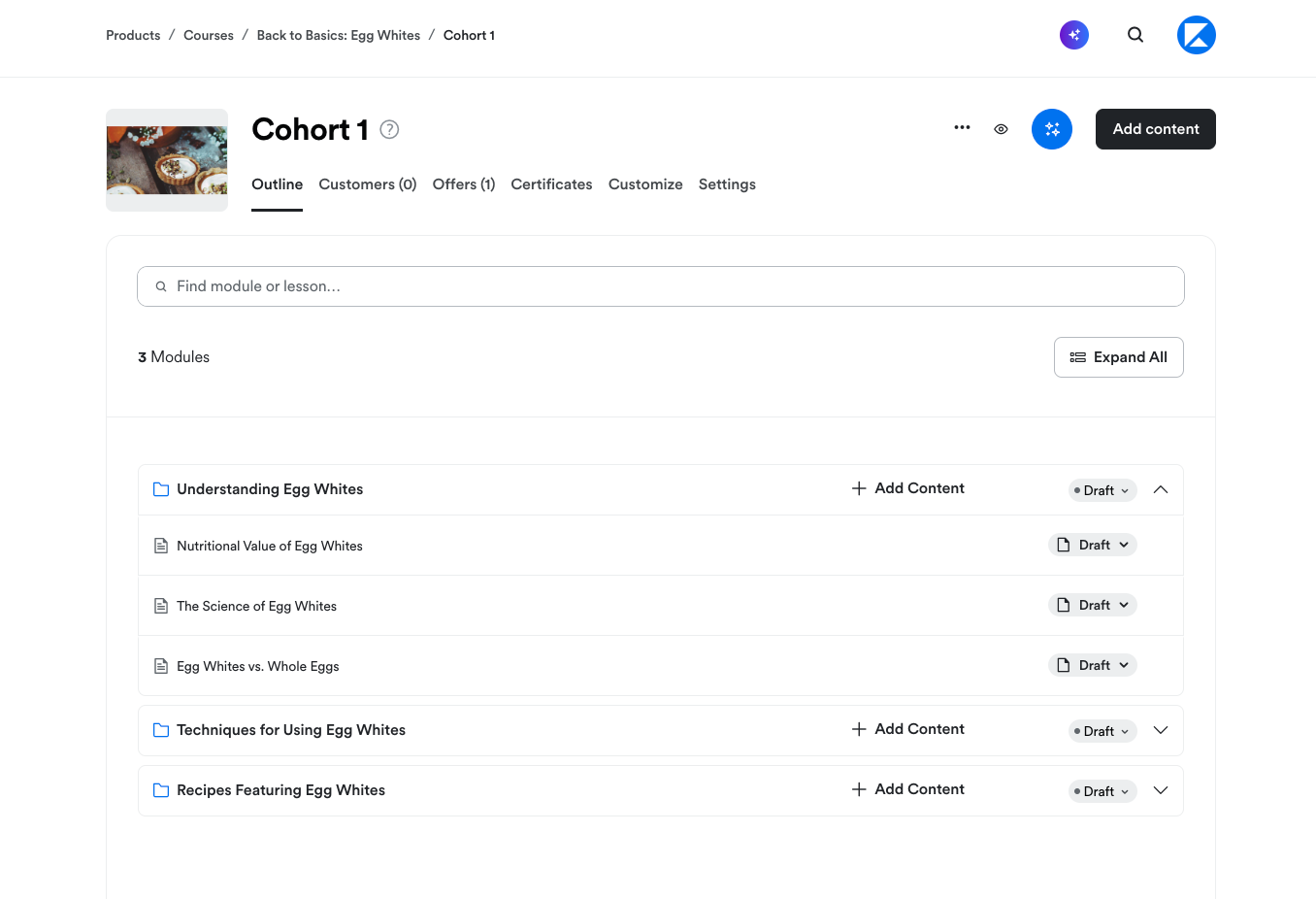
On the Outline tab, you can:- Create Modules, Lessons, and Quizzes
- Add and schedule Live Sessions
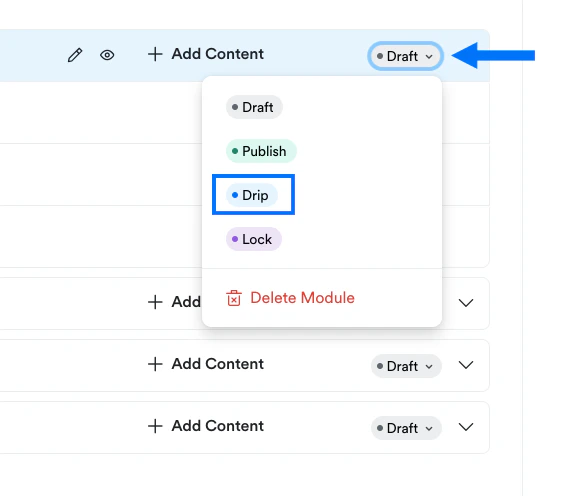
- Publish, unpublish, delete or lock your content
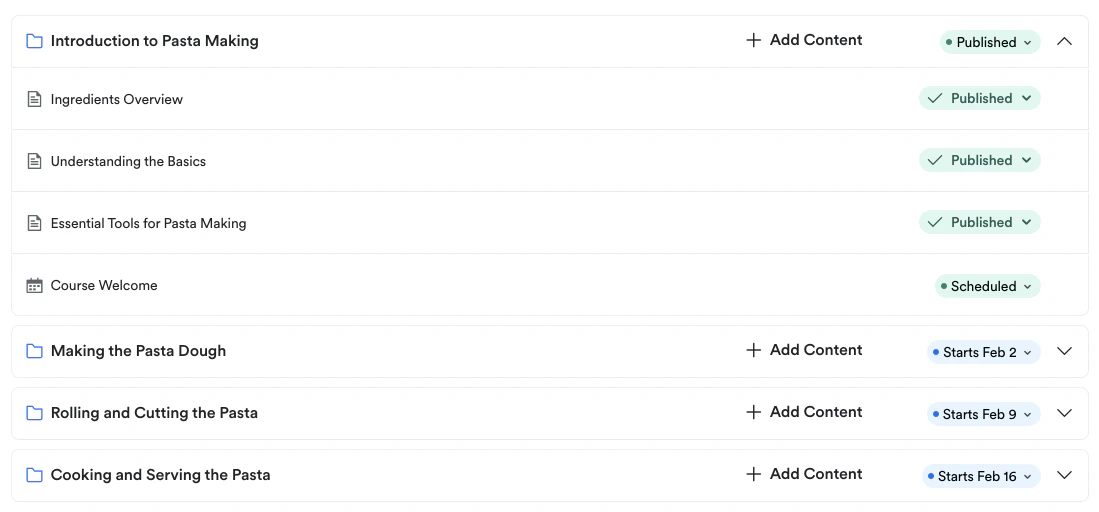
- Drip your content on specific dates in cadence with your live session dates
Customers
Select the Customers tab to view a list of all Course customers. You can also click on each customer to view additional customer details: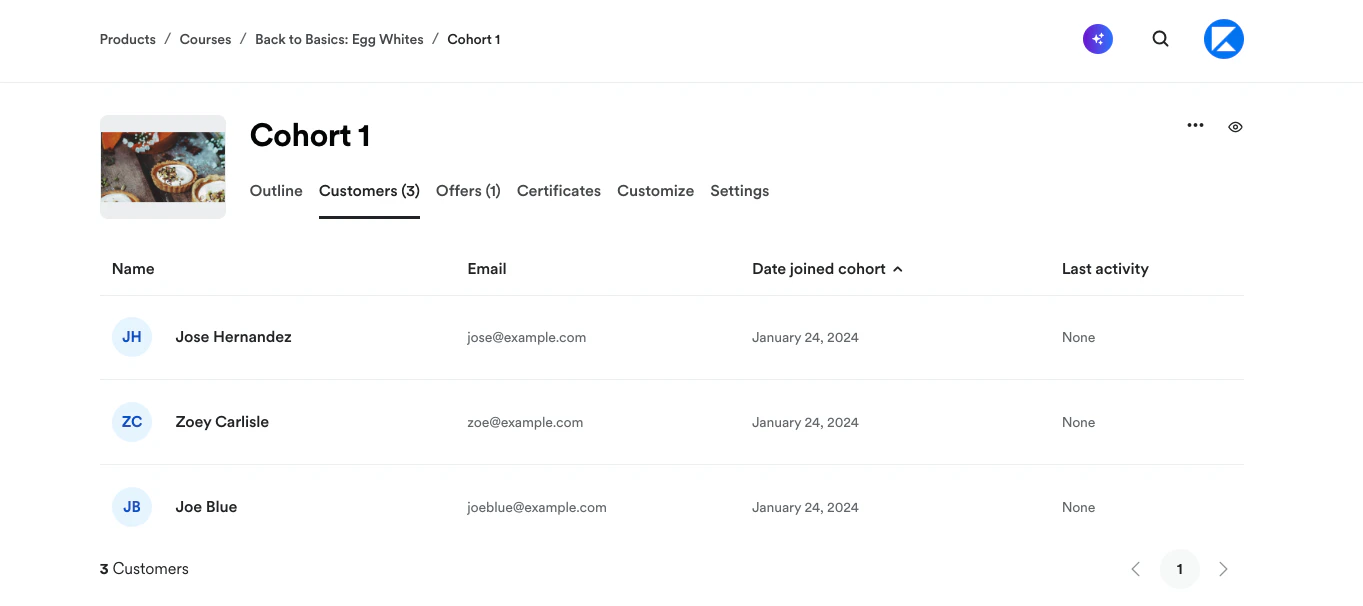
Offers
Select the Offers tab to view the Offer(s) created to sell the Course or to create a Course Offer: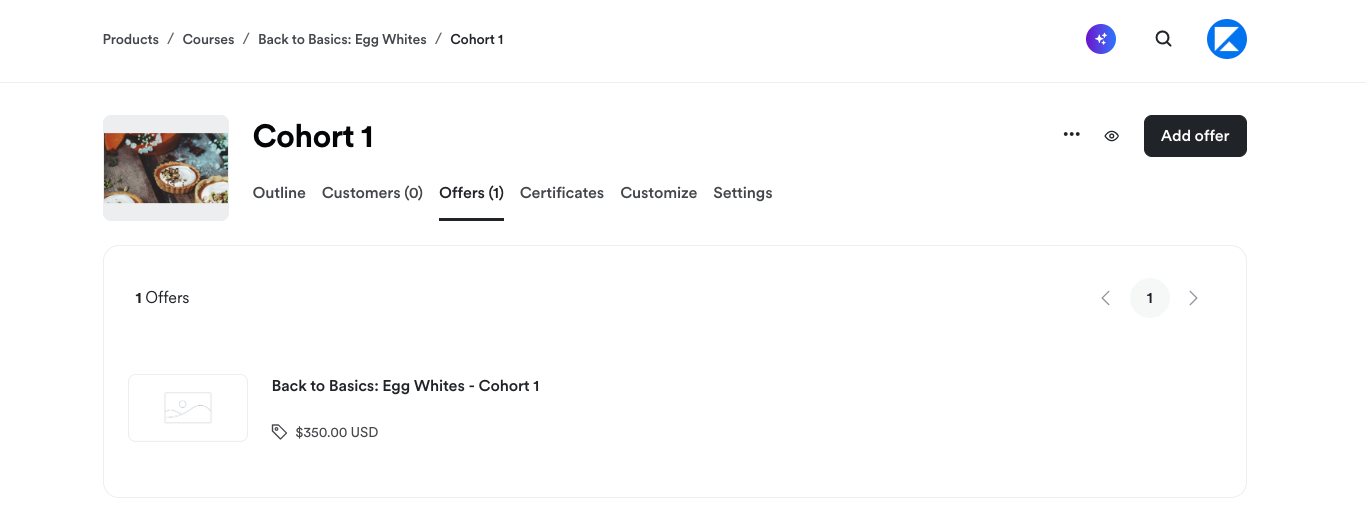
Certificates
Select the Certificates tab to create a Certificate of Completion to send your students when they complete the Course: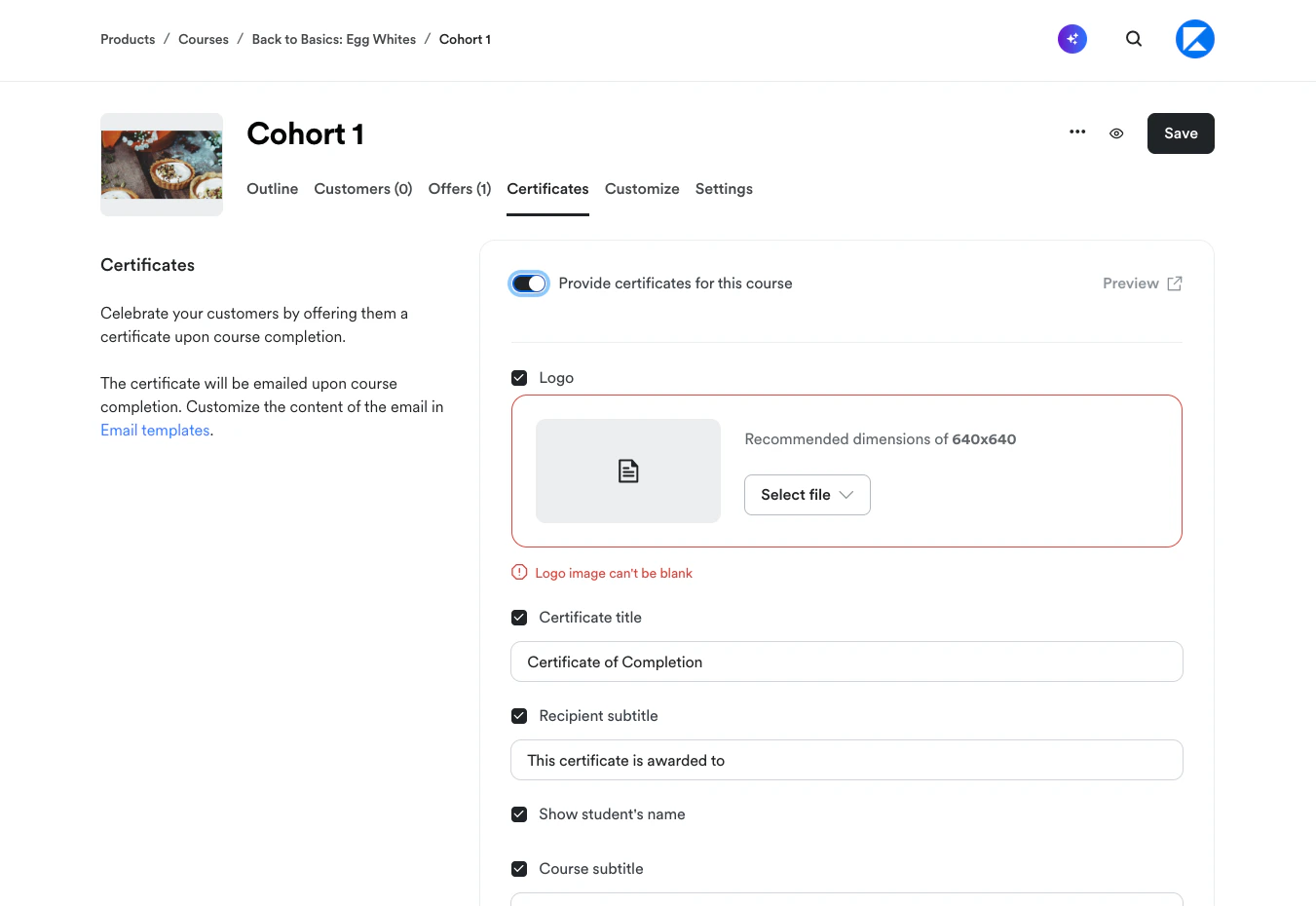
Customize
Select the Customize tab to customize the Course template design: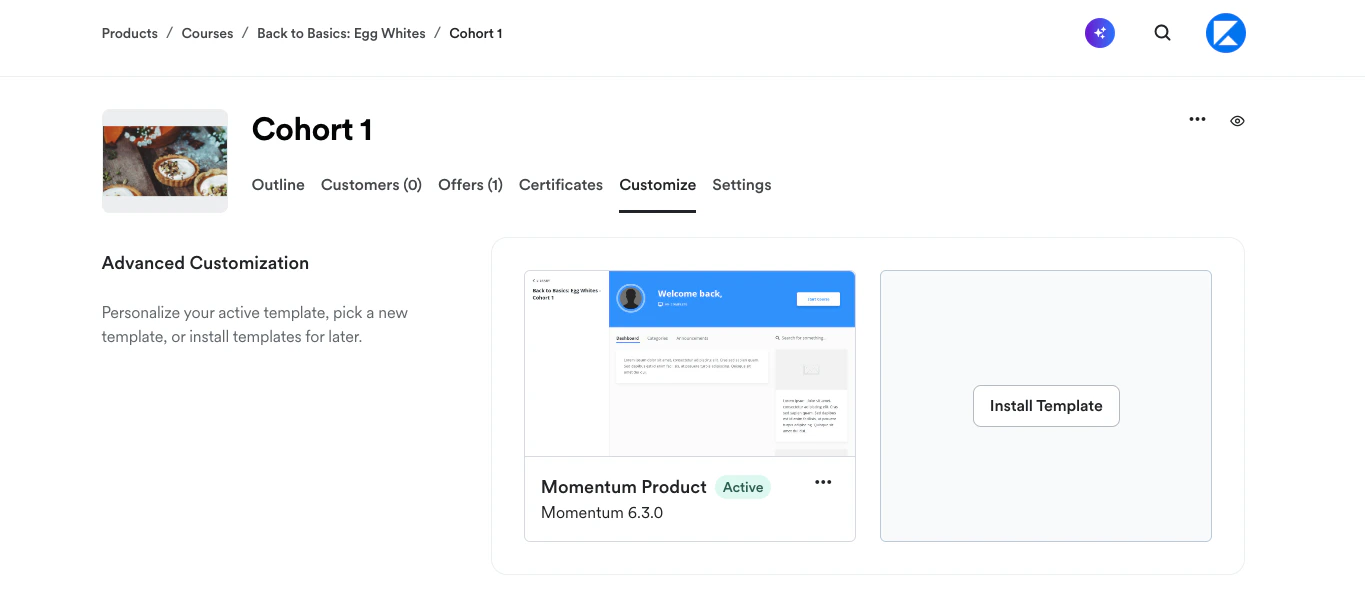
Settings
Select the Settings tab to update the cohort Title and Start date or to change live video scheduling preferences (location and/or session duration):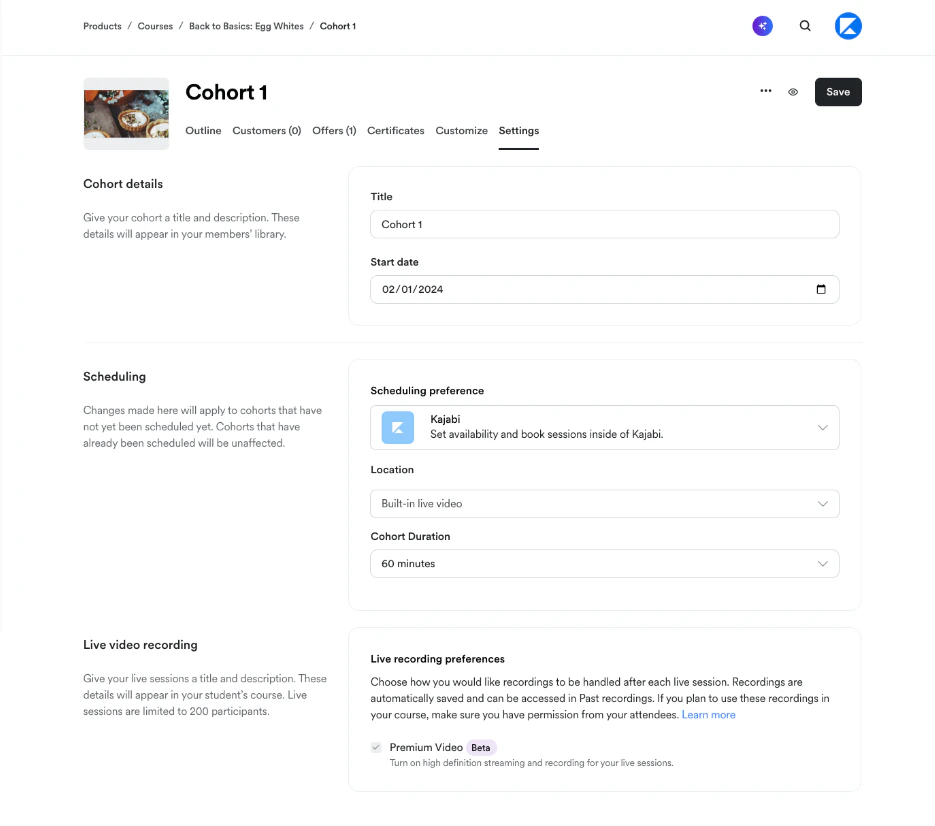
Delete a Cohort
- From the Cohorts index page, click
…to the right of the cohort you want to delete - Select Delete
- A modal popup will appear. Click Delete to confirm the deletion: