Note: Draft mode is a legacy feature and is not available on all Kajabi plans.
Why draft a product?
Draft Mode allows you to create one of each Product type (i.e., Podcast, Course, Coaching, Community, Newsletters, Downloads) over your Product limit. However, you cannot publish the drafted Product unless you upgrade your Plan Level or delete previous Product(s) to stay within your Product limit. If you choose to upgrade your account or delete another Product, your drafted Product will automatically become a “published” product that you can then attach to an Offer.Note: Once you publish a drafted Product, it isn’t possible to revert it back to drafted status. Active Products cannot be changed to drafts.
Draft a Product
If you’ve reached your Product limit, you’ll still have the ability to create one additional Product for each Product type (i.e., Podcast, Course, Coaching, Community, Newsletters, Downloads) with Draft Mode.Create a Product in draft mode
- Open the Products tab from your Dashboard.
- Select a Product Type (Podcast, Course, Coaching, Community, Newsletters, or Downloads).
- Complete the prompts to create your desired Product.
- After selecting your Product type, you’ll receive a notification that you’ve reached your Product limit but you can proceed with the Product in Draft Mode:
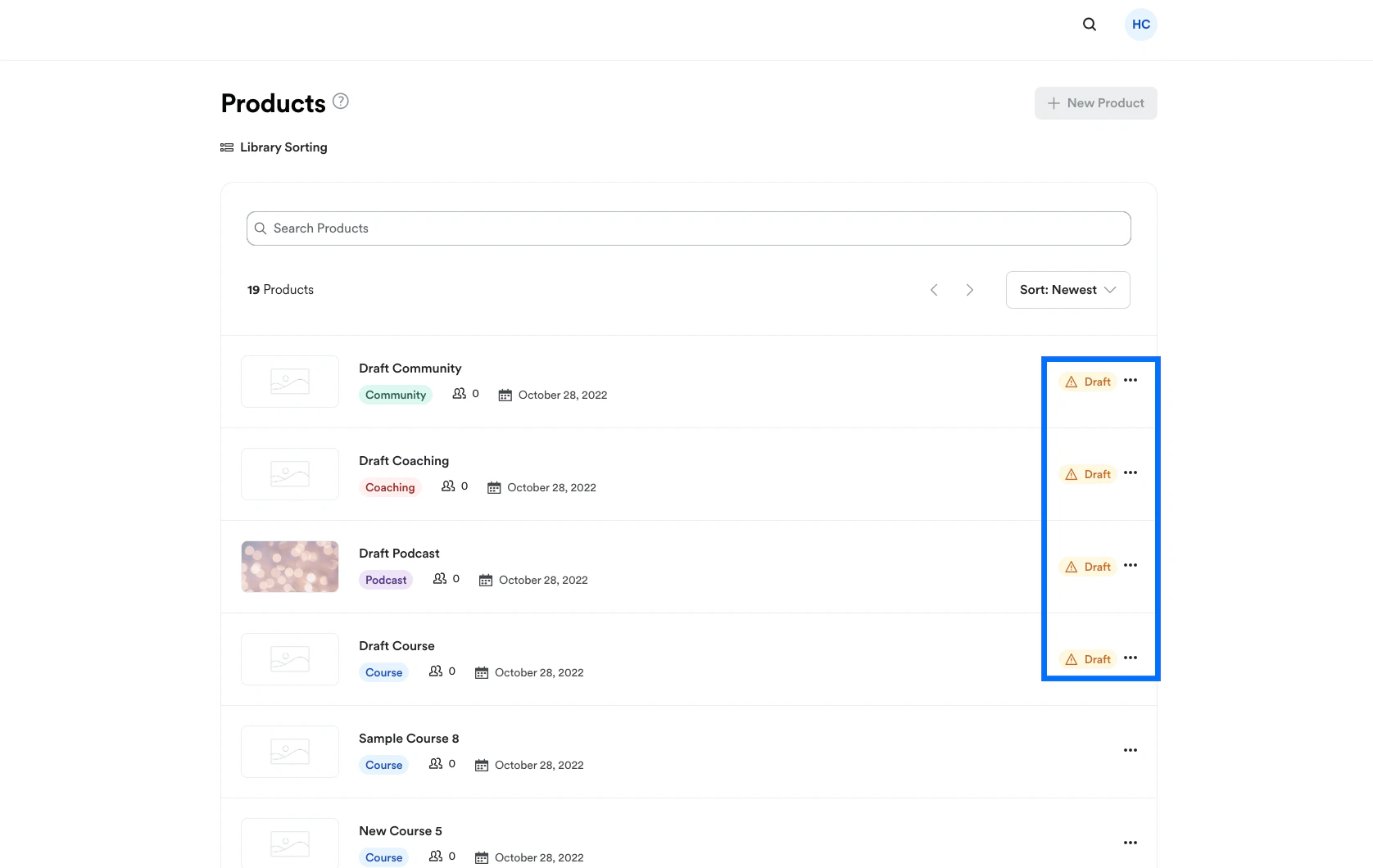
Identify a draft Product
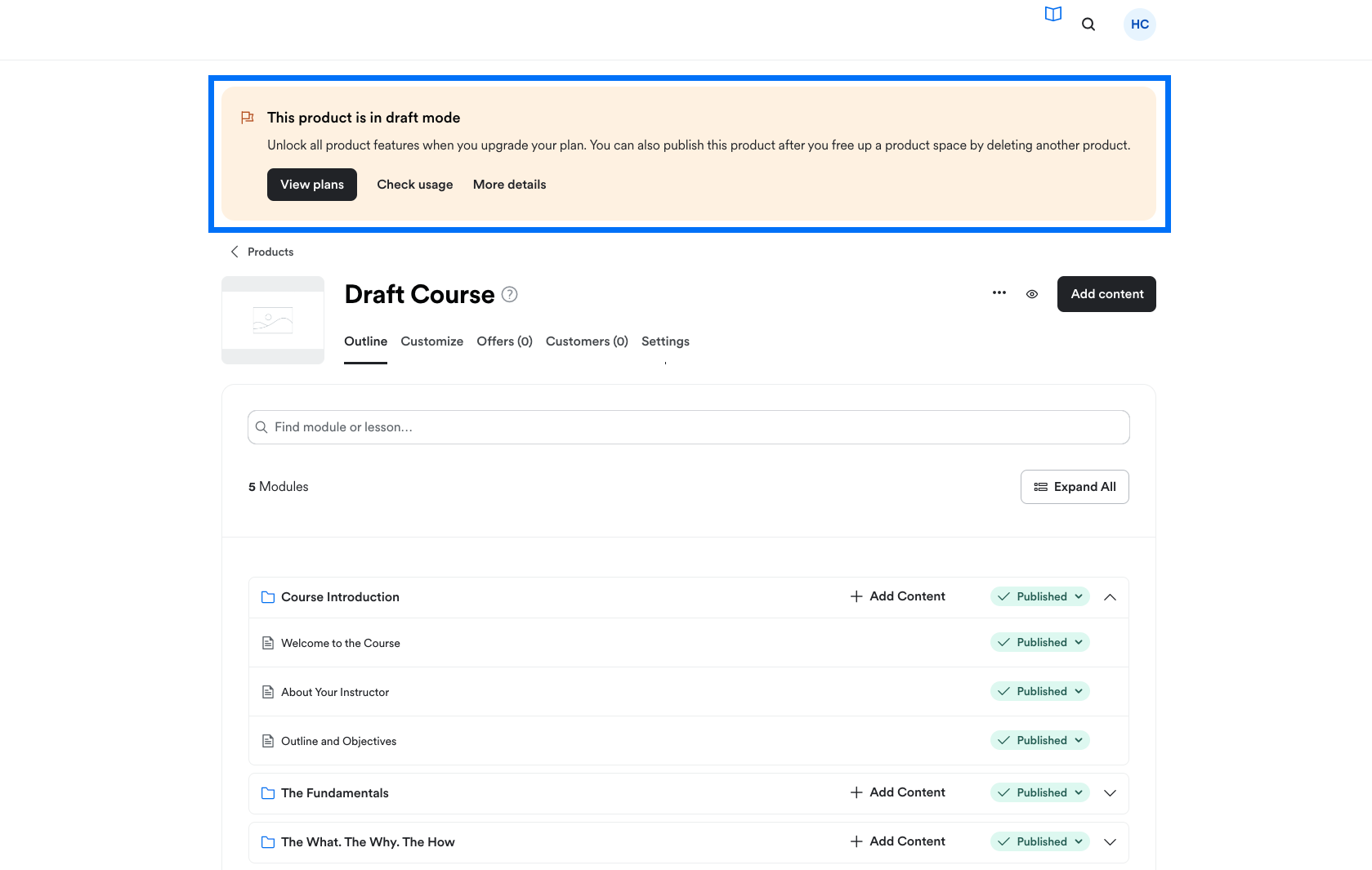
Your draft Product will display a banner at the top of the Product editor notifying you that the Product is in Draft Mode: