

Note:
If you have not connected Calendly to your Coaching Program, your Coaching Dashboard may differ in appearance. If Calendly is not connected, your Coaching Dashboard will display your Programs first and will not present the Upcoming sessions page.
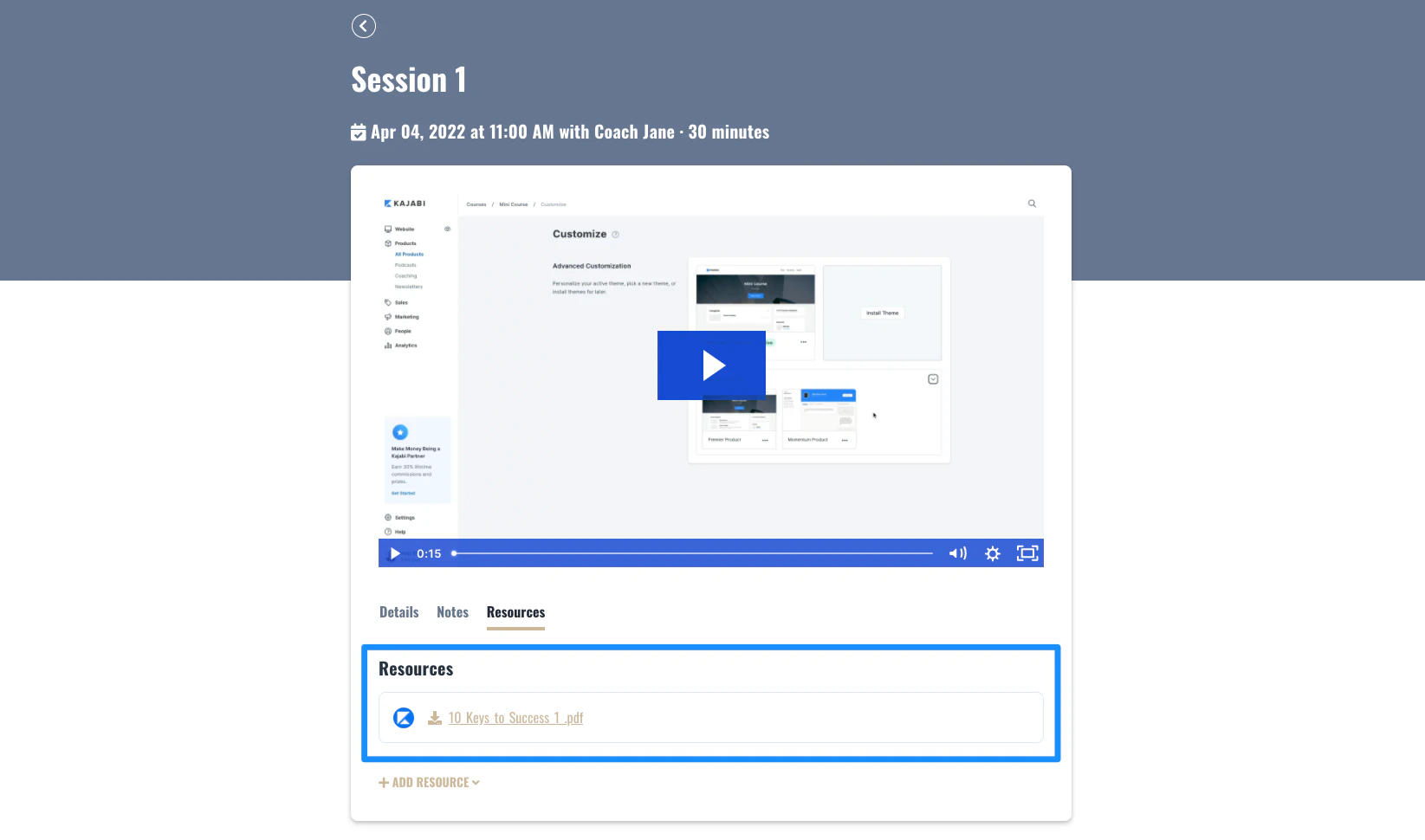
Add Coaching resources
- Open the Products tab from your Dashboard
- Click Coaching
- Click into Programs
- Select the Coaching Program you wish to add resources to
- Select your Coaching Client
- Click into the Session you wish to add your resources to
- Open Resources
- Click Add resource
- Select File or Link
- Upload or add your resource
- Click Save resource to keep and apply your changes