Add an additional Coaching session
- Go to Products > Coaching
- Select which coaching product you wish to edit
- Click the Settings tab
- Under Additional Purchases, toggle ON Offer additional 1:1 coaching sessions
- (Optional) Customize the additional session product name
- Click +New Offer to open the pop-up modal that will allow you to price and title the additional 1:1 coaching offer
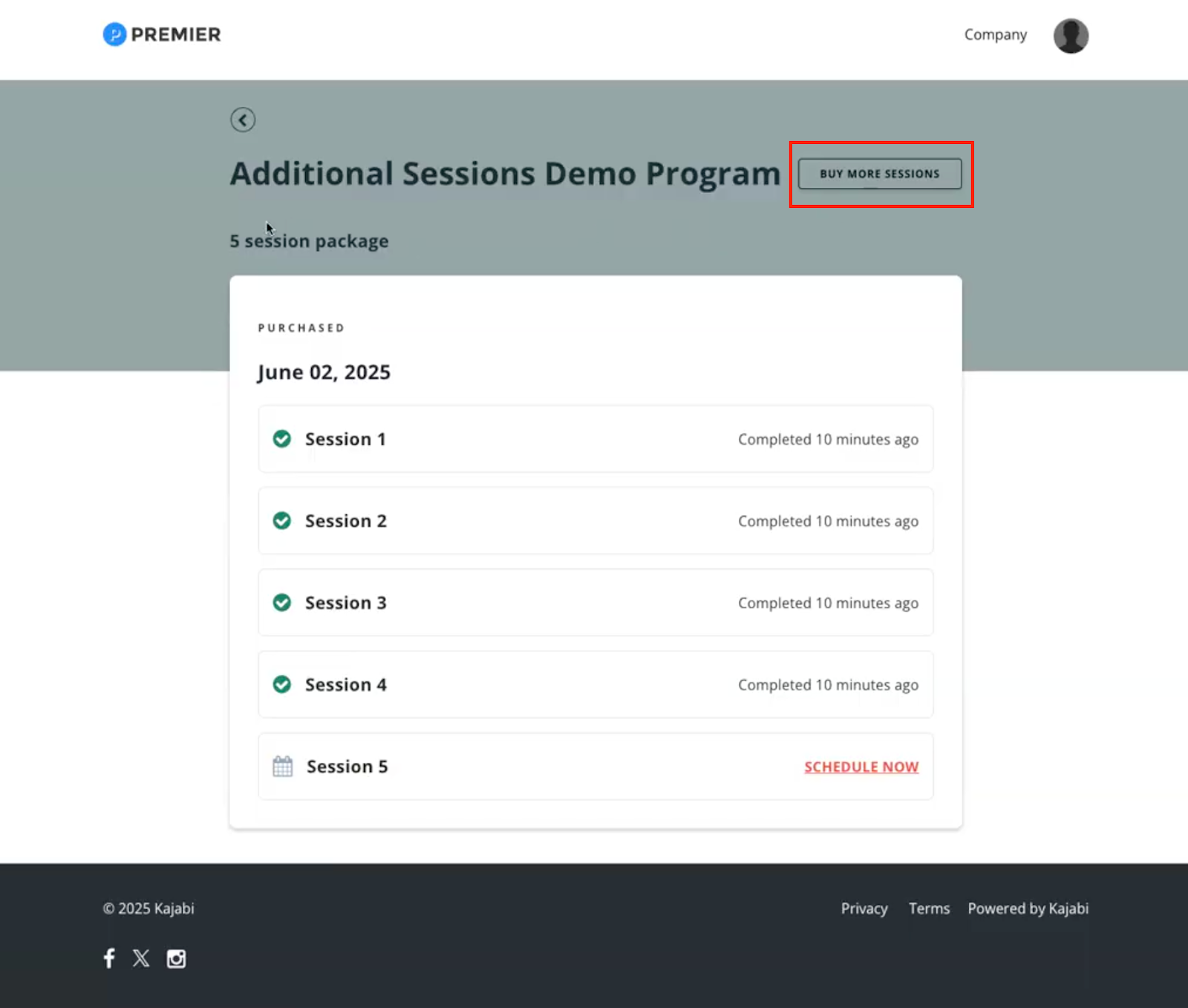
- (Optional) Customize the button text
- Click Save
Note:
Additional Coaching products created through this flow do not count towards your allotted product slot amount.
Member view
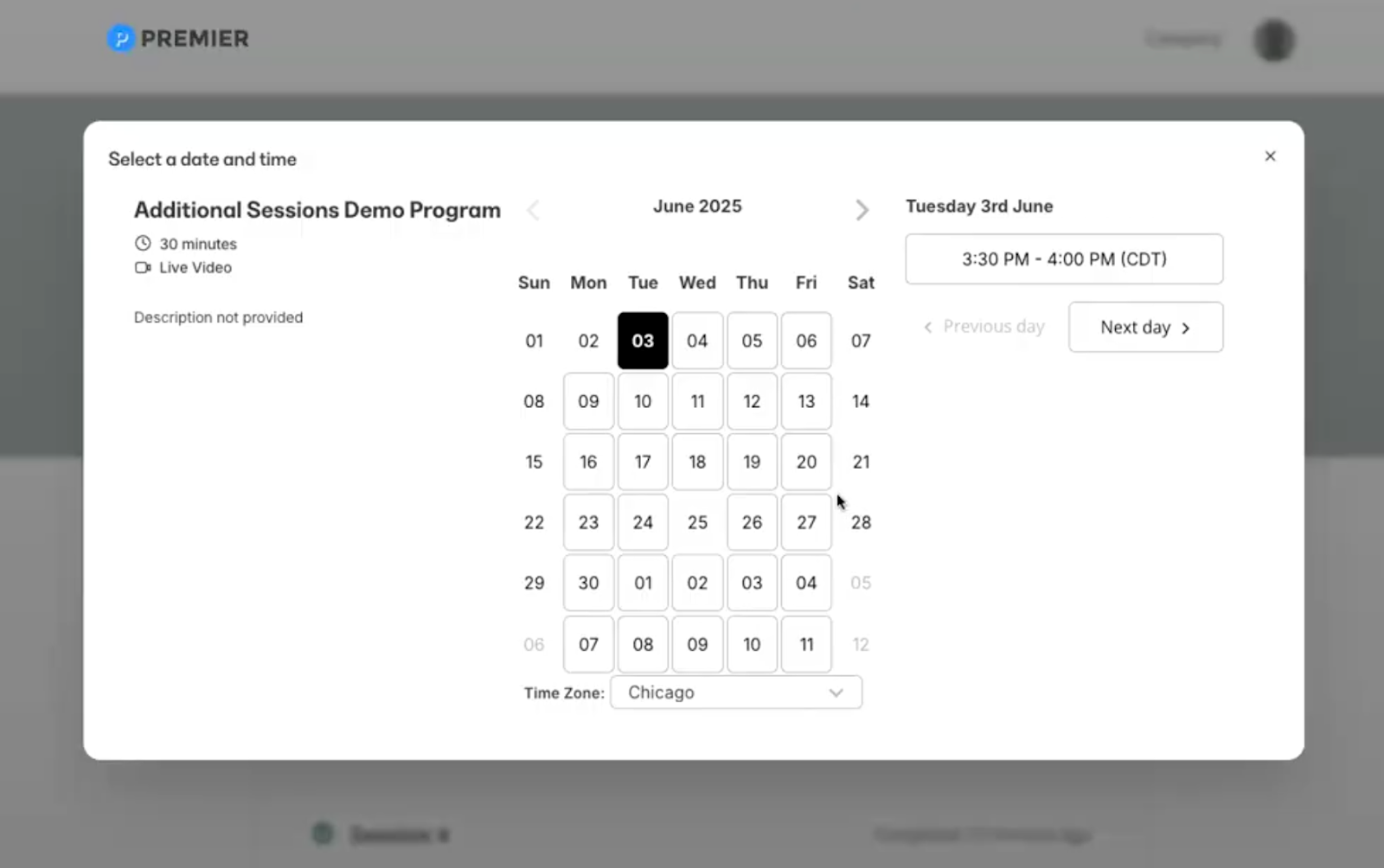
When your coaching client purchases an additional session, they can book that session immediately with a pop-up modal: