

FAQs
How can I go live?
Live Video is available in the Manual Booking option of your Coaching Product and your Course Products. Learn how to create a Coaching Product with built-in live video.When creating a Manual Booking, I am prompted to add a “location.” If I want to go live with my client, how should I fill out this field?
Use the location field to add information or a reminder that your clients can access their live video coaching session in their product or leave it blank. Your clients can click the Join Session button on their session page after you have started the live video session.Does Kajabi Live cost extra money?
No, this is all available in the Coaching Product.Do I need to download anything to use the Go Live feature?
No, live video is done in your browser, so you won’t need to download an app.Can I go live in a single Coaching session as well as in a package Coaching session?
Yes. The option to go live is available in single sessions as well as packages.Can I go live with multiple people in my Coaching Product?
Yes. You can create a Group Coaching Product to offer your expertise to multiple people.How many participants can go live in one room?
Up to 200 people can appear on video in the live room at once. You can also have up to 20 breakout rooms with 10 participants each.Does the Go Live feature work on mobile devices?
Yes. It works on mobile web browsers. The coaching feature is not currently available in the Kajabi mobile app.Can I use Kajabi Live with the Calendly integration?
No, Live Video within your Coaching program is only available with Manual Scheduling or the Kajabi Scheduler coaching option.How do I notify my clients when I start the live video session in the Coaching program?
The client’s email address will be visible on their coaching session page as a mailto link. Coaches can email them manually from the coaching session page so that both parties can coordinate to go live at the right time.Besides Coaching, where else can I use live video?
Live Video is available with the Coaching and Course Products at this time.What settings are available when using live video?
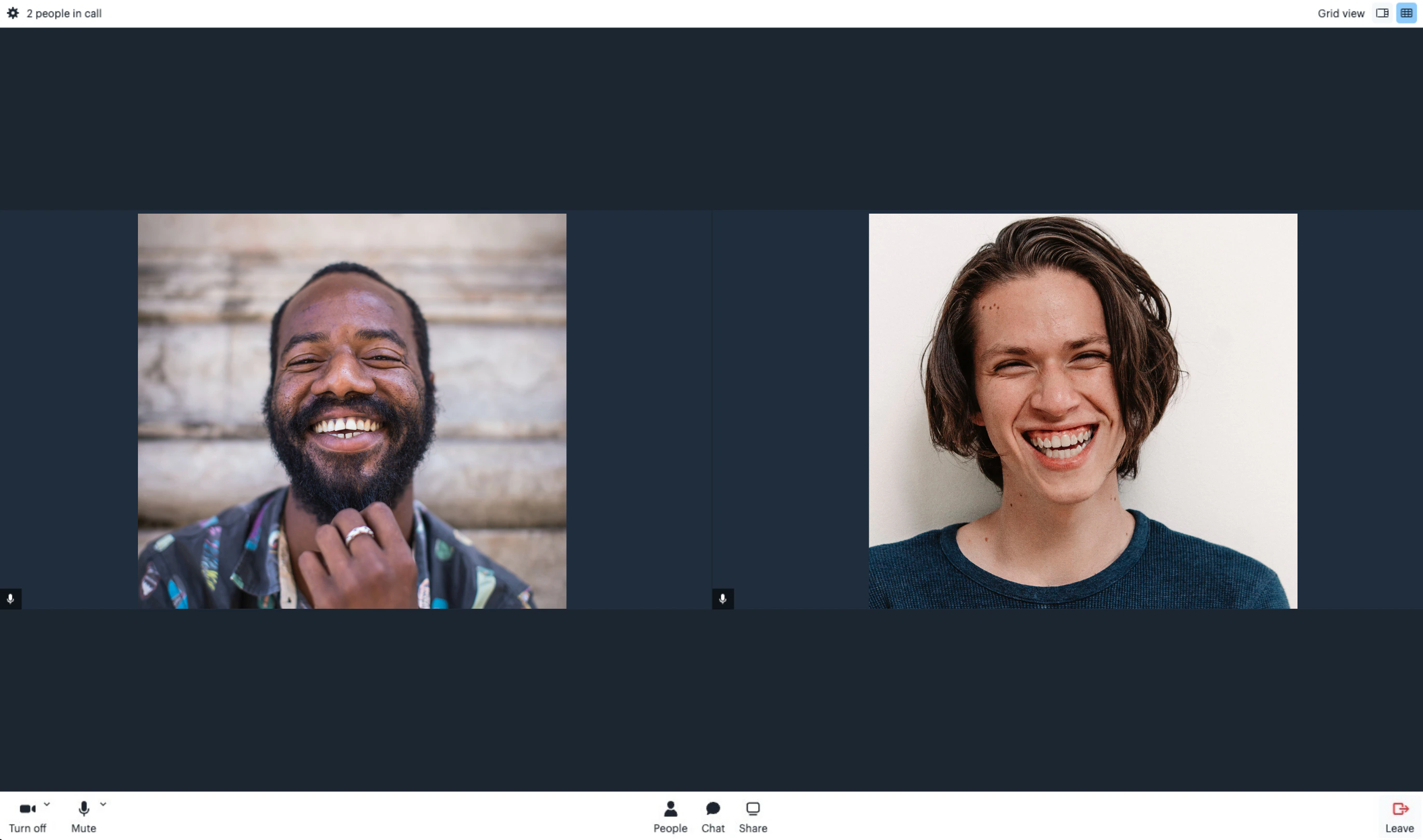
Video Controls:- Turn-off the camera
- Mute
- Video effects, such as adding a background
- Change name
- Screen share
- Record video
- Breakout Rooms