Key benefits
- 1:1 and Group Coaching - Design a program that meets the needs of your Coaching clients, whether individually or as a group
- Built-in Live Video - Meet with your clients face-to-face using Kajabi Live without third-party tools
- Kajabi Scheduler - Set up your appointments and let clients book based on your availability using the Kajabi Scheduler
- Third-party integrations - Build your Coaching Product with tools like Calendly, Acuity, Zoom, or Google Meet
- Session management - Organize agenda items, materials, and track client progress all in one place
Coaching on Kajabi
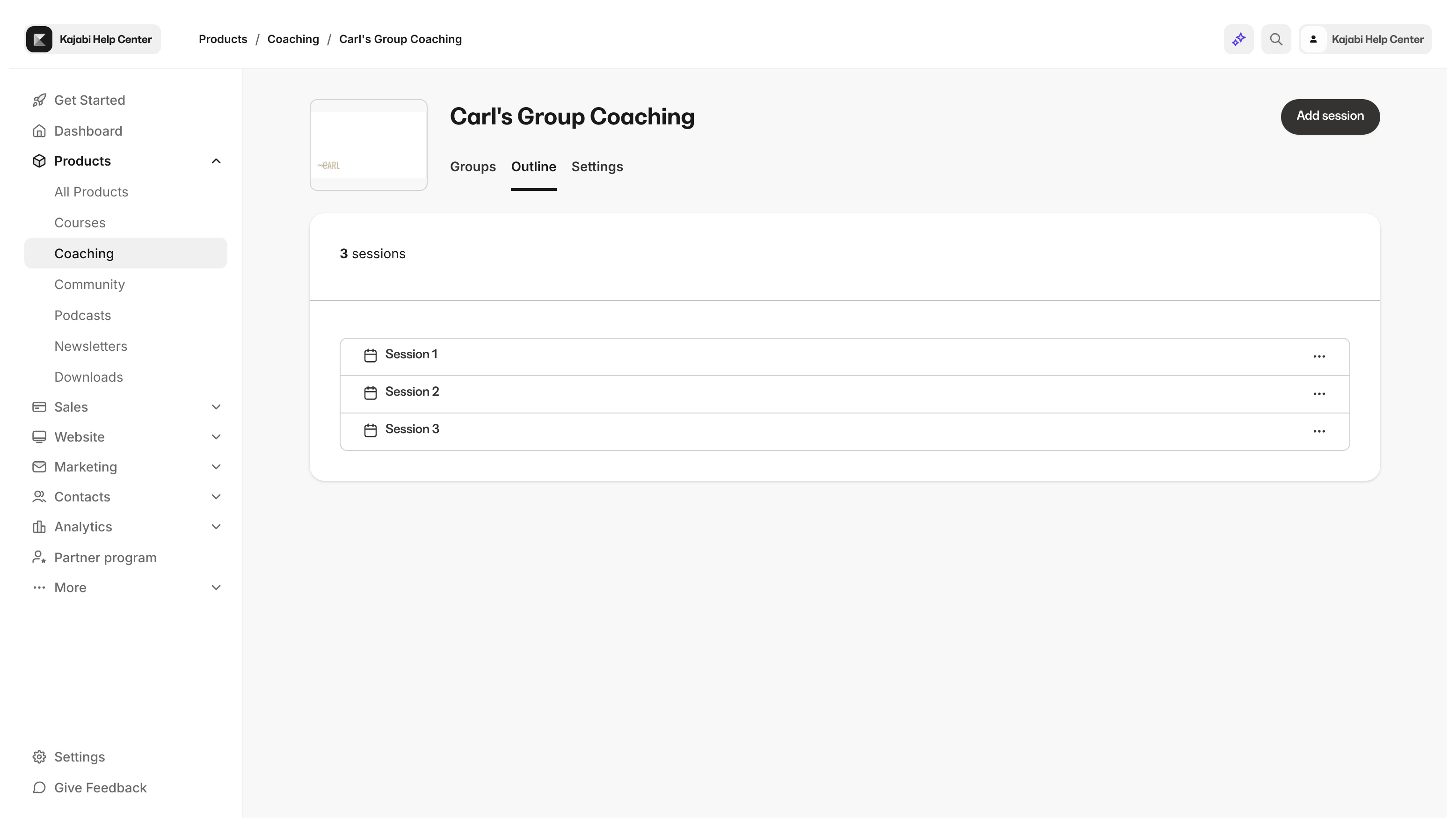
With 1:1 Coaching and Group Coaching, you can design a program that meets the needs of your Coaching clients. Meet with your clients as a group or individually for your exclusive consulting program. Learn more about 1:1 Coaching vs. Group Coaching. Whether you choose to create a 1:1 Coaching Program or a Group Coaching Product, you can use Kajabi’s native Coaching Product to set up your agenda items, organize your materials, and manage your client’s progress. Prefer a third-party scheduling tool or live video? Build your Coaching Product with third-party scheduling tools like Calendly, Acuity, or Google Calendar and Meeting tools like Zoom or Google Meet.Note:
Using Calendly or a custom link for scheduling will make your Coaching Product ineligible for Kajabi’s Built-in Live Video. Use the Kajabi Scheduler or manual scheduling if you wish to use Kajabi’s built-in live video to meet with your coaching clients.
What clients see
After a customer purchases the Offer connected to your Coaching Product they become a client and can access your Coaching Program information from their Library. Learn to customize the Library page. Within your Coaching Product, your clients can access their meeting link, the Session Agenda, any resources you may have included, and their personal notes for the Session.