

Coaching Product upsell vs. Offer upsell
An upsell is a way to advertise another Offer within a Product. With the Coaching Product, an upsell is advertised with a Call to Action button that leads the member to an Offer checkout page to make the purchase. With an Offer upsell found in Kajabi Offers, the upsell shows after a purchase has been made through a Checkout page. Learn more about upsells.Add an upsell to a Coaching Product
- Open the Products tab
- Click Coaching
- Click into your created Coaching product
- Click Settings under that Coaching product’s title
- Scroll down to the Page Upsell section and toggle the Show upsell button after completed session button to on
- Use the dropdown menu to select the Offer you want to use as the upsell
- Use the Button Text field to add custom text for the Upsell Buy button
- Click Save to keep and apply your changes
Note:
You can only attach an Offer that contains a Coaching Product as an upsell. The Offer can include other Product types (e.g., courses, podcasts, community), but it must contain at least 1 Coaching Product. If you do not see your Offer listed in the upsell dropdown menu, then the Offer does not contain a Coaching Product.
What clients see
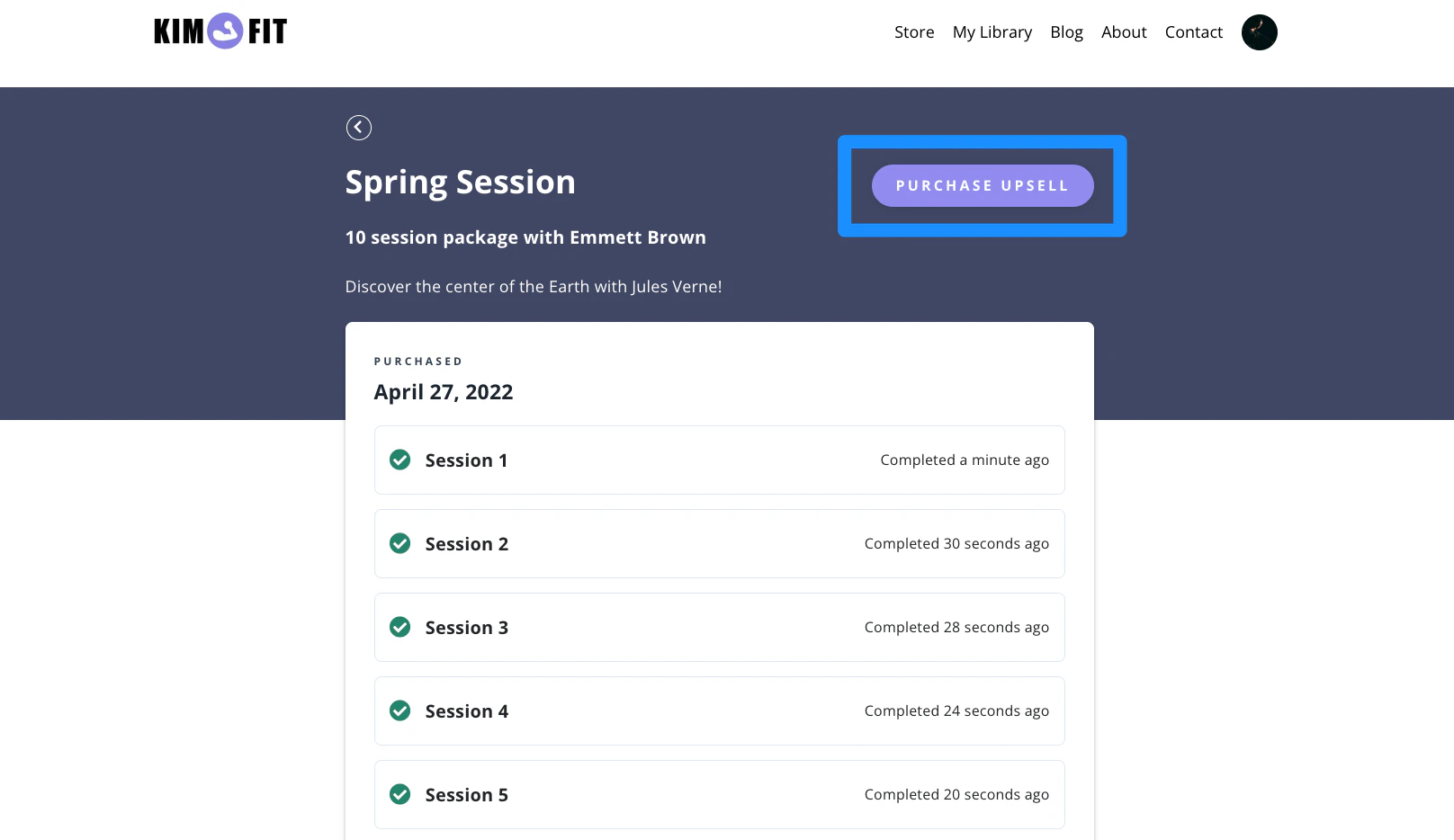
After the upsell has been selected and added to the Coaching Product, the upsell buy button shows inside each session’s page once that session has been completed: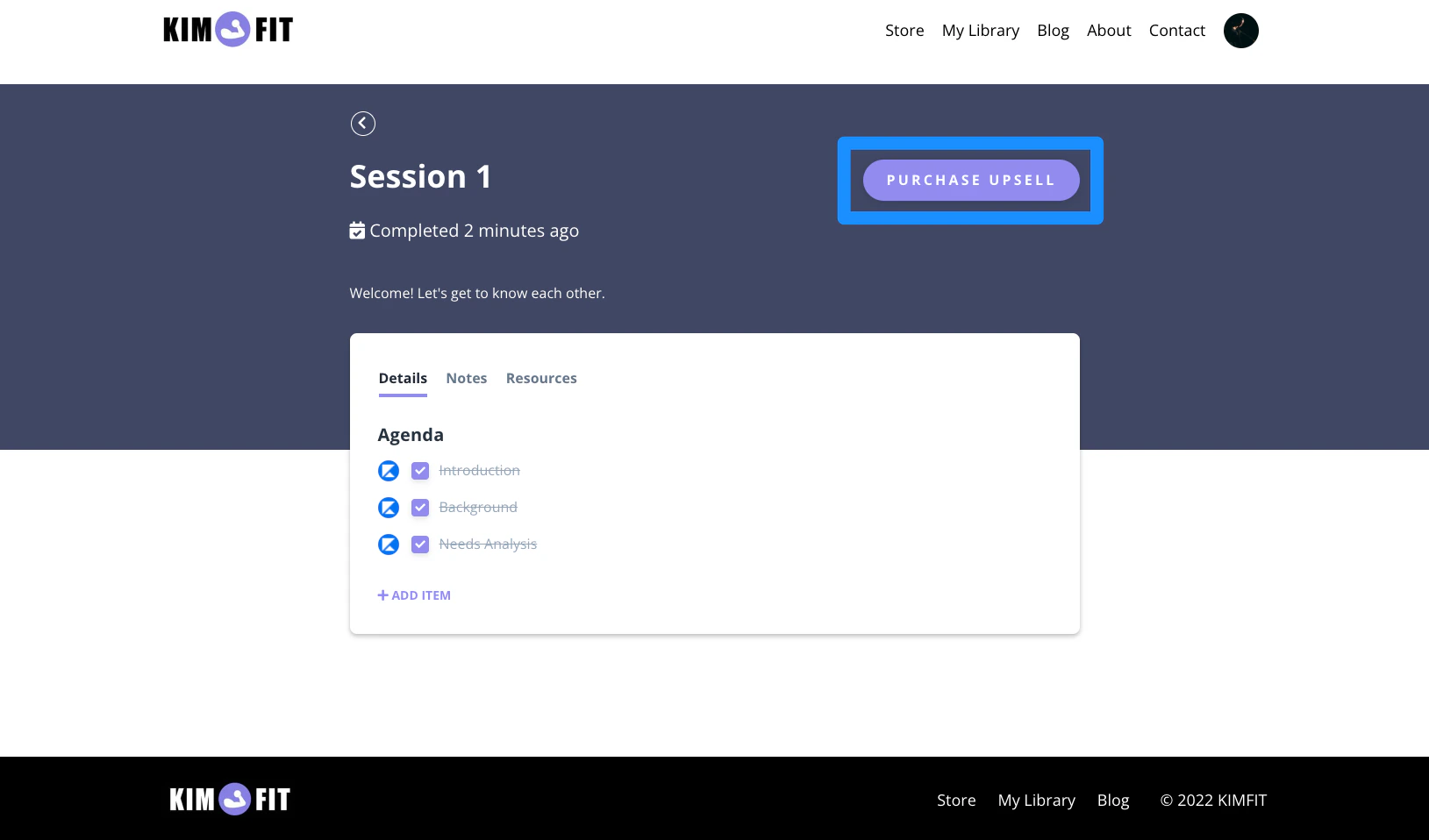
Note:
If you have an older website template version, your clients may not have the upsell presented to them. Learn to update your website template.