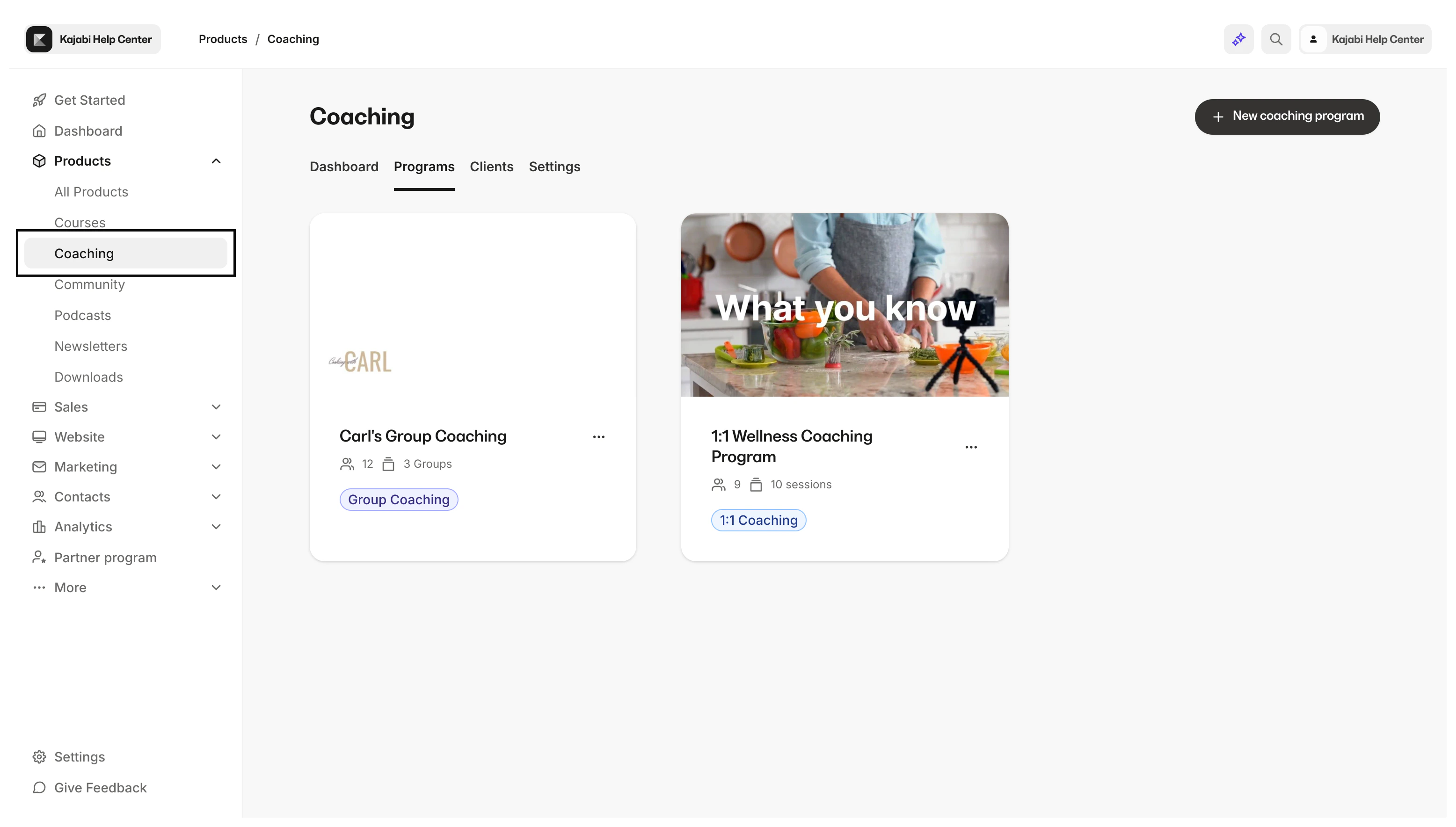
Create guided Coaching experiences for multiple participants to expand your product offerings.
Group Coaching is a Kajabi Product that allows you to create guided experiences for multiple participants and can help you expand your product offering.
With Kajabi, you are in control. Build a Group Coaching Product that works best for your business with the flexibility and customizability that Group Coaching offers.
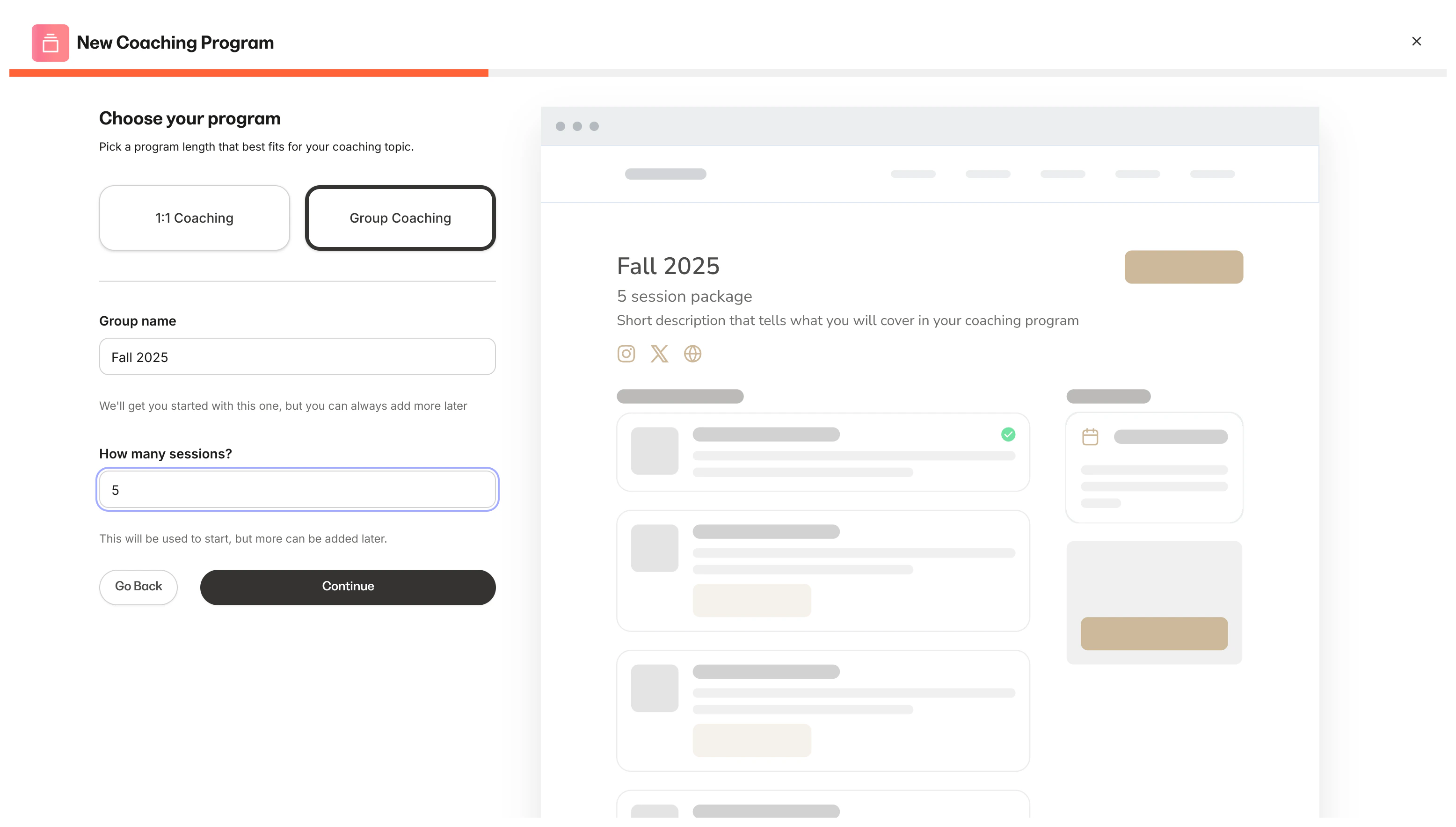
Create groups within your Group Coaching Program to give your clients scheduling options, seasonal groups, pricing options, and more. By giving you the ability to create multiple groups within your Group Coaching Program, you have the flexibility to design a program that best fits your business.
Group Coaching has two sets of settings that you can customize:
The Program settings
Group settings
The Group Coaching Program settings allow you to set up your entire program details from one location, whereas the Group settings can be used to create individual settings for each group.
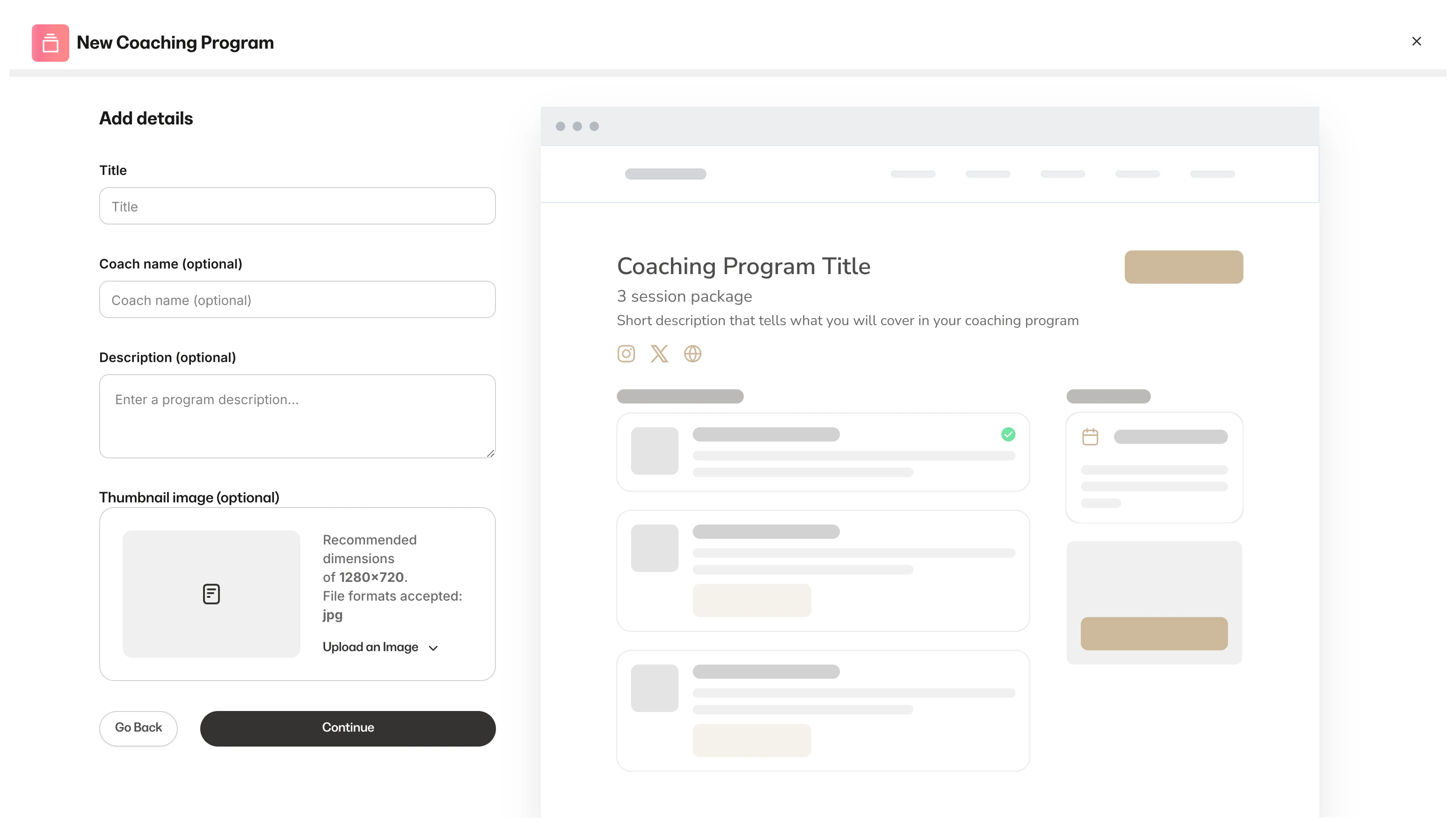
Program details: Give your coaching program a title, description, and thumbnail image. Your program details will appear in your clients’ library
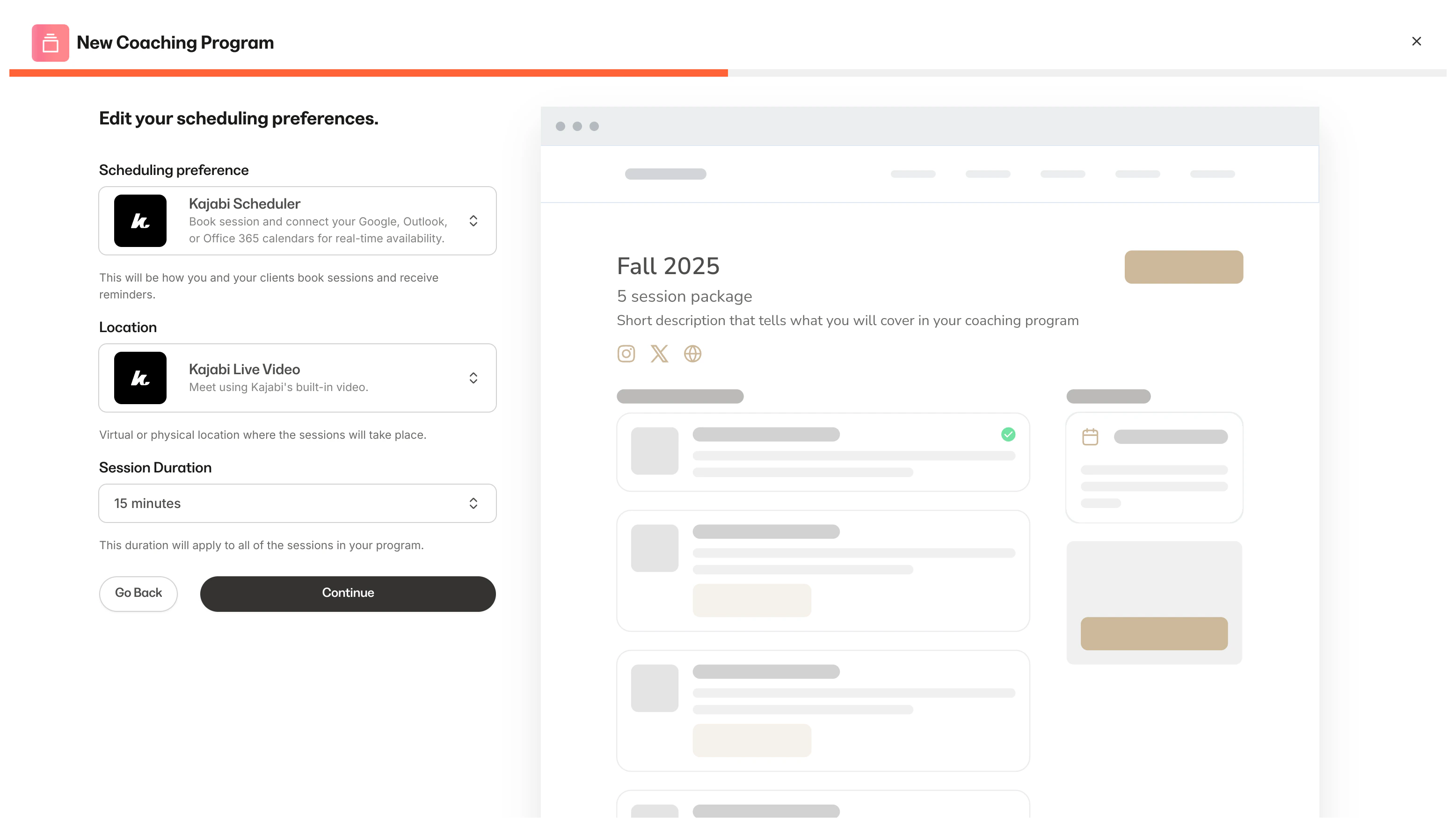
Scheduling: Customize the tool you use to schedule your sessions (i.e., Kajabi Scheduler, Custom Link, Manual Booking), your location, and session duration
Page customization: Select your primary and accent colors for your Coaching Product page
Page upsell: Control whether or not an upsell button appears after your client completes a session. You can use the upsell to advertise any Offer with a Coaching program
Delete program: Permanently remove your Coaching Program from your Products
Program details: Give your coaching group a title, description, and thumbnail. Within your group settings, you can override the program thumbnail to use a different image for your group. If you do not override your program thumbnail, the group will use the program’s thumbnail by default
Scheduling: Customize the tool you use to schedule your sessions (i.e., Kajabi Scheduler, Custom Link, Manual Booking), your location, and session duration. Within the group settings, you can override your program scheduling preferences to use different scheduling preferences for your group. If you do not override, the group will use the program’s scheduling preferences by default
Page customization: Customize your primary and accent colors for your Coaching Product page. Within the group settings, you can override your program customization preferences. If you do not override, the group will use the program’s page customization settings by default
Page upsell: Control whether or not an upsell button appears after your client completes a session. You can use the upsell to advertise any Offer with a Coaching program. Within the group settings, you can override your program’s page upsell preferences. If you do not override, the group will use the program’s page upsell settings by default
Delete group: Permanently remove your Coaching Group from your Coaching Program
Your coaching clients will receive an email to join your coaching session and they can join by accessing their Group Coaching session from their Product Library.