

What is a 404 page?
The official definition of a 404 page is that it is an error page or a “Page Not Found” page. It is a page specifically designed to communicate to a website visitor that the URL path entered provided no information.URL basics
URL stands for “Uniform Resource Locator”, which simply put, means the web address. Generally speaking, URLs have three parts:- The Protocol
- The Domain Name
- The Path
- a Protocol: “https://”
- a Domain Name: “learningwithme.com”
- and a Path: “/store”
Why 404 pages matter
“404” refers to an HTML code response. That means the 404 is the three-digit signifier to cover any broken or dead links on your site. Let’s say that you have a landing page with the domain “https://learningwithme/new-year-promotion” and you link from your homepage. But later you decide to draft (or unpublish) your landing page, but forget to remove the link from your homepage. Your 404 page captures visitors that may click on a broken link so they don’t get bounced off your site. Instead, they will get to see your branded, thoughtfully designed error page and can go back and continue exploring the rest of your site. Your 404 page is pre-built onto your website with a simple, straight-forward message to bring any lost visitors back to your homepage: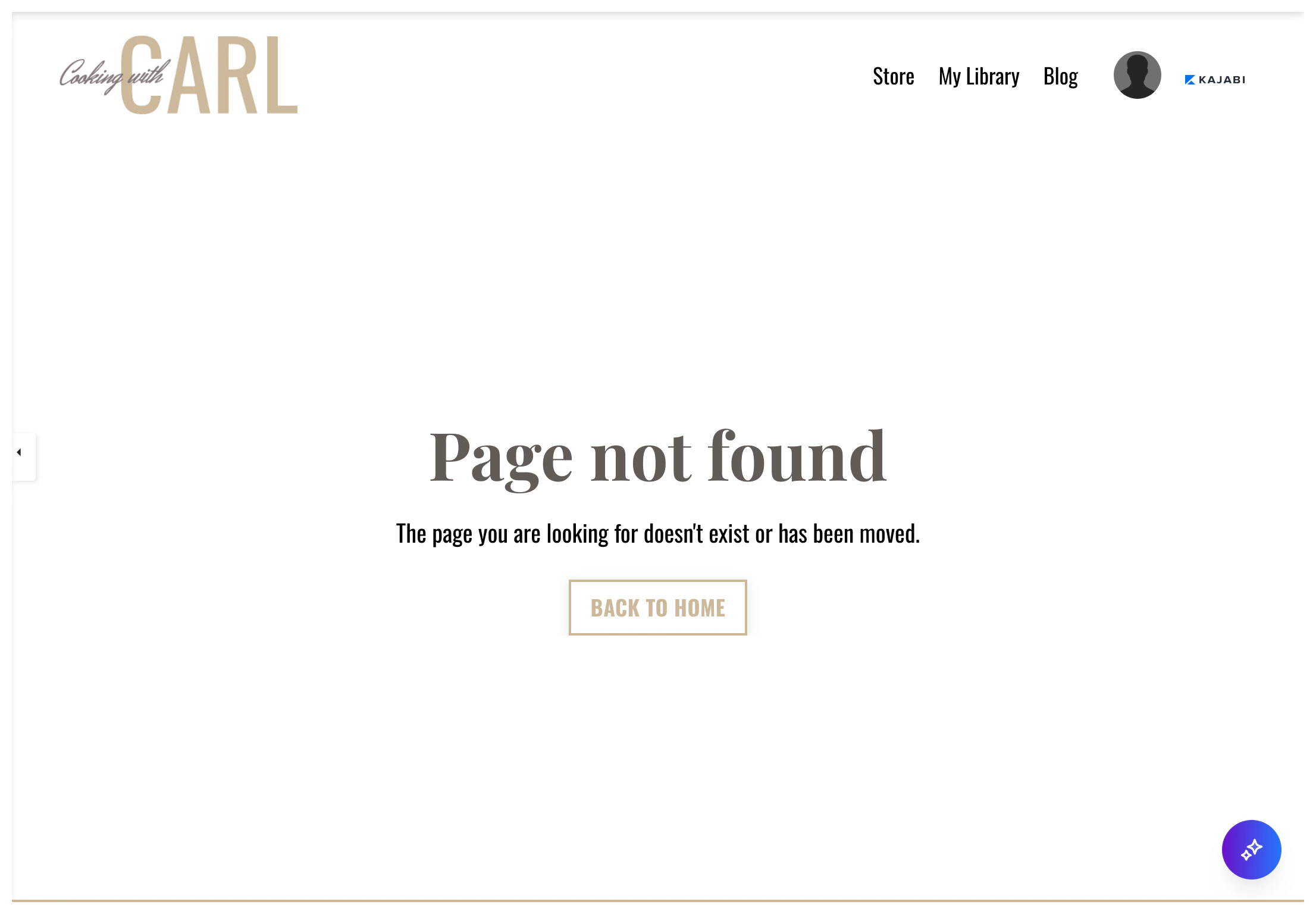
Building the 404 page
With the website builder, you can design a 404 page that can delight your visitors and personalize your brand. Customize a Header, Footer, and add Blocks & Sections to your page. Because the 404 page should be simple in nature with clear instructions to return to your site, add: to design your 404 page. Creating a site on Kajabi generates an empty, default theme to help you get started with your content. If you have just started with Kajabi, your 404 page will display the default, site theme. This theme is not customizable. Design your 404 and website pages by selecting a site template that best fits your brand. Learn to customize your website.Note: Selecting a customizable site template will allow you to design your site according to your brand. However, you will not be able to revert to the empty, default site theme after selecting your customizable site template.
To begin customizing your 404 page:
- Open the Website tab from your Dashboard.
- Click the Pages tab.
- Select the 404 Page from your list of website pages to begin customizing: