

Overview
Your marketing tools can be added to any page without frustrating integrations, APIs, or connections. This means essential marketing actions like growing your email list, registering users for an event, and more are as simple as adding a Section to your page. You can find the many marketing tools Kajabi offers in the Marketing & Events category.Adding a marketing & events section
- Open the Website tab from the Dashboard.
- Select either Website Pages or Landing Pages.
- Open the page editor for your Page. Learn more
- Navigate to the sidebar panel.
- Click Add Section.
- Select your Section from Marketing & Events to Preview.
- Click Add to generate the Preset Section to your Page:
Preset marketing & events sections
Forms: Opt-in form & inline opt-in form
On Kajabi, Forms can be used to perform many actions, including subscribing someone to an email sequence, granting an offer, registering a person to an event, and segmenting subscribers based on which Forms they have filled out. Learn to customize Forms on your page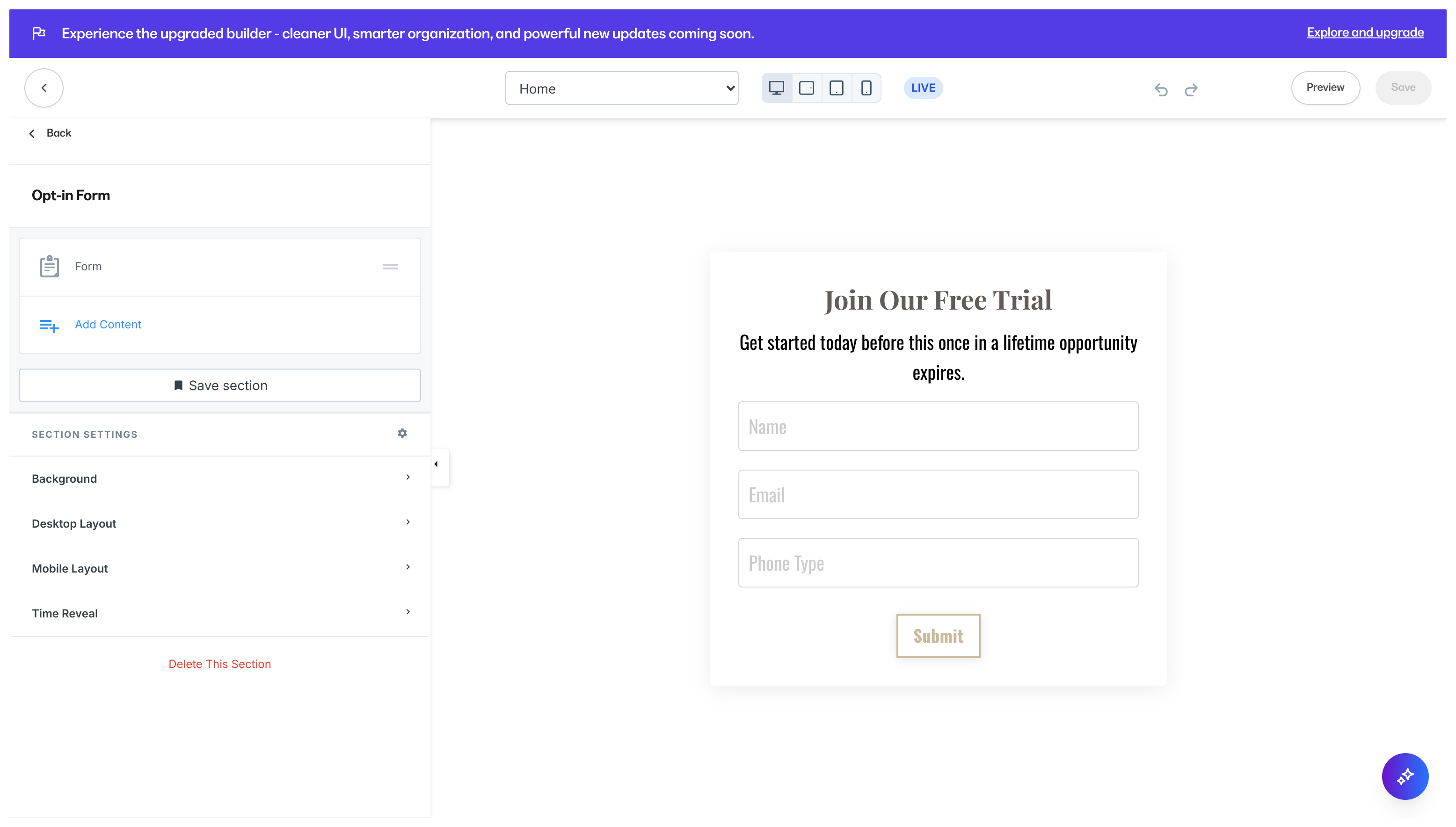
Event countdown
Event Countdowns are a great way to make your page visitors aware of an event and let them know how much time they have left to act upon it. Adding an Event Countdown generates an Event Block and a Countdown Block: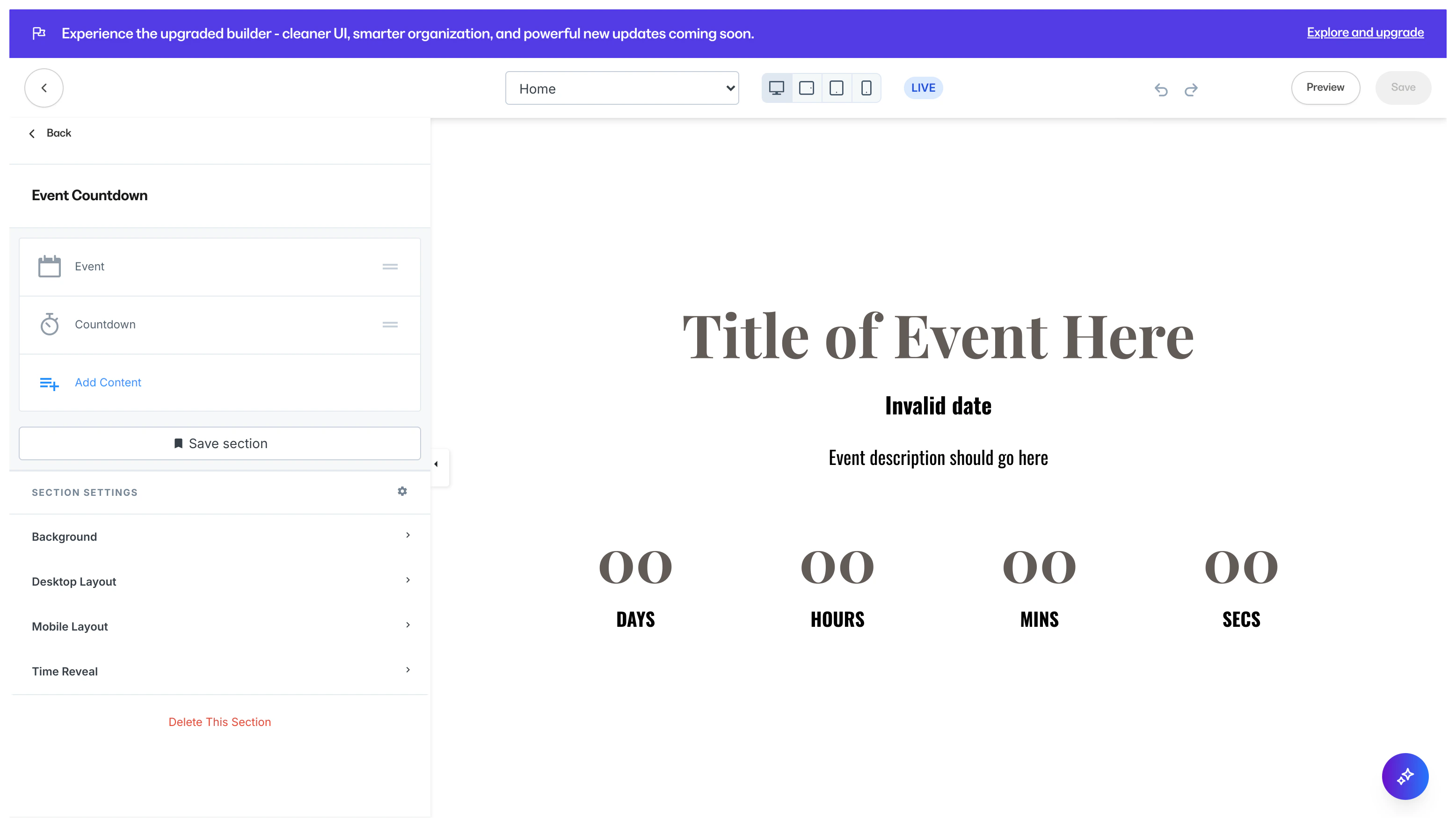
Multi-video launch
Adding a Multi-Video Launch Section to your page displays multiple interactive images and a single video to give you the flexibility to design a unique viewing experience for your visitors: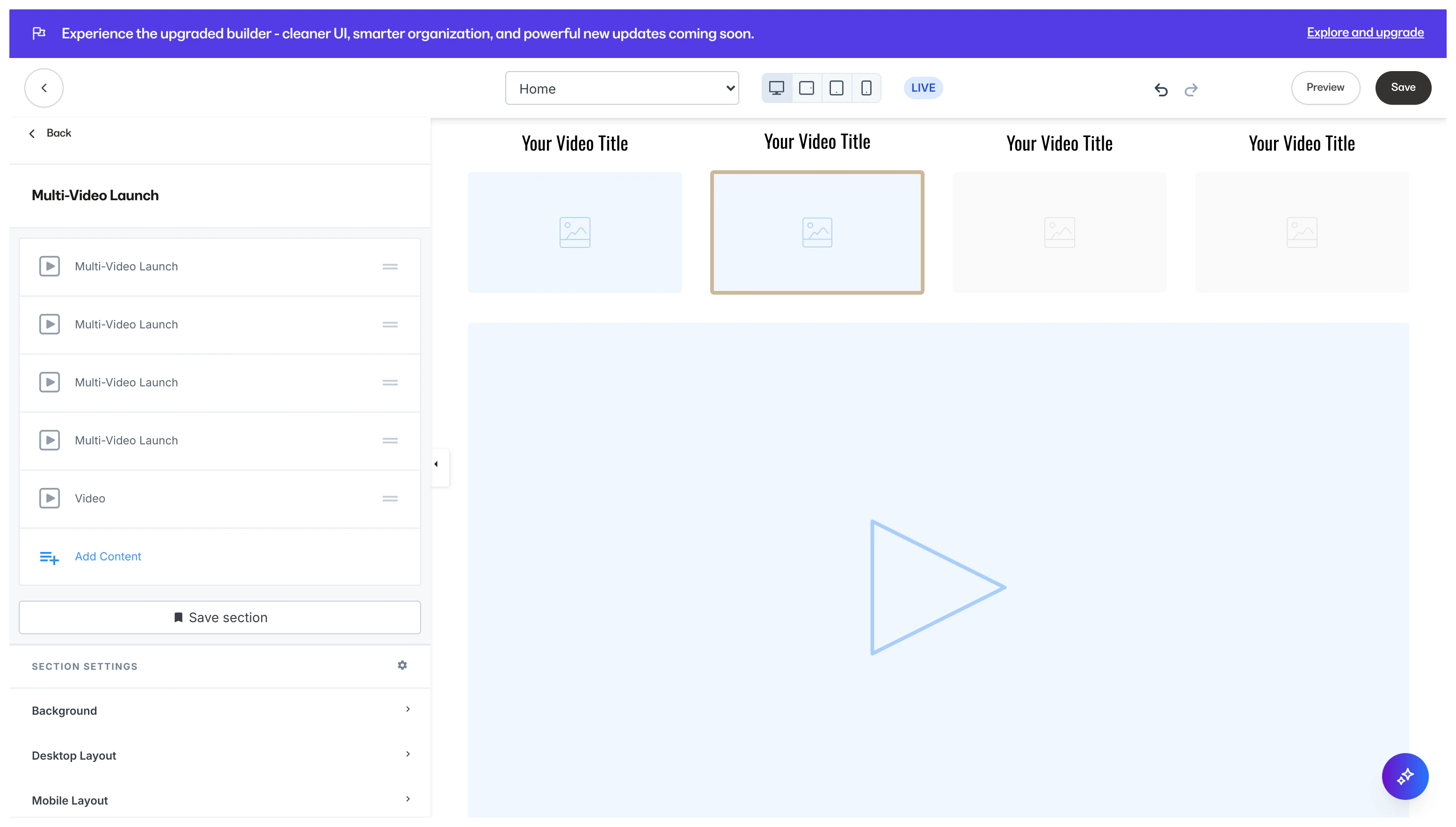
Assessments
Adding an Assessment (survey) to your Page is a great tool to opt-in page visitors, or send them to a sales page: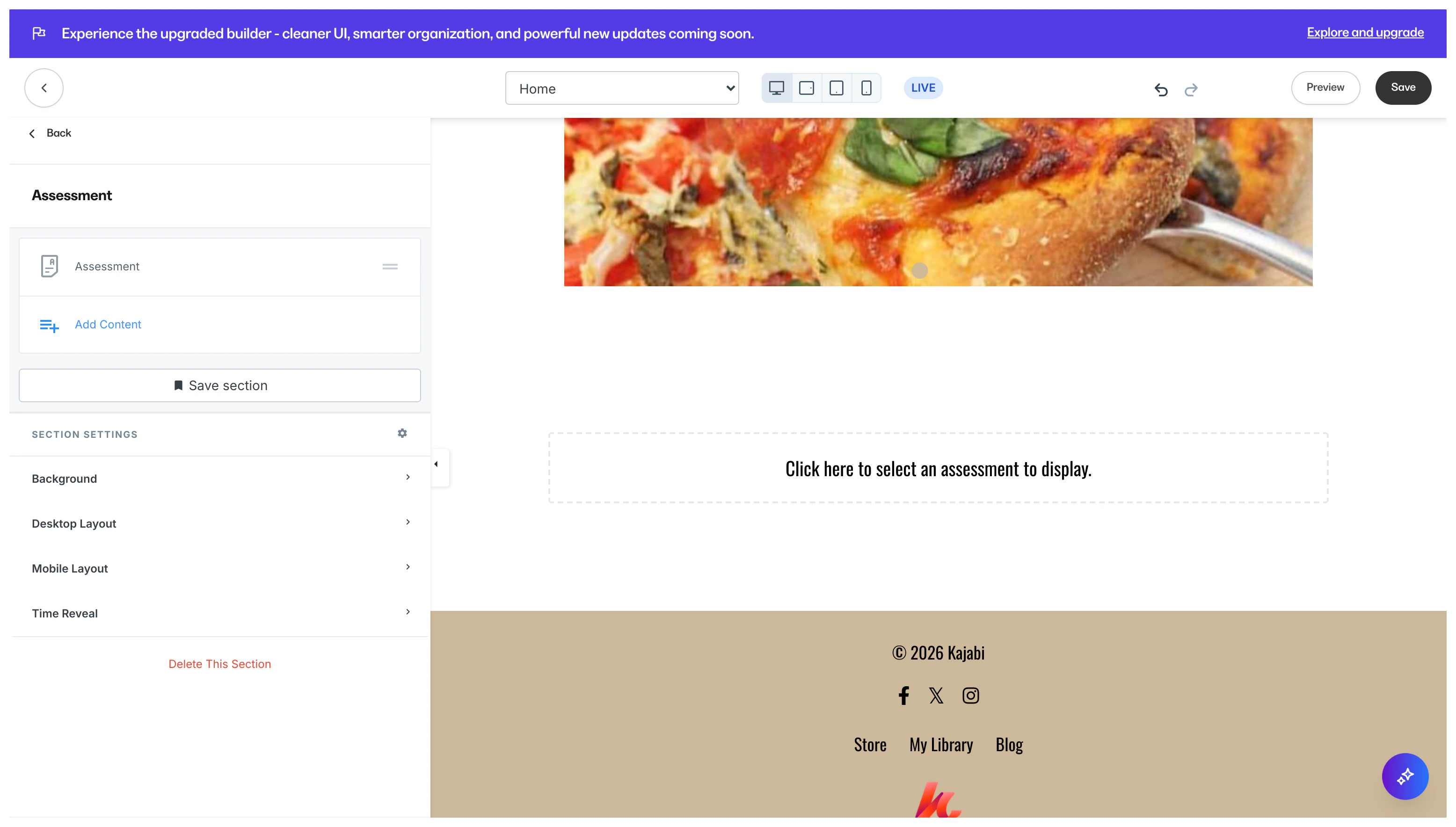
Note:Adding an Assessment Section generates an empty Assessment Block. Be sure to select your Assessment in the sidebar to display your Assessment.