

Overview
Understanding the difference between an Image Gallery Section and a Section Gallery helps you create the best visual experience for your page visitors.Section gallery
The Section Gallery is a feature to expand and display your Images when clicked to create a gallery viewing experience for your site visitors.
Image gallery
An Image Gallery is a Section of a page made up of Image Blocks. This can be accomplished by adding an Image Gallery Section to your page that generates six Image Blocks in one Section, or by manually adding Image Blocks to a Section of your Page: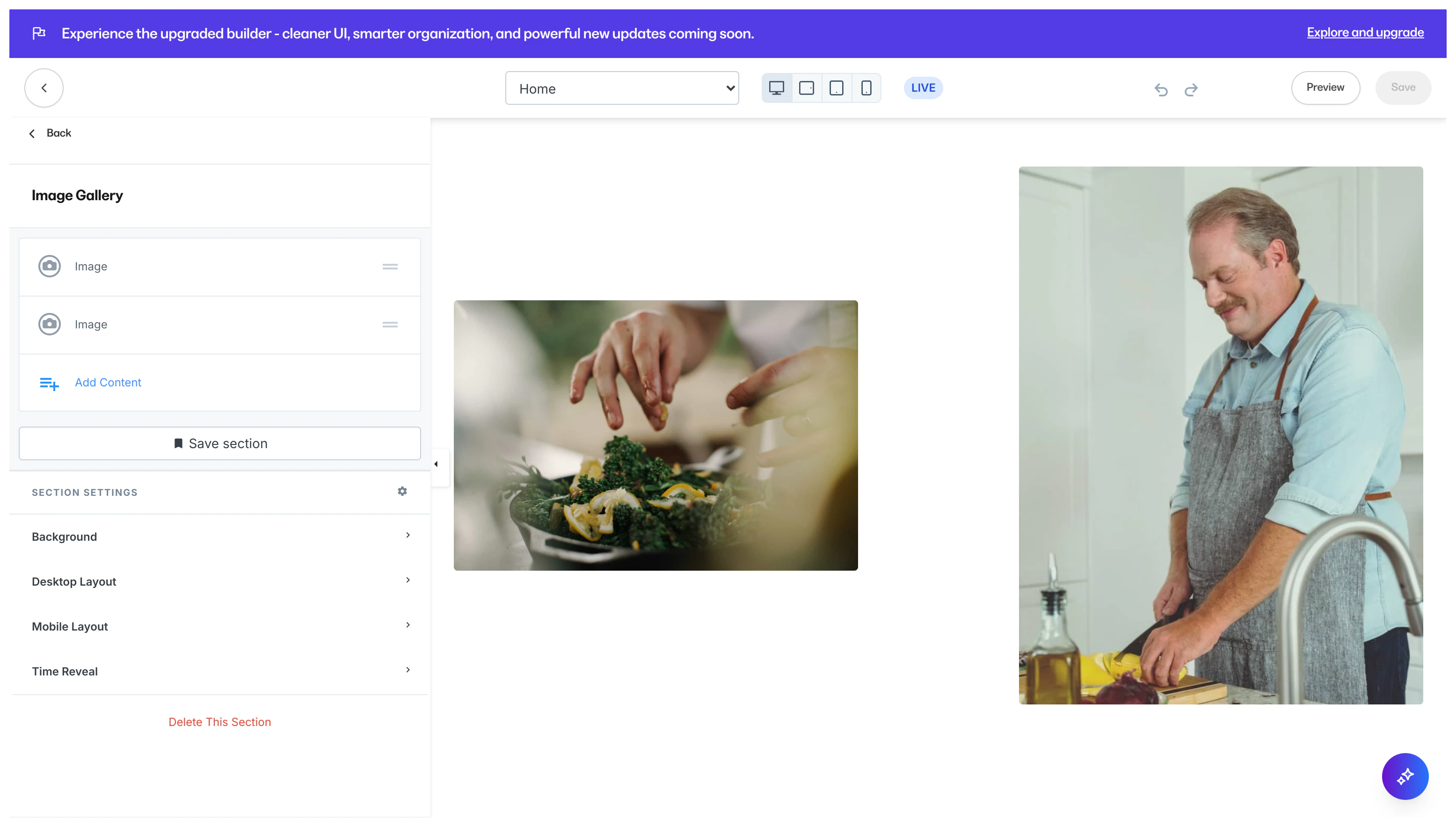
Note: Although different, Images in an Image Gallery can be added to your page’s Section Gallery by simply toggling on Add to Section Gallery for each Image in the Section.