Overview
Displaying your social media feed with authentic content can be a great way to create a transparent, personal feel to your brand. It can encourage users to increase the time spent on your site and improve your website conversion rates. Natively in Kajabi, you have the ability to link to your social media pages from your Kajabi site with linked icons for each app. Additionally, you can build various website widgets including a widget to display your Instagram Feed onto your page with Kajabi Pages with the Instagram Carousel Widget. Learn more. Another common tool used to present Instagram posts on a website is SnapWidget. Check out SnapWidget Examples and Demos The best recommendation is to research and find the tool that best fits your business.Step 1. Design your Widget with SnapWidget
To showcase your Instagram content on your Kajabi page:- Go to https://snapwidget.com/
- Sign up for a free account.
- Then, begin designing your widget.
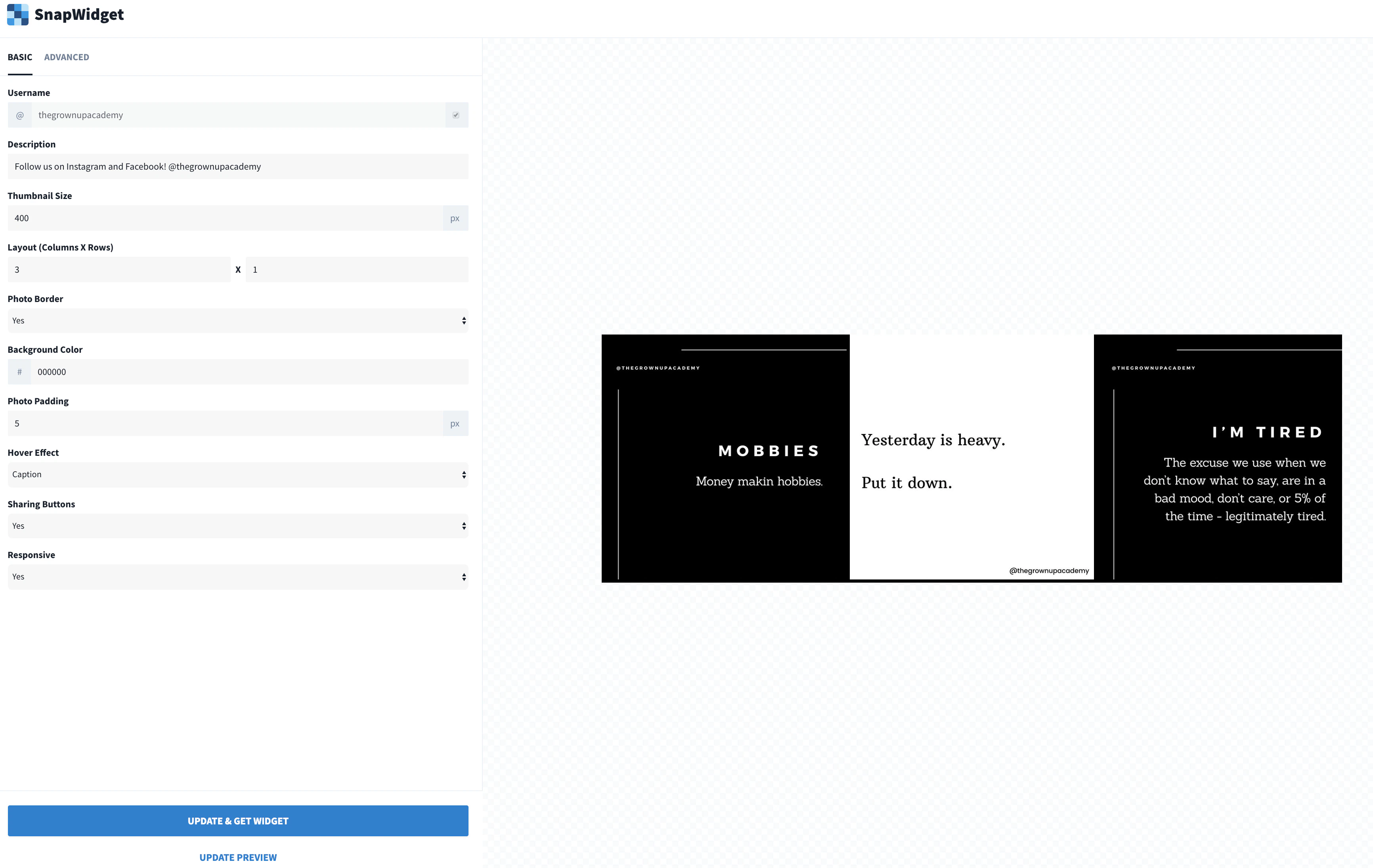
Note: The free version of SnapWidget lets you customize the panels and get an embed code. However, when users click on the post in your widget, it will redirect them to a SnapWidget preview page instead of Instagram directly. With the SnapWidget Paid Version, photos link directly to Instagram.
Step 2. Copy your widget embed code
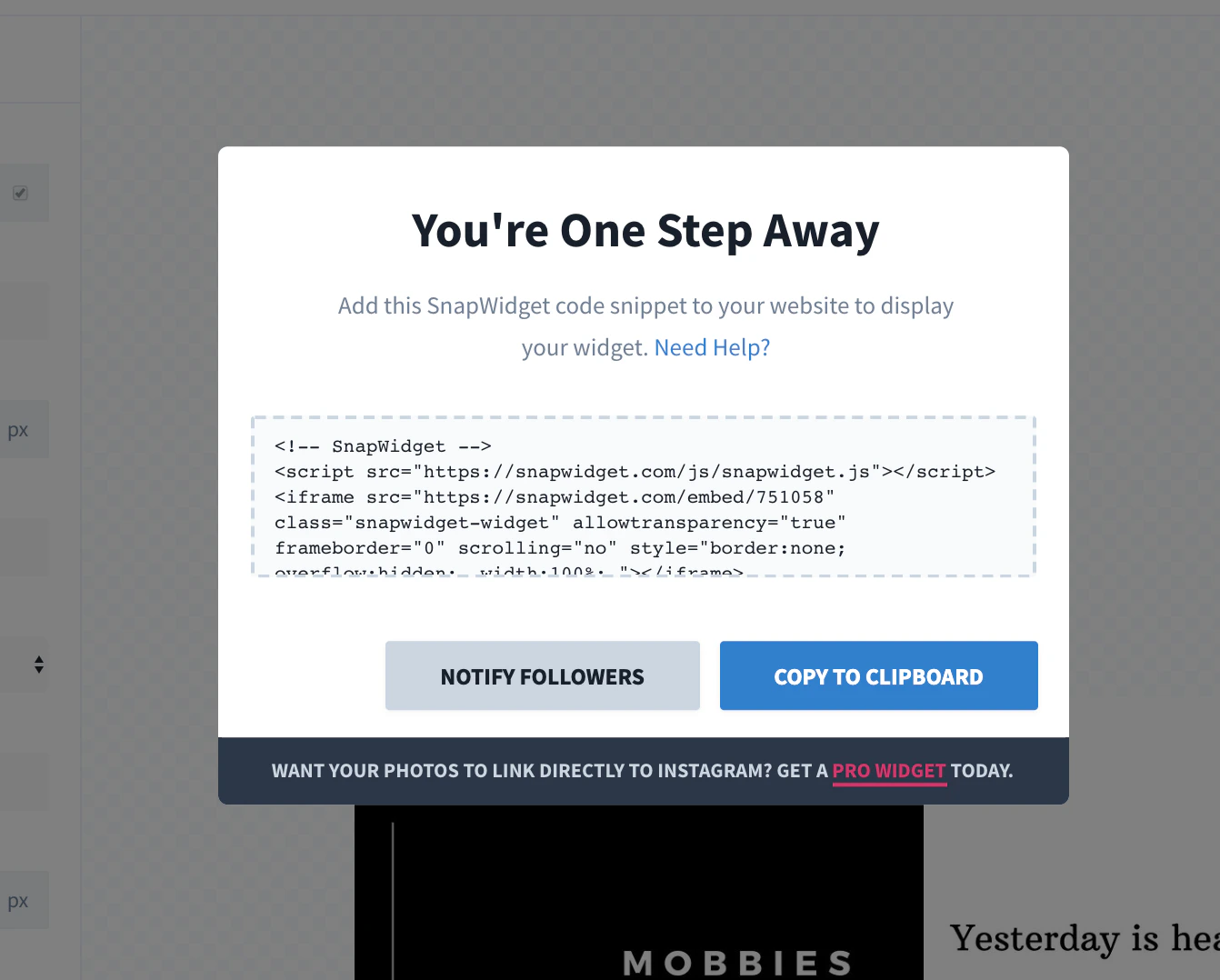
- After designing your widget, click GET WIDGET in the sidebar panel.
- Authorize your Instagram account and click COPY TO CLIPBOARD:
Step 3. Add code to your page
To add the code for your widget to your page, create a Custom Code Block in a Section of your choice or create an entire Custom Code Section. Learn to add Custom Code for more details. After creating your Custom Code Block on your page, paste the code copied in Step 2 into the Custom Code field. Example Custom Code Section with Instagram Feed: