

Collecting reviews
With Kajabi, you can build various website widgets including a Reviews Trust Bar and Social Proof widget to display ratings and reviews from multiple platforms directly onto your page with Kajabi Pages. Learn more. Additionally, you can showcase ratings and reviews by embedding a third-party application review widget in a page. With the many third-party applications that allow you to display your reviews and ratings directly from your website, we recommend finding the tool that best fits your business. For the purpose of this guide, we will be embedding the review widget from EmbedSocial. With EmbedSocial, capture reviews and ratings in real-time from social media, web forms, email, and more with their Zapier integration. Learn more about embedding reviews with EmbedSocial.Note: Don’t want to use EmbedSocial? Use your preferred review widget by copying and pasting your widget embed code into Kajabi. Skip to adding your embed code into Kajabi below.
Creating your review widget with EmbedSocial
Showcase your reviews and ratings on your site by embedding your EmbedSocial review widget into your page built with Kajabi.Step 1. Get started on EmbedSocial to embed reviews
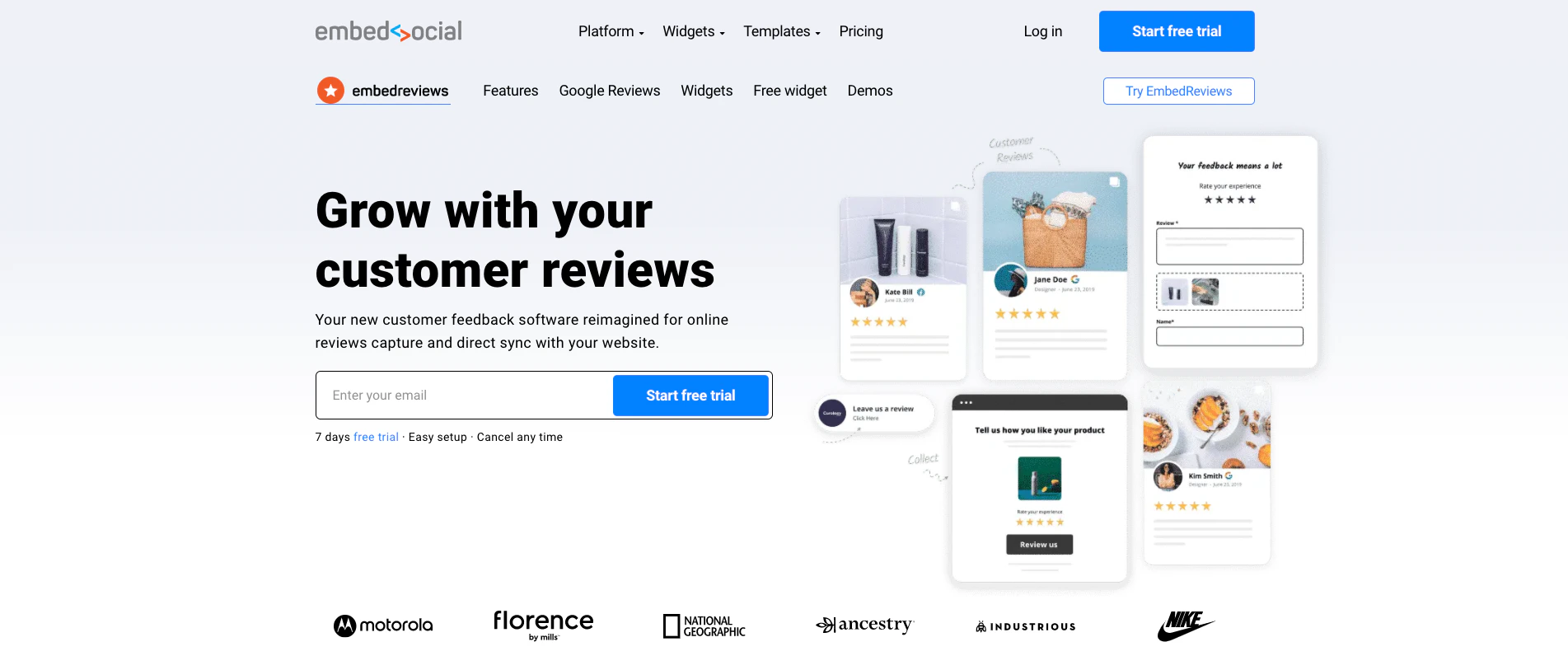
Get started by creating an account with EmbedSocial (if you don’t have an account already):- Click here to create your EmbedSocial account.
- After creating your account, log in to create and customize your review widget:
Step 2. Create your widget
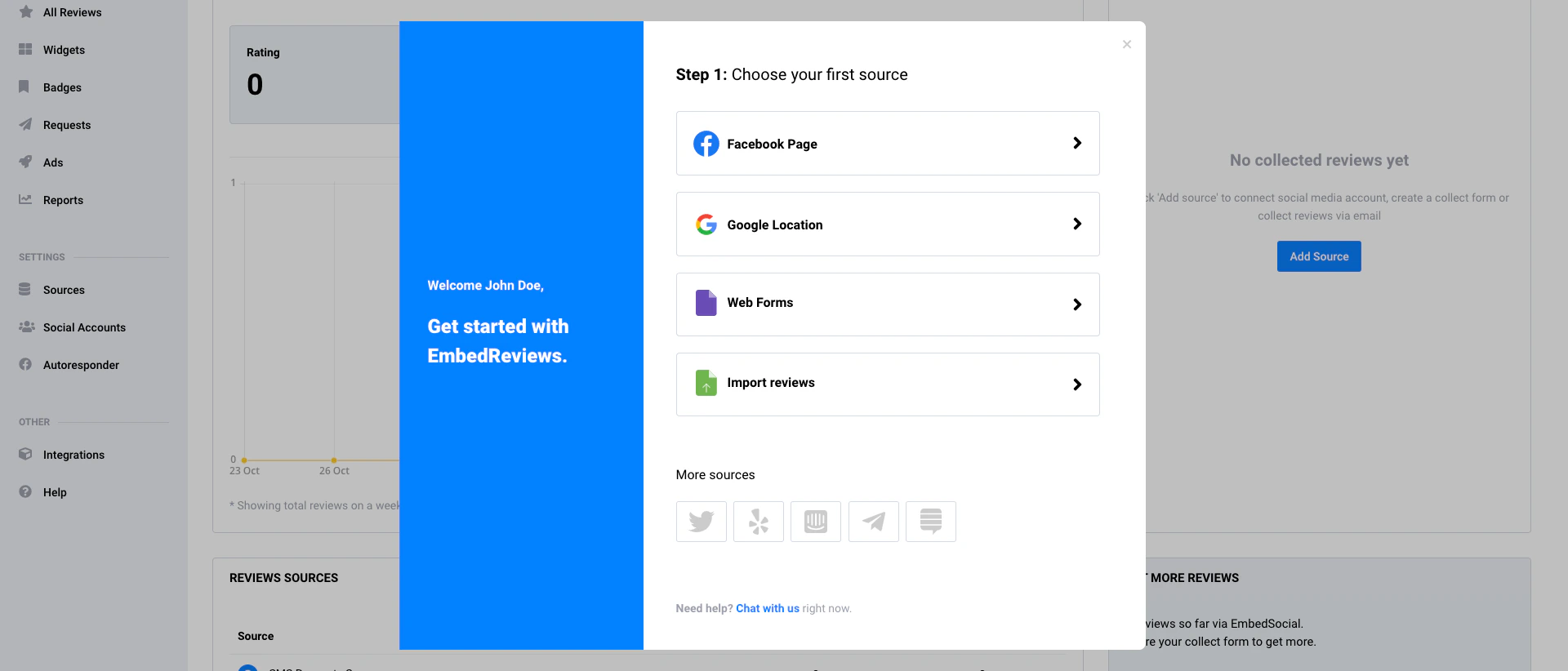
EmbedSocial allows you to connect your desired social platforms and more to collect reviews to display on your site. Select your review source (Google, Yelp, Facebook, etc.) and connect your account:- Click Sources.
- Select + Add Source in the top right corner of the page.
- Select your desired source.
- Log into your source account to connect.
- Then, customize your widget with the sidebar control panel on the far right:
Step 3. Copy your widget code
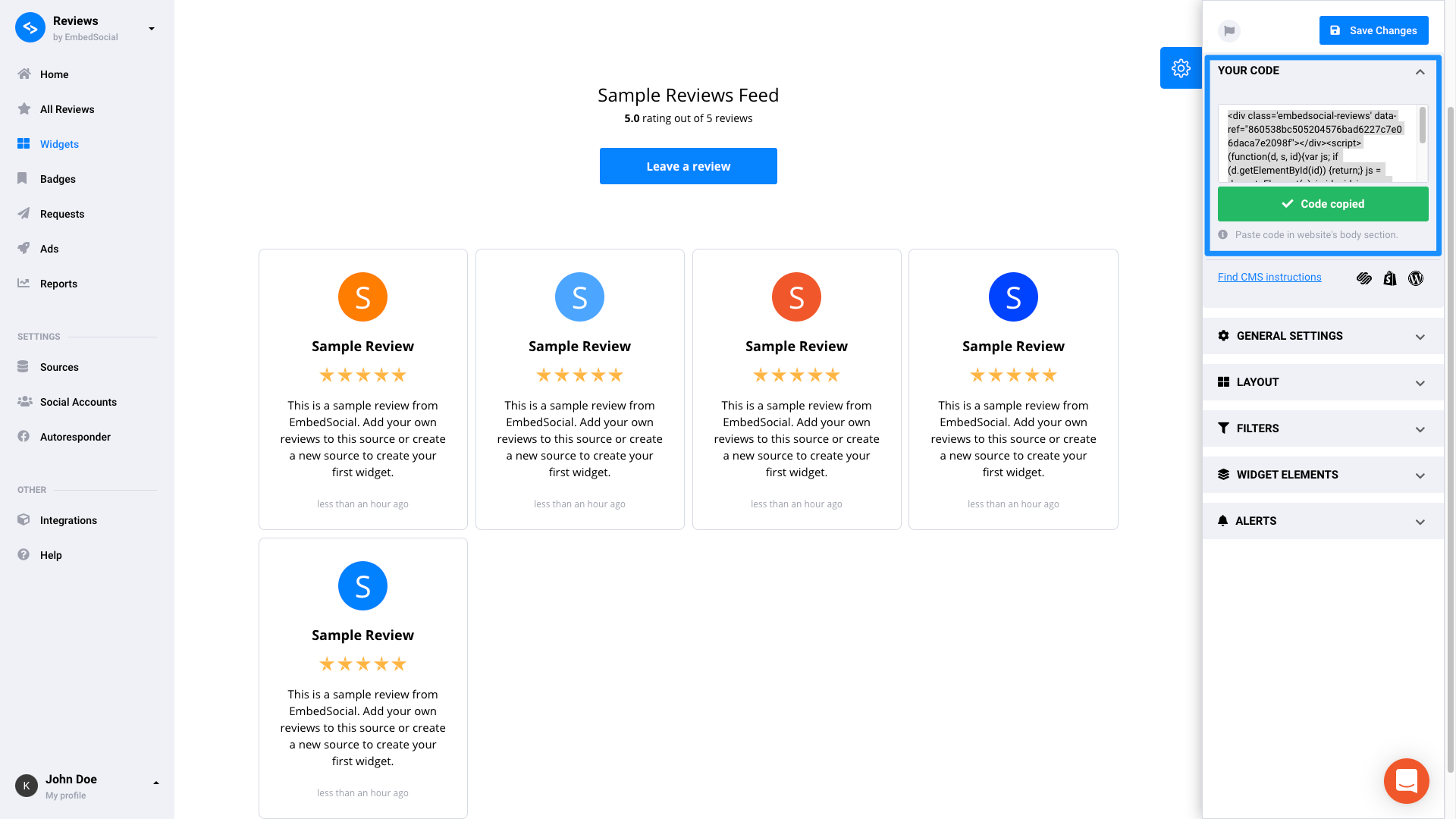
After creating your EmbedSocial review widget, copy your code to add the widget to your page built with Kajabi:- Navigate to the right sidebar editor.
- Open YOUR CODE.
- Click Copy code:
Adding your review widget onto your page
Adding a review widget to your site is as simple as copy and paste. If your review sharing tool provides an embed code, you can add your preferred widget to your page with a Custom Code Block.Step 1. Customize your page
Before pasting your embed code into a page, create or select your desired page to display your reviews and ratings. Add your review widget to various pages of your site, including:- Homepage
- Library page
- About page
- Funnel page
- Sales page (a landing page promoting an Offer)
Step 2. Add a custom code block
Add a Custom Code Block to a page built with the Website Builder or Kajabi Pages to paste in your unique widget code:- After copying your widget embed code, navigate to your Kajabi page.
- Open the Website tab from your Dashboard.
- Select the Pages tab.
- Open the page editor for your Page. Learn more
- Navigate to the sidebar panel.
- Click Add Content.
- From the list, select Custom Code.
- Your newly created Custom Code Block will generate at the bottom of the Section:
Step 3. Paste in your widget code
After adding a Custom Code Block to your page, paste your widget code into your block:- Hover over your Custom Code Block and click Edit.
- Paste your review widget code into the Code field.
- Click Save to keep and apply your changes: