

Note: This article covers the standard website page templates. Click here to learn how to upload a landing page template or click here to learn how to upload a course product template.
Website templates
Design your standard website pages with the ever-growing list of free stylized site templates, featuring intuitive settings and design flexibility:
Add a template
Installing a template will automatically generate as an inactive template in your website design tab. This allows you to customize and edit your design behind-the-scenes until you are ready to activate (or make visible) for your website visitors.To add a template
- Open the Website tab from your Dashboard.
- Click Design.
- Then, select Template Store from the top menu:
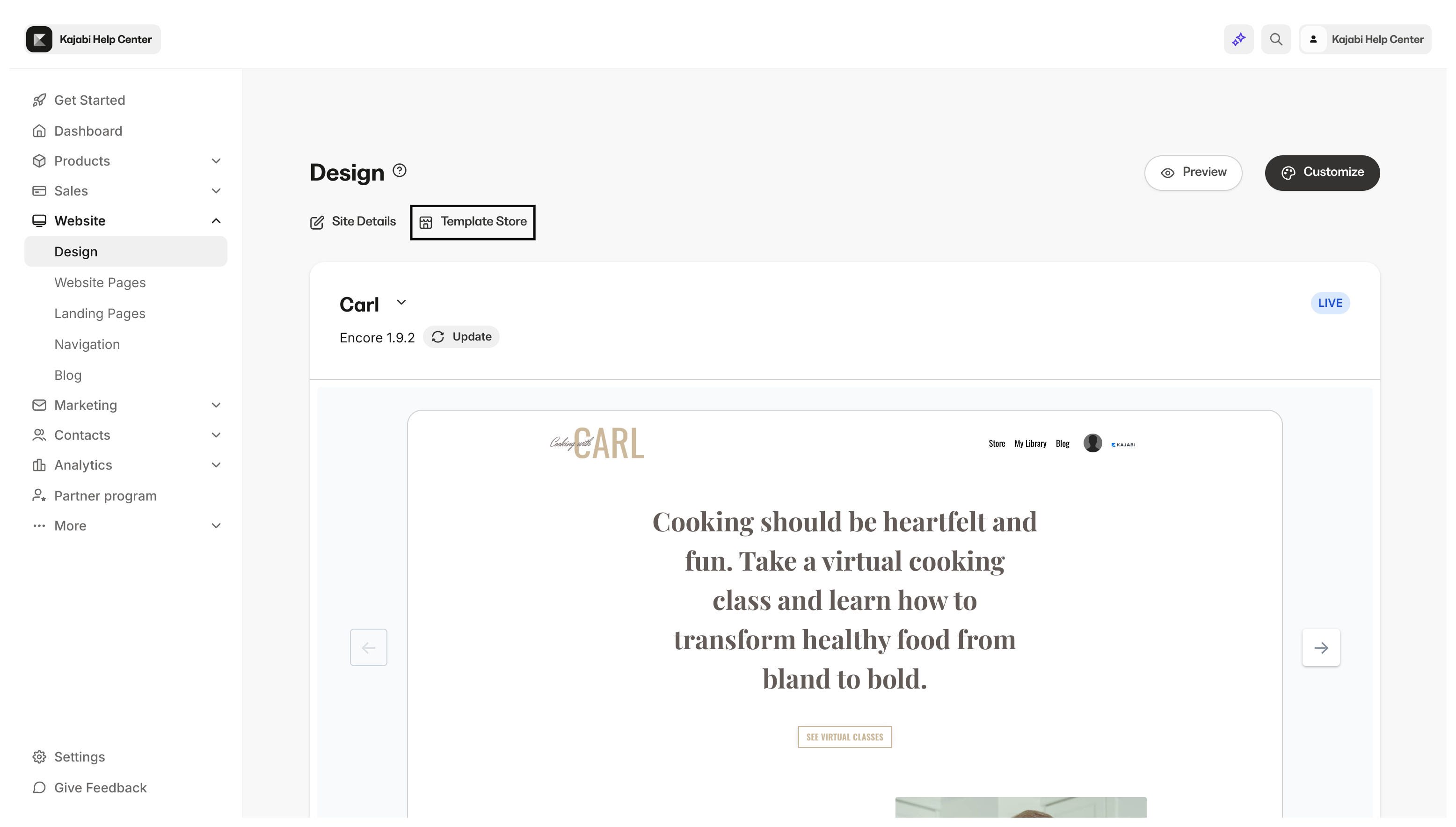
- Select your Template from the Template Store.
- Click Add to saved templates to save the Template.
- Go to Saved Templates.
- Hover your cursor over the Template.
- Click Set to live template.
- Click Set to live template to confirm this action:
Note: Switching between website templates will not affect your content, comments, or admin settings.
Rename your template
Rename your template to easily identify different templates you choose to add and Activate.To rename your template
- Open the Website tab.
- Open the Design tab:
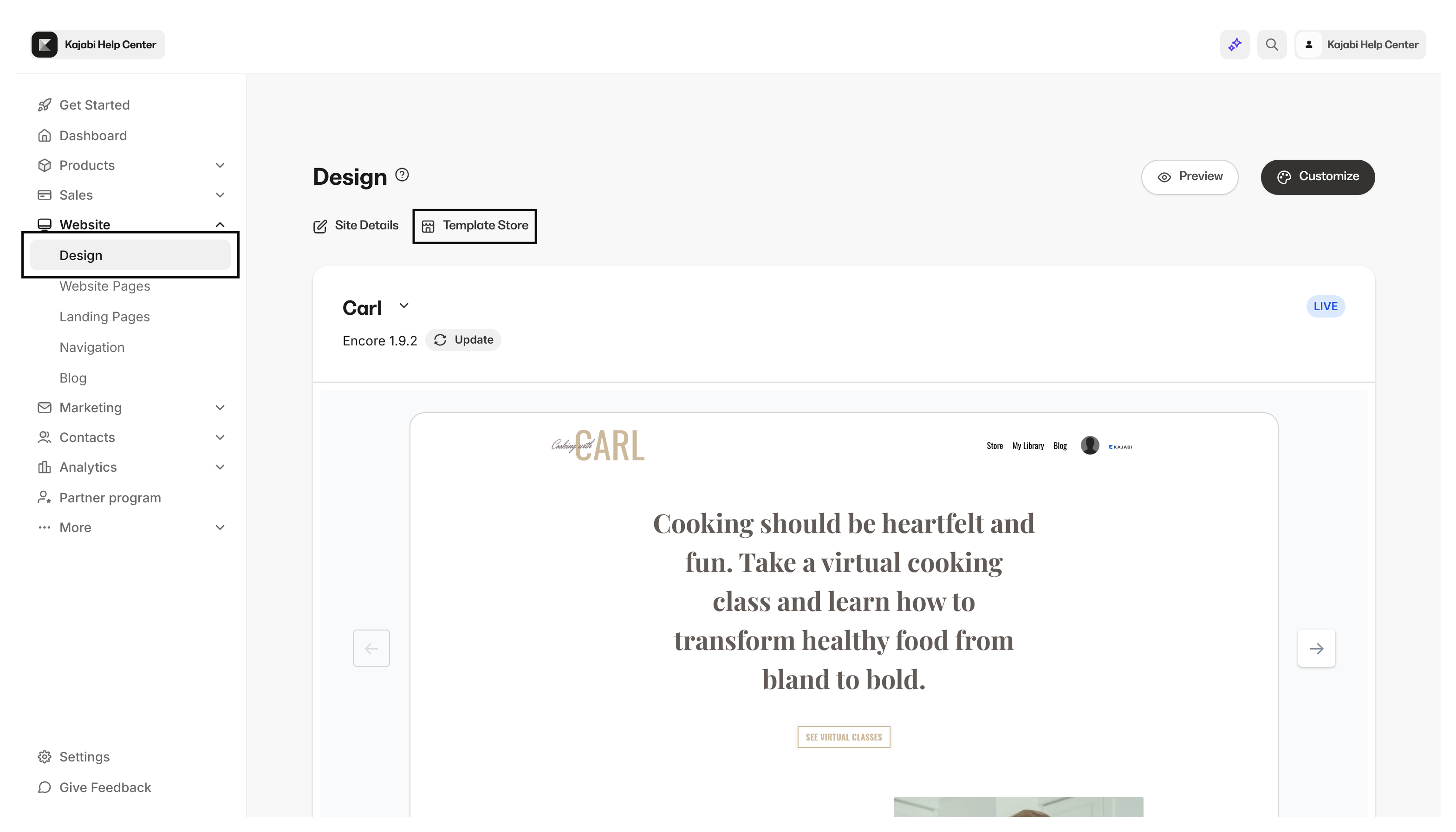
- Go to Saved Templates.
- To the right of your Template Title click
…. - Select Rename template.
- Enter your desired Title in the Name text box.
- Click Save:
Update your template
Maintain your website template by regularly checking for updates. Your template may need to be updated to install bug fixes and features that will help improve your experience with your website. Click here to learn how to update your Website Template.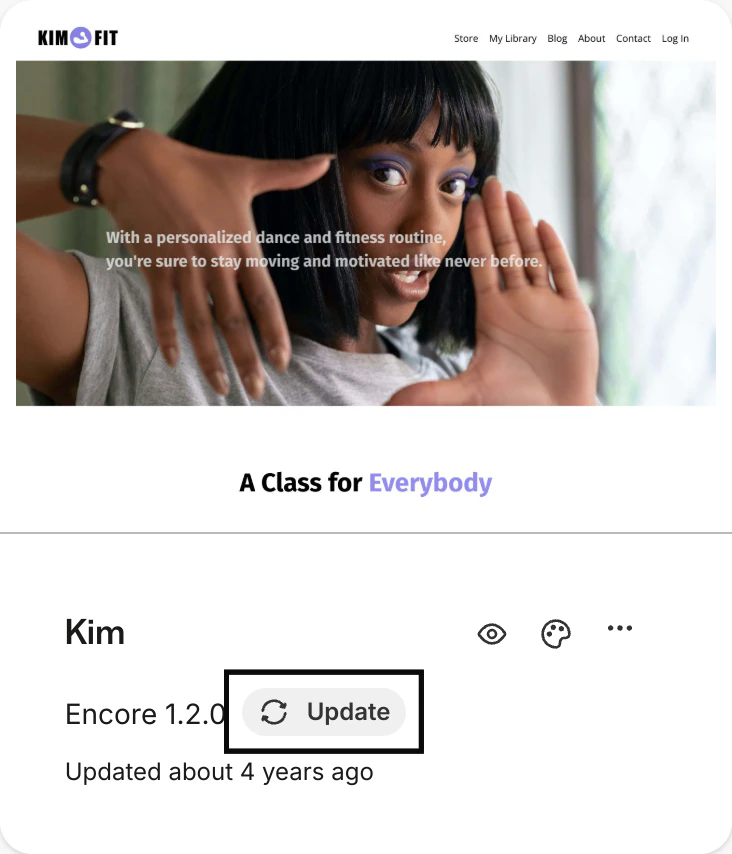
Export/Import a template
Export your template to share with your team or clients or simply save your template to an external hard drive. To Export a template from your site:- Open the Website tab from the Dashboard.
- Click the Design tab:
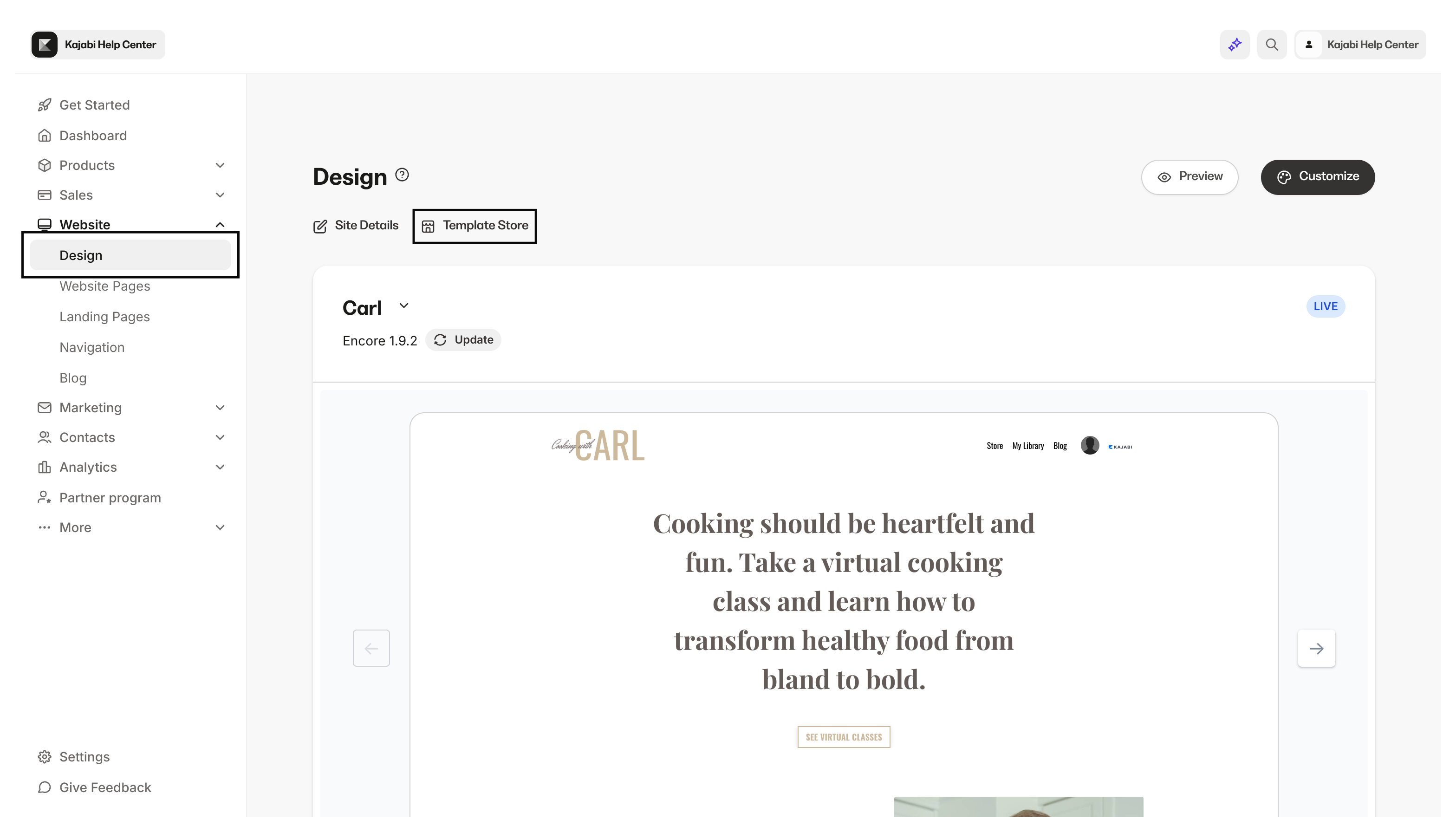
- Go to Saved Templates.
- Click the
…next to your saved template and choose Export as .zip:
Note: The logged-in admin will be sent the exported template through email. Click on the link in the email to download the file. Save the exported template file to your hard drive.
Import a template
Have a custom template built for your site on Kajabi? Import your file to the Website Design tab to add your custom website template. To Import a template to your site:- Open the Website tab from the Dashboard.
- Click the Design tab.
- Select Upload Template.
- Upload your file:
Note: There is a 10MB file limit when uploading a website template.