

Overview
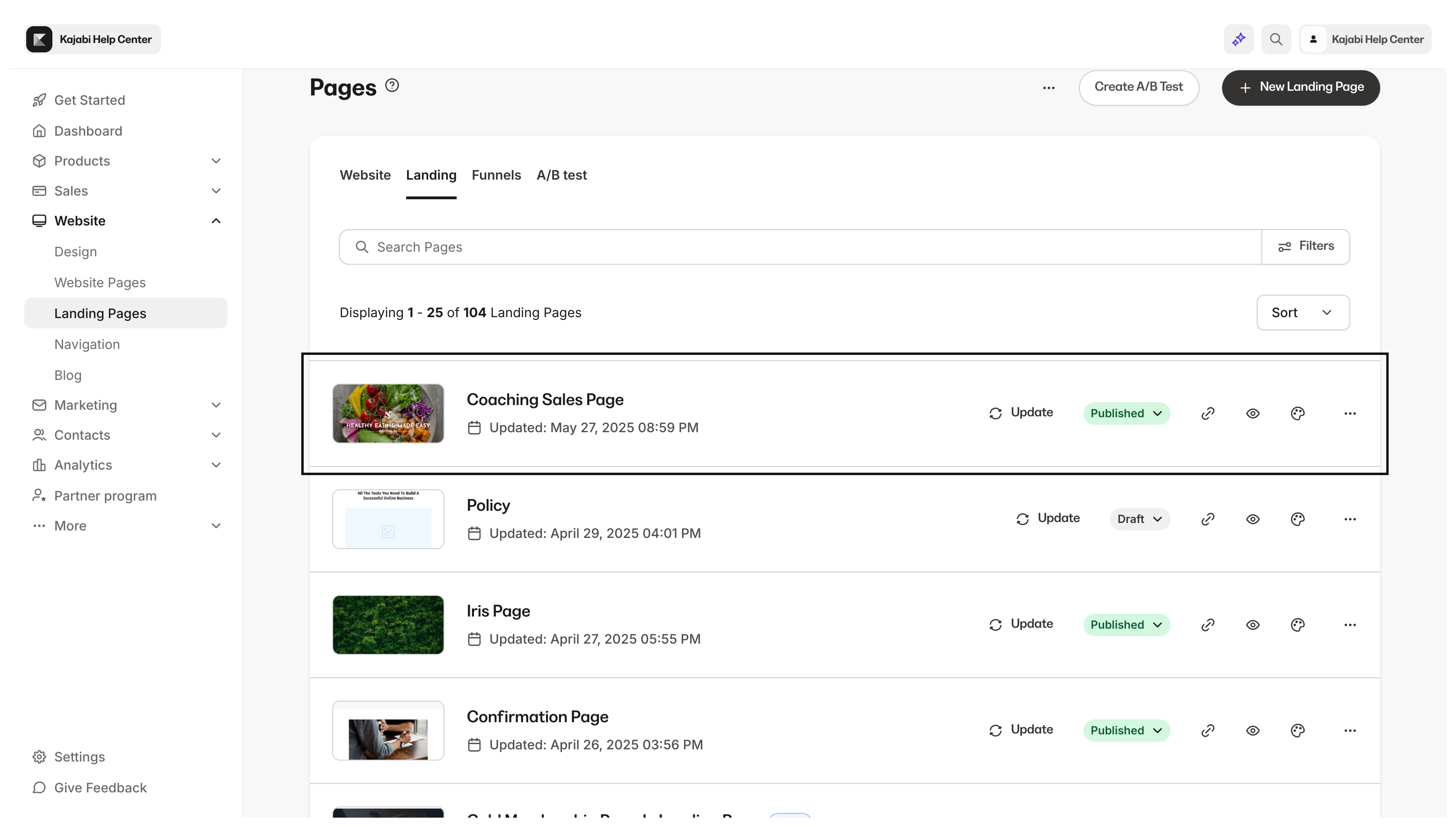
With the website builder you can duplicate any website page (excluding System pages) into a landing page. This allows you to retain your customization and branding from your website to your landing pages.How to duplicate your website page into a landing page
To add your page to Landing:- Open the Website tab from your Dashboard.
- Click the Pages tab.
- Then, locate the custom website page you wish to add to Landing.
- Click the
…menu icon. - Select + Add page to Landing.
- Read the prompt and click Add page:
Note:
System pages (such as 404, Login, Library, Blog, Store, and Thank You) cannot be duplicated to Landing Pages. Only custom website pages support this action. If you have reached your plan’s Landing Page limit, the duplication will not proceed.