Note: This article refers to the Premier Legacy Templates, which may be outdated! If you are using the Kajabi Pages Templates, please refer to the updated guide here.
To add an anchor link to your page
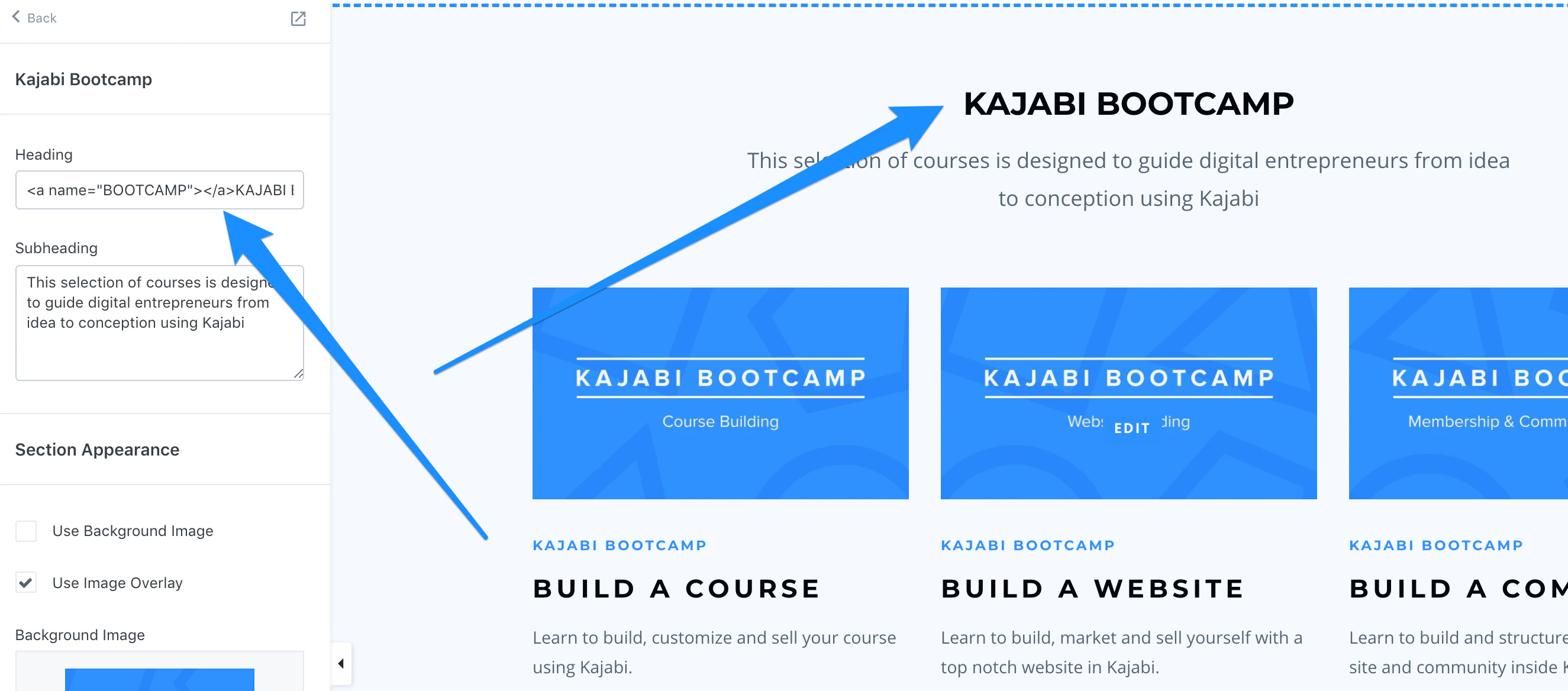
- In the Section you want to lead to, insert following tag in the Heading block of the section:
- BOOTCAMP = the slug you will add to the URL in the link list.
- The END NAME “Kajabi Bootcamp” = text that will show on the page.
Note: This will only work in the Title or Heading block of a section:
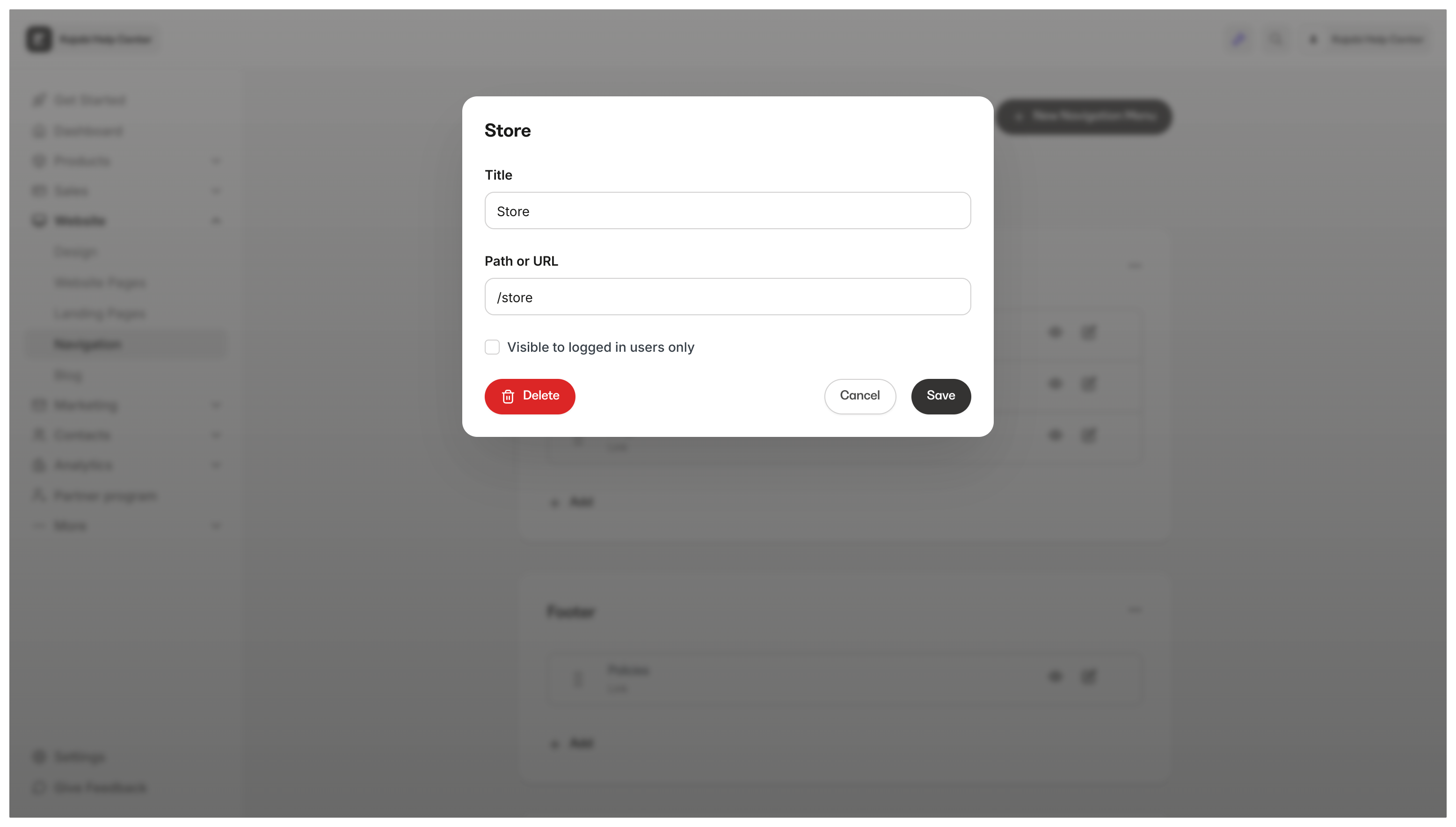
- In the Navigation Menu, add the URL of the page you created step 1 on, then ADD “#Bootcamp” or whatever name you chose to the end with ”#” right in front of the word: