

Overview
Create pages that can only be accessed by logged in customers to offer exclusive content to your paying audience.What are member only pages?
Member only pages are custom website pages that are locked behind a login to only allow your customers to access your custom pages. Need a page to host your Member-only Webinar? Looking to provide exclusive, valuable content to your customers with a stylized page? Build a custom website page and set visibility to Members only.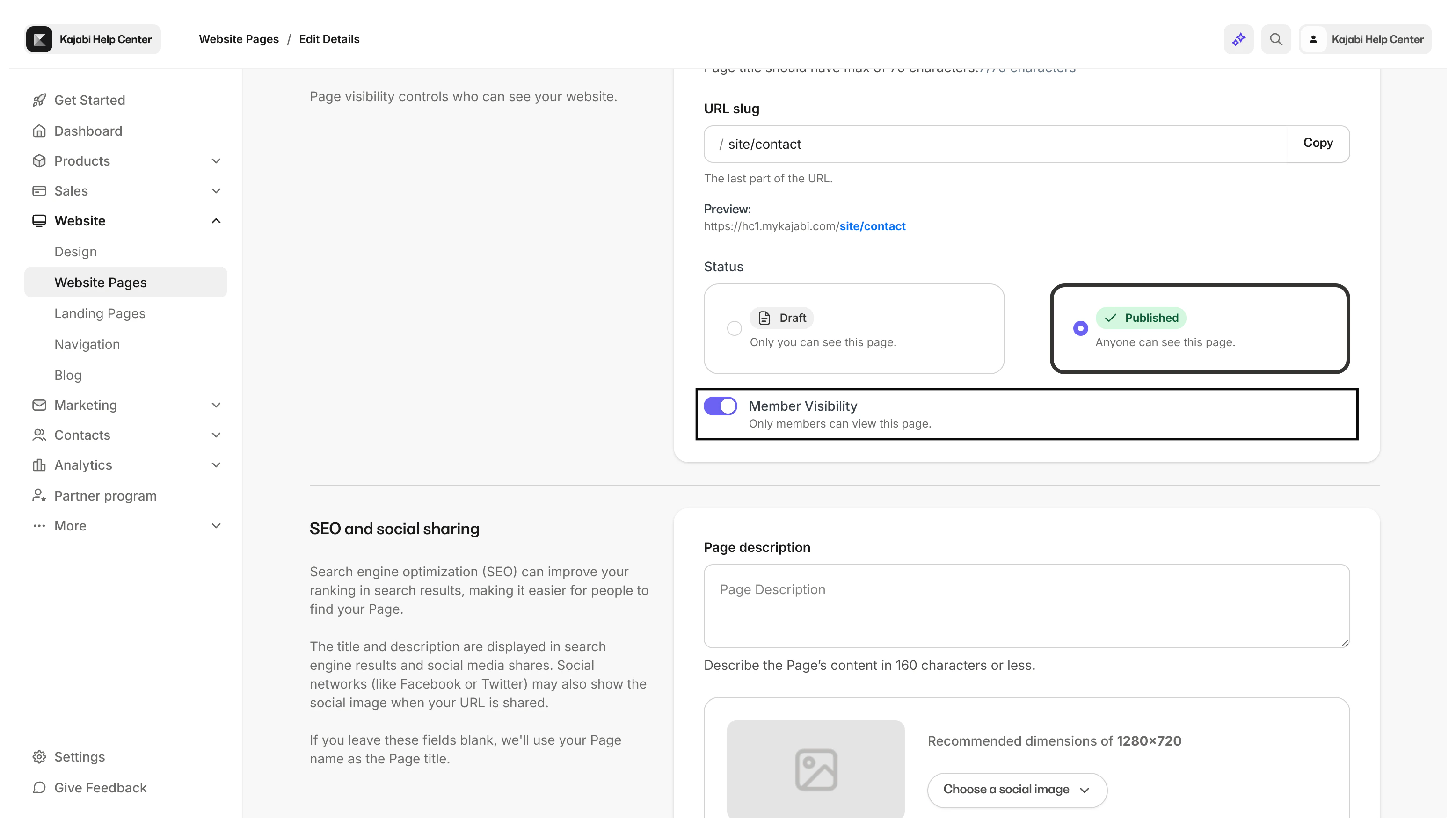
What will they see?
If a visitor (i.e., not a paying customer) attempts to access the page without logging in, they will encounter your 404 system page: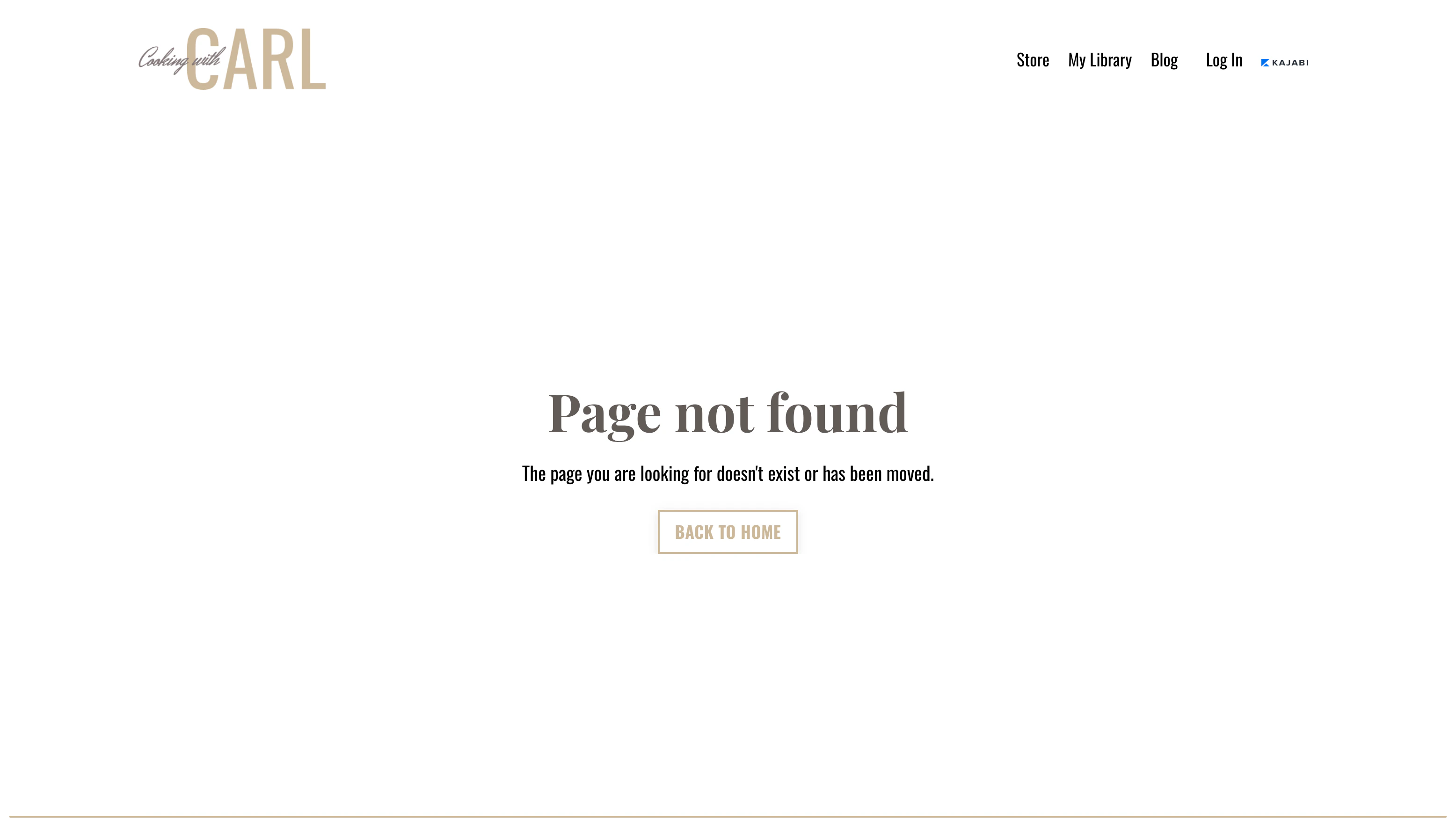
How to create a member only page
To create a member only page, you must first create a new custom website page.Note: Member only pages can only be created for website pages and are not available for landing pages.
Step 1. Create a new website page
- Open the Website tab from your Dashboard.
- Click the Pages tab.
- Select the Website folder.
- Click + New Website Page in the top right corner.
- Enter the name for your new website page.
- Then, click Customize Page to begin building your custom page:
Step 2. Edit website page details
After creating your new website page, edit your website page details:- Navigate to the top left corner of your page editor.
- Click Back to Website Pages.
- Locate your newly created website page.
- Click the
…icon to the right of your website page. - Select Edit Details.
- Navigate to the Member visibility toggle.
- Click the toggle to limit visibility to members only.
- Be sure to click Save to keep and apply your changes: