Overview
Design the look and feel of your blog posts to match your brand and create a consistent reading experience.Designing your blog posts
We get it. Strategizing, creating, and delivering content requires a lot. With the Website Builder you can design your blog posts at your pace. Want to spend less time customizing the design and more time creating your content? Or do you want to dive into the design work for your blog posts to best represent your brand? The choice is yours with the Website Builder. With the Website Builder, the process of designing your blog post is simple and easy to set up. But if you are looking to create a highly-customized blog post page, you have the editing capabilities to do so. Looking to create and edit your blog posts? Click here to learn more.Customize the design of your blog posts
The blog post design page is very similar to your main blog homepage with the addition of the Blog Post Body Section.To customize your blog post design
- Open the Website tab from your Dashboard.
- Click the Pages tab.
- Select Blog Post from your list of website pages to begin customizing:
Note: Designing your Blog Posts will automatically render across all your new and previous Blog Posts.
- The content displayed (e.g., header, date, tags)
- A Call to Action to encourage an immediate response from your visitors
- An Opt In Form to encourage visitors to subscribe to your list
- Your blog post sidebar separately from your blog homepage sidebar
Blog post body settings
In your Blog post body section, customize the:- Blog Post Body
- Call to Action
- Opt In
- Sidebar
- Section Settings
Note: Designing your Blog Posts will automatically render across all your new and previous Blog Posts.
Blog post body
Customize your blog post body content to display
- Header on Top - Your Blog Post Header on top of your Blog Post Media
- Date - The blog post publishing date
- Tags - Any tags assigned to your blog post. Learn more
- The vertical bar allows you to select the hue.
- The square box allows you to select the brightness and saturation.
- The horizontal bar allows you to select the opacity of your color.
Blog post sidebar
With the Website Builder, customize your blog post sidebar independently from your blog homepage sidebar to design a space for your blog post visitors to easily navigate through your blog with the blog post sidebar. With the Website Builder, customize how your Blog Post Body Sidebar is displayed on Desktop and Mobile devices: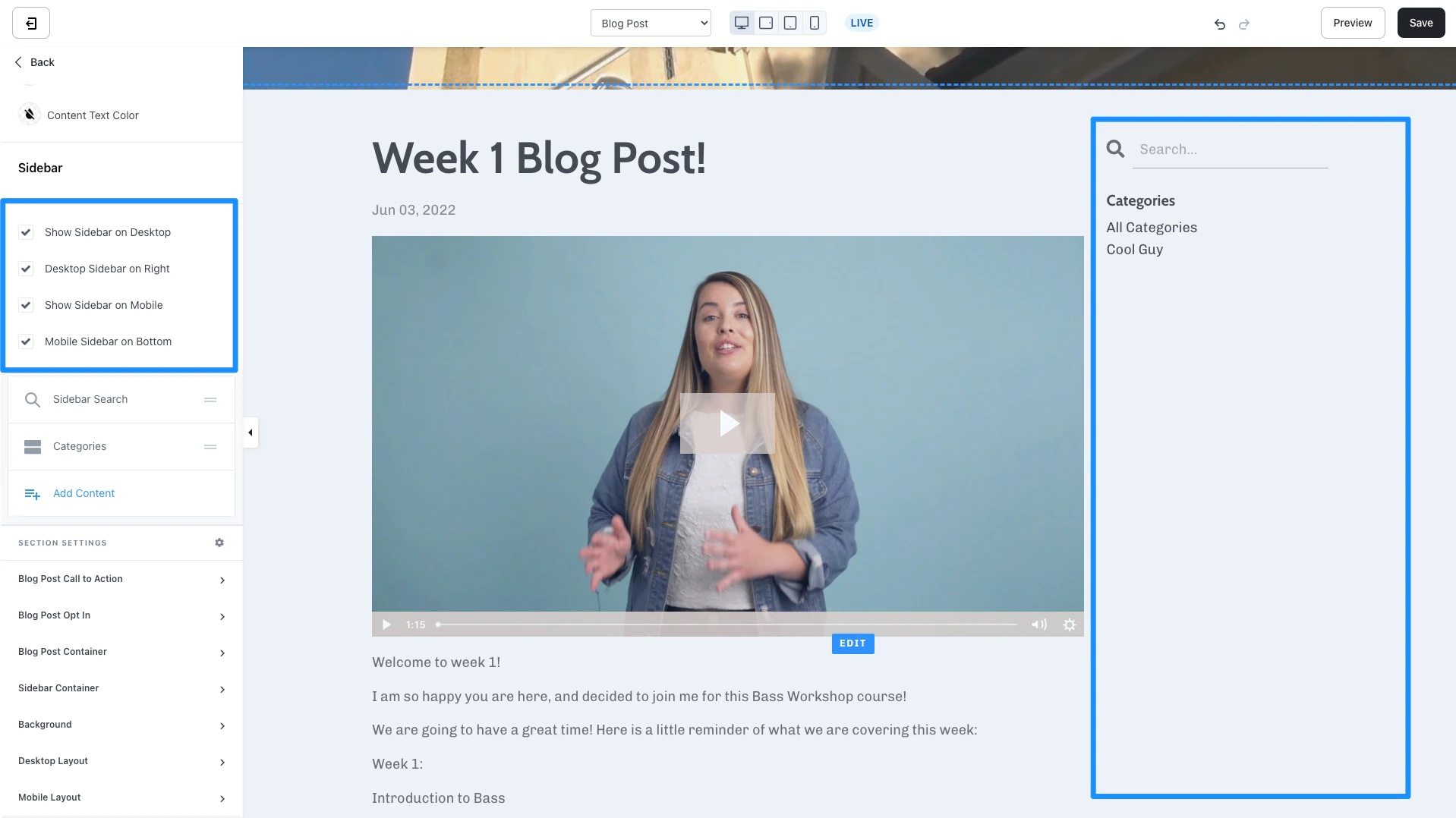
Customize your blog sidebar by adding, removing, and arranging your blog post sidebar blocks
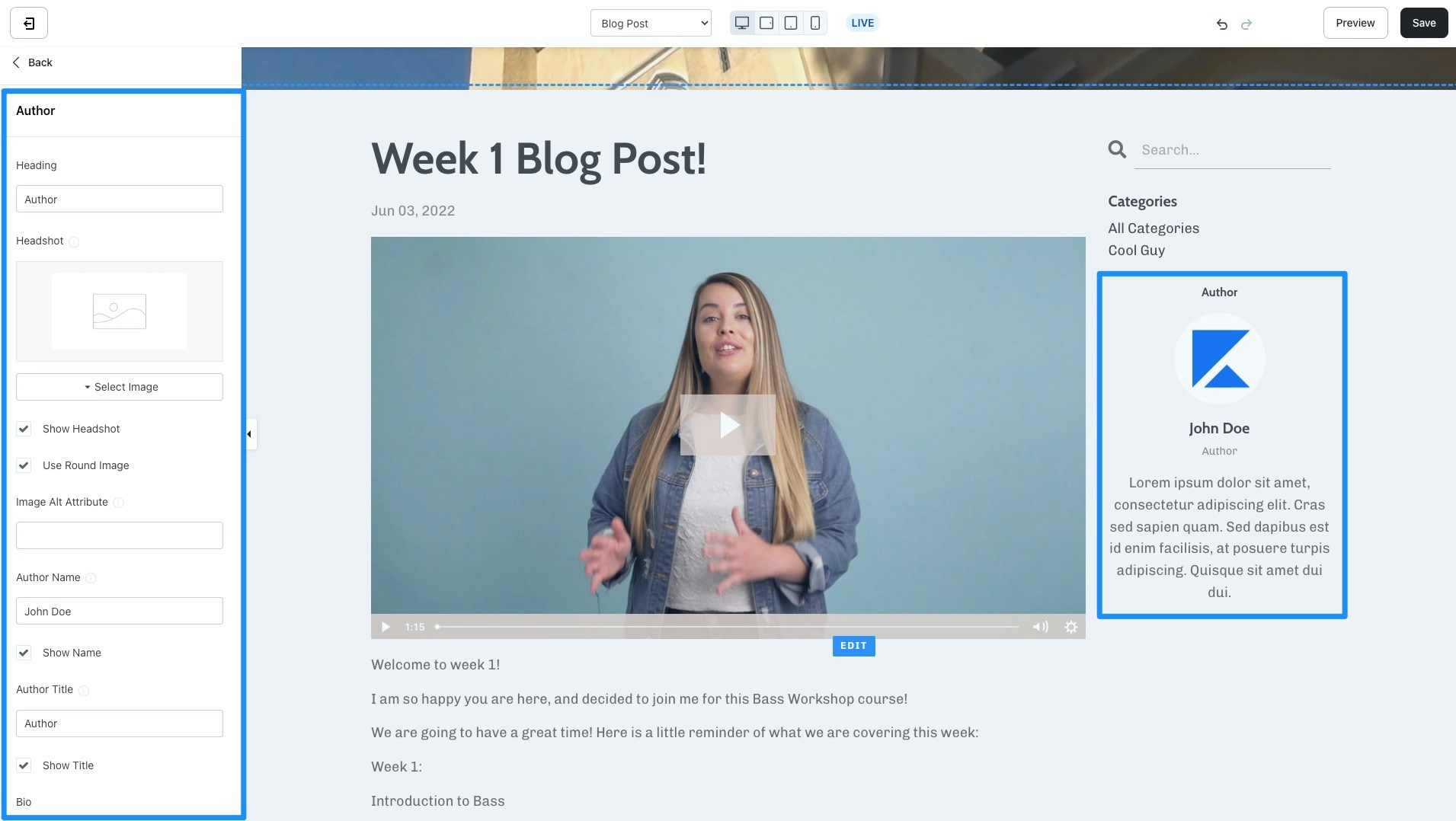
- Author - Add and customize your author information to display in the sidebar of your blog homepage:
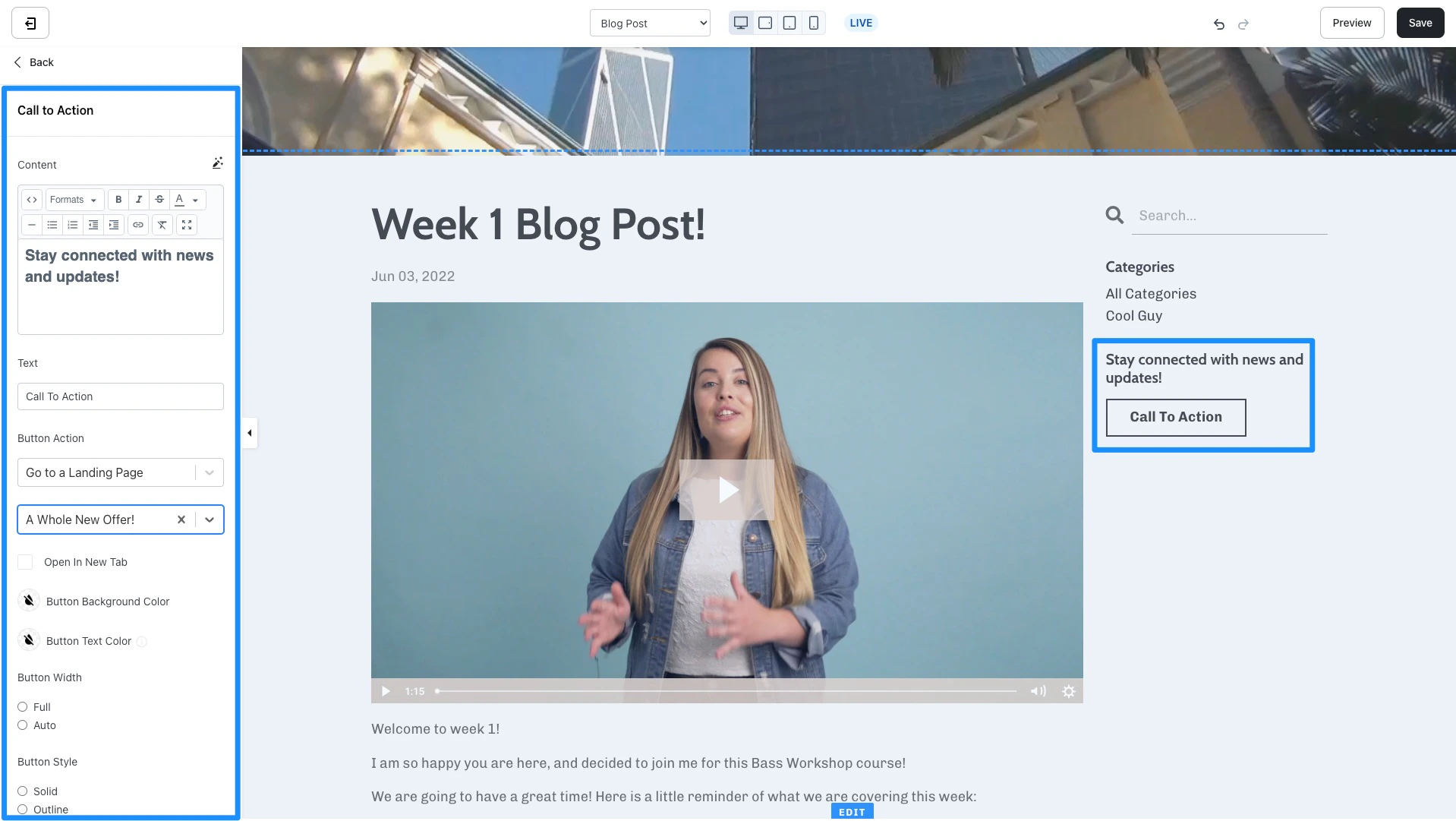
- Call to Action - Encourage an immediate response from your visitors to subscribe to your marketing emails, view a landing page, purchase an Offer, and more. Learn to use a Call to Action.
- Categories - Use Categories to easily filter through your Blog Posts when visitors view your Blog. Customize the language and appearance for your Categories block in the blog homepage sidebar. Read How to Categorize your Blog Posts for more details.
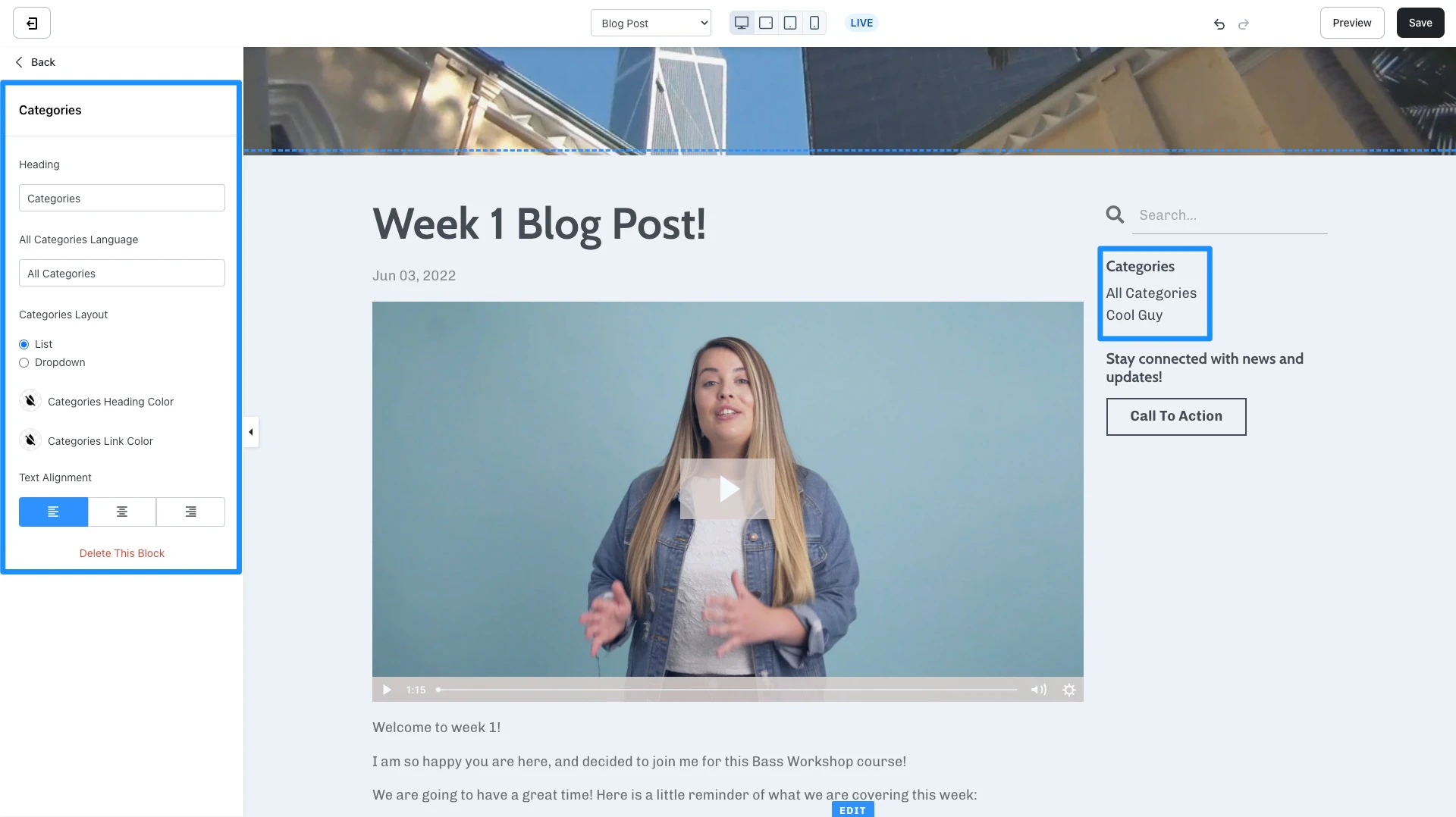
- Custom Block - Create Custom blocks in your Blog Sidebar to include Images, a Call to Action (CTA), and additional text content. For example, advertise your own Offer from your blog sidebar.
Section Settings
Call to Action
Encourage an immediate response from your visitors to subscribe to your marketing emails, view a landing page, purchase an Offer, and more. Learn to customize a Call to Action for more details. Select Show Call to Action if you wish to add a Call to Action to the bottom of your Blog Post Body: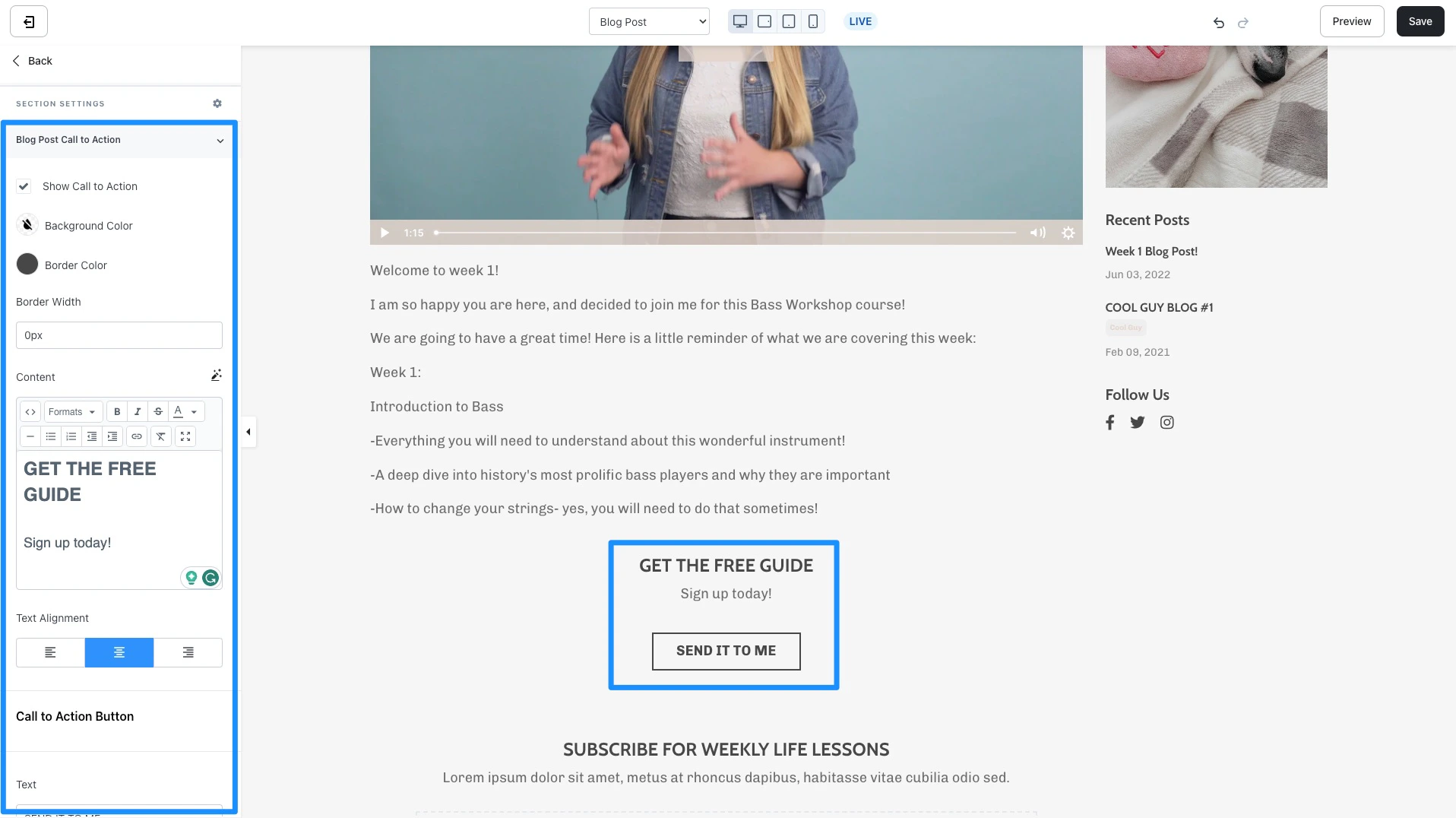
Opt In
Encourage your blog post visitors to submit a Form by adding an Opt In to your Blog Post Body section. Learn to customize a Form on your page for more details. Select Show Opt In to add the Opt In to the bottom of your Blog Post Body: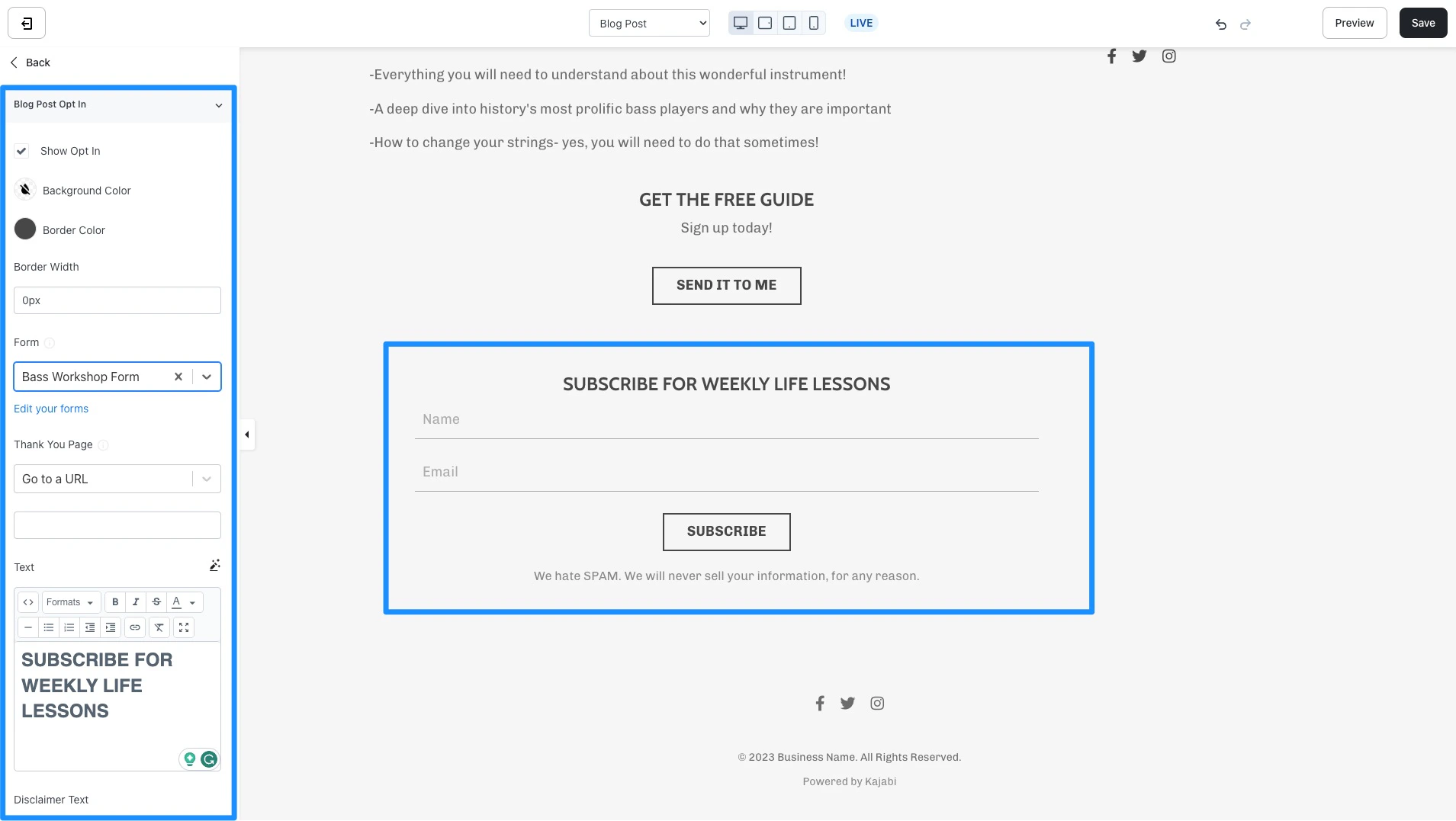
Blog post container
Put your Blog Post into a container to visually separate your post from other sections on your Blog Post. In this section, you can customize the container background color, border type, border width, border, and container box shadow.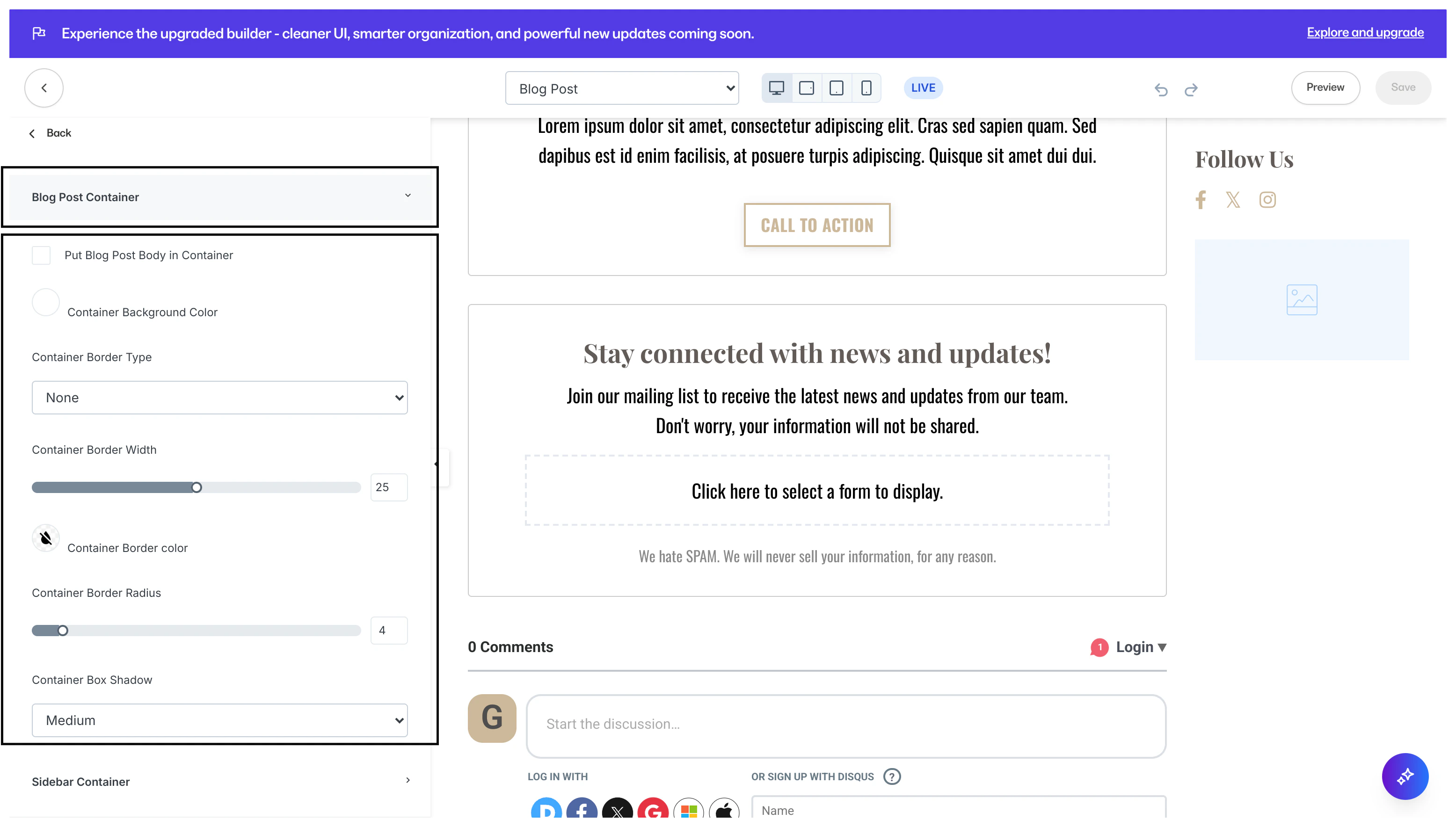
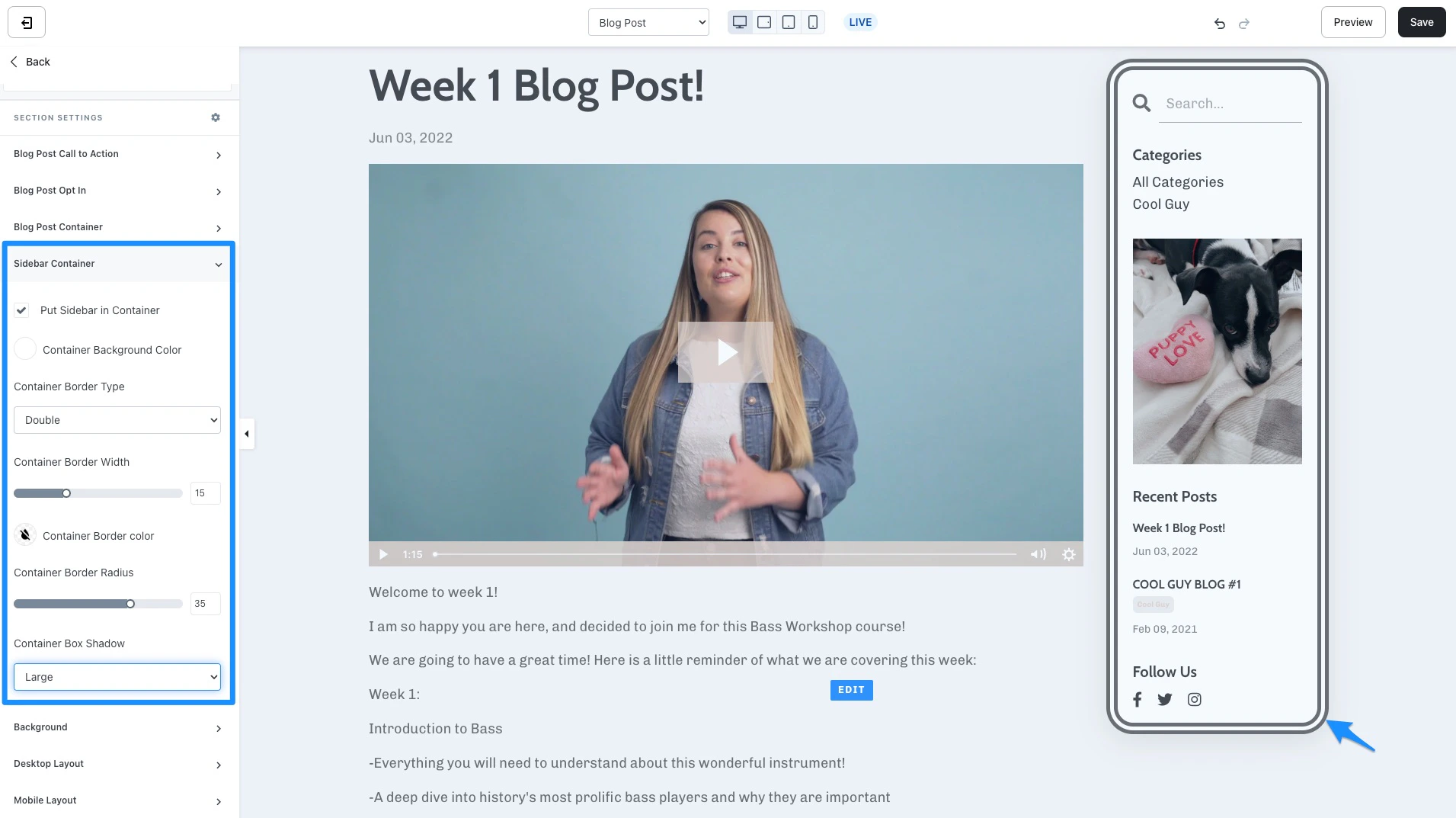
Blog sidebar container
Put your Blog Sidebar into a container to visually separate and highlight your sidebar from other sections on your Blog Post. In this section, you can customize the container background color, border type, border width, border, and container box shadow.