

Create a buy button in your Shopify account
If you don’t already have a Shopify account, you can create a Shopify Lite account here. Before creating your Buy Button, add your products to your Shopify Collection. Learn more about the Buy Button sales channel. Create a Buy Button- Log into your Shopify account.
- Search Buy Button in the search bar.
- Select the Buy Button channel.
- Click Install:
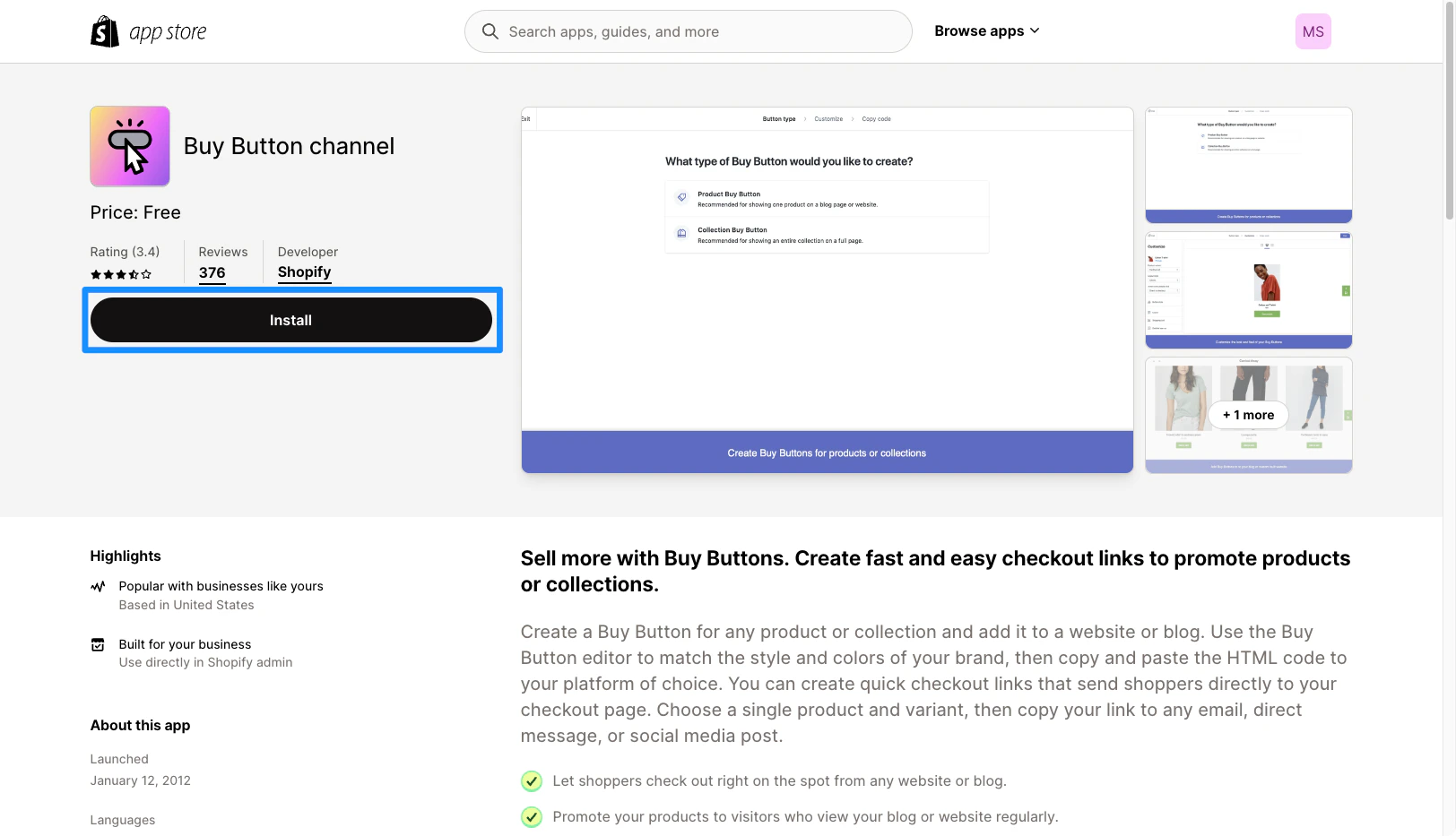
- Click Add Sales Channel to install.
- Then, click Create a Buy Button:
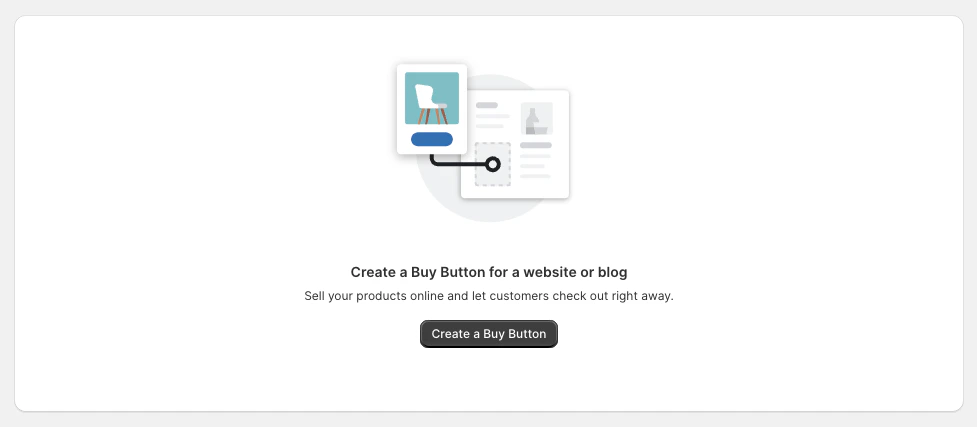
- Select the type of Buy Button you want to create.
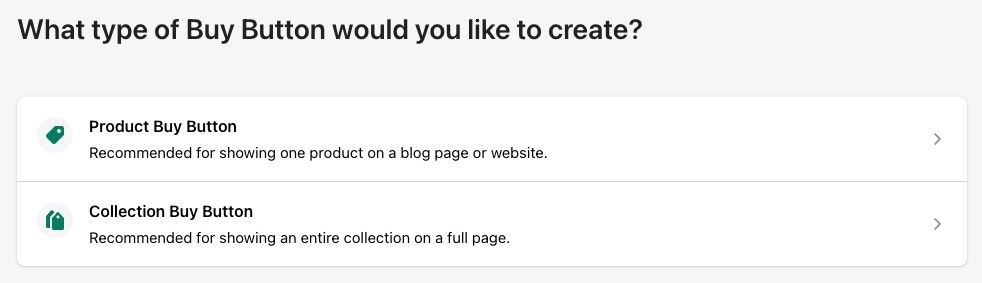
- Select the Product you wish to add or the Collection and click Select.
- Customize your Buy Button in the sidebar.
- Click Next after customizing your Buy Button.
- Click Copy code to clipboard to copy your Embed Code:
Add your collection to your Kajabi site
Add your copied Embed Code:- Open the Website tab from the Dashboard.
- Open the page editor for your Page. Learn more
- Navigate to the sidebar and click Add Section.
- Then, select Custom Code and click Add.
- Paste your Embed Code into the Custom Code text box.
- Click Save to keep your changes.
- Navigate to the top right corner of the sidebar to Preview and test: