Tip: Open two tabs in your browser to easily navigate between your Kajabi account and ManyChat.
Step 1. Set up ManyChat
To set up ManyChat and get the embed code:
- Open an account with ManyChat.
- Connect ManyChat to your Facebook Page. More information here.
- Click Growth Tools in the sidebar.
- Navigate to the top right corner and click + New Growth Tool.
- Select Customer Chat.
- Configure each setting and customize how you want the embed to look on your site. Learn more about setting up your Customer Chat Growth Tool with ManyChat.
- After setting up the widget, select Install JavaScript Snippet.
- Authorize your site’s URL with
www. and without www. if they are not already authorized.
- Copy the JavaScript snippet to your clipboard:
Step 2. Paste the JavaScript snippet in Kajabi
- Navigate back to your Kajabi account.
- Open the Settings tab from the Dashboard.
- Select Site Details.
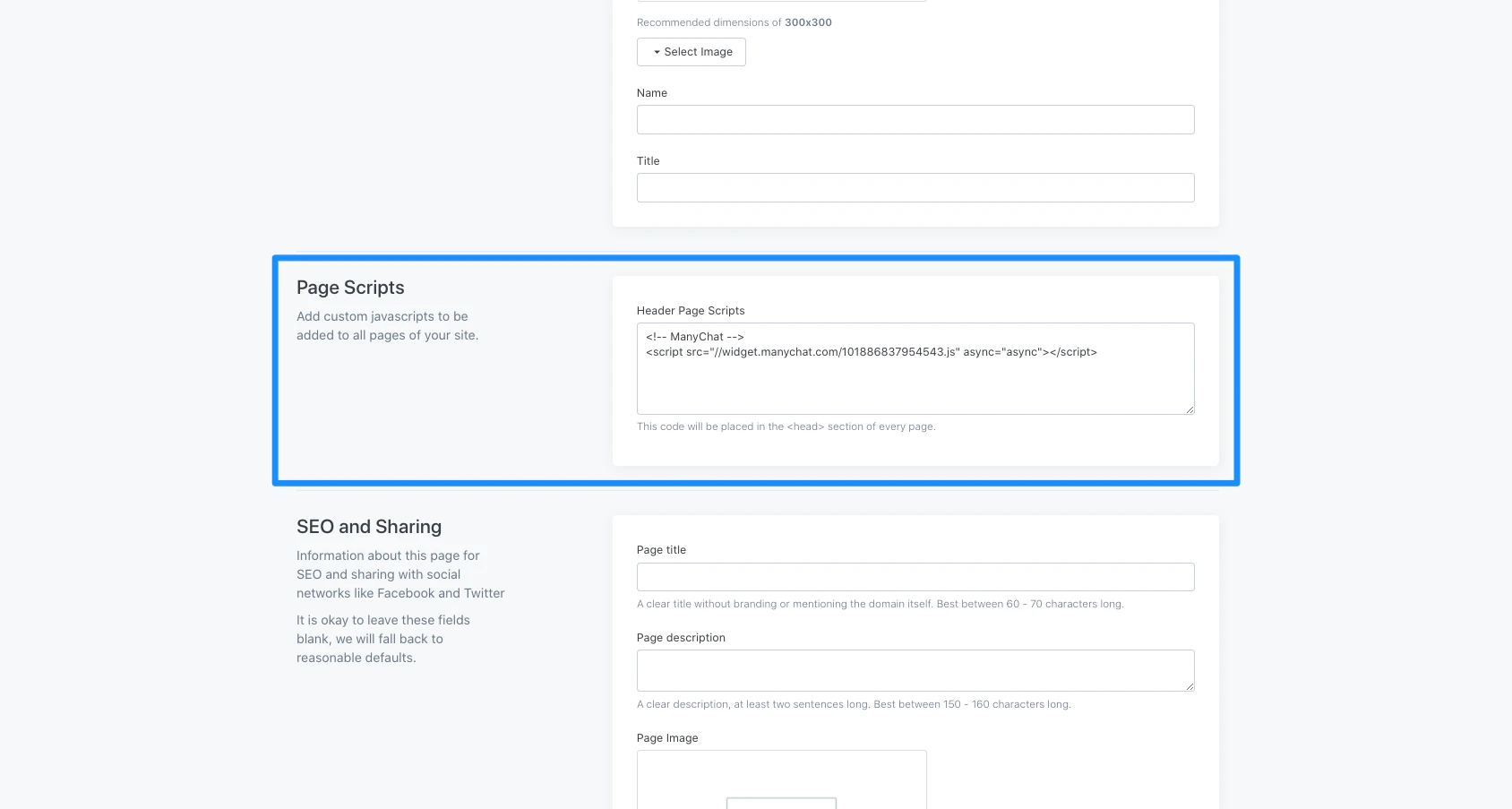
- Scroll down to the Page Scripts section.
- Paste the JavaScript snippet in the Page Scripts field to automatically apply the snippet to the
<head> section of every page on your site.
- Click Save to keep and apply your changes:
Step 3. Enter the URLs
The last step is to add the URLs where you’d like the widget to display:
- Navigate back to ManyChat.
- Enter your exact
https://www.yourdomain.com URL into the Only show on these pages field.
- Save the flow.
- Open your Kajabi website to preview the widget:

