Overview
Add Preset Video Sections to include engaging and informative video content in your pages built with Kajabi.Note: This guide refers to the latest page editor available with the Website Builder and Kajabi Pages. If you are using the Premier Legacy Templates, please refer to the guide here.
Adding a videos section
Create an engaging video experience for your page visitors by selecting a Video Section to add to your page.To add a video section to your page
- Open the Website tab from the Dashboard.
- Select the Pages tab.
- Open the page editor for your Page. Learn more
- Navigate to the sidebar panel.
- Click Add Section.
- Select your Section from Videos. Your newly created Video section will generate at the bottom of your page.
- Click Save to keep your changes:
Preset video sections
Click the following sections to learn more:- Video
- Text & Video
- Video Gallery
- Video Embed
Video
Adding a Video Section to your page is an entertaining and impactful way to engage with your audience. Add the Video Section to generate a single Video Block to your Section: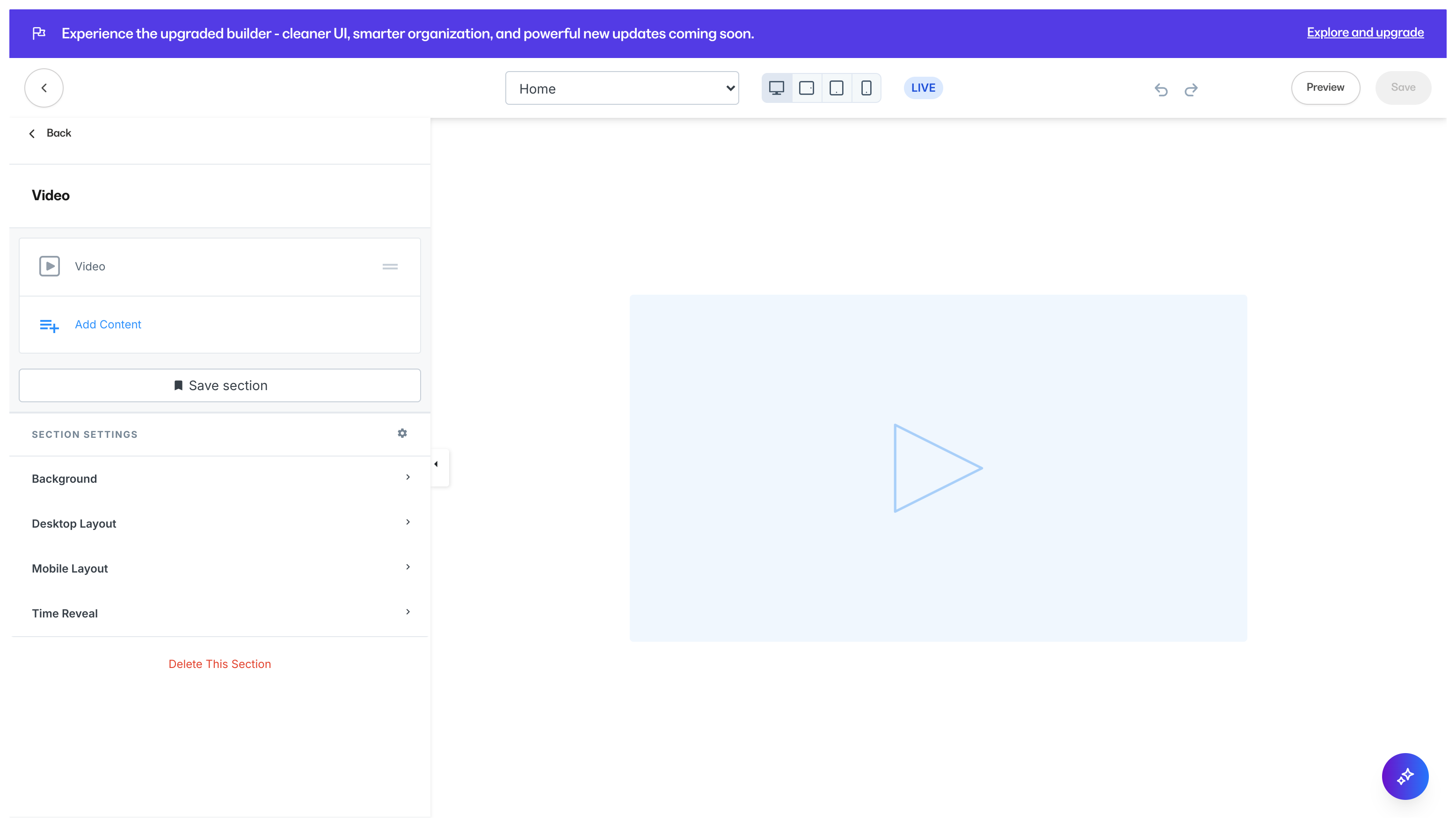
Text & Video
Text and Video Blocks used together are a natural combination to show and tell your page visitors information about you, your brand, and your product. Add a Text & Video Section to generate a single Text Block and a single Video Block: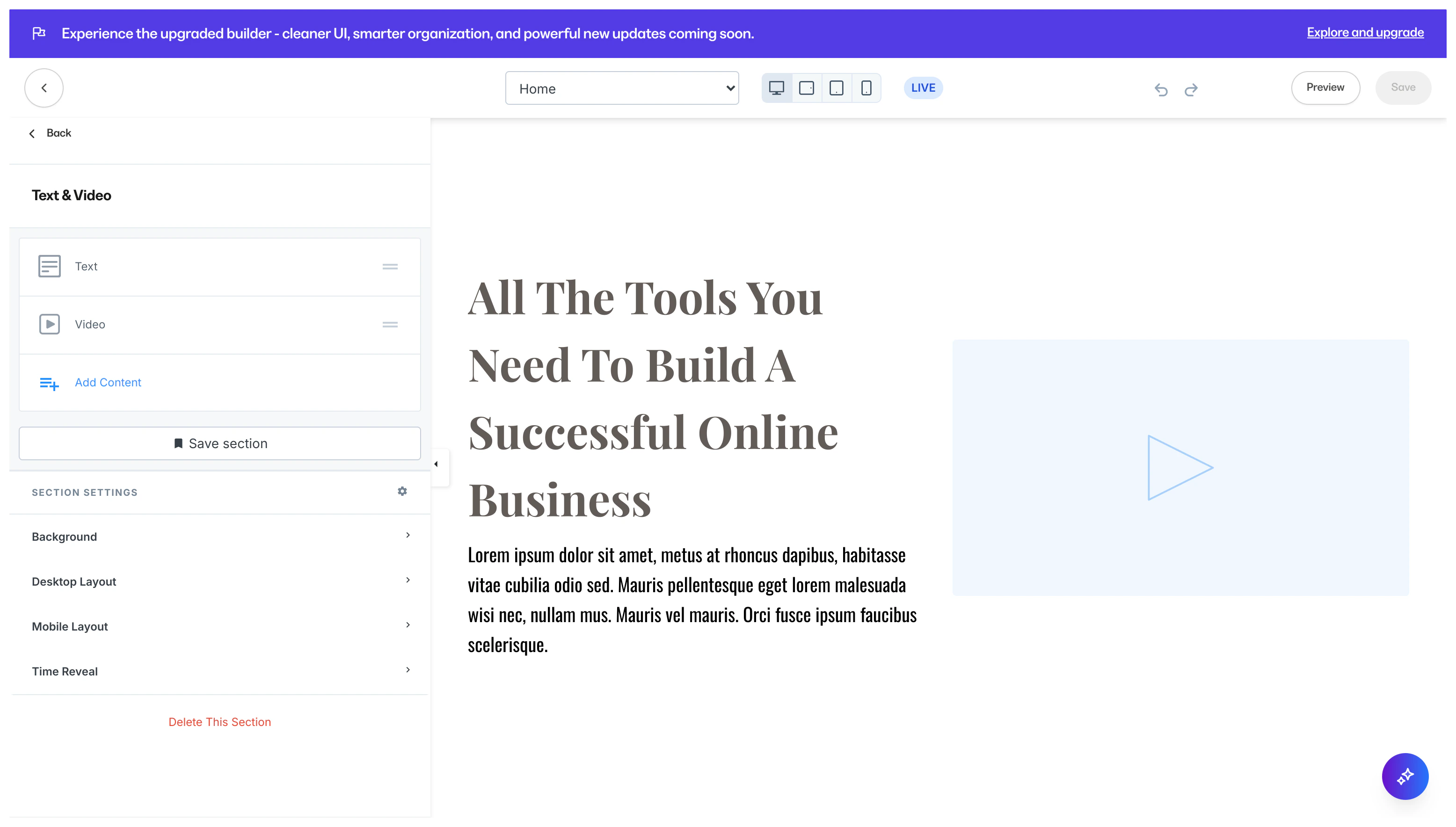
Video Gallery
Similar to the Image Gallery, adding a Video Gallery to your page helps organize groups of videos in a single Section. Adding a Video Gallery Section generates four Video Blocks: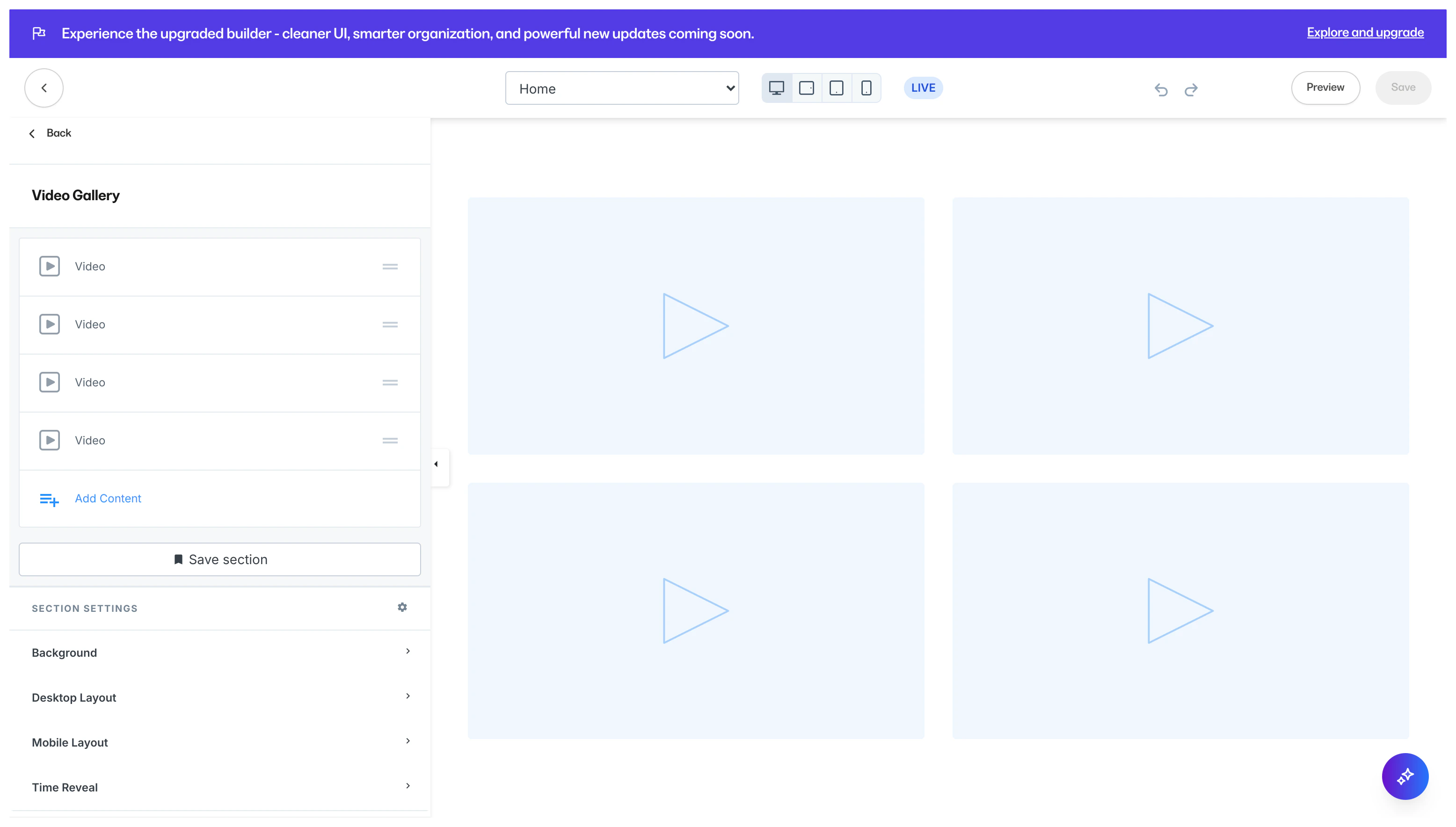
Video Embed
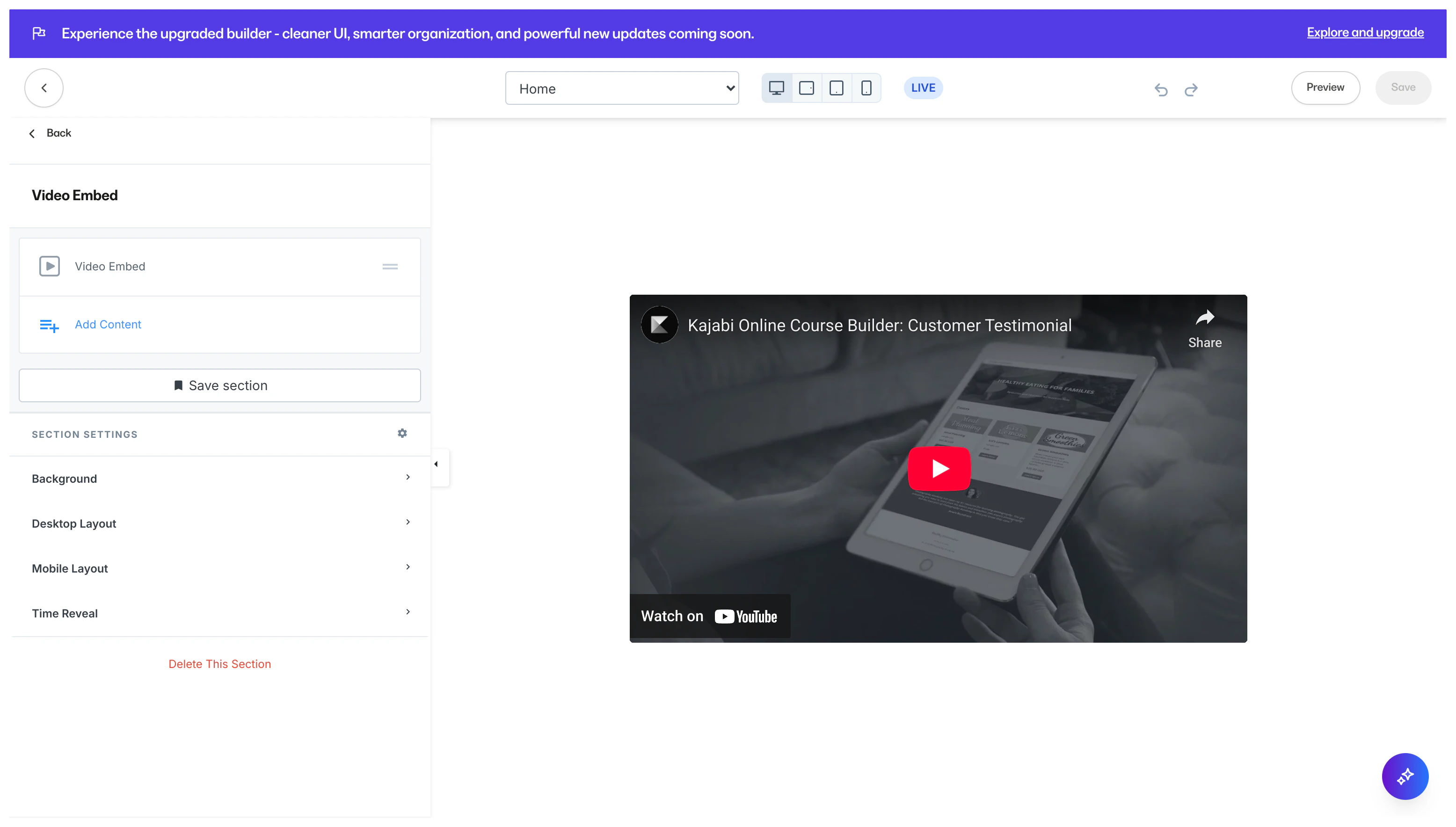
Embedded videos are videos that are hosted by a provider such as Wistia, YouTube, or Vimeo and linked onto another site. Use Embedded videos when you do not have a downloaded copy of the video, but have permission to share the video on your page. Adding a Video Embed Section generates a single Video Embed Block: