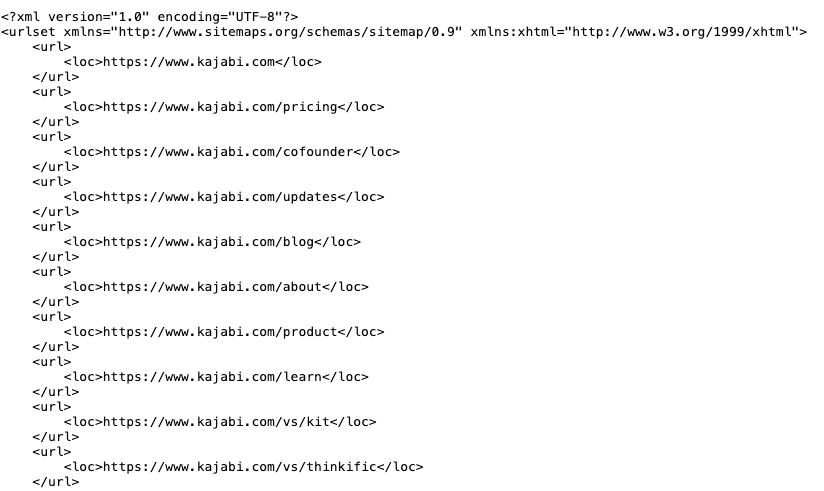
Internet search engines use your website sitemap to understand how your site is structured, easily find each page, and index your Pages appropriately, so they display relevant Pages in search results.
A sitemap, specifically an XML sitemap, directs search engines like Google to your important pages so they display appropriately in search results.Given the importance of organic traffic to your website from Internet searches, it’s best to do everything you can to help search engines understand your site.A sitemap maximizes the chance search engines will see everything you want them to find. For your convenience, Kajabi creates a sitemap using your published Pages.
To view your sitemap, type your website’s URL in a web browser, followed by /sitemap.xml.For example, to see Kajabi.com’s sitemap, you should enter kajabi.com/sitemap.xml.
Search engines, like Google, eventually find your sitemap on their own. To speed up this process, you may add your sitemap to the Google Sitemaps report/Google Search Console whenever you make significant changes to your website. However, this step is not required.