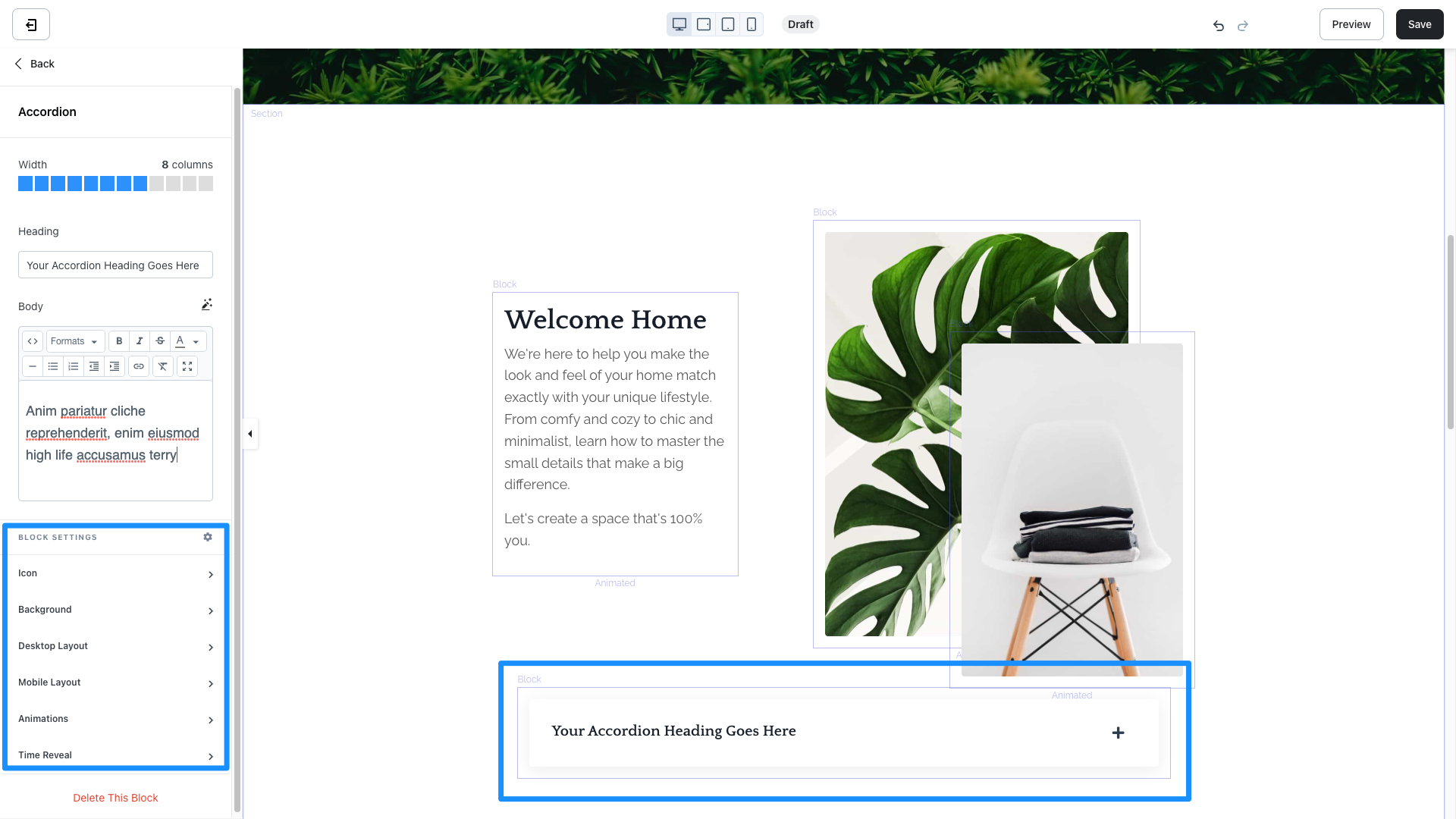
What is an accordion block?
Accordions are a great way to organize sets of content on your page, relieving your page viewers from long walls of text. The Accordion Block behaves as a dropdown bar with a Heading Text identifying the Block. When a user clicks open the Accordion Block on your Page, they can view the Body Text:
Adding an accordion block
- Open the Website tab from the Dashboard.
- Select the Pages tab.
- Open the page editor for your Page. Learn more
- Click the Section you want to edit or create a new Section.
- In the sidebar, click Add Content.
- From the list, select Accordion.
- Your newly created Accordion Block will generate at the bottom of the Section.
- Click Save to keep your changes:
Customizing an accordion block
In an Accordion Block, configure the Width of the Block, Heading text, Body text, and your Block Settings: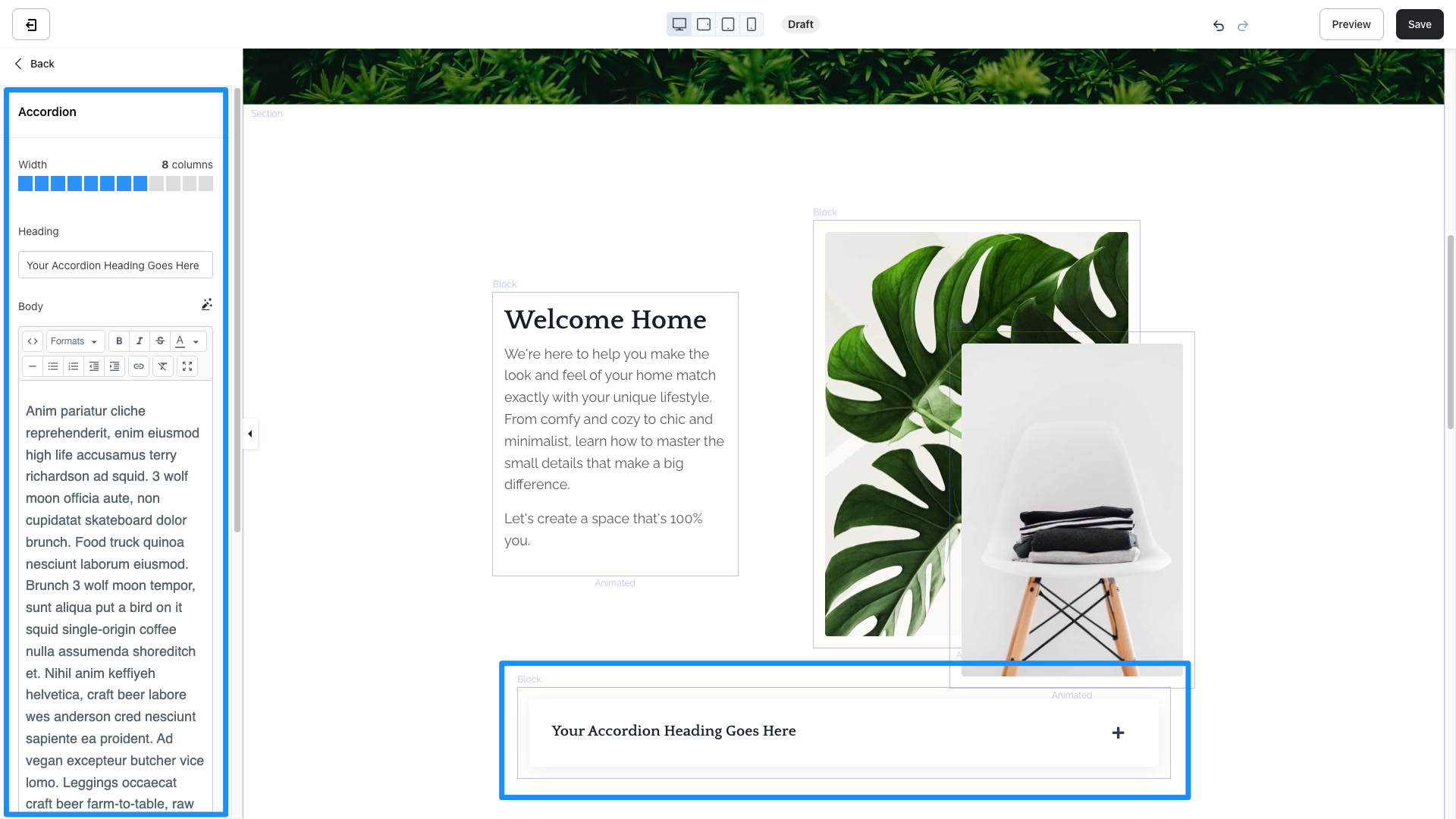
Block settings
To adjust the look and feel of the Block, configure your Block Settings by customizing the:- Icon: Change the Icon Style to a Plus or an Arrow and select an Icon Color to fit your brand
- Background
- Desktop and Mobile Layout
- Animations
- Time Reveal
- Open the Website tab from the Dashboard.
- Select the Pages tab.
- Open the page editor for your Page. Learn more
- Hover over the Accordion Block you wish to customize and click Edit.
- Navigate to the sidebar panel to access your Accordion Block Settings: