Overview
A Basic Content section contains the most common types of content for your page, including Text Blocks, Forms, and Call to Action.Add a Basic Content section
- Open the Website tab from the Dashboard.
- Select the Pages tab.
- Open the page editor for your Page.
- Click Add Section in the sidebar.
- Select your section from Basic Content.
Text section
One of the first steps to building your landing pages is adding text content. Share the value you offer by adding a Text Section. Adding a Text Section generates a single Text Block. Customize your Text Block and Section Settings to change the appearance, behavior, and content. Section Settings:2 & 3 column text
A wall of text can make reading and engaging with your content challenging. Instead, divide your Text Blocks into Columns using the 2 Column Text and 3 Column Text sections.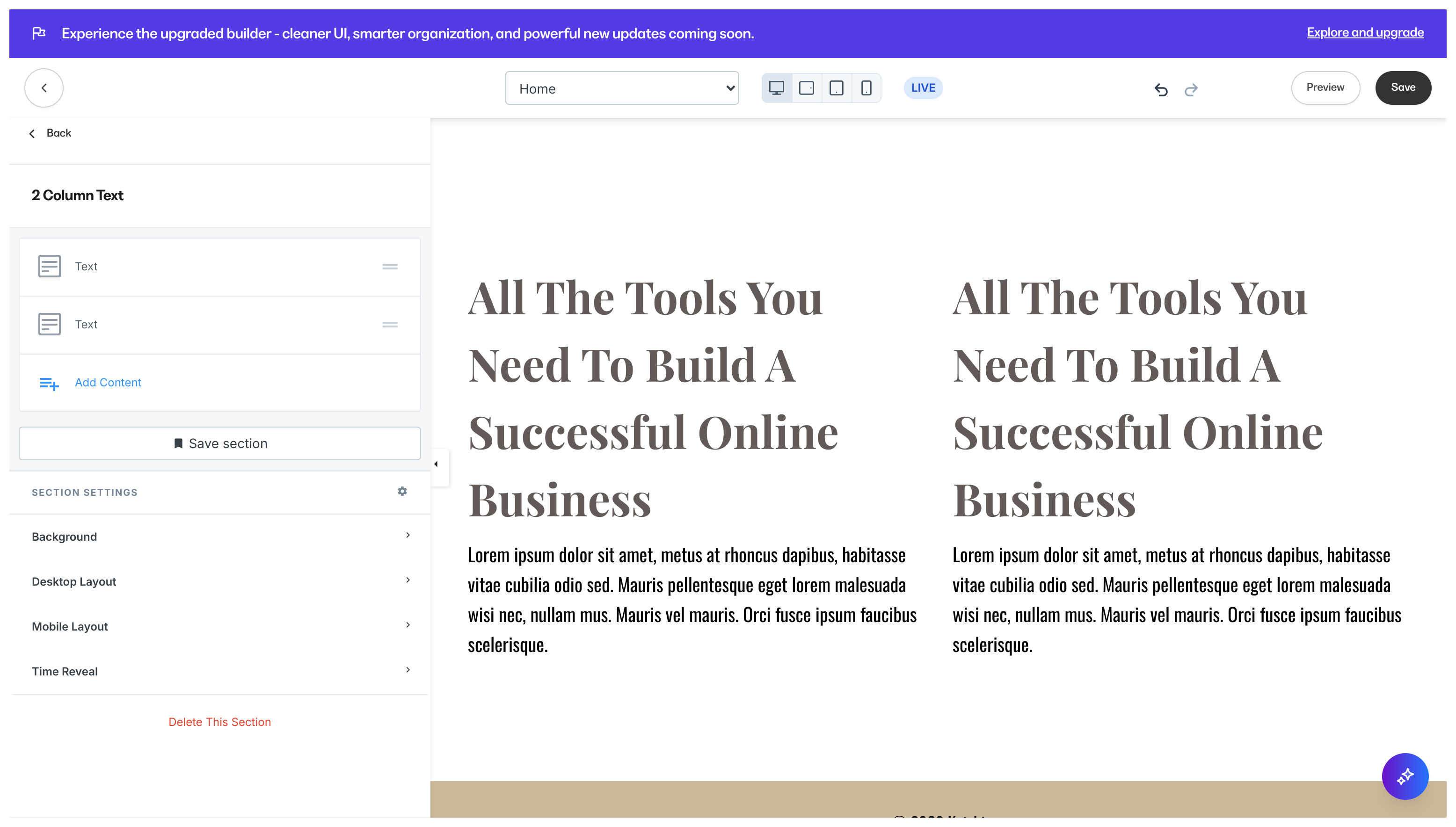
Text in panel
Text in Panel is a variant of the Text Block, which overlays a background image: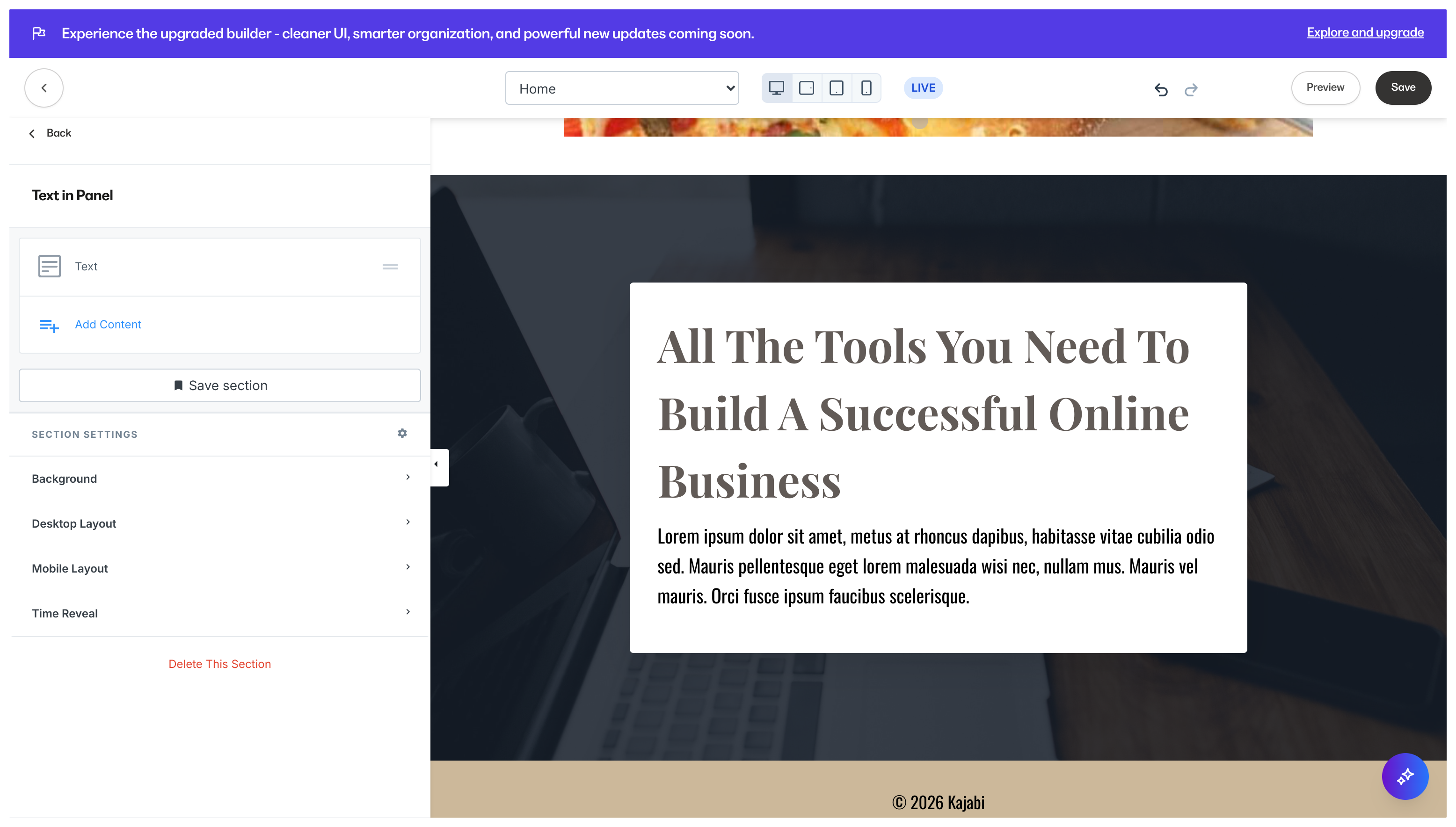
Note: Although the Text Block type can be added to any Section, the Text in Panel is unique in its design and can only be added through the Text in Panel Section.
Call to Action
A Call to Action button is a response button that can redirect the user to a page or offer checkout, trigger a download, open a two-step opt-in, or leads to any URL. Learn more about the Call to Action (CTA) Adding a Call to Action Section generates a single Text Block with the Call to Action Block Setting enabled.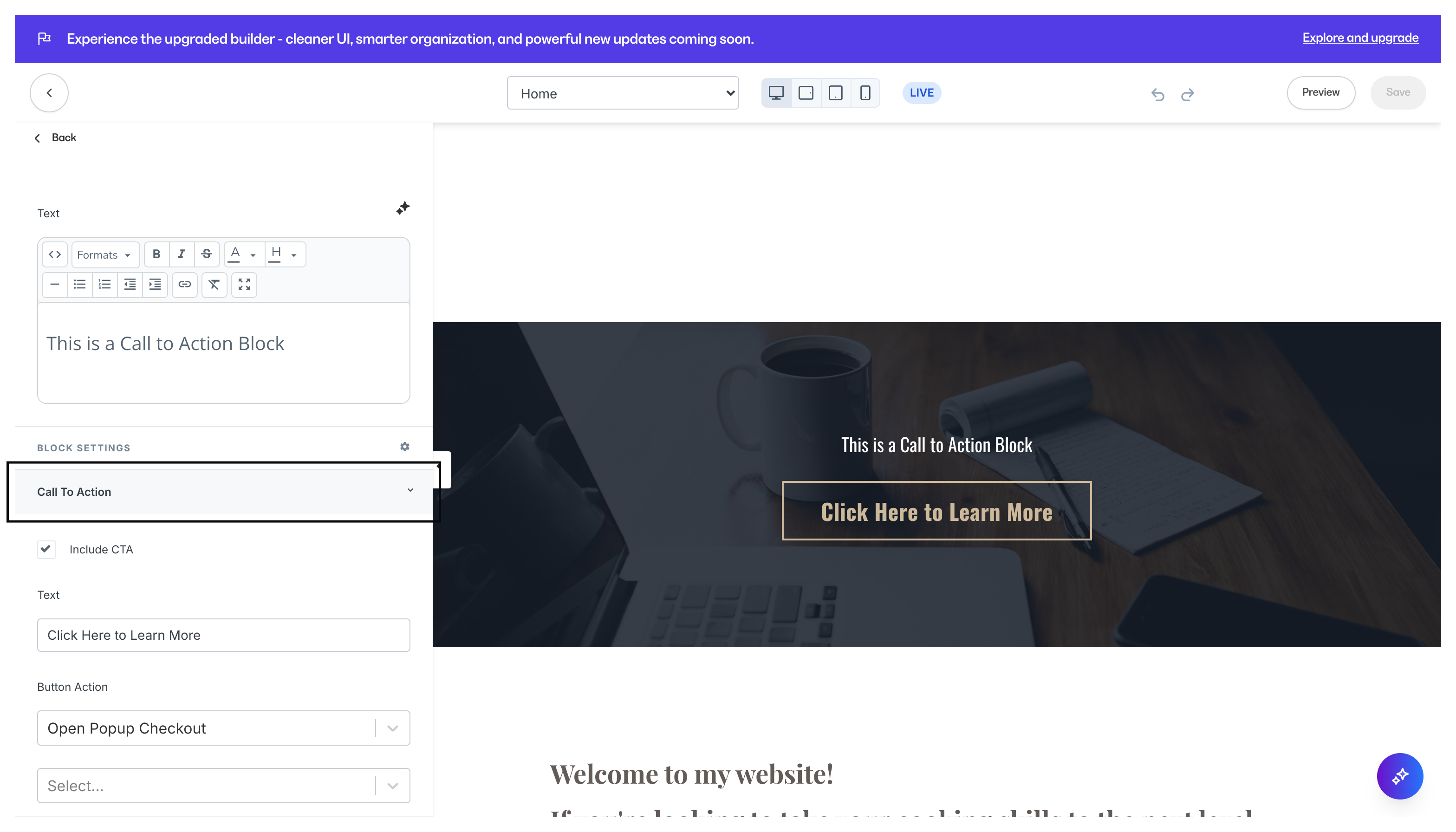
Link list
A Link List Section generates a single Link List Block. Learn more Link Lists are a great way to display your desired links to redirect your page visitors to various pages of your site and/or external pages to help your visitors easily navigate across your business online.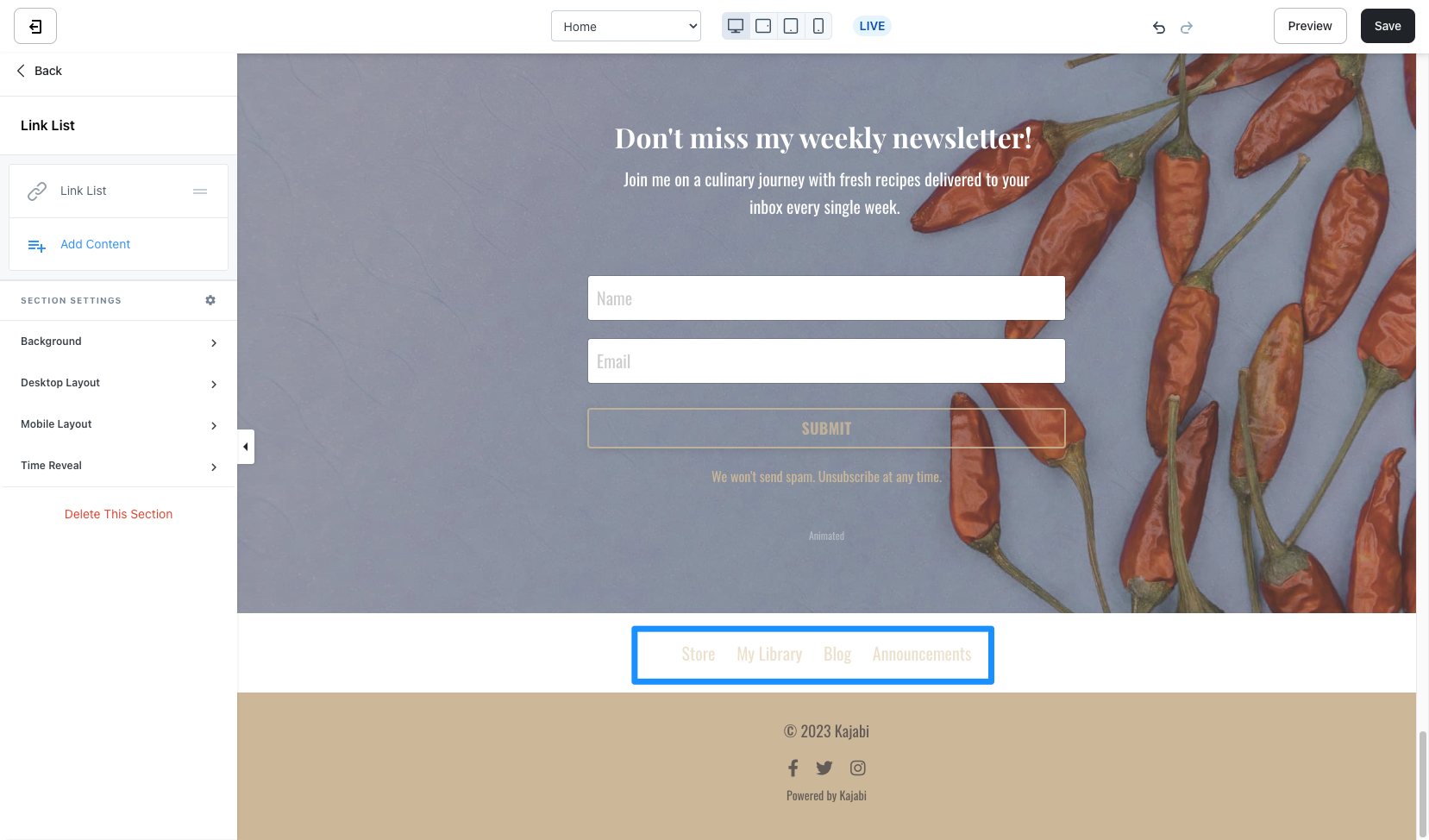
Form & text
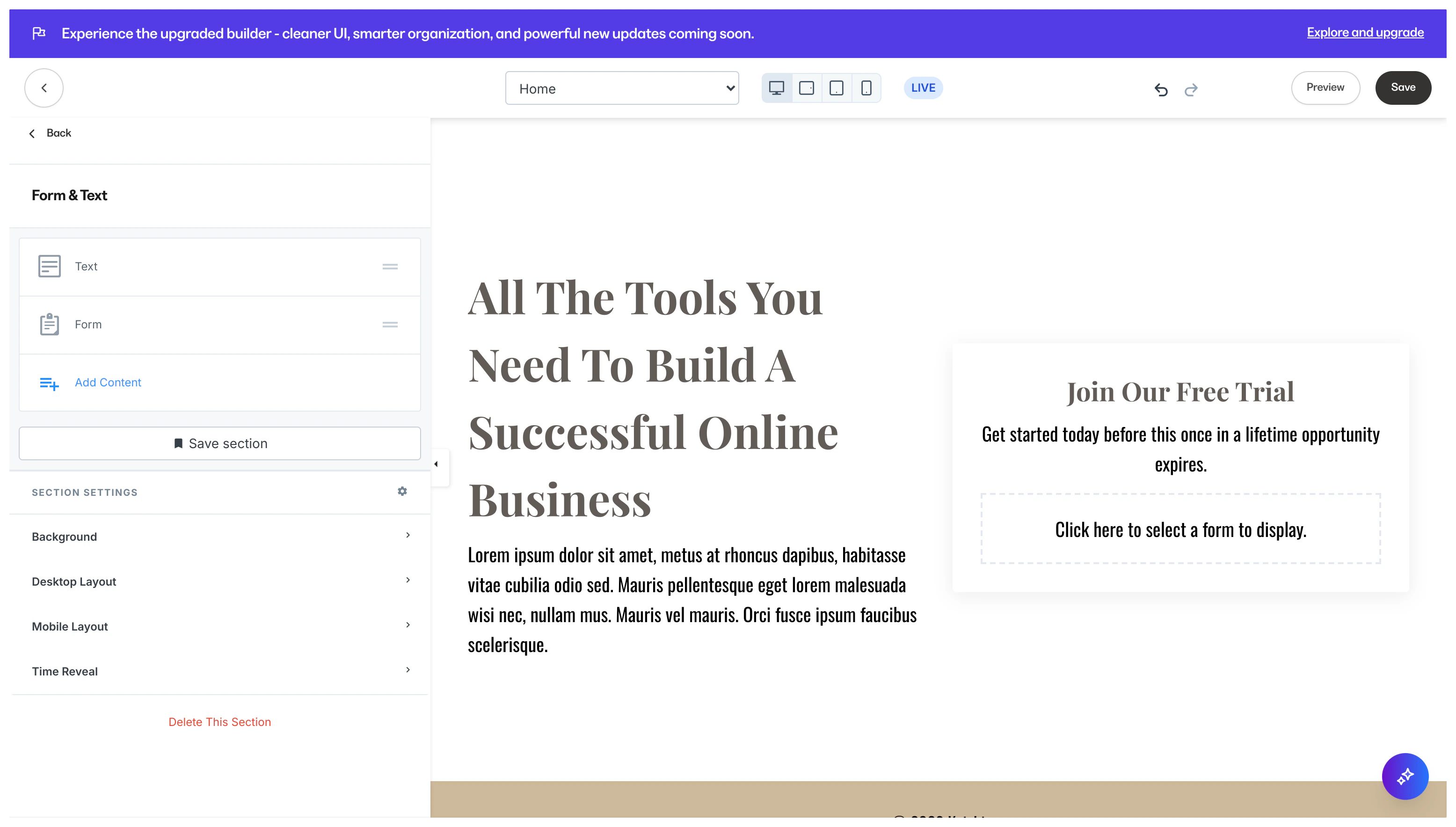
Adding a Form & Text Section to your custom landing page will generate: