

Overview
Kajabi allows you to export your landing pages so you can reuse them across different sites or share your designs with others. After exporting, you’ll receive an email with a download link for your exported page.Export your page
- Open the Website tab from the Dashboard.
- Click Pages.
- Select the Landing page folder.
- Locate the Landing Page you wish to export.
- Open the
…menu for the page you wish to export. - Select Export.
Download your exported page
After your page has finished exporting, check your email inbox associated with your account for an email from Kajabi Support to download the zip file of your exported page. With your exported file, import your page onto a different site on Kajabi or share your page with a friend.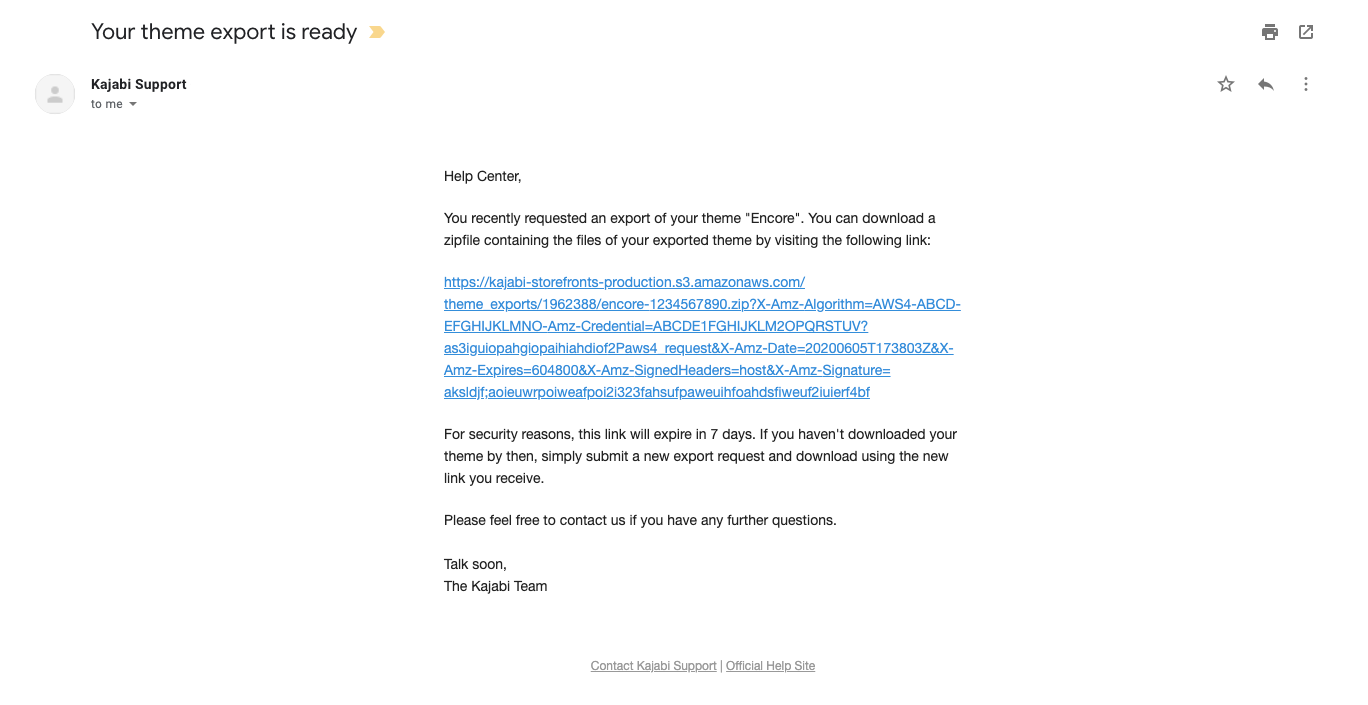
Note: For security purposes, the link provided in the email will expire in 7 days from the date of export. If the link expires before you have the chance to download the zip file, repeat the steps to export to receive a new link.