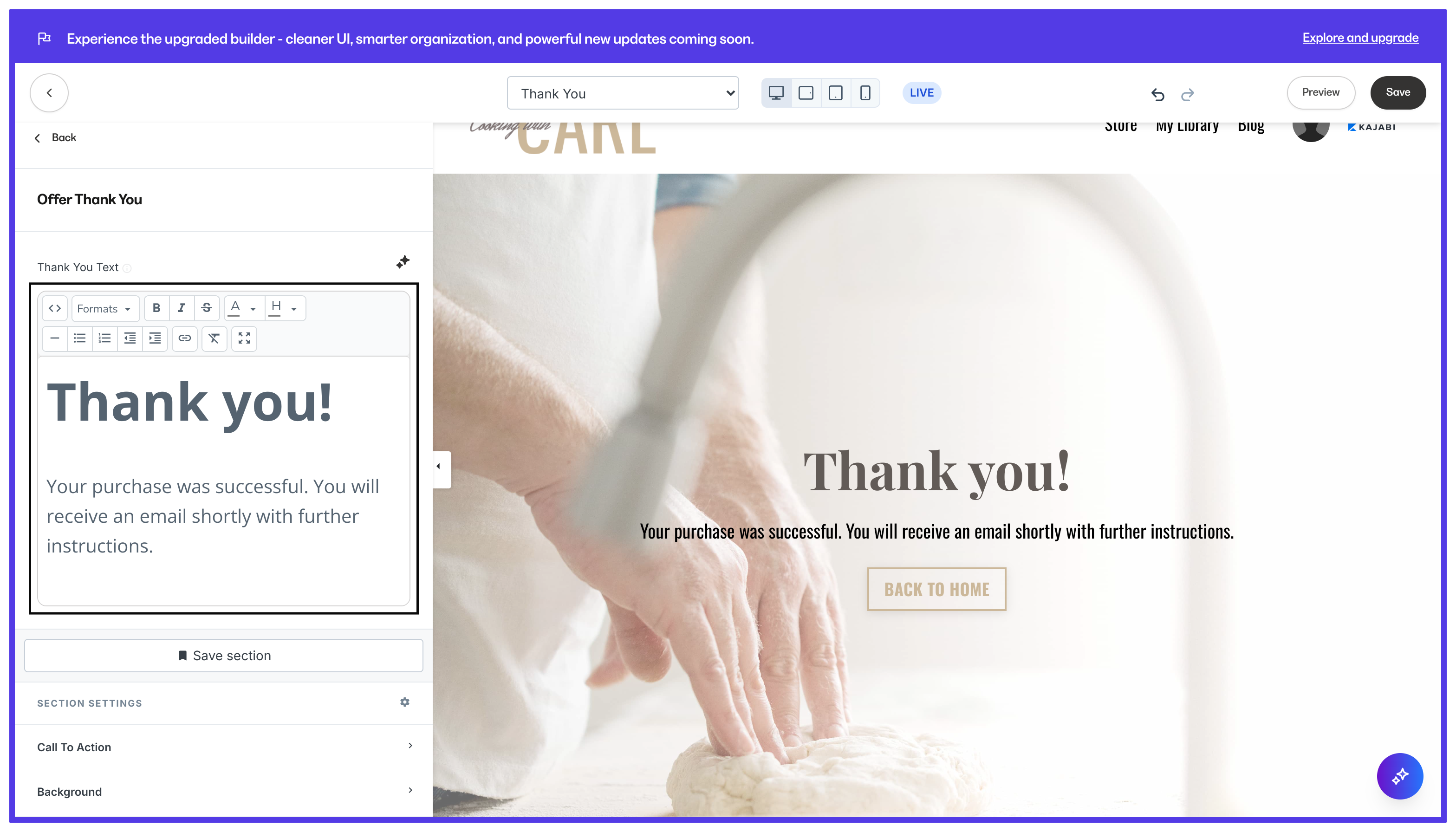
What is the thank you page?
Share your appreciation for your customers after an Offer is purchased with your Thank You page. By default, the Thank You standard website page has a short and sweet design to say thanks to your customers for purchasing. With the Website Builder, you can elevate your customer’s experience by designing a beautifully crafted Thank You Page built to delight your customers. Creating a site on Kajabi generates an empty, default theme to help you get started with your content. If you have just started with Kajabi, your Thank You page will display the default, site theme. This theme is not customizable. Design your Thank You page and website pages by selecting a site template that best fits your brand. Learn to customize with the website builder.Note: Selecting a customizable site template will allow you to design your site according to your brand. However, you will not be able to revert to the empty, default site theme after selecting your customizable site template.
Building your thank you page
To begin customizing your thank you page:
- Open the Website tab from the Dashboard.
- Click the Pages tab.
- Select Thank You Page from your list of website pages to begin customizing:
Customizing the offer thank you section
With the Website Builder, you can add and customize Blocks and Sections to create a unique Thank You page experience for your customers. However, you may notice the Offer Thank You section when building your page. This section is unique to the Thank You Page design and does not exist in any other page. To customize the offer Thank You section, simply click the section from the sidebar panel to access the settings: