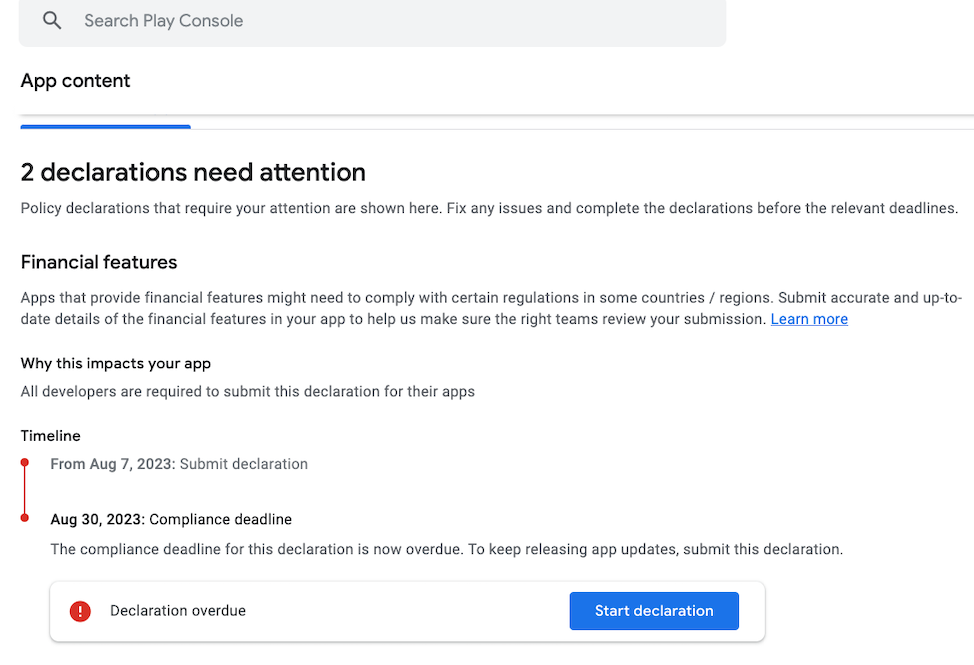
Google Play Console warning
If you are receiving the following notification due to inactivity (“Your developer account is at risk of being closed because it’s not being used”), you will need to address the action items that require attention in the Google Play Console account: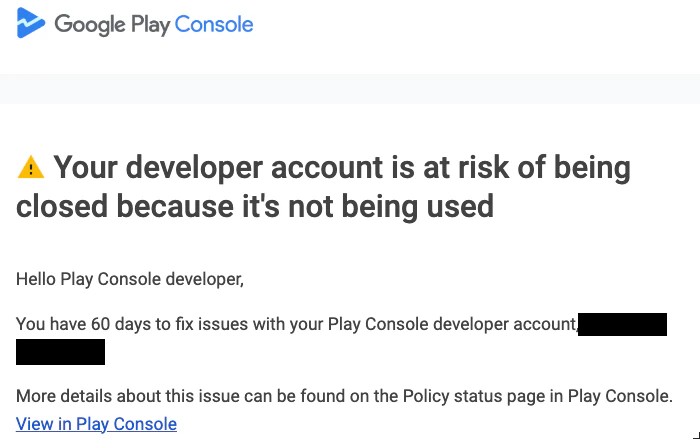
Log into Google Play Console
- Log into the Google Play Console and make sure that you are not clicked into a specific app.
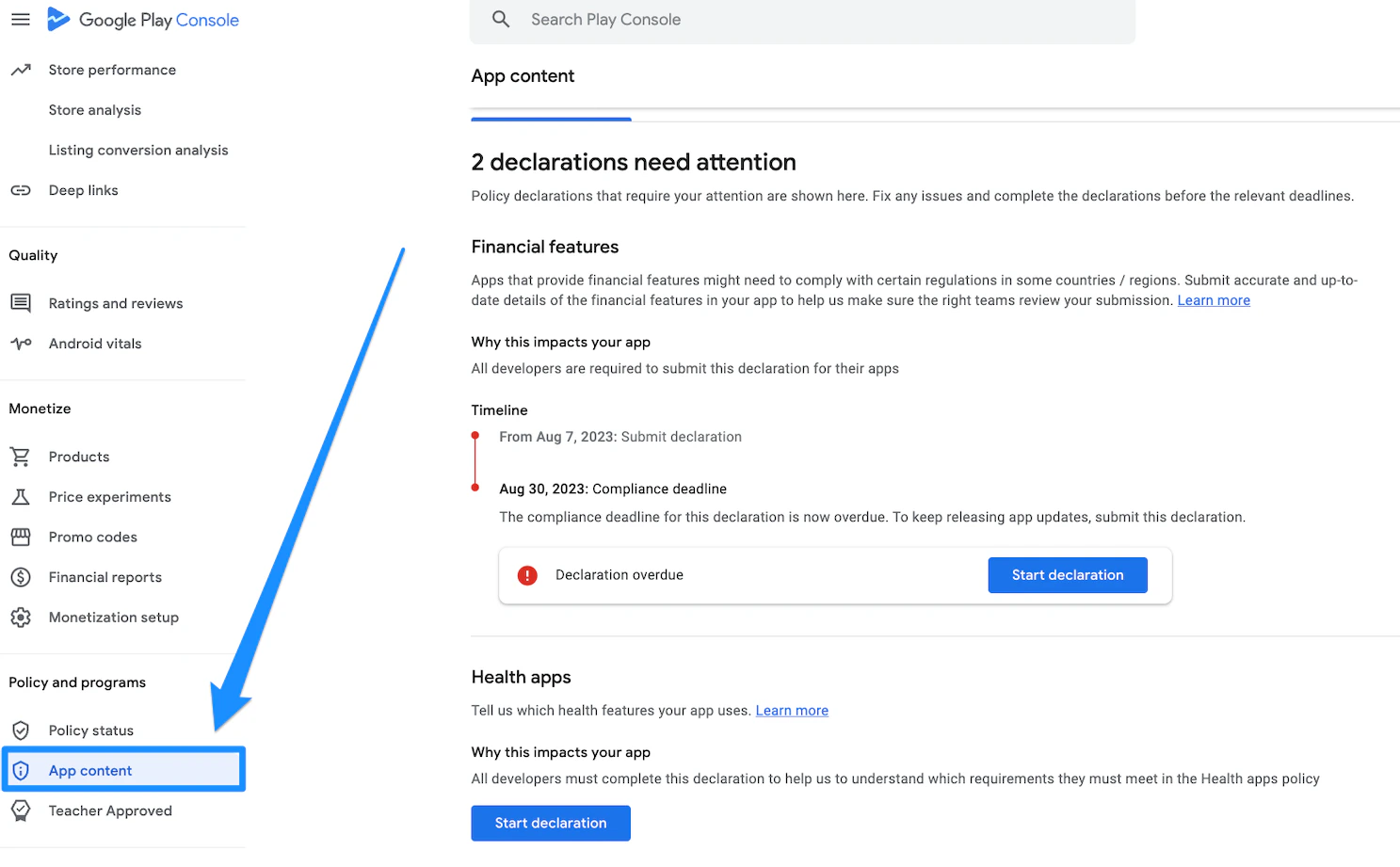
App content
- Navigate to the App Content page located in the left sidebar of the Google Play Console:
Address the action items
- Follow the on-screen instructions to complete any action items that require attention.