

Set up the account
To create the account:- Navigate to: https://play.google.com/apps/publish/signup
- Sign into your Google account. (Or create a Google account if you don’t already have one).
- If prompted, turn on two-step verification for the account (required). If you already have two-step verification set up, move on to the next step.
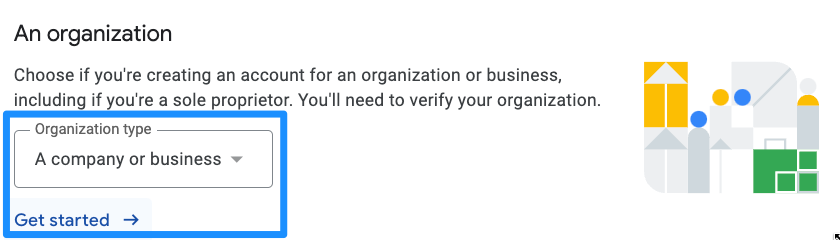
- For Kajabi to assist with the app build, we require you to create an account for an organization.
- Click Get started:
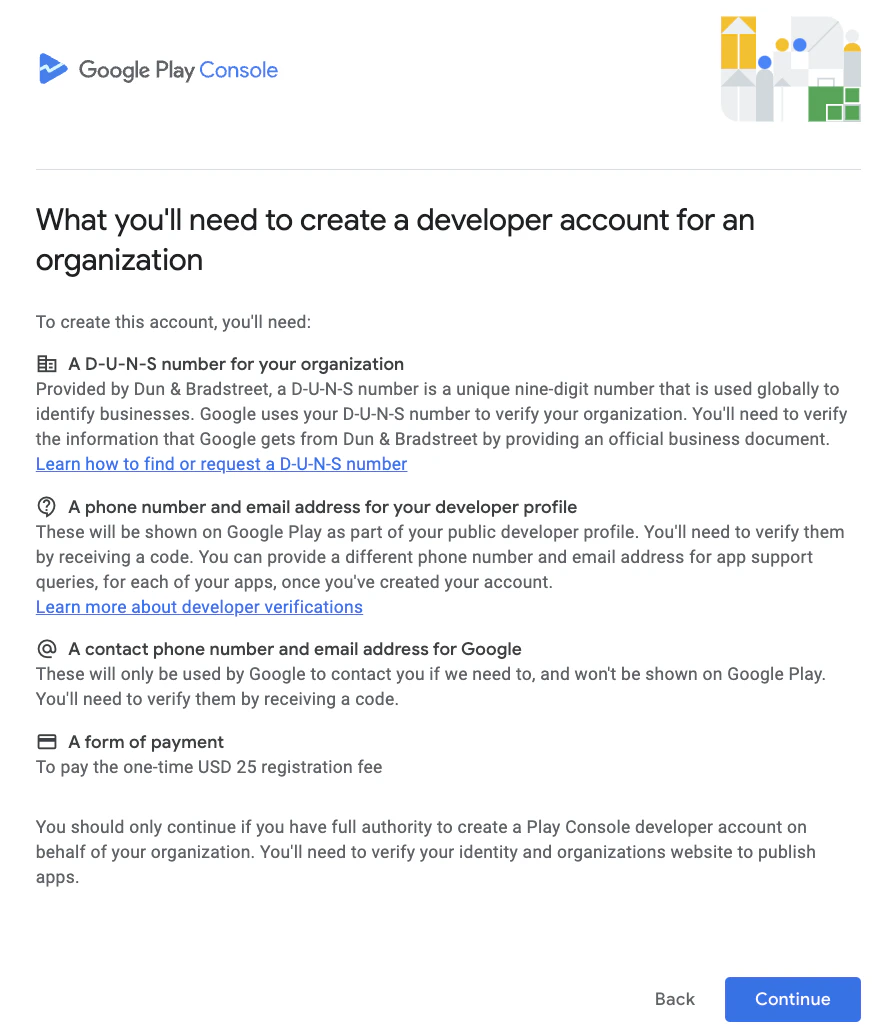
- Review the information on the next screen and click Continue:
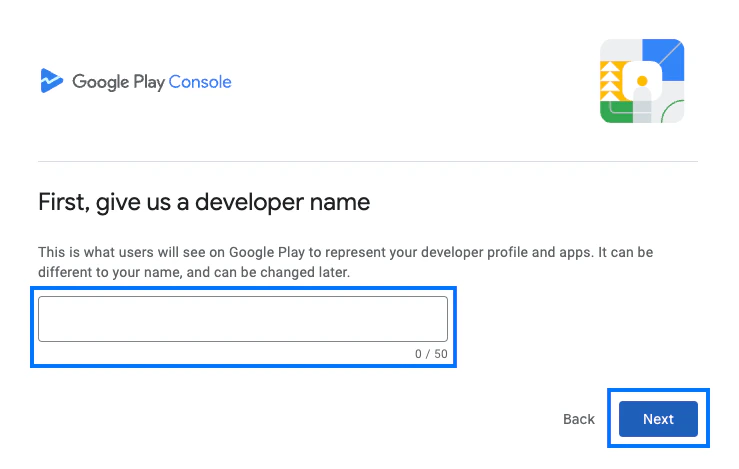
- Enter a publicly visible Developer name. This can be any name you want. For example, “[My Business Name] Developer Account.”
- Click Next:
- Next, click Create or select payments profile to link a Google payments profile to the account:
Note:
Before Google approves your app to be published, Google requires closed testing during the build process with at least 20 of your customers. Learn more.