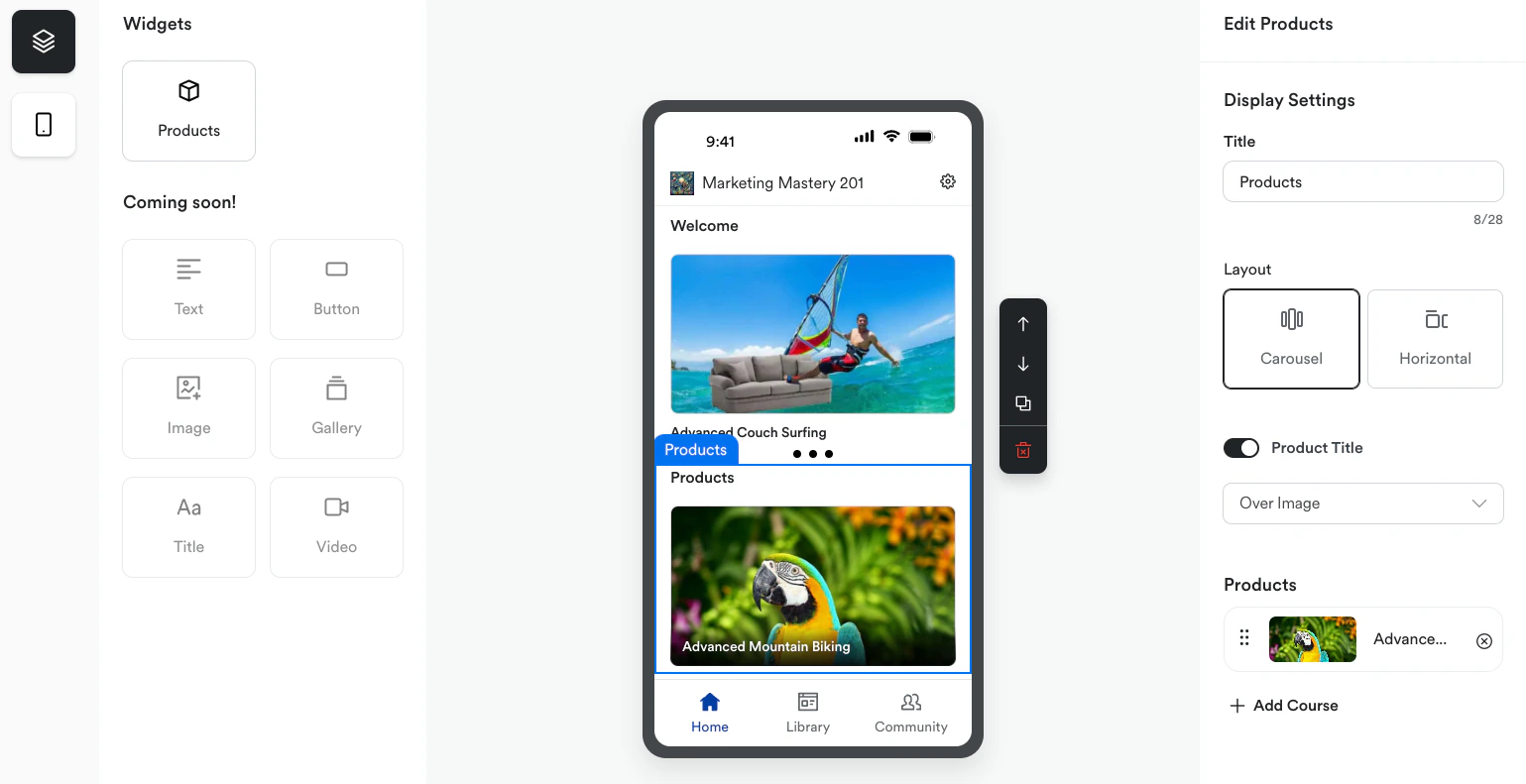
With Kajabi, you can design your Branded App directly from your Kajabi account by utilizing the Design tab. Create a seamless, branded experience for your mobile users with customizable onboarding, welcome screens, widgets, and more.

Branded App design

With Kajabi, you can design your app directly from your Kajabi account by utilizing the Design tab.

Customize the Branded App

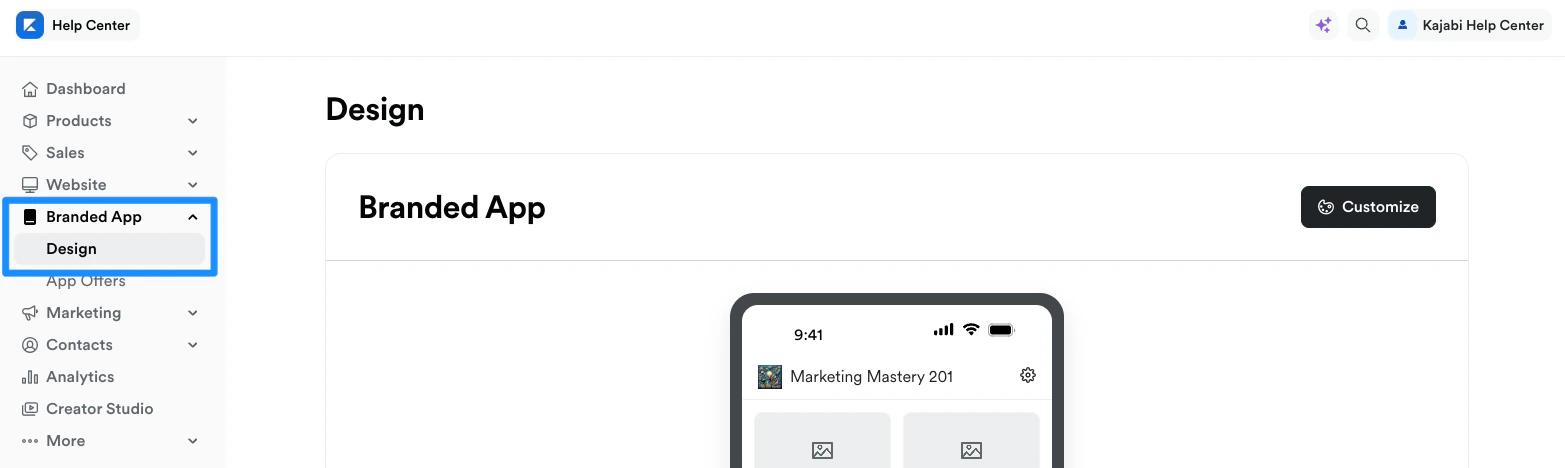
  1. Open the Branded App tab from the Dashboard.
  2. Click Design.
  3. Select Customize:
Kajabi_-__admin_sites_2_branded_mobile_app_app_builder.png

Branded App customizations

Create a seamless, branded experience for your mobile users. Customize the Onboarding and Welcome experiences, add custom links, and add Product widgets to the Branded App.


Onboarding

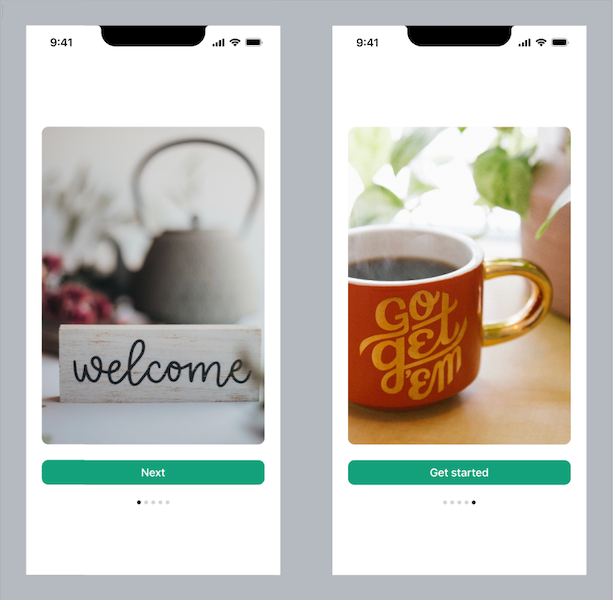
Create a welcome carousel for customers. When they first open the app, they can view a carousel of images to onboard them to the app. Learn more. Welcome Carousel copy.png

Welcome

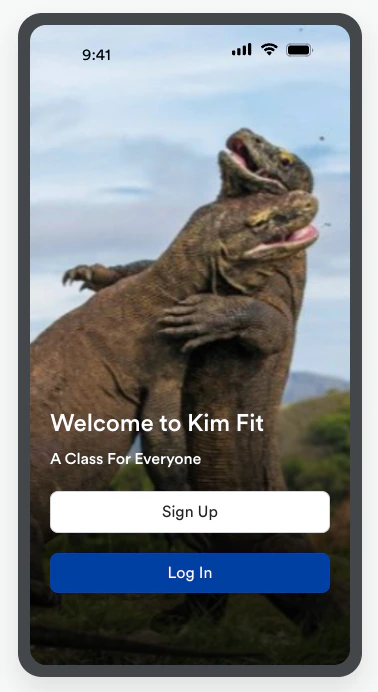
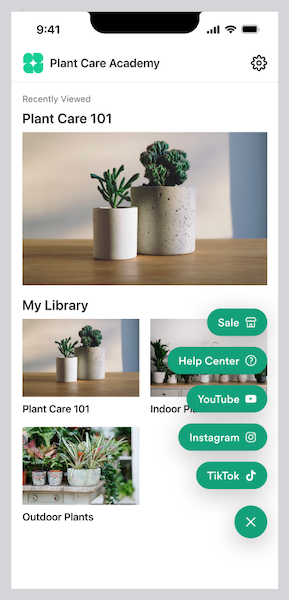
Customize the welcome screen with your own branding and enable users to create a member account directly from the welcome screen. Learn more. Kajabi_-__admin_sites_2_branded_mobile_app_app_builder.png Add a floating action button to the Branded App to include a menu of custom page links. Learn more. Clicked FAB copy.png

Widgets

Add widgets to the Home screen to enhance the customer experience with the app. Learn more. Kajabi_-__admin_sites_2_branded_mobile_app_app_builder.png