Access brand settings
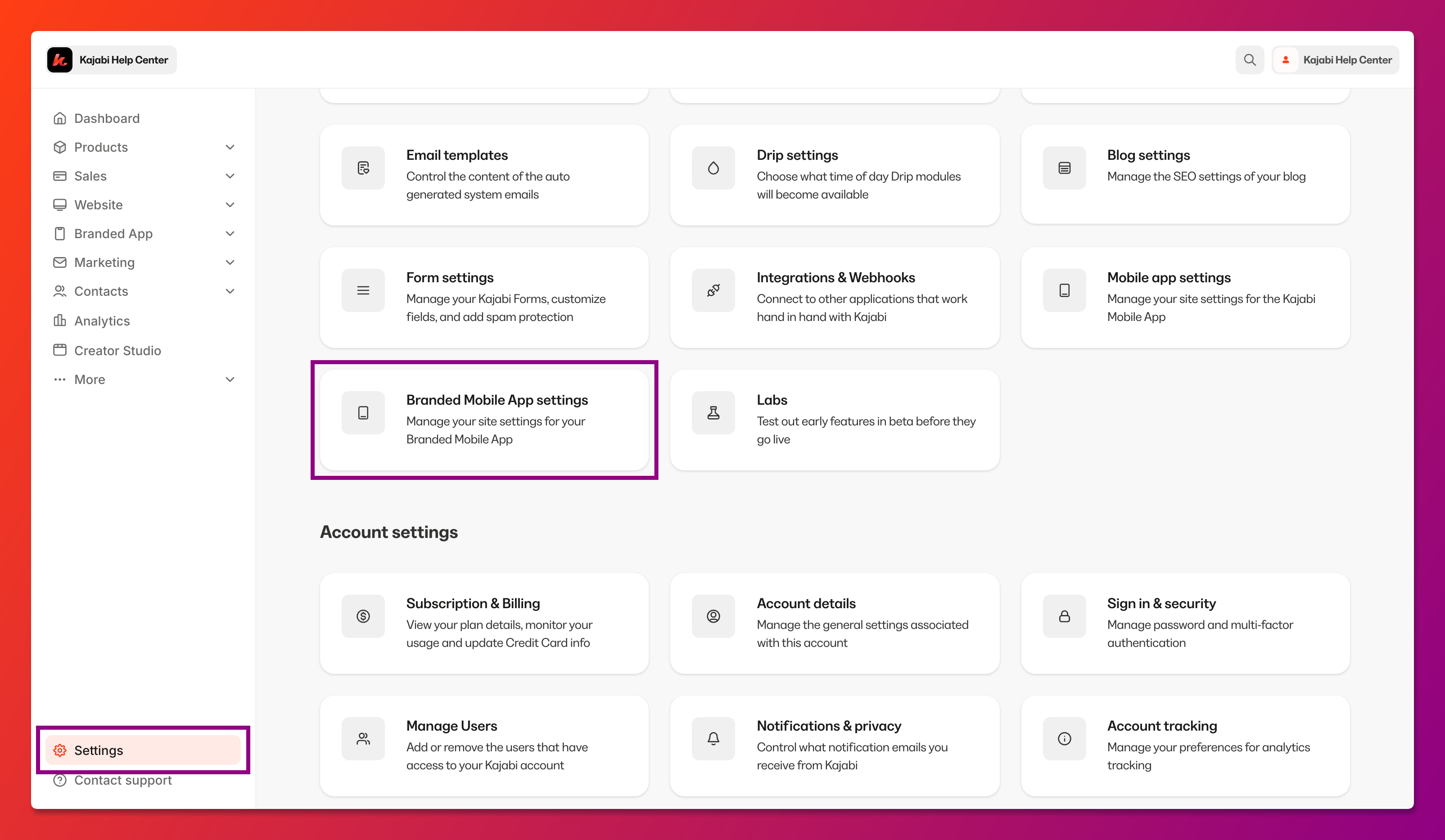
To open Branded App branding settings:- Select Settings at the lower left corner of the Kajabi dashboard.
- Select Branded Mobile App Settings:
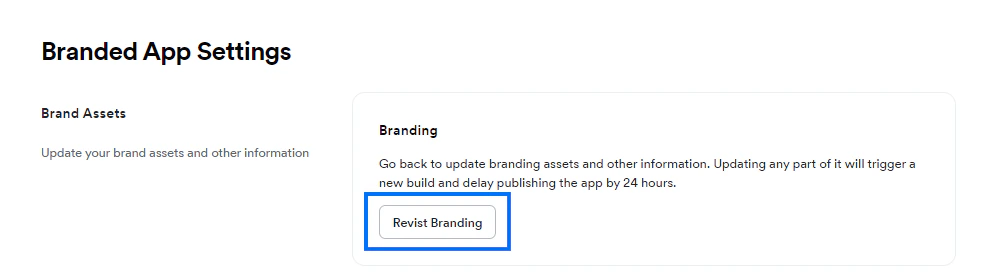
- Navigate to Brand Assets and click Revisit Branding:
Update branding info
Once you’ve opened the branding settings, navigate to the specific setting you want to update and make the desired adjustments.Brand assets
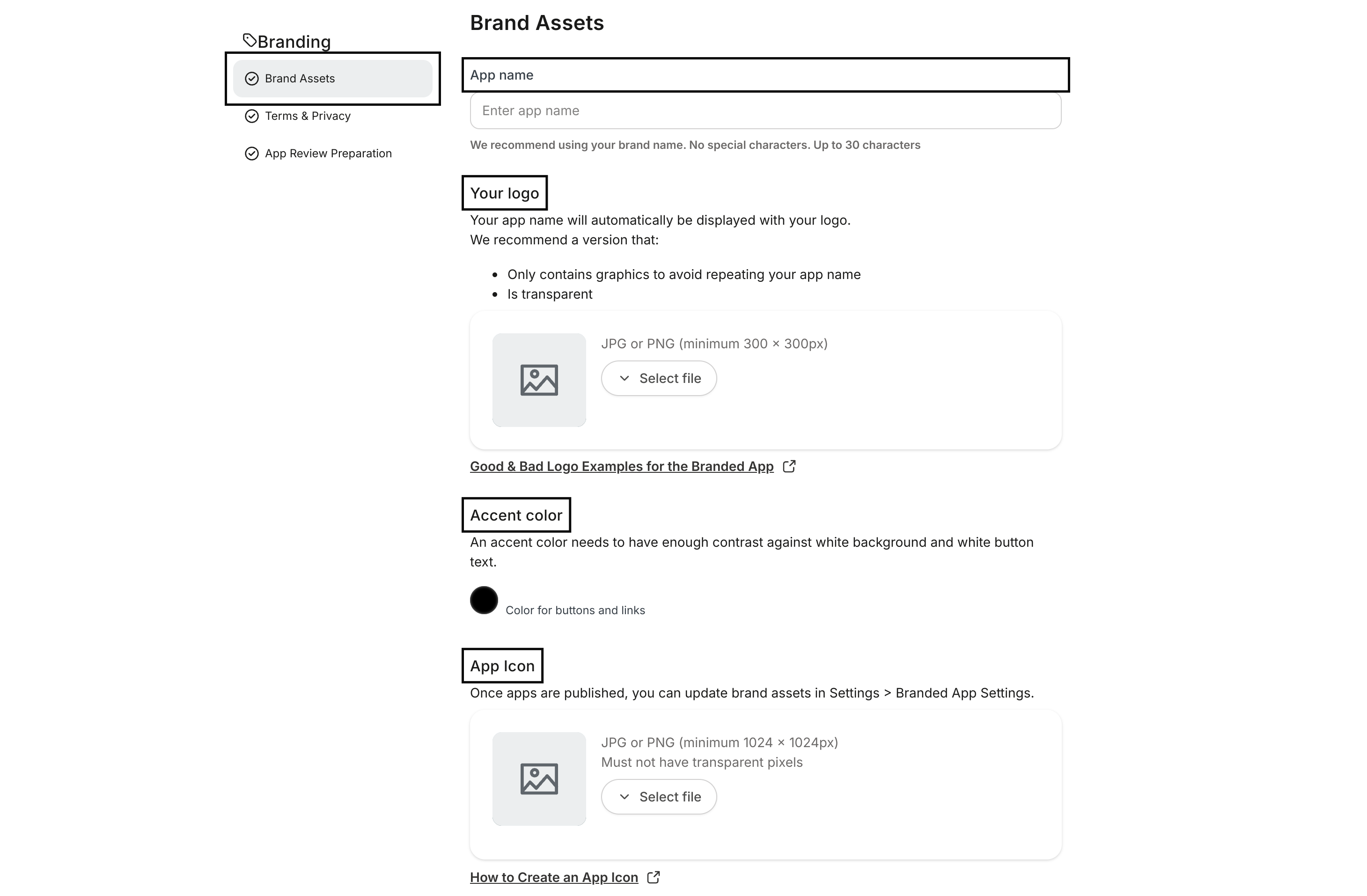
To update the app name, logo, accent color, and/or icon:- Select Brand Assets from the left menu.
- Add the asset(s) as desired:
- Click Save & Exit at the top left corner of the screen. (Or, continue on to the steps below to update the Terms & Privacy links.)
Terms & privacy
To update the terms of service URL and/or privacy policy URL:- Select Terms & Privacy from the left menu.
- Add the link(s) as desired:
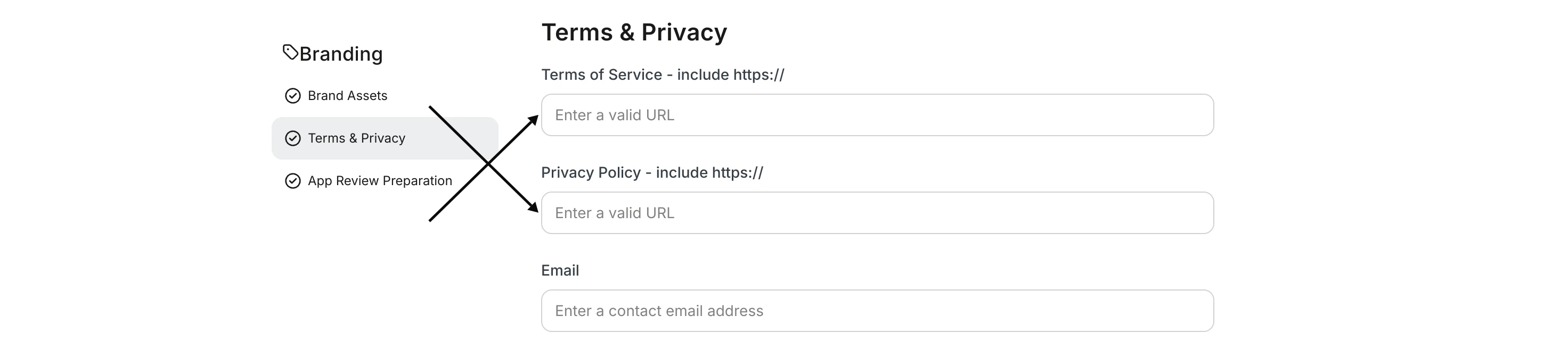
- Click Save & Exit at the top left corner of the screen.
Request an app build
Next, let the Kajabi team know you’re ready for an app build so you can push the changes out to the live app(s). To request an iOS app build:- Navigate to iOS in the Branded App Settings.
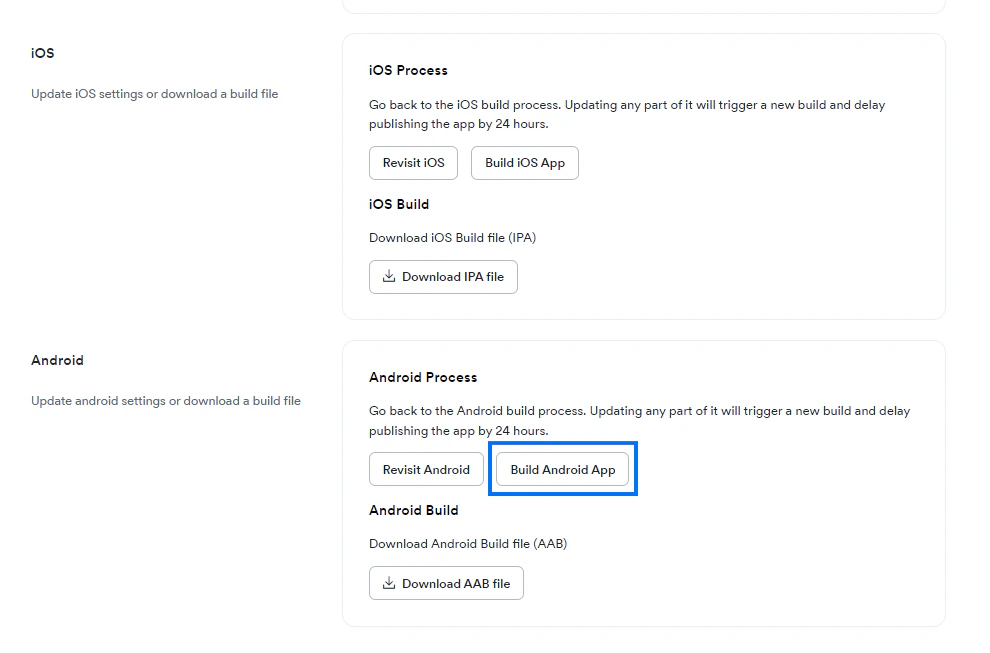
- Click Build iOS App:
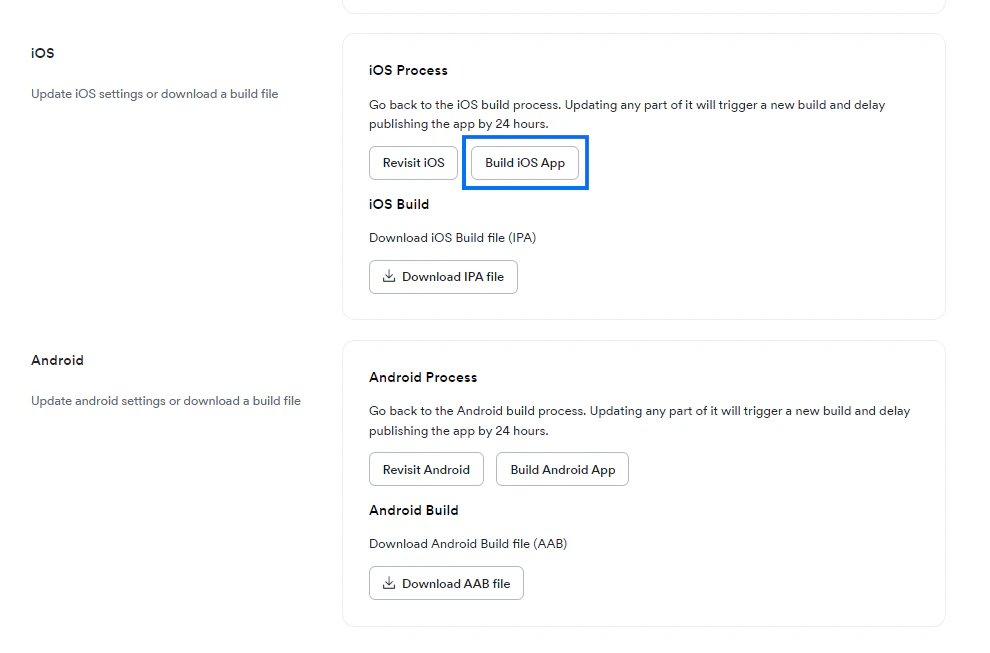
- Navigate to Android in the Branded App Settings.
- Click Build Android App: