A well-designed logo has a significant impact on how an app appears on mobile device screens. The examples below highlight effective and ineffective design choices for Branded Mobile App logos. Logos that work best for mobile apps tend to have:
  • High image quality/resolution
  • Little or no text
  • A simple design
  • Identifiable even when small
Conversely, logos that tend to render poorly have:
  • Low image quality/resolution
  • A large number of text characters
  • A complex design
  • Degraded appearance at small file sizes
Tip: The app will have a white background. We recommend using a logo image with a transparent background that will be visible when overlaid on the color white.

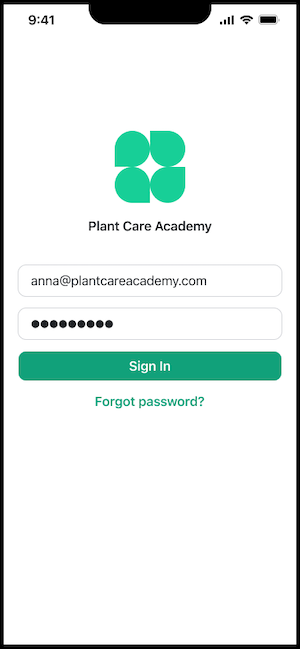
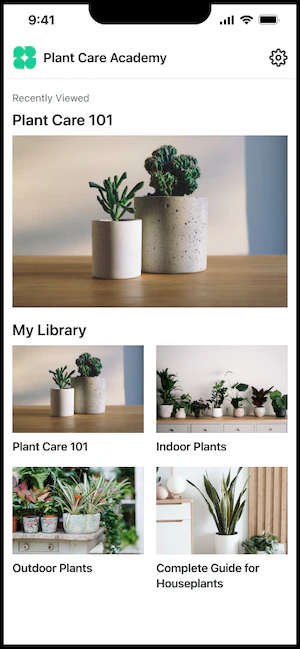
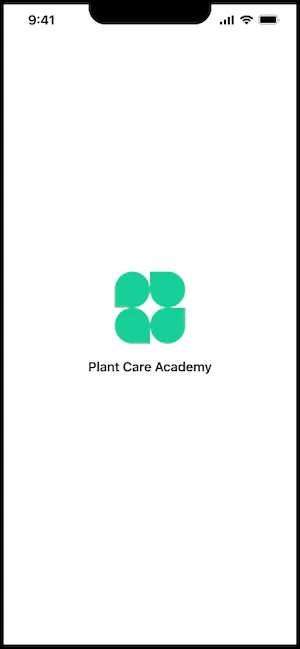
Good mobile app logo example

Here’s an example of an effective mobile app logo. This logo has a simple design that looks good at a small file size, and no text: Good logo example App load screen: Good logo load screen App login screen: Good logo login screen App home screen: Good logo home screen

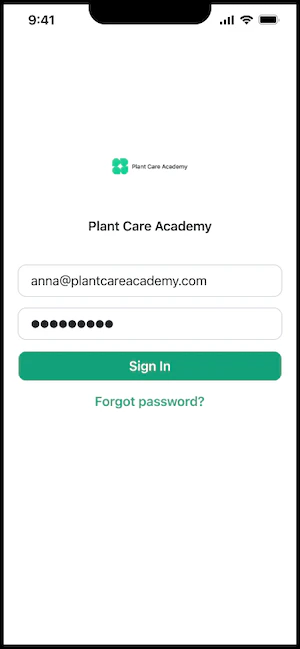
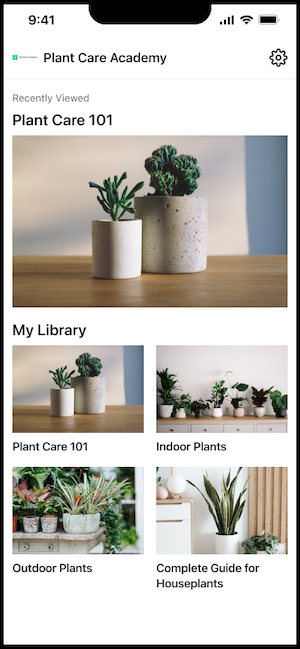
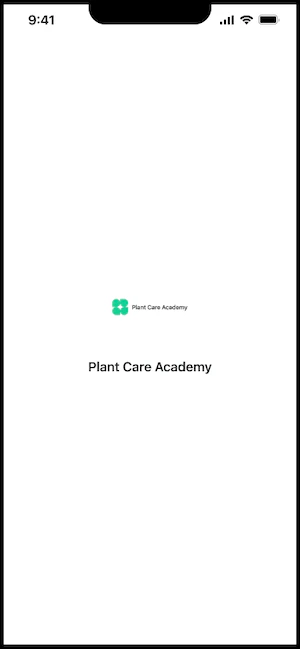
Bad mobile app logo example

Here’s an example of an ineffective mobile app logo. This logo has too much text and doesn’t look good at a small file size: Bad logo example App load screen: Bad logo load screen App login screen: Bad logo login screen App home screen: Bad logo home screen

Specifications

  • JPG or PNG
  • Minimum 300 x 300px
Learn to update the app logo for iOS and/or Android for more details.