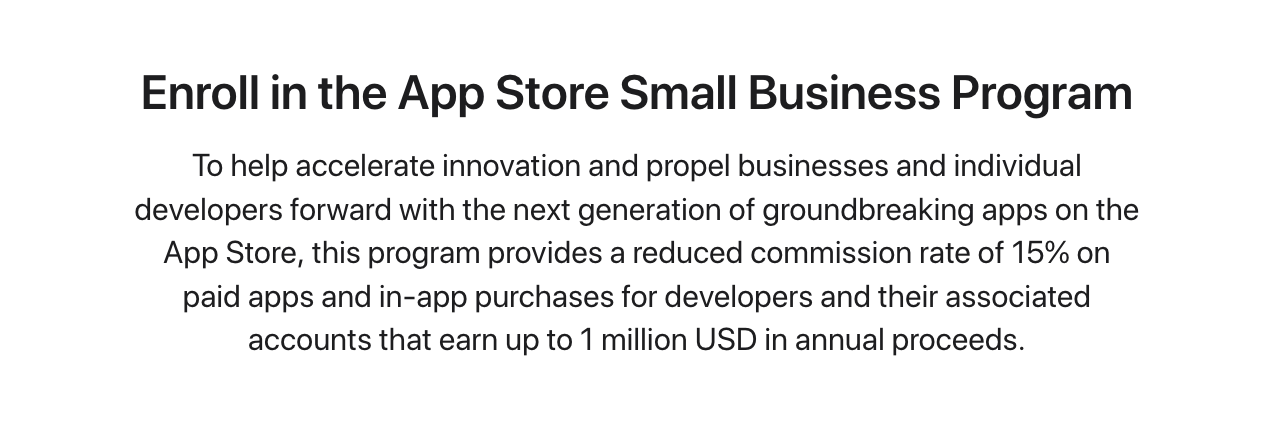
Apple’s application process
- Review the details of Apple’s Small Business Program:
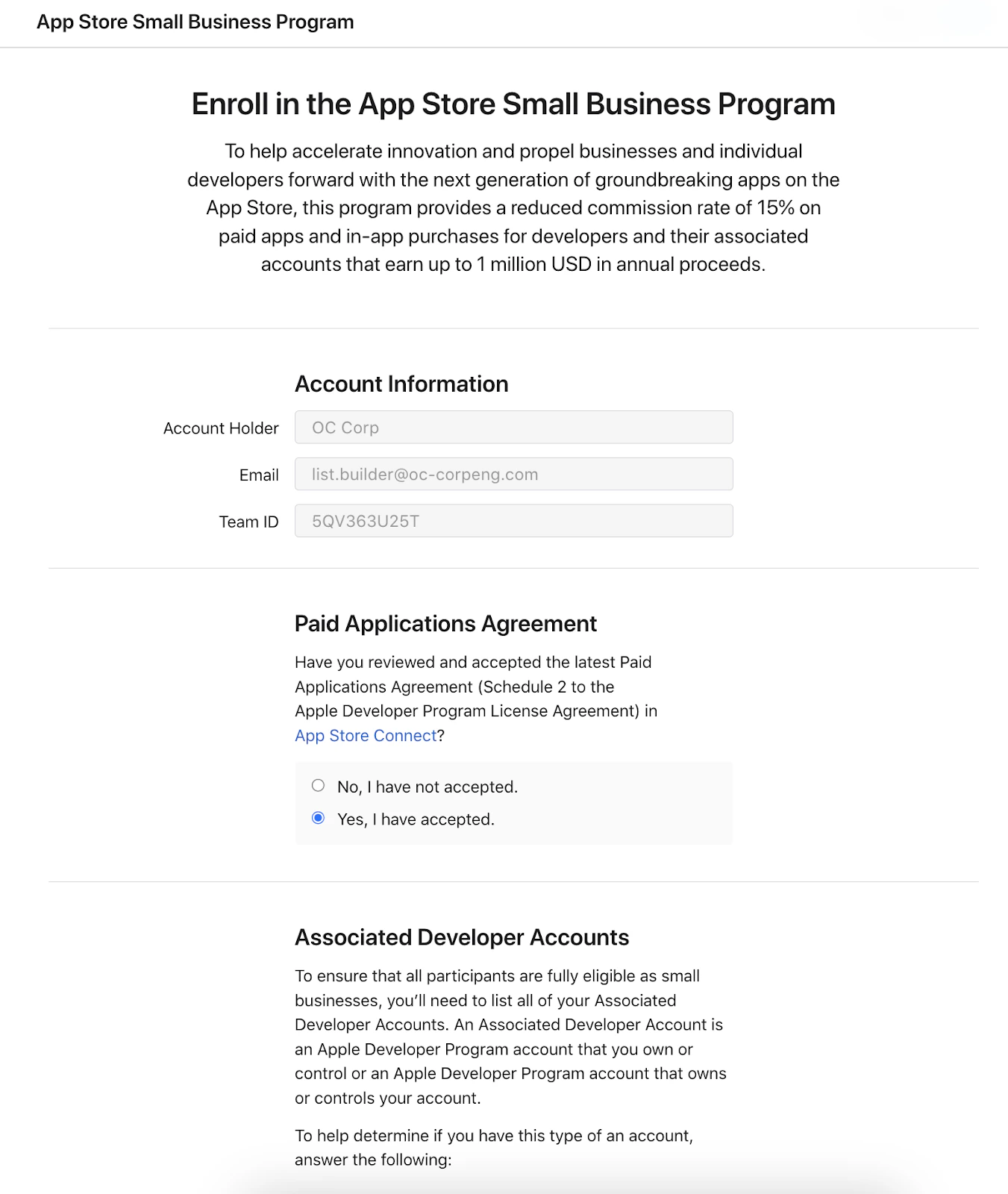
- Log in as the Apple Developer Account Holder and complete the form:
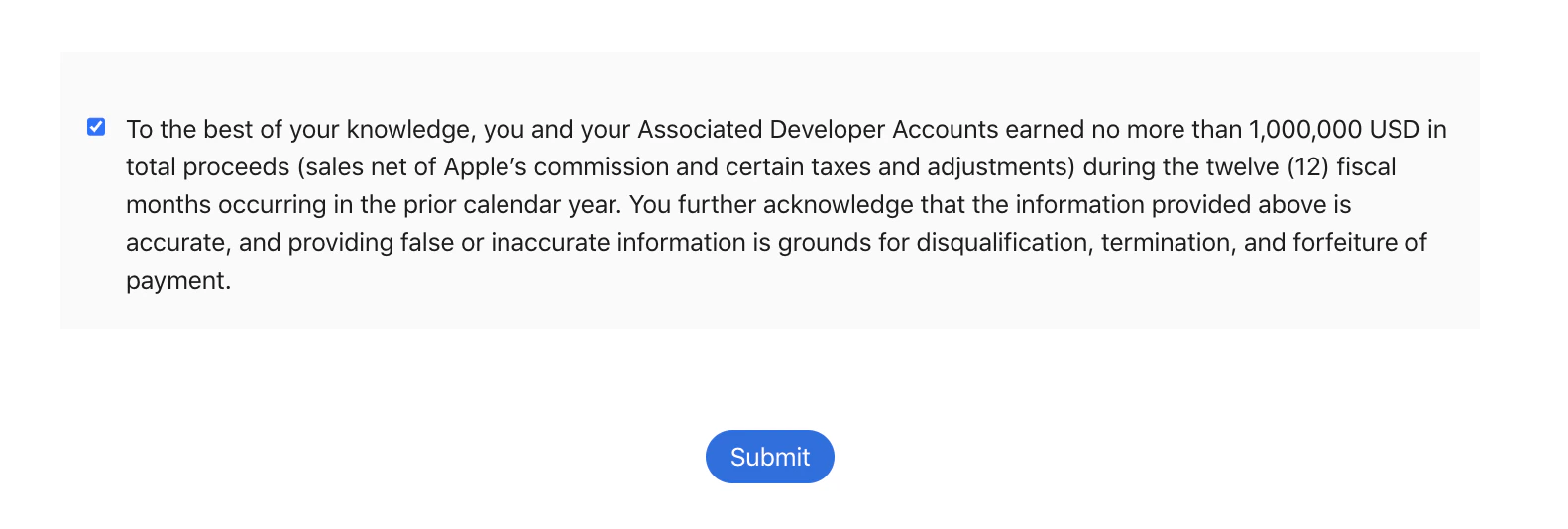
- Click Submit:
Google application process
Create a payments profile
If you don’t have a payments profile in the Google Developer Console, learn to create a payment profile with Google’s Help Article.Create a developer account group
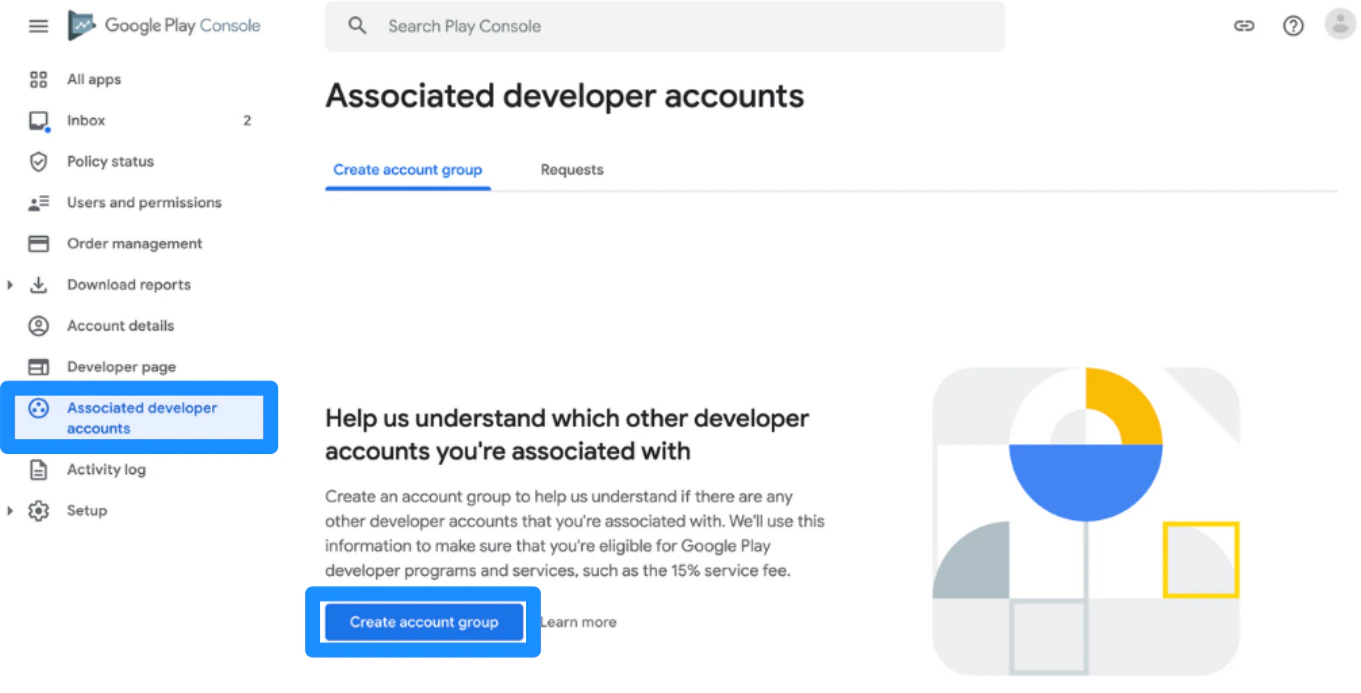
After creating the payment profile, you will need to create a Developer Account Group:- Open Play Console
- Go to the Associated Developer Accounts page in the account
- Click Create account group
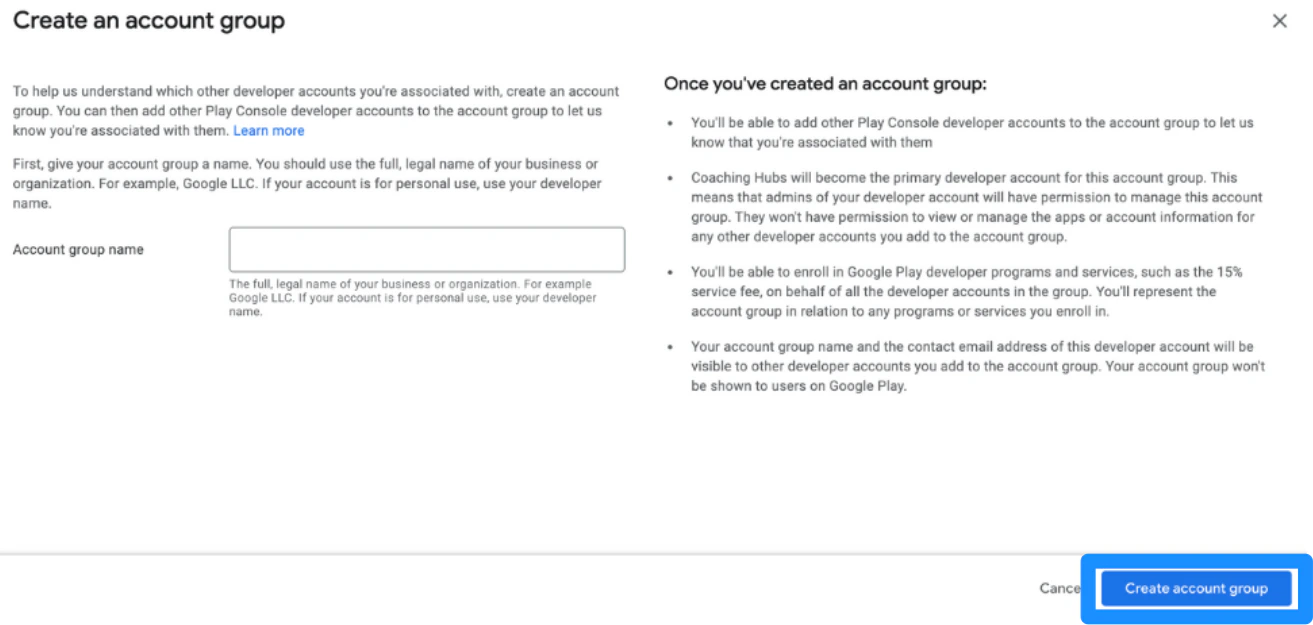
- Then, enter the account group name. Use the full, legal name of the business. If the account is for personal use, use the developer name.
- Click Create account group:
Enroll for the 15% service fee
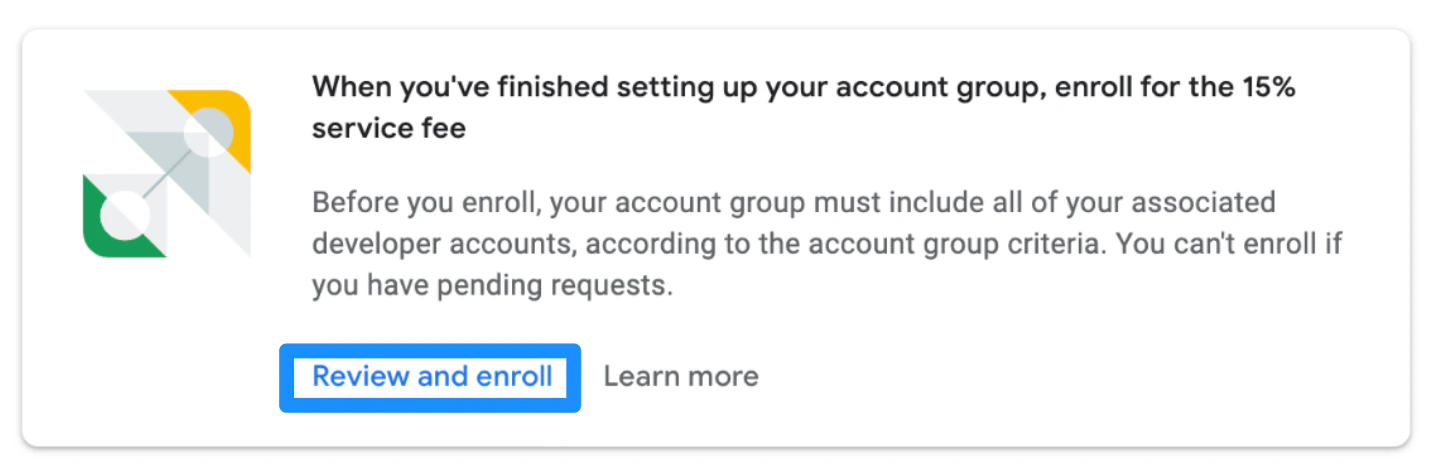
When you have finished setting up the Developer Account Group, you will be able to enroll for the 15% service fee on the Associated Developer Accounts page.- There will be a banner with the heading, “When you’ve finished setting up your account group, enroll for the 15% service fee” where you can then click Review and enroll.
Read and accept the Terms of Service
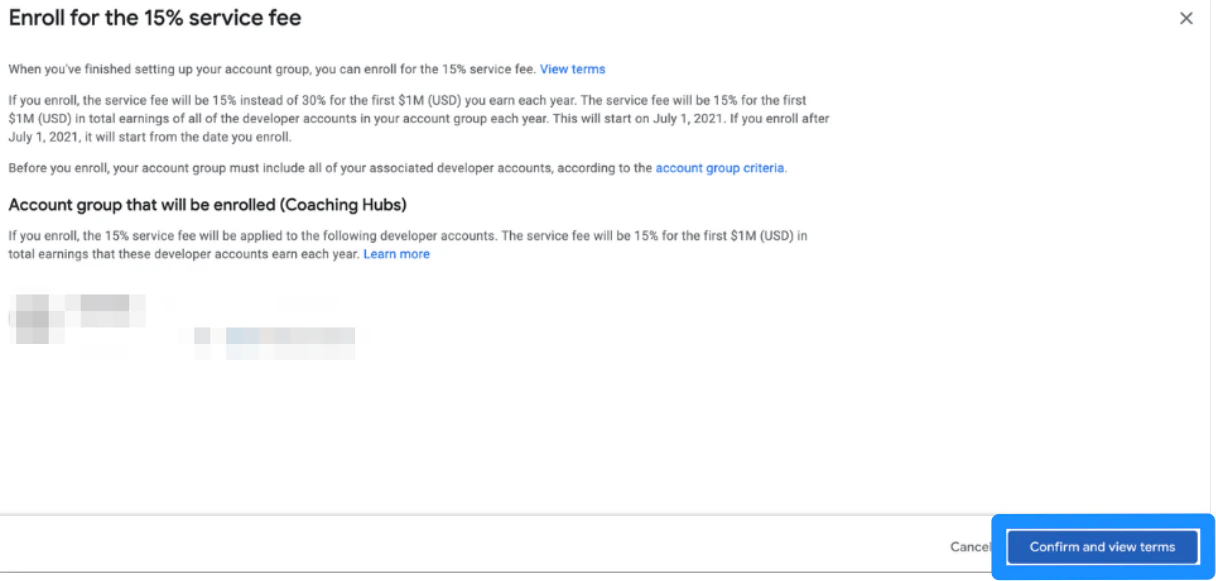
Enroll
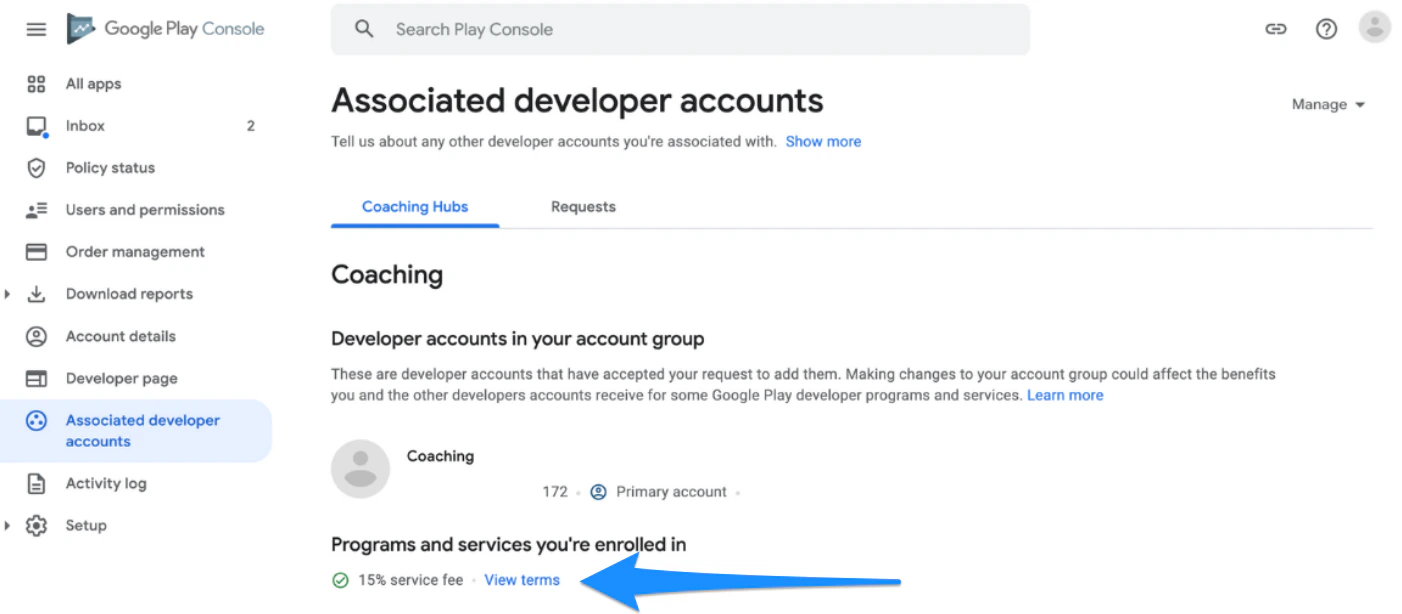
After you have finished accepting and enrolling, view the enrollment status at the bottom of the Associated Developer Accounts page at any time: